1
 →
→
Paw Work - selection-first web agent for Chrome: select on the live page, describe the outcome, take away an editable office file. BYOK, sandboxed, no server.
Player-YN/PawWork_ZhuaZhua is an open-source project on GitHub, mainly written in JavaScript. Paw Work - selection-first web agent for Chrome: select on the live page, describe the outcome, take away an editable office file. BYOK, sandboxed, no server. It currently holds 2,611 stars and 10 forks with 0 open issues, and was last pushed on an unknown date (repository created unknown).
AI Homed tracks it on the Today's Trending board.
English · 中文
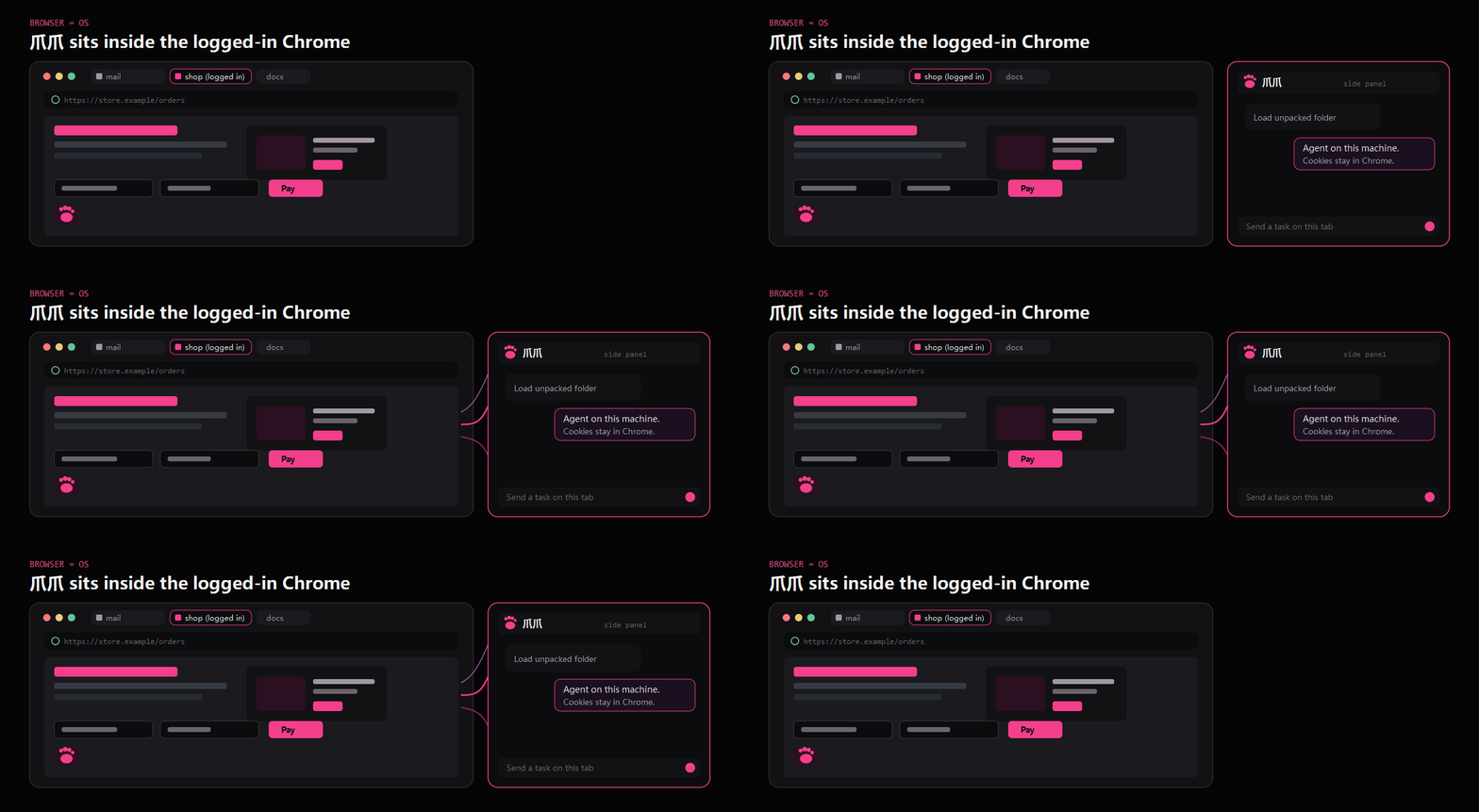
Treat the already-logged-in Chrome as a programmable computer. 爪爪 is the agent on that machine.
sidepanel → service worker → offscreen agent · tools: action · run+sys · sheet / doc / web
What you get · Run it · Limits · Use cases · Mechanism · Next
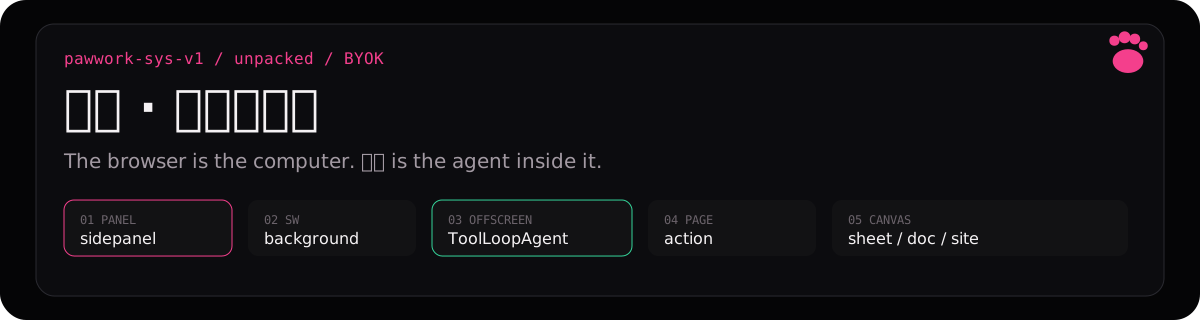
爪爪 · 完全解放版 (PawWork_ZhuaZhua) is a Chrome MV3 unpacked extension. Not a selection widget. Not a Chrome Web Store app.
An unpacked side-panel agent that can operate the current tab, run guest JS against the browser (sys inside run), and keep sheet / Univer doc / site HTML in the session.
Anything a Tampermonkey userscript could do is in scope. There is no userscript store. One packaged playbook ships: page-restyle.
You should see a side-panel agent named 爪爪 · 完全解放版. There is no Chrome Web Store listing.
1. Download the Release zip or clone this repo and use the extension/ folder
2. Chrome → chrome://extensions → Developer mode → Load unpacked → select that folder (manifest.json is at its root)
3. Open the side panel → paste a BYOK key (pagewand_providers) → send a task on a normal http(s) page
After you edit files in the load folder, click 重新加载 on the extension card. No daily npm.
These change whether you load it, and what the first task can touch.
Need Chrome 135+. Chrome 138+: extension details → Allow User Scripts if you need sys.eval / page fetch. Close F12 on the target tab before CDP (CDP_BUSY). Restricted pages (chrome://, Web Store) return NEED_PAGE.
| If you wanted | What exists |
|---|---|
| CWS install | No. Unpacked only. |
| Hosted model | No. BYOK. |
| A Tampermonkey catalog | No. Skill: page-restyle. |
| chrome:// / Web Store pages | NEED_PAGE. |
Tried and plausible — not a benchmark list, not a store.
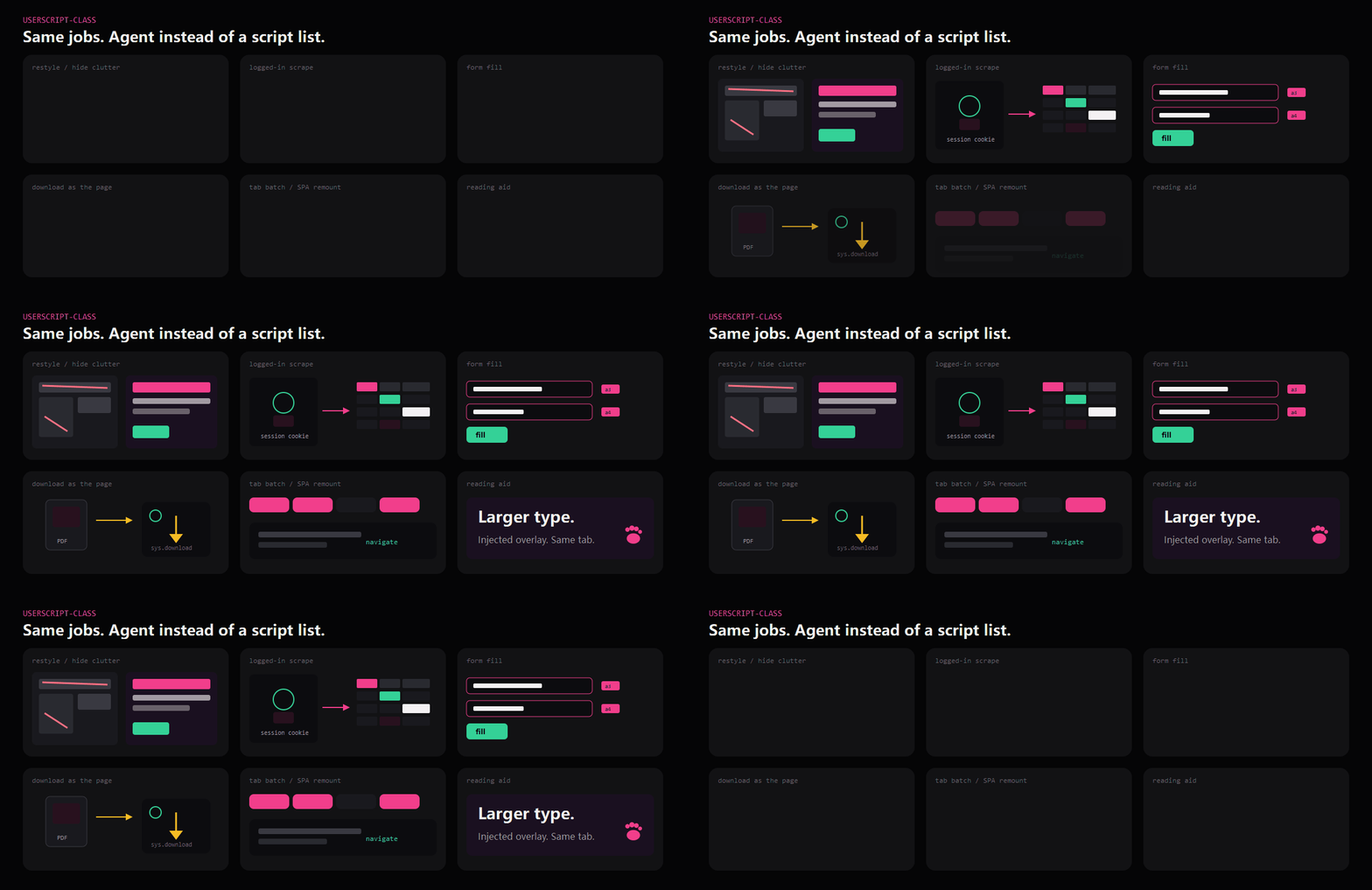
page-restyle, or run + sys.eval)sys.fetch as page → sheet)action snapshot / fill_form)sys.download or page fetch)navigate

Side panel → service worker → offscreen SessionWorkspaceService → AI SDK ToolLoopAgent.
| You call | It does |
|---|---|
| action | Live tab. snapshot, then mutate with that generation’s ref + rev |
| run | Sandbox JS. Guest sys: tabs, eval, fetch, cdp, download, screenshot |
| sheet / doc / web | Univer table, Univer document, data-paw-kind=site |
| inspect / acquire / clarify | Read the session, bring public web in, pause for a question or plan |
sys is not a model tool. Login / cookies / captcha: sys.fetch({ as: "page" }) inside run.
Architecture and tool contracts: AGENTS.md. 中文首页:README.zh-CN.md.
node --test tests/runtime-regression.test.mjs
MIT.
→ →
→ →
→ →
→ →
→ →
→ →
→ →
→