1
 →

The open-source Claude Motion & CapCut alternative. Turn a reference video into editable motion graphics with your brand kit. Export MP4s for YouTube, YouTube Shorts, Instagram Reels, and TikTok.
nexu-io/openmotion is an open-source project on GitHub, mainly written in TypeScript. The open-source Claude Motion & CapCut alternative. Turn a reference video into editable motion graphics with your brand kit. It currently holds 13,814 stars and 1,368 forks with 97 open issues, and was last pushed on 2026-11-20 (repository created 2026-05-11).
AI Homed tracks it on the AI Video Projects board and on the AI AI Video Projects list.

The open-source Claude Motion & CapCut alternative










Install · Agents · Use cases & remakes · Why OpenMotion · Setup & architecture · Community
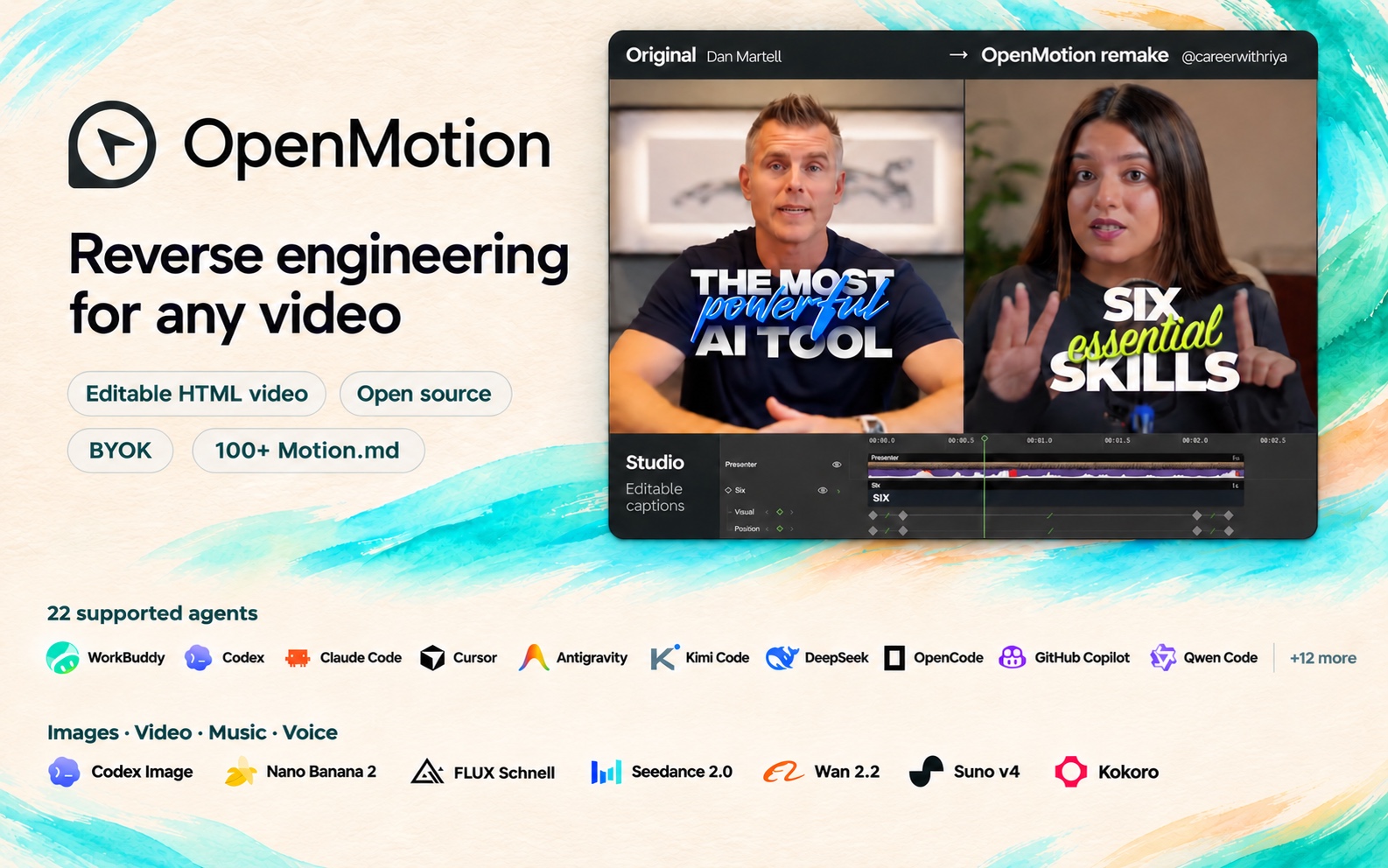
OpenMotion is a full-stack agentic video studio and an open-source alternative to Claude Motion and CapCut. Upload a reference video or paste a social video link to recreate it with your own brand kit and copy.
One-click installation. No manual configuration required. Once installed, create motion videos from scratch, recreate reference videos, or start from a template—all in your conversation.
Install OpenMotion in ChatGPT →
Install the main Skill with the Skills CLI:
npx skills add nexu-io/openmotion --skill openmotion
Then ask your agent: Use OpenMotion to install and connect the local Studio and MCP, then help me make a video. The Skill completes the source setup below when needed and reuses an existing workspace. Installing the Skill alone copies instructions; it does not yet install Studio or connect MCP.
Copy this instruction into your local agent to set up OpenMotion from source:
Read https://github.com/nexu-io/openmotion/blob/main/docs/install.md and follow the instructions to install and connect OpenMotion in the current agent.
After setup, the agent opens the local template library and shows the welcome followed by three project-preview cards in a self-contained HTML document. Each installation samples three distinct entries from the curated pool of four. The complete silent previews and posters are bundled, so this display does not wait for native MCP reload or fetch remote reference films. Native original-reference playback remains available separately and requires internet access. The library opens once using the opening tool's result, with no extra page or playback audit. An opening failure is reported with a usable link and does not invalidate installation. Automatic current-chat MCP activation is assessed independently. Preview a card, choose Recreate template, then send your brief to start creating. Source installation guide · Onboarding selection
Source setup above remains the default for repository installation. To explicitly choose the published application with prebuilt Studio and its configured online catalog, copy this instruction into your local agent:
Read https://releases.open-design.ai/motion and follow the instructions to install and connect the published npm application in the current agent.
Published application installation and channel selection. Published versions can lag behind this checkout.
Use Git, npm and Node.js 26.11.1:
git -c filter.lfs.process= -c filter.lfs.smudge= -c filter.lfs.required=false clone --depth 1 --single-branch --branch main https://github.com/nexu-io/openmotion.git
cd openmotion
npm ci
npm run build:studio
npm start
Open the actual studioUrl or previewUrl printed at startup, then choose Template library. Studio and MCP read the templates in this checkout. To connect your agent to this same copy, follow source setup and MCP configuration. Clone size and optional media
Import a HyperFrames project ZIP into OpenMotion to continue editing its composition and local assets. Compress the project folder, open All projects → Import projects, then select the imported copy to edit in Studio or with your Agent. Import creates an independent copy and requires a supported native project structure.
Step-by-step import guide, required files and compatibility
22 local agents · Choose your agent
Explore product demos, brand films, talking-head videos and more. The previews below show reference videos.
Browse the full template library → — Find more templates, full videos, Motion.md and recreation instructions.
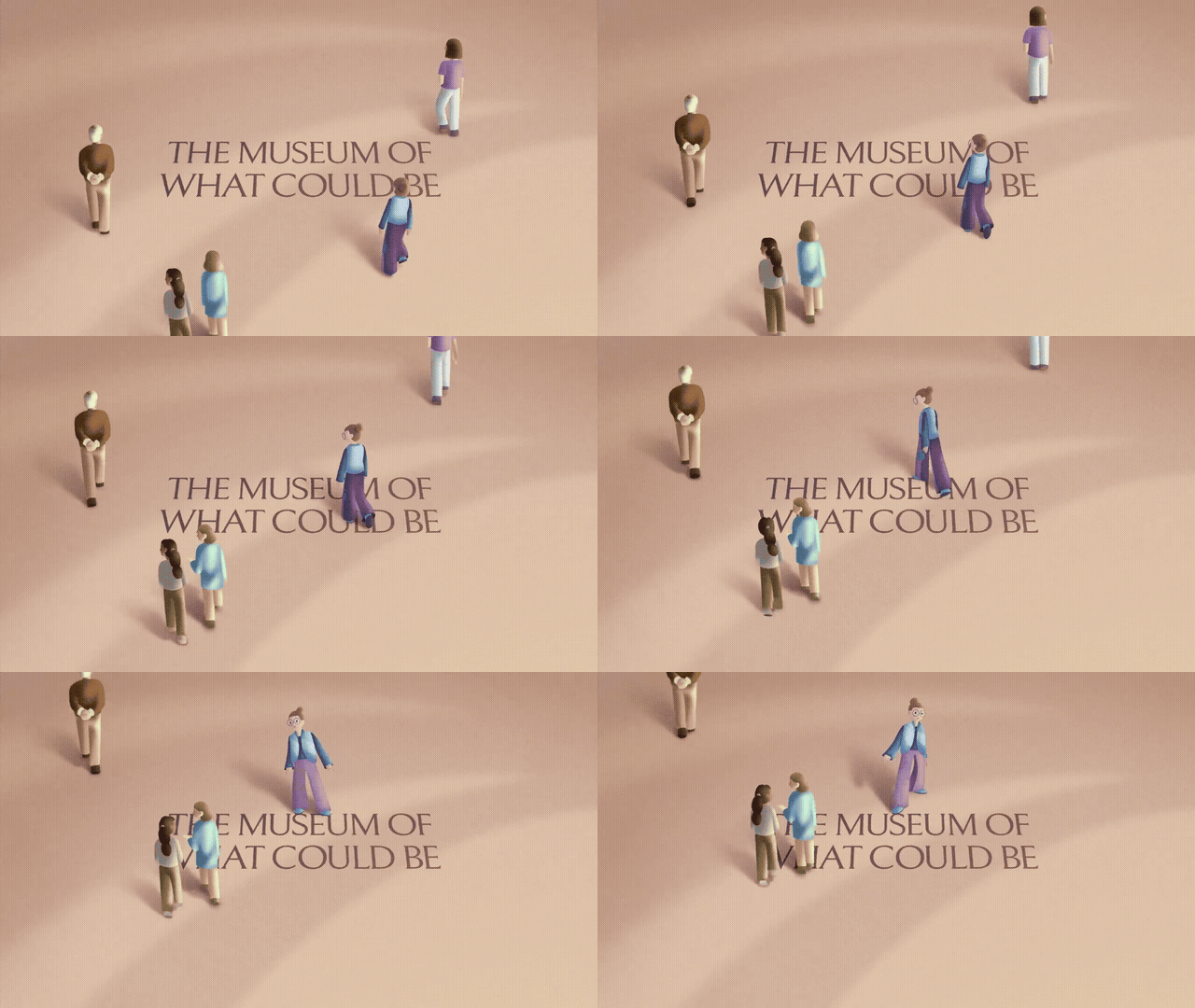 OpenAI · Build a story from multiple scenes Connect different scenes around one narrative idea, then expand into a broader montage. View template |
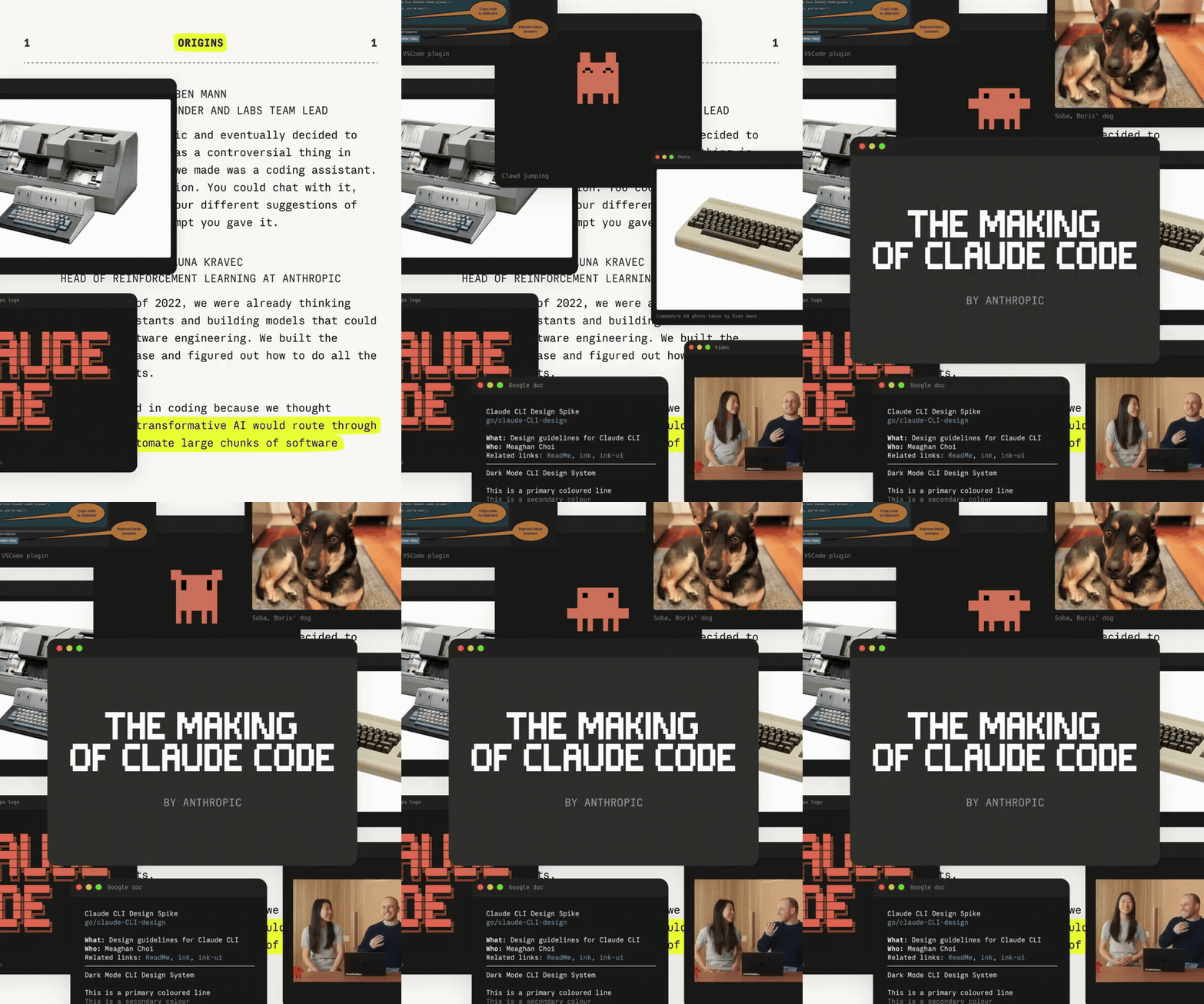 Anthropic · Recut a making-of collage Layer clips and screenshots in sequence, keeping the main title readable above them. View template |
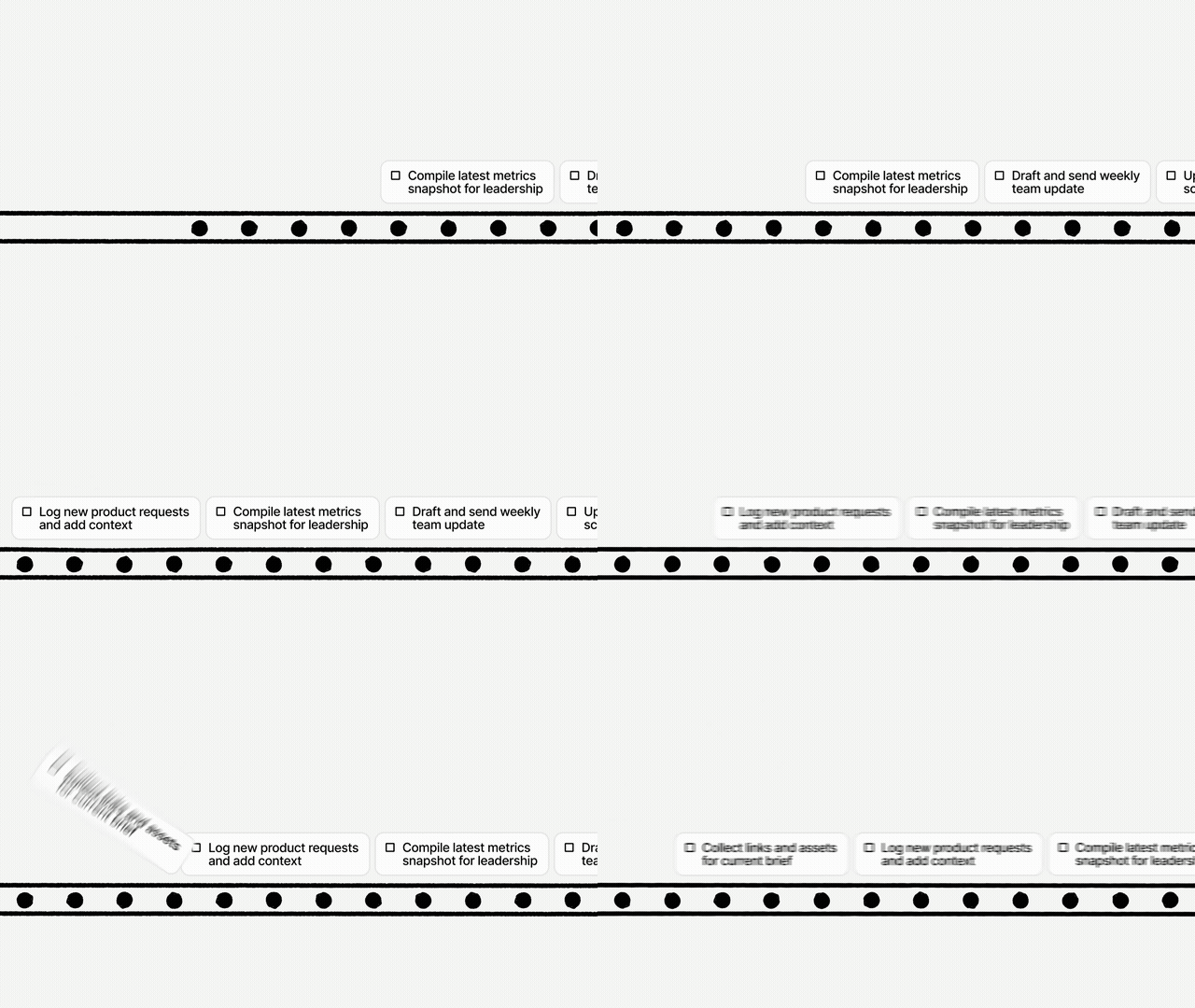 Notion · Show a problem, then the solution Move from crowded tasks to coordinated agents; adapt the sequence to your own product. View template |
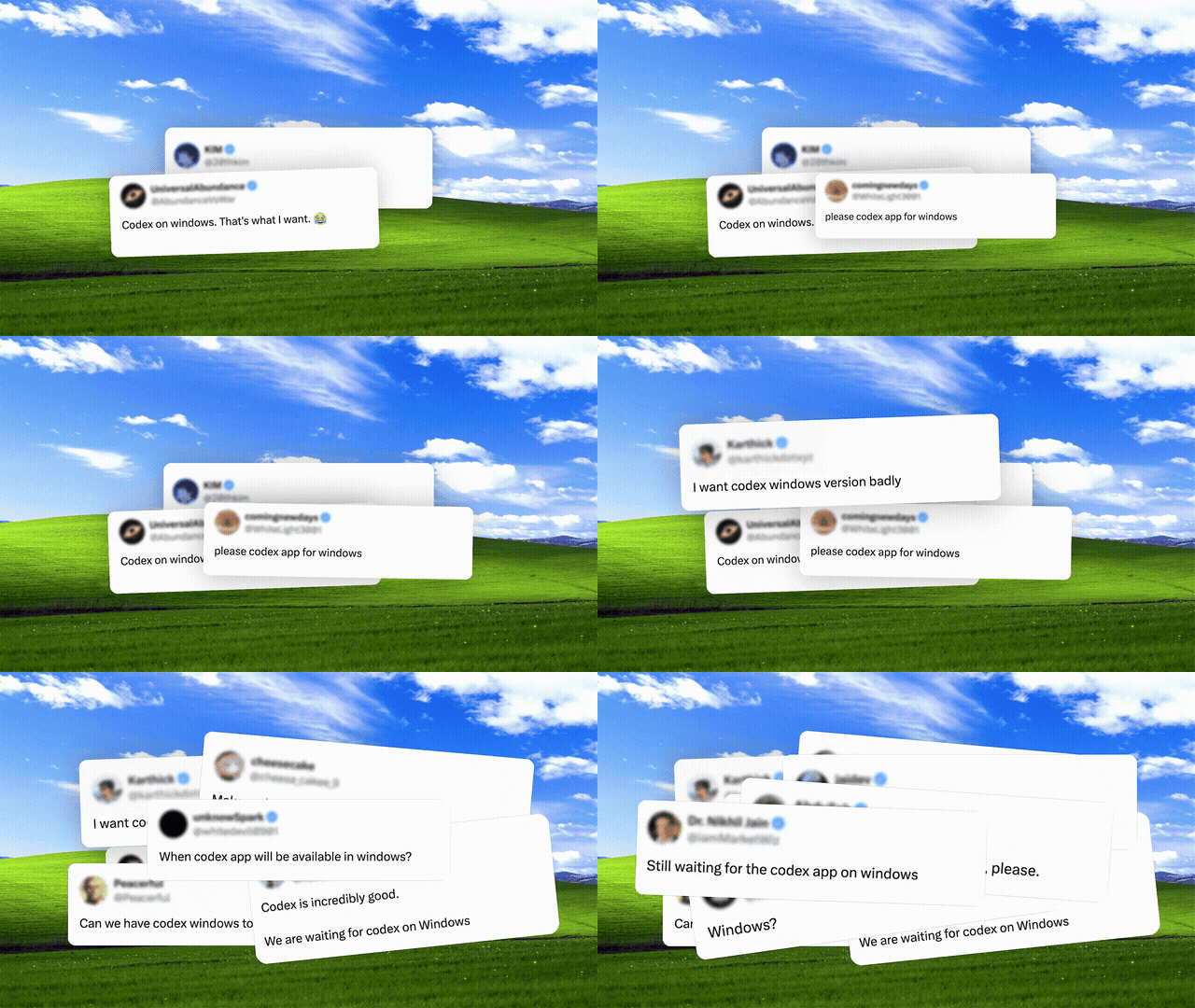 OpenAI · Turn demand into a product reveal Build momentum with overlapping requests, then reveal the app in one clear beat. View template |
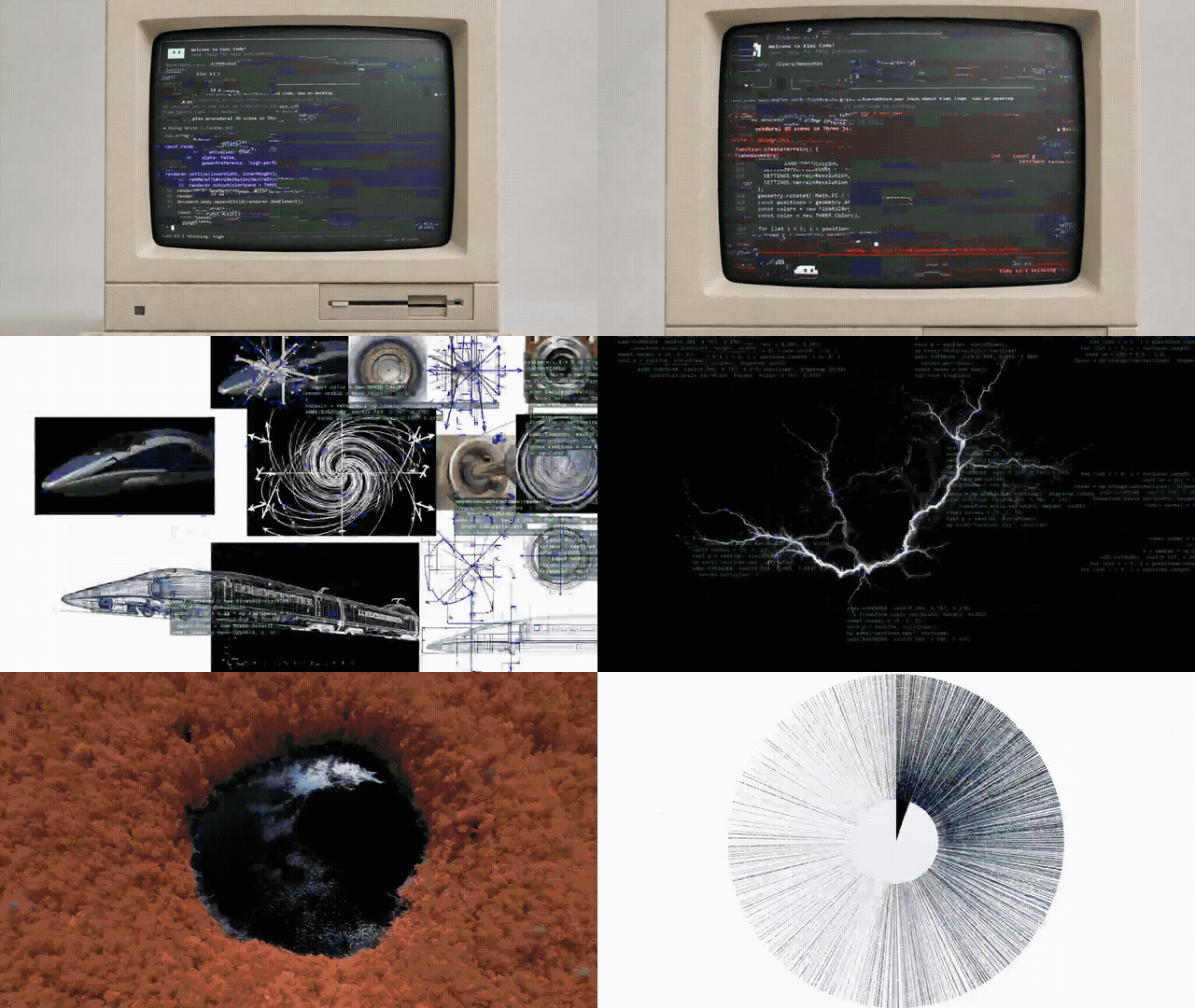 Kimi · Connect worlds through motion Use code strips, offset slices and transitions to connect a series of brand scenes. View template |
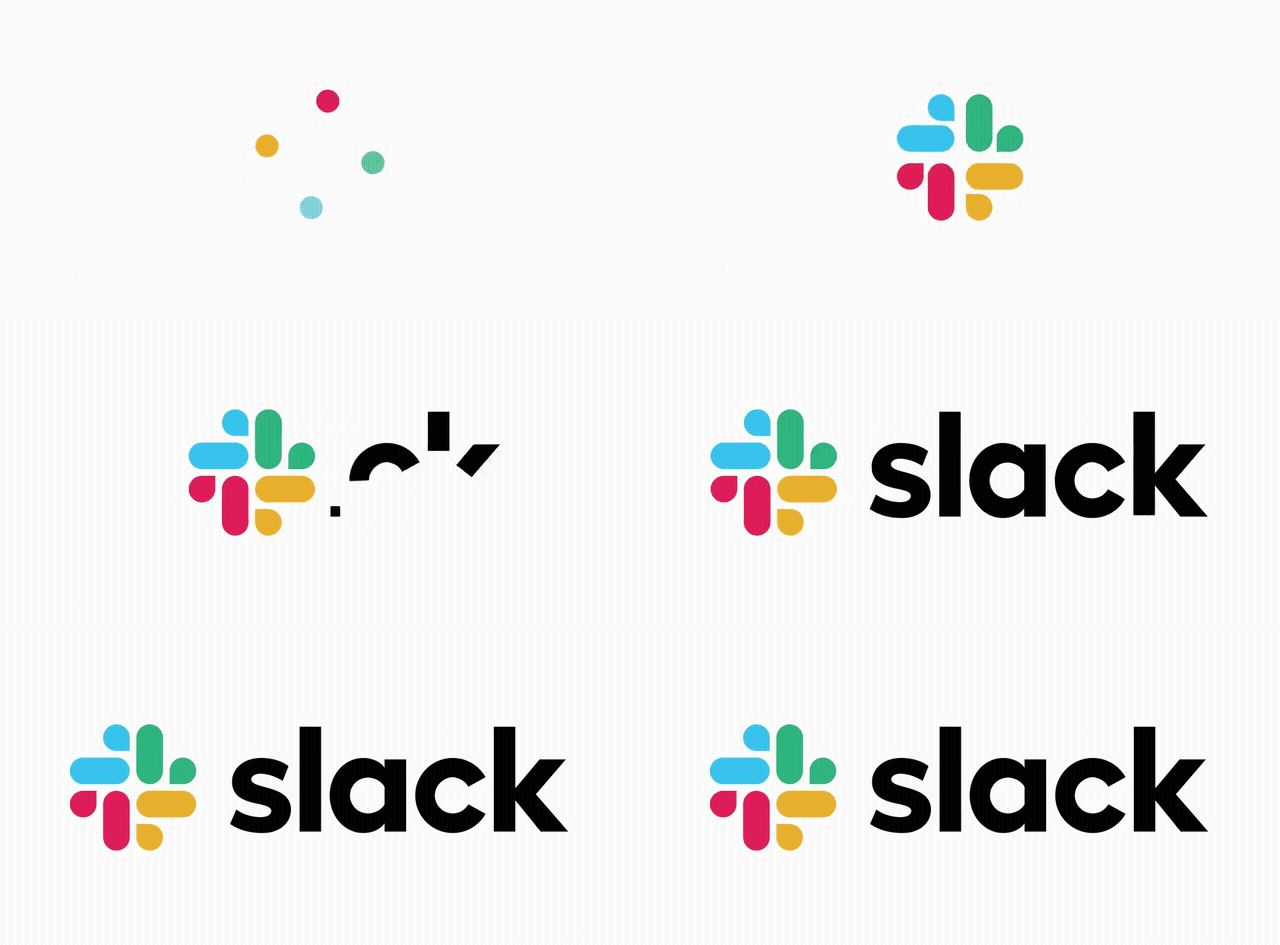 Slack · Rebuild a brand mark Break a mark into simple shapes and reassemble it with your own colors and name. View template |
 Anthropic · Explain a connected workflow Follow one question through data, actions and slides, keeping the context visible. View template |
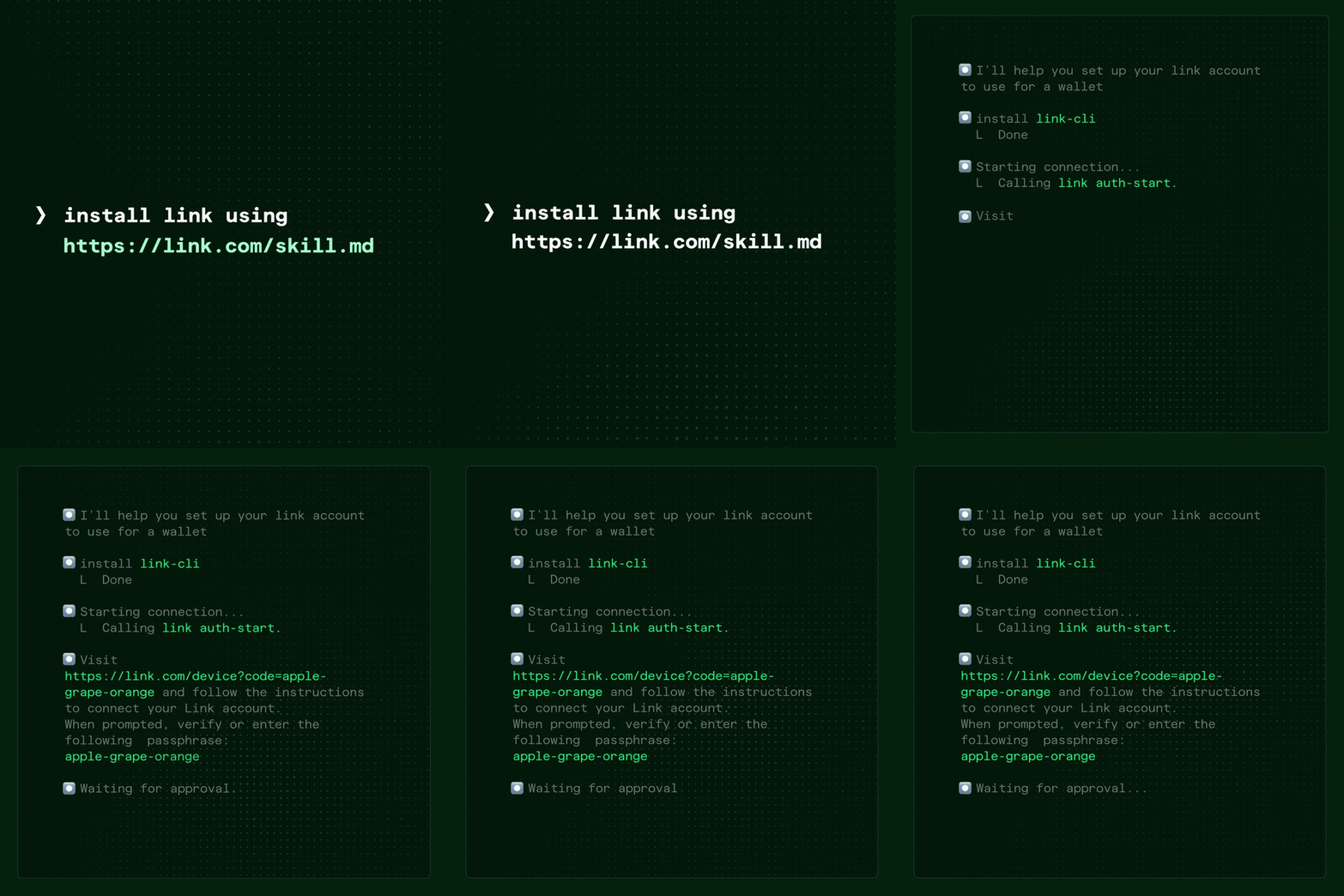 Stripe · Show an approval step by step Carry the same request from a conversation to phone confirmation with clear visual continuity. View template |
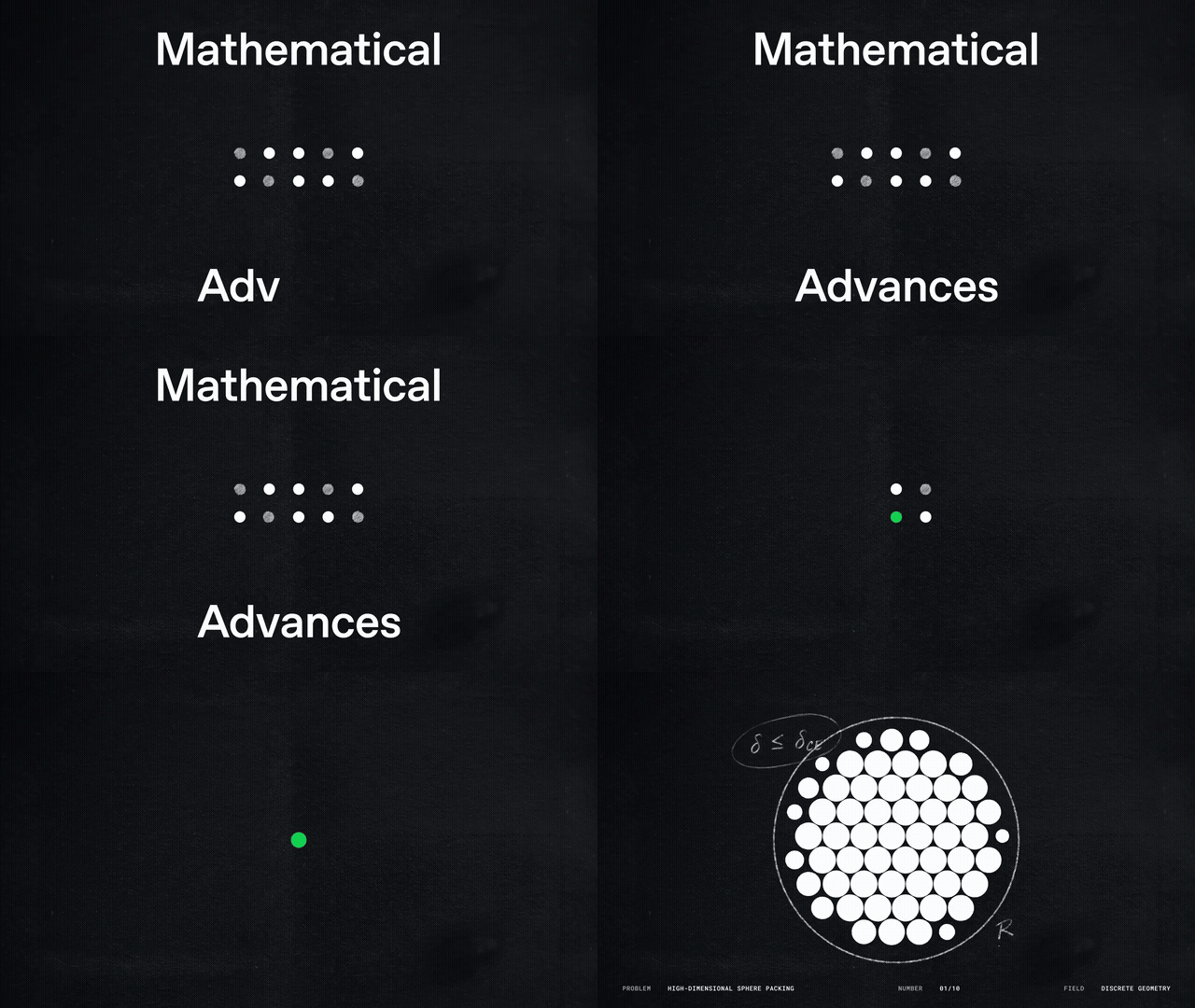 OpenAI · Turn complex ideas into diagrams Transform one geometric diagram into the next using shared points and connecting lines. View template |
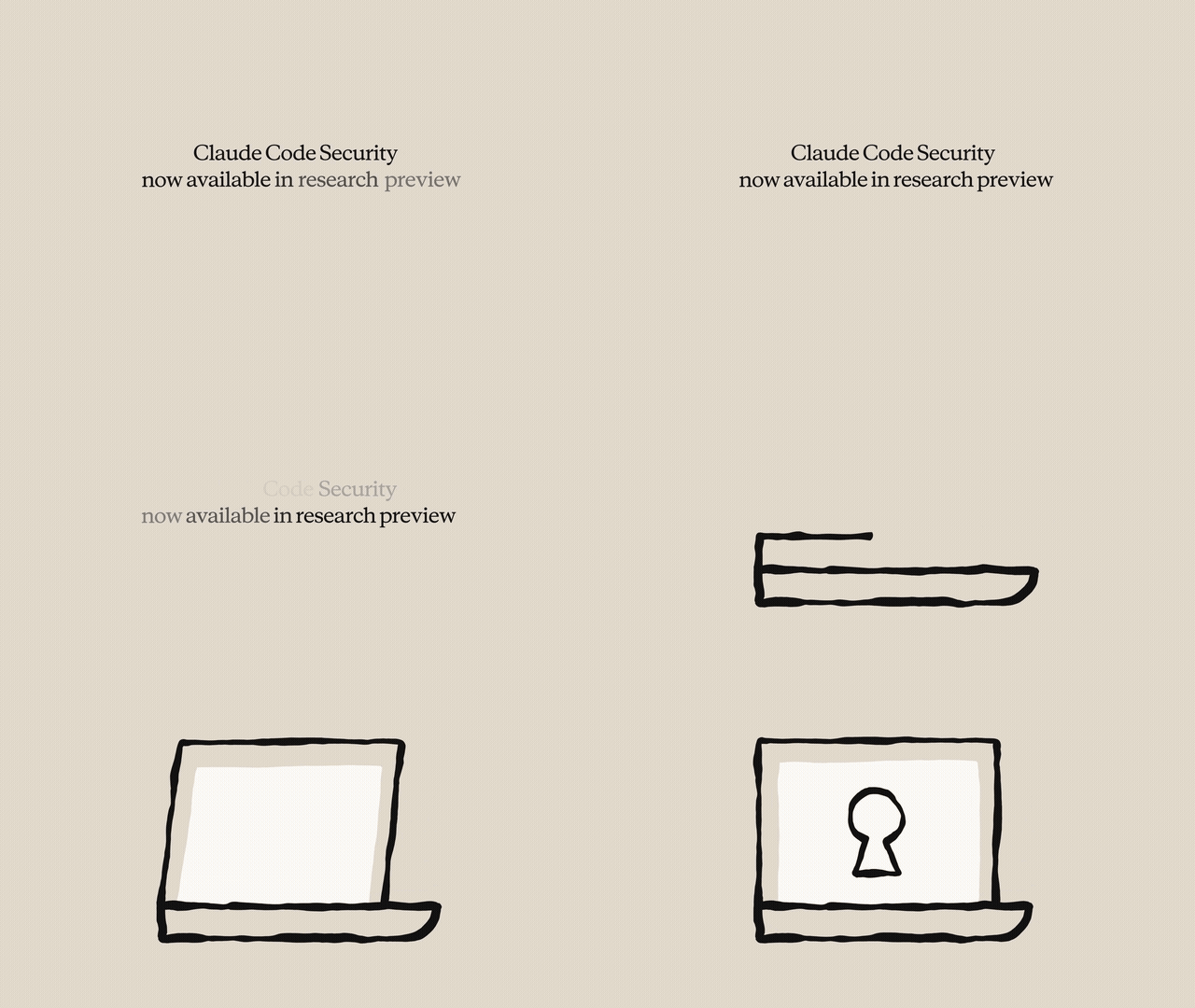 Anthropic · Make results progressively visible Move from an overview to individual findings, then show the action taken for each result. View template |
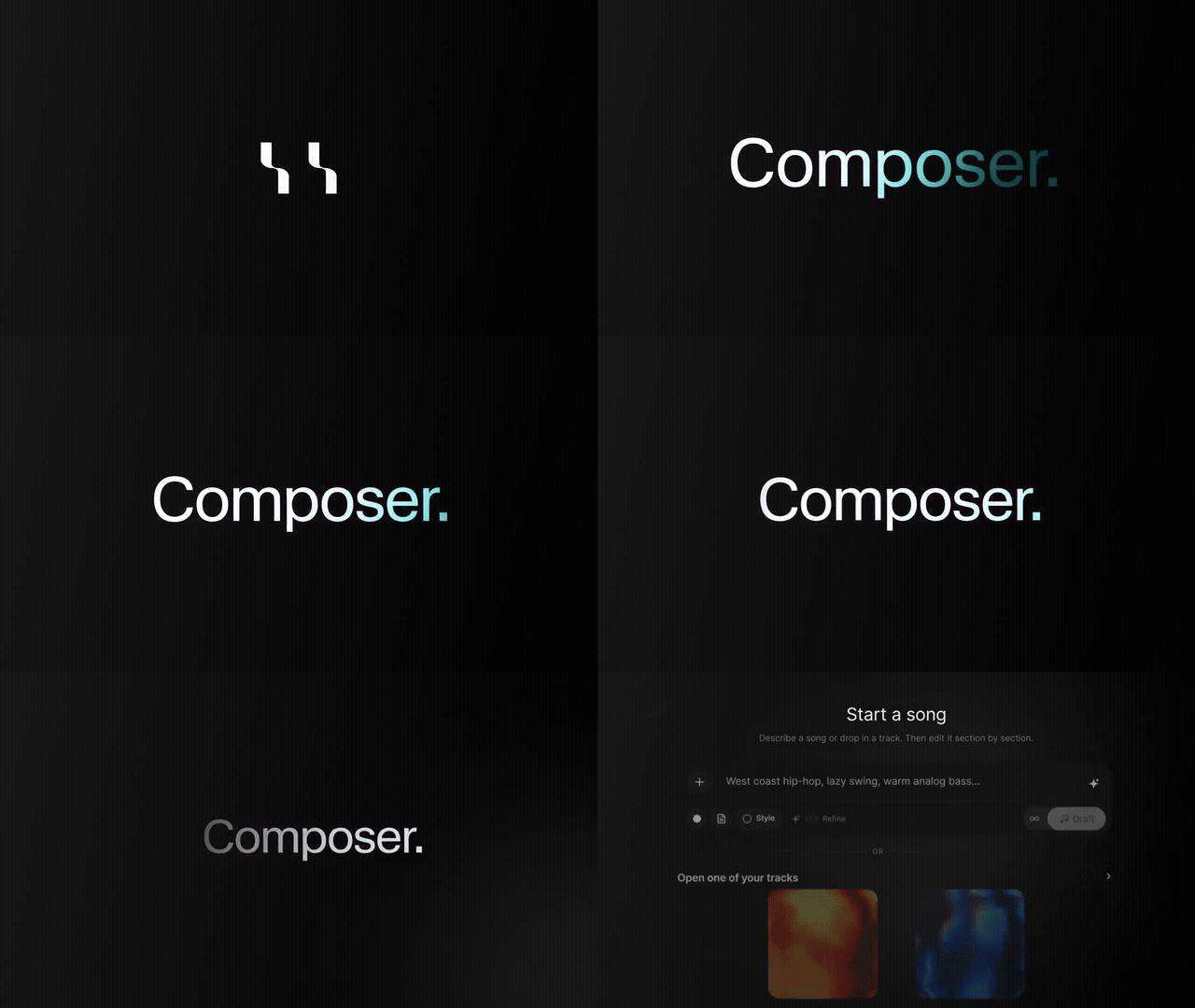 ElevenLabs · Visualize a song taking shape Connect the prompt, sections and tempo to a waveform and the finished piece. View template |
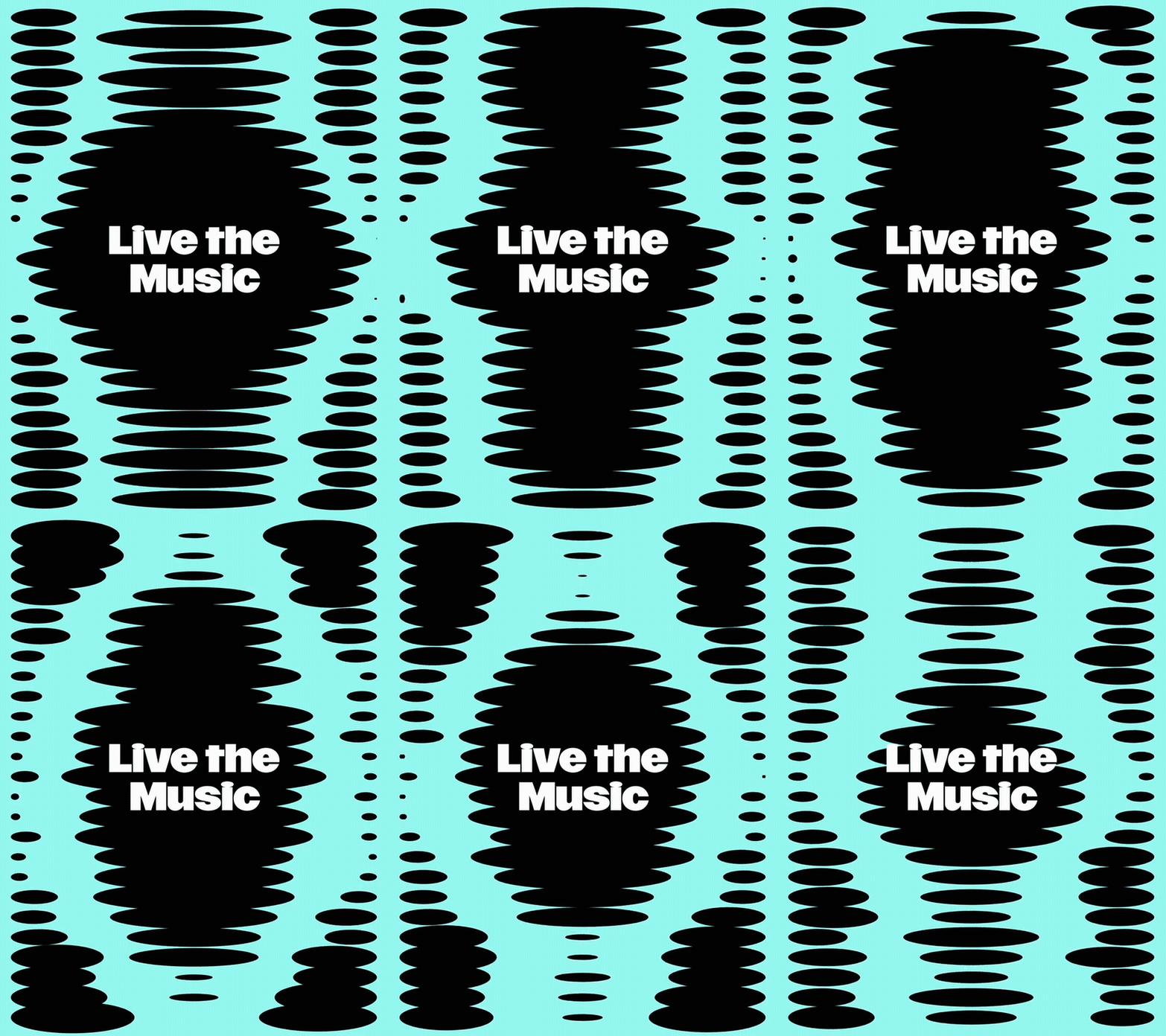 Deezer · Animate a music poster Keep the headline steady while flowing waves add rhythm around it. View template |
Build a clear story around a speaker, with readable captions, screen inserts and animated keywords. Use these references to find a style for your own recording.
| 🎓 Teach & explain | ||
|---|---|---|
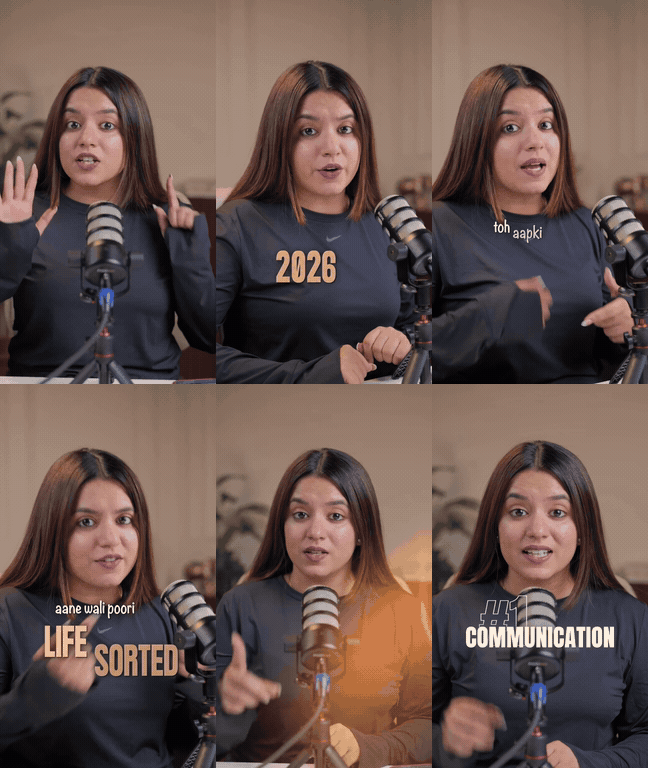 6 essential skills to transform your career Numbered points + kinetic keywords Reference · @careerwithriya |
 What's the best AI tool right now? Presenter + floating tool cards Reference · Dan Martell |
 10 Days of AI Basics, Day 1 A personal lesson + readable captions Reference · @harpercarrollai |
| 🖥️ Show the workflow | ||
 5 tools I use every day Desk-side story + workflow inserts Reference · Ali Abdaal |
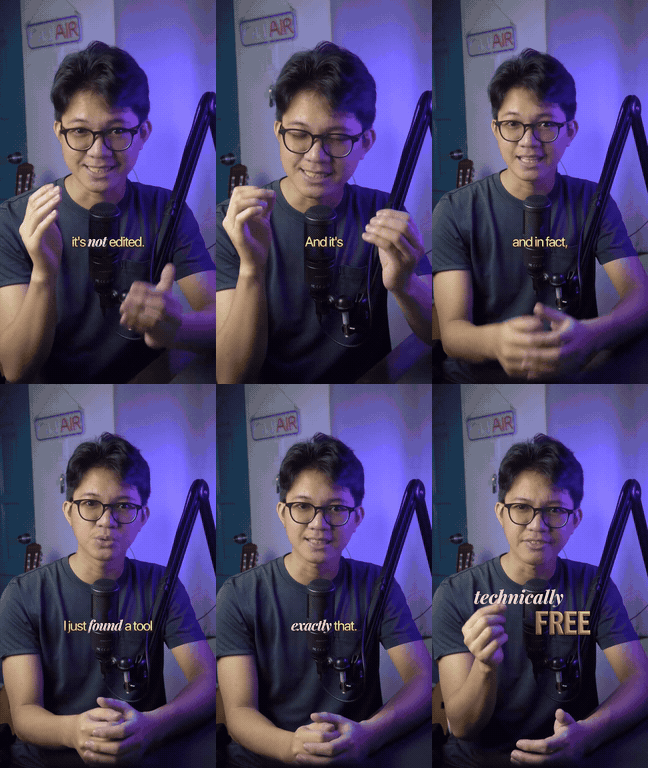 Tool demo with callouts Presenter + screens + callouts Reference · @john.tagudin |
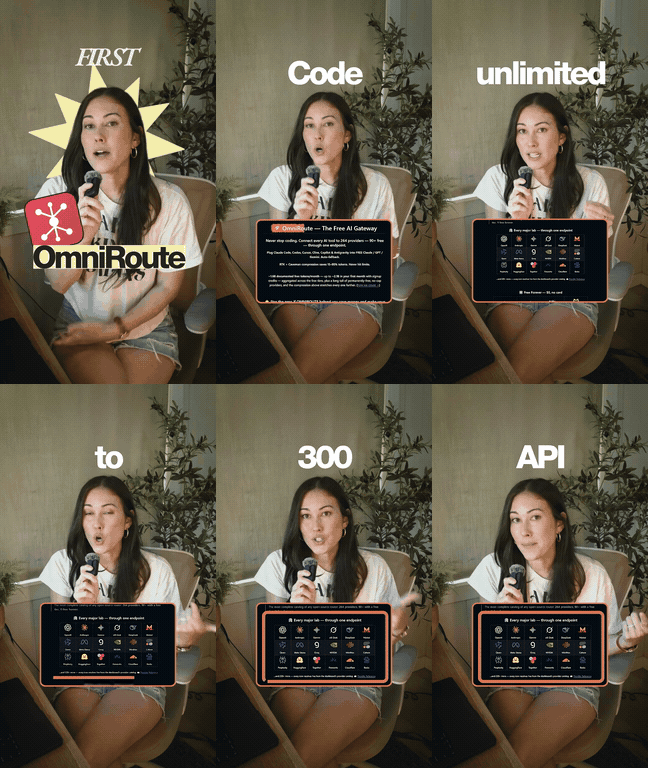 Top 5 plugins to install in Claude A spoken list + supporting screenshots Reference · @aiwithsachi |
| 🎬 Tell a story, show a product | ||
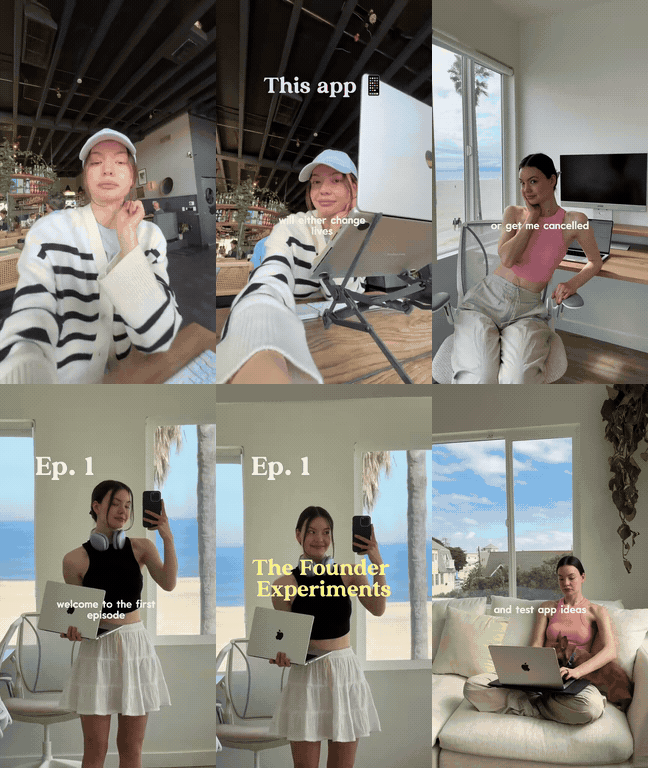 The Founder Experiments, Ep. 1 Founder diary + everyday B-roll Reference · @khris.sheer |
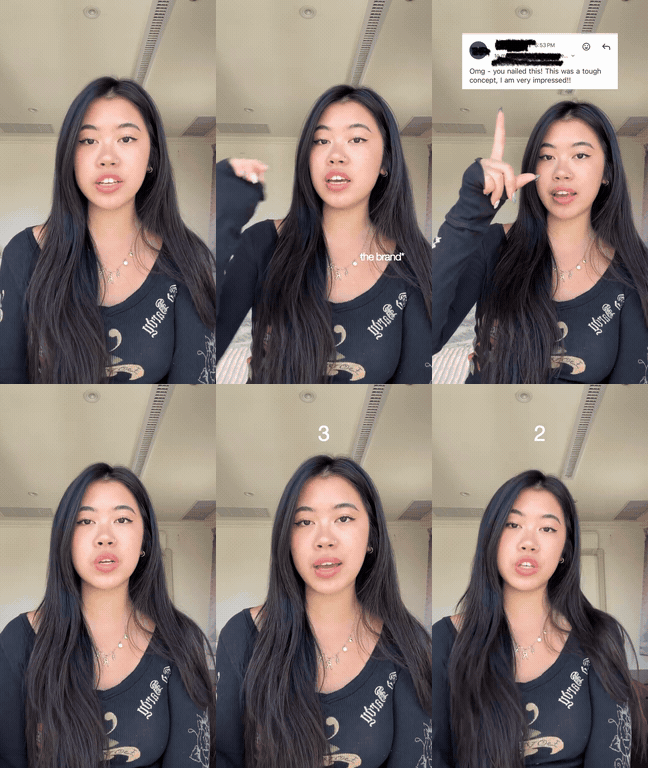 AI creator with product Product story + proof + picture-in-picture Reference · @ugc.rachelll |
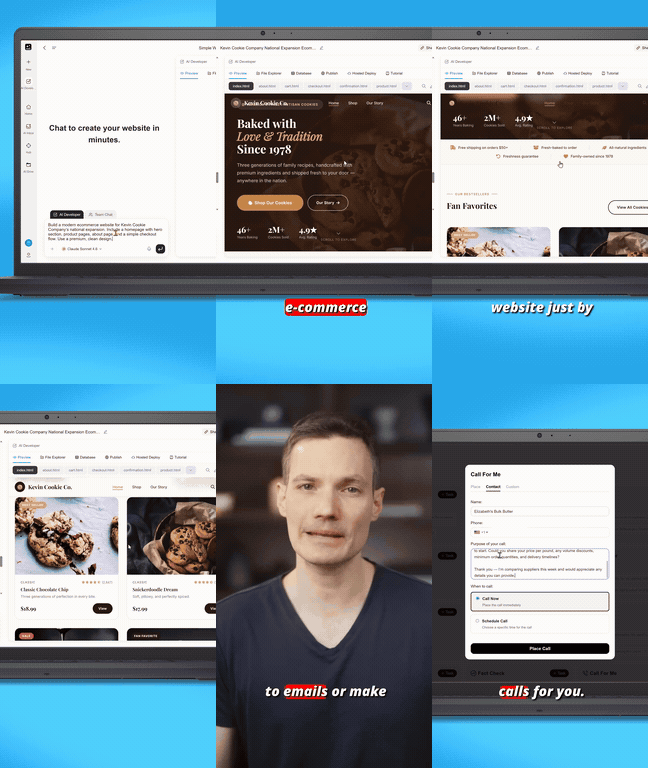 Stop Paying for 5 AI Tools Product tutorial + live demonstration Reference · Kevin Stratvert |
Code video with HTML. OpenMotion uses HTML, CSS and JavaScript to describe scenes, typography, layout, transitions and timing. Recorded footage, generated clips, images, music and voice-over become media inside the composition. The same project opens in Studio and renders to MP4.
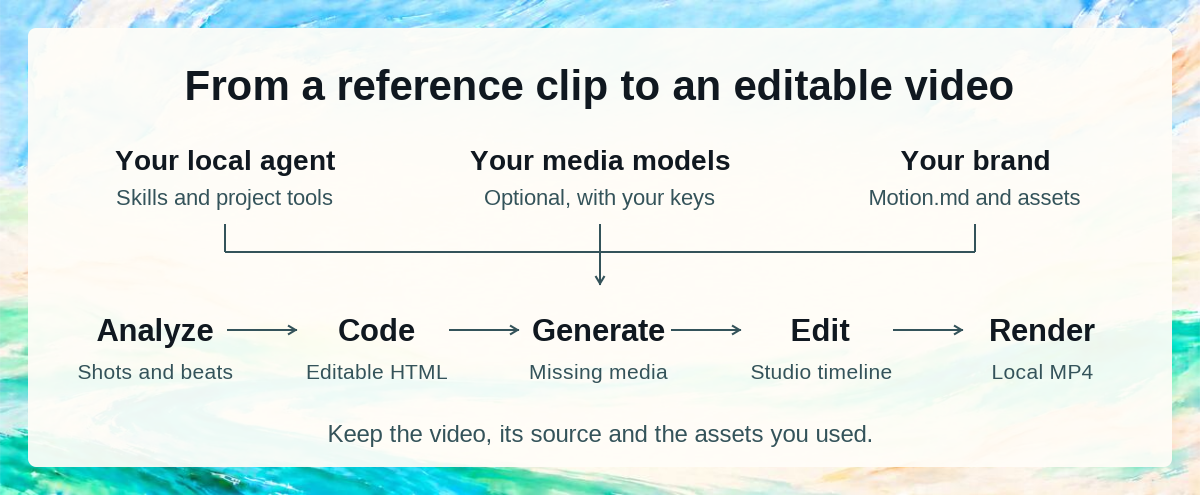
Write it. Watch it. Change it. Render it. Ask your agent to replace the product, tighten the hook, add a presenter, change the captions or try another ending. It edits the project source; you review the result in the visual editor. Local MCP clients use the project tools, while agents with shell access can follow the Skills and pinned CLI workflow. Agent setup · Native composition guide · Example HTML project
If historical media are unavailable, an Agent restore is refused before changing the project. The editor shows a dismissible error with the affected file paths and confirms that the current project is unchanged.
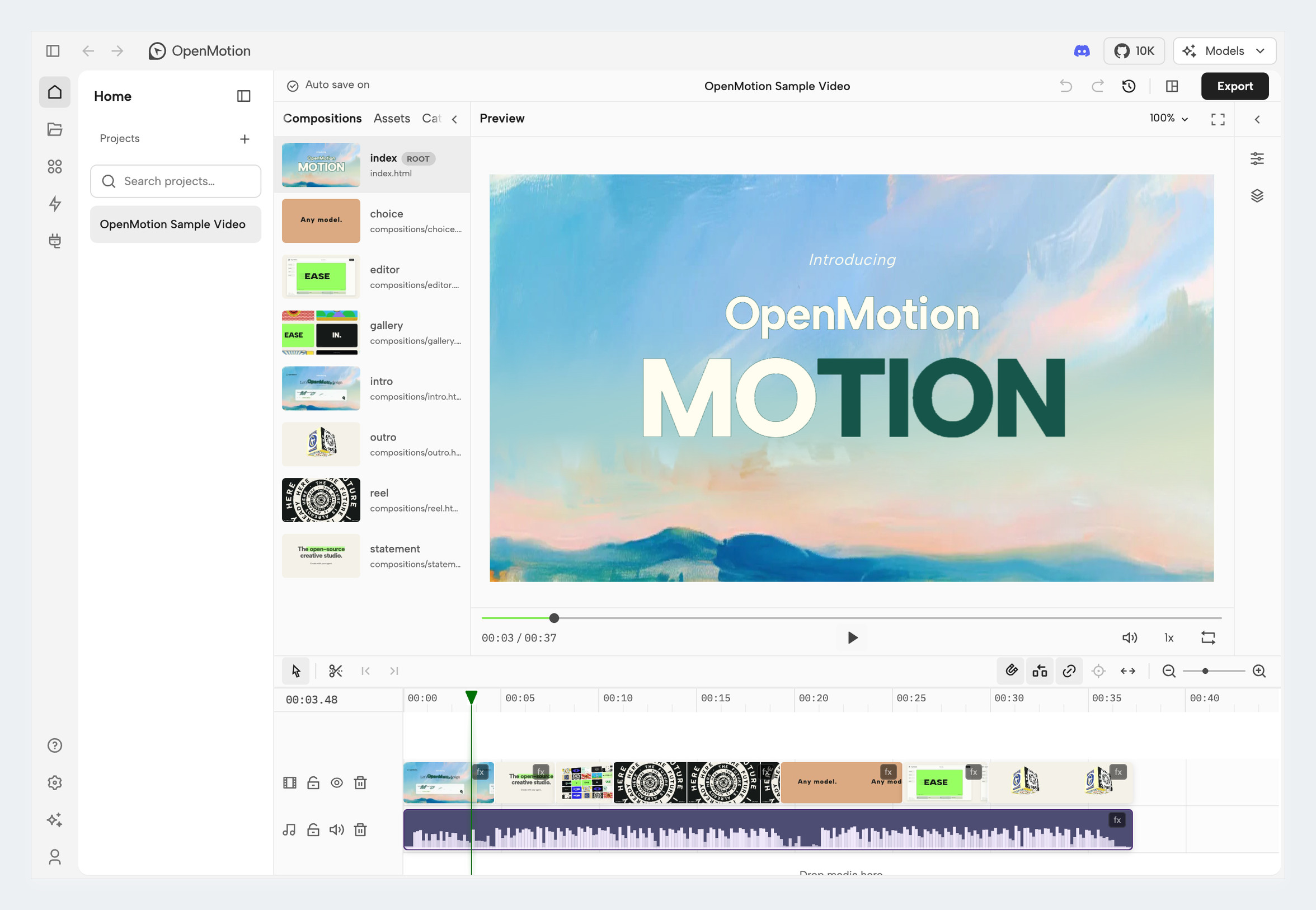
Review your video, arrange clips and export from the same Studio workspace.
| In the Studio | What you can do today | | --- | --- | | Story and timeline | Import and arrange media; have the agent trim, reorder and revise against a script or confirmed timecodes | | Motion and captions | Author animated type, transitions, callouts, charts and captions around your content | | Media and sound | Import your material and generate images, video, music and TTS voice-over through the built-in model integrations | | Image revision | Generate candidates with a reference-capable i
→ →
 →
 →
 →
 →
 →
 →