1
 →
→
Local-first Video Knowledge Base. Index your video library with multi-modal analysis (YOLO, DeepFace, Whisper), search semantically via natural language, Docker-ready.
IliasHad/edit-mind is an open-source project on GitHub, mainly written in TypeScript. Local-first Video Knowledge Base. Index your video library with multi-modal analysis (YOLO, DeepFace, Whisper), search semantically via natural language It currently holds 1,809 stars and 122 forks with 15 open issues, and was last pushed on 2026-06-30 (repository created 2025-10-20).
AI Homed tracks it on the AI Video Projects board and on the AI AI Video Projects list.
Edit Mind lets you index your videos (including transcription, frame analysis, and multi-model embedding), and you can search your videos (or specific video scenes) using natural language.
Development Status: Edit Mind is currently in active development and not yet production-ready.
Expect incomplete features and occasional bugs. We welcome contributors to help us reach v1.0!
---




Prefer a one-click install? Desktop app available →
--- Note: (Edit Mind name is coming from Video Editor Mind, so this will be the editor's second brain and companion in the future)
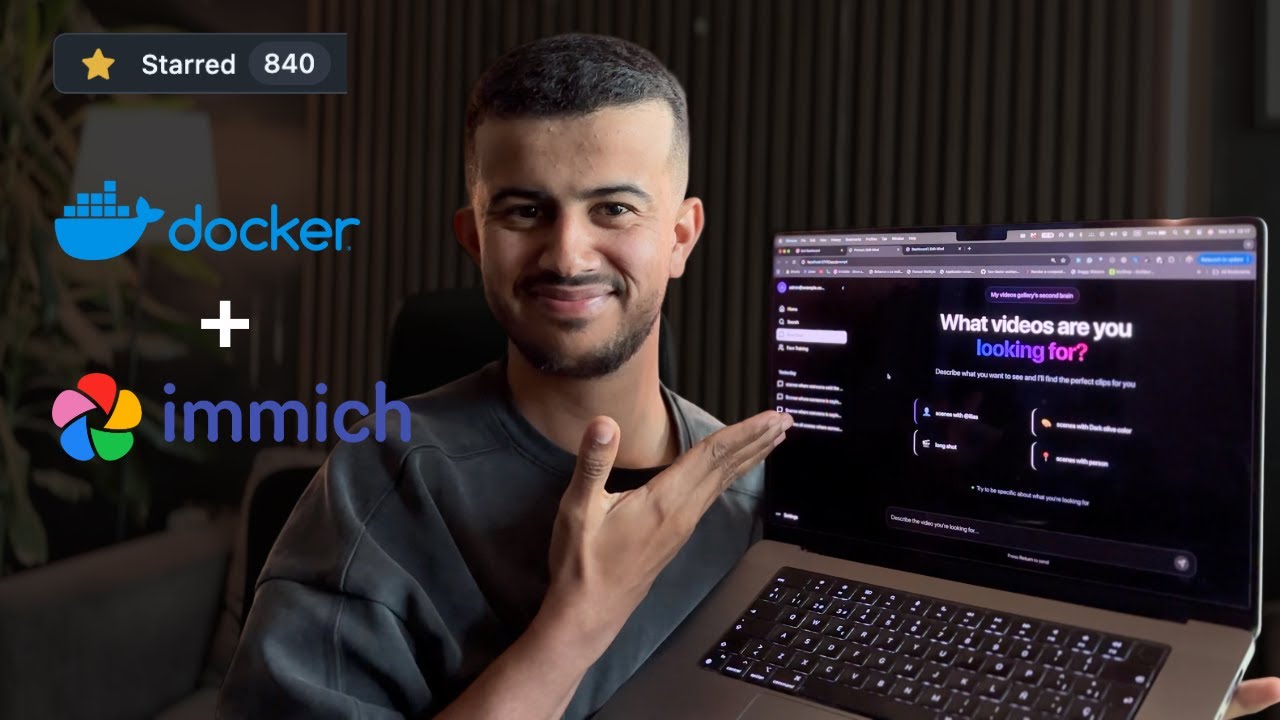 Click to watch a walkthrough of Edit Mind's core features.
---
| Area | Technology | | :---------------- | :------------------------------------------------ | | Monorepo | pnpm workspaces | | Containerization | Docker, Docker Compose | | Web Service | React Router V7, TypeScript, Vite | | Background Jobs Service | Node.js, Express.js, BullMQ | | ML Sevice | Python, PyAV, PyTorch, OpenAI Whisper, Google Gemini or Ollama (Used for NLP) | | Vector Database | ChromaDB | | Relational DB | PostgreSQL (via Prisma ORM) |
---
Edit Mind uses Docker Compose to run everything in containers.
Want Edit Mind without Docker or any terminal setup? The commercial desktop app packages everything into a one-click installer for macOS and Windows with the same features (plus Davinci Resolve and Final Cut Pro direct integration). This will help us support the development of the community's version.
I built the self-hosted version because a lot of people asked for it. I built the desktop app because I got couple of emails and calls people doesn't wanna run this as server. The self hosted version, It's free. It's not going anywhere. The desktop app is for the people who want it to just work on their Mac or Windows or the ones with Apple chips and wanna utilize Apple GPU because using Docker, we cannot utilize that.
Preorder the Desktop App →
> Early bird pricing · Lifetime license · one year of updates included · 14-day refund guarantee (starting when the app ships)
The desktop app will be delivered by email when the app ships.
 Click to watch a walkthrough of Edit Mind's setup guide.
You can install and configure this project using this bash script:
curl -sSL https://get.edit-mind.com | sh
mkdir edit-mind
cd edit-mind
Important: Before proceeding, configure Docker to access your media folder.
macOS/Windows:
1. Open Docker Desktop
2. Go to Settings → Resources → File Sharing
3. Add the path where your videos are stored (e.g., /Users/yourusername/Videos)
4. Click Apply & Restart
Linux: File sharing is typically enabled by default.
Edit Mind uses a two-file environment configuration:
.env - Your personal configuration (required).env.system - System defaults (required)Copy the example file and customize it:
curl -L https://raw.githubusercontent.com/IliasHad/edit-mind/refs/heads/main/.env.example -o .env
curl -L https://raw.githubusercontent.com/IliasHad/edit-mind/refs/heads/main/.env.system.example -o .env.system
curl -L https://raw.githubusercontent.com/IliasHad/edit-mind/refs/heads/main/docker-compose.yml -o docker-compose.yml
If you have NVIDIA GPU, use docker-compose.cuda.yml file instead
curl -L https://raw.githubusercontent.com/IliasHad/edit-mind/refs/heads/main/docker-compose.cuda.yml -o docker-compose.yml
Edit the .env file and configure these critical settings:
# 1. SET YOUR VIDEO FOLDER PATH (REQUIRED)
Must match the path you added to Docker File Sharing
HOST_MEDIA_PATH="/Users/yourusername/Videos"
2. CHOOSE AI MODEL (Pick one option)
Option A: Use Ollama (more private, requires model download)
USE_OLLAMA_MODEL="true"
OLLAMA_HOST="http://172.17.0.1"
OLLAMA_PORT="11434"
OLLAMA_MODEL="qwen2.5:7b-instruct"
Please make sure to run ollama server first using this command
OLLAMA_HOST=0.0.0.0:11434 ollama serve
and pull the ollama model first
ollama pull qwen2.5:7b-instruct
Option B: Use Gemini API (requires API key)
USE_GEMINI="true"
GEMINI_API_KEY="your-gemini-api-key-from-google-ai-studio"
3. GENERATE SECURITY KEYS (REQUIRED)
Generate with: openssl rand -base64 32
ENCRYPTION_KEY="your-random-32-char-base64-key"
Generate with: openssl rand -hex 32
SESSION_SECRET="your-random-session-secret"
Quick Key Generation:
# Generate ENCRYPTION_KEY
openssl rand -base64 32
Generate SESSION_SECRET
openssl rand -hex 32
Start all services with a single command:
docker compose up
Once all services are running (look for "ready" messages in logs):
1. Navigate to the web app at http://localhost:3745
2. Login using admin@example.com and the password is admin
3. Navigate to the web app at http://localhost:3745/app/settings
4. Click "Add Folder"
3. Select a folder from your HOST_MEDIA_PATH location
4. Navigate to the folder details page and click on Rescan
4. The background job service will automatically start processing your videos and will start watching for new video file events
A huge thank you to the r/selfhosted community on Reddit for their amazing support, valuable feedback, and encouragement.
Original discussion: https://www.reddit.com/r/selfhosted/comments/1ogis3j/i_built_a_selfhosted_alternative_to_googles_video/
We welcome contributions of all kinds! Please read CONTRIBUTING.md for details on our code of conduct and the process for submitting pull requests.
Follow the steps below if you want to extend the app functionality or fix bugs.
git clone https://github.com/iliashad/edit-mind
cd edit-mind
cp .env.system.example docker/.env.system
cp .env.example docker/.env.dev
pnpm install
cd docker
docker-compose -f docker-compose.dev.yml up --build
 Watch the Edit Mind featured at Syntax.fm (starts at 41:21)
---
This project is licensed under the Edit Mind License - see the LICENSE.md file for details.
→ →
→ →
→ →
→ →
→ →
→ →
→ →
→