
1
 →
→
Native iOS agent console for herdr — watch and drive the coding agents on your machines over SSH, with a real libghostty terminal, QR pairing, and push notifications when an agent needs you
ZingerLittleBee/Heeler is an open-source project on GitHub, mainly written in Swift. Native iOS agent console for herdr — watch and drive the coding agents on your machines over SSH, with a real libghostty terminal, QR pairing It currently holds 515 stars and 45 forks with 0 open issues, and was last pushed on an unknown date (repository created unknown).
AI Homed tracks it on the Today's Trending board, currently at rank #55 with 9 new stars today.
---
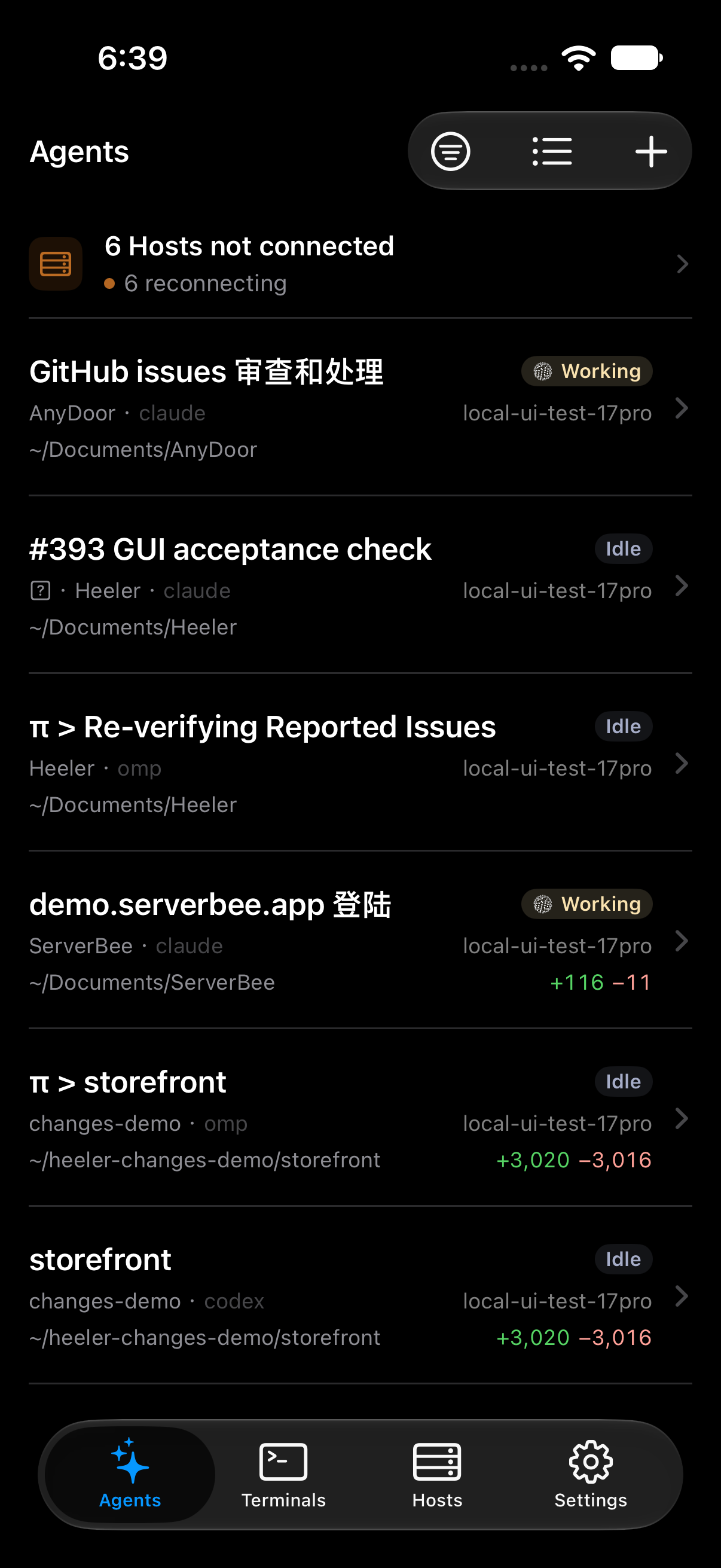
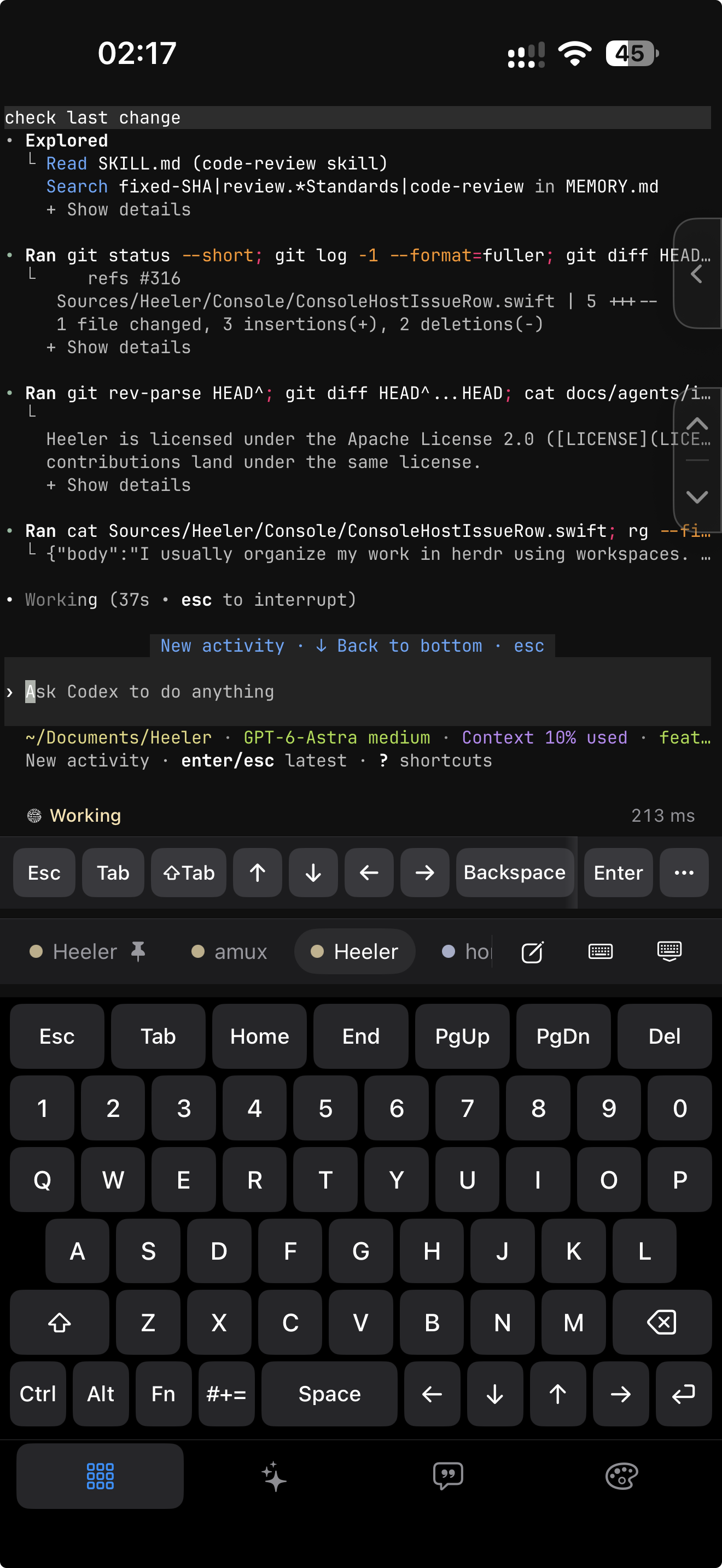
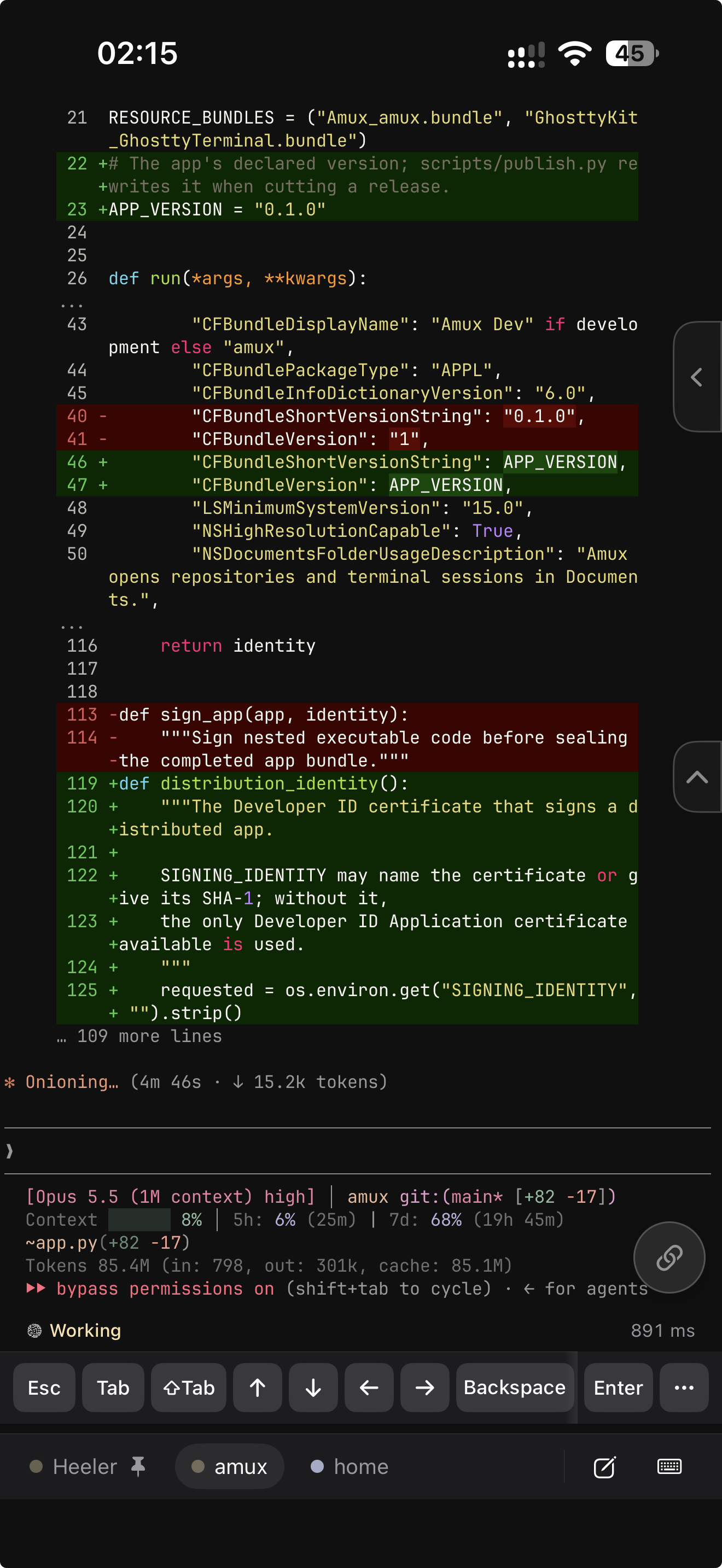
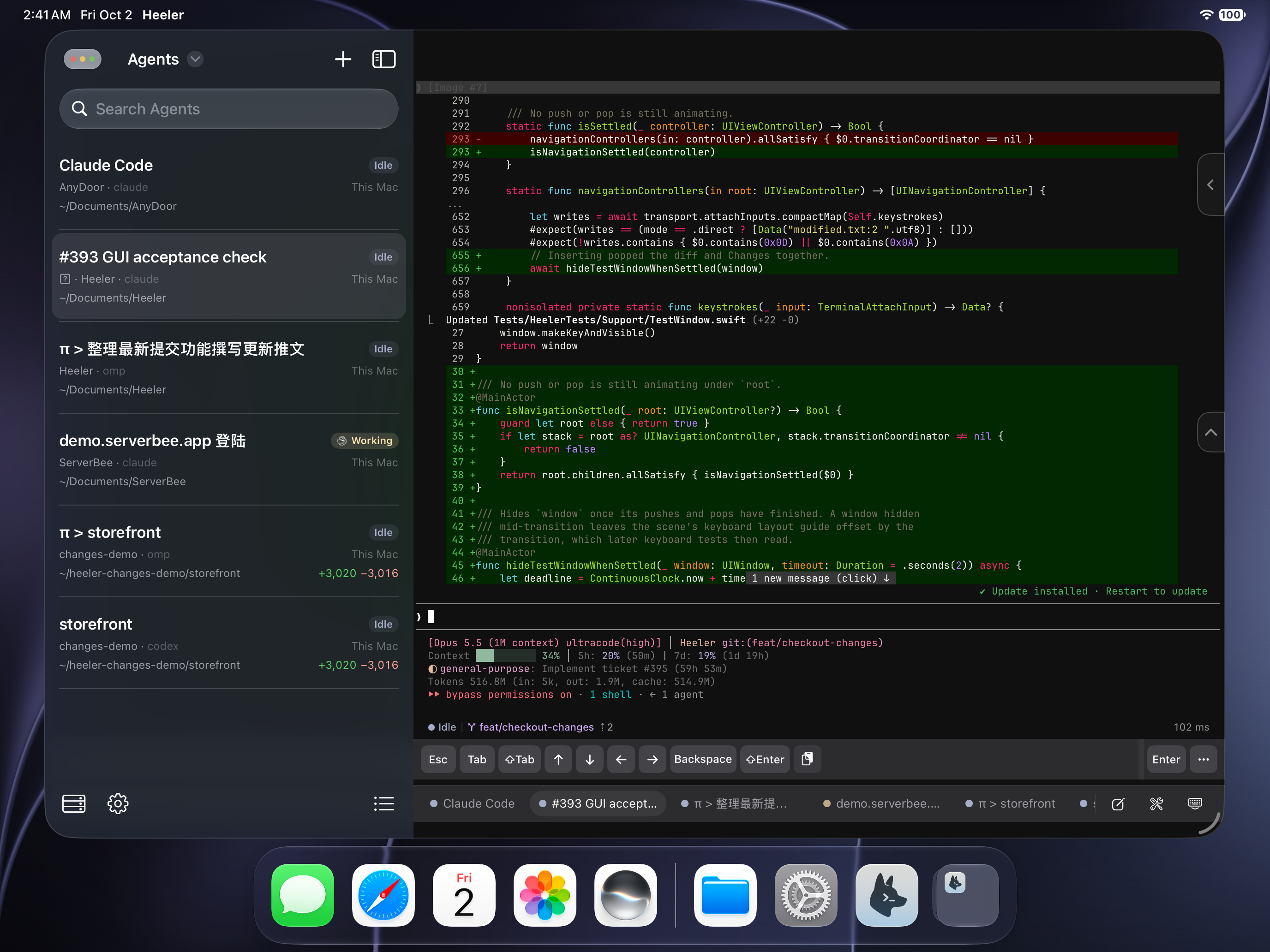
Heeler is an agent console: a native dashboard of every coding agent running on your machines, sorted by who needs you. Open an Agent to read and steer its live terminal, draft with the full iOS keyboard in a native Composer, and Send the complete message once — all over plain SSH.
| Agent Console | Direct Input + Terminal keyboard | Live terminal |
| --- | --- | --- |
|  |
|  |
|  |
|
| Changes | File diff | Terminals |
| --- | --- | --- |
| 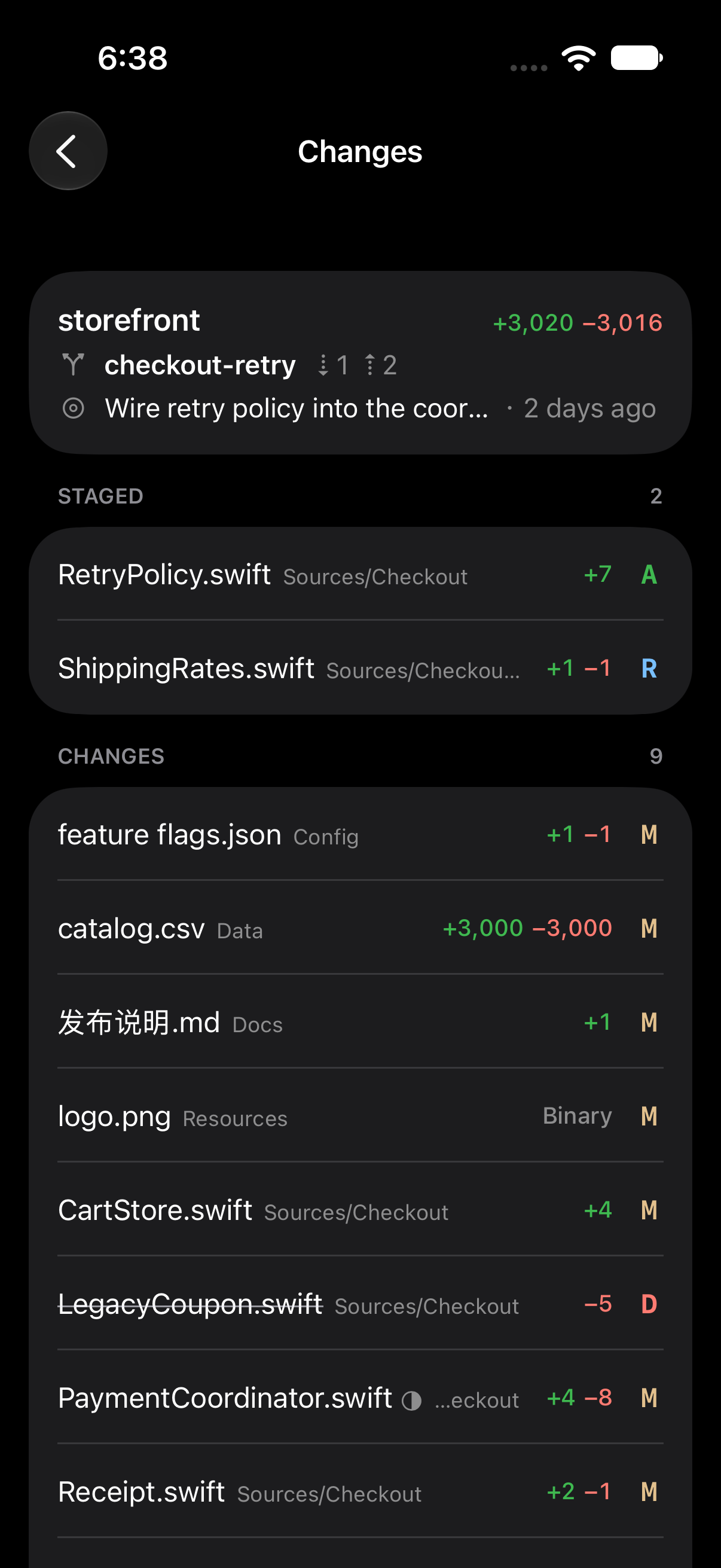 |
| 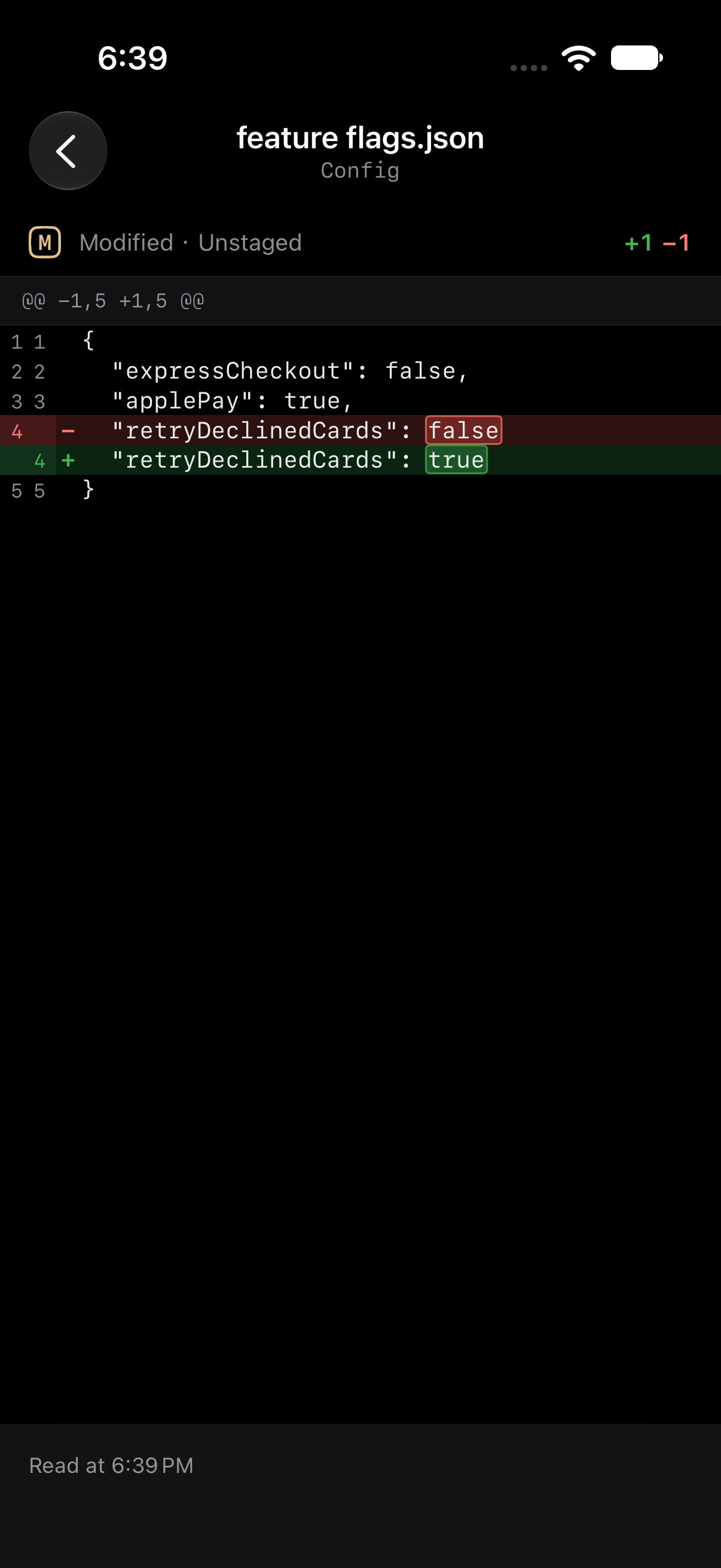 |
| 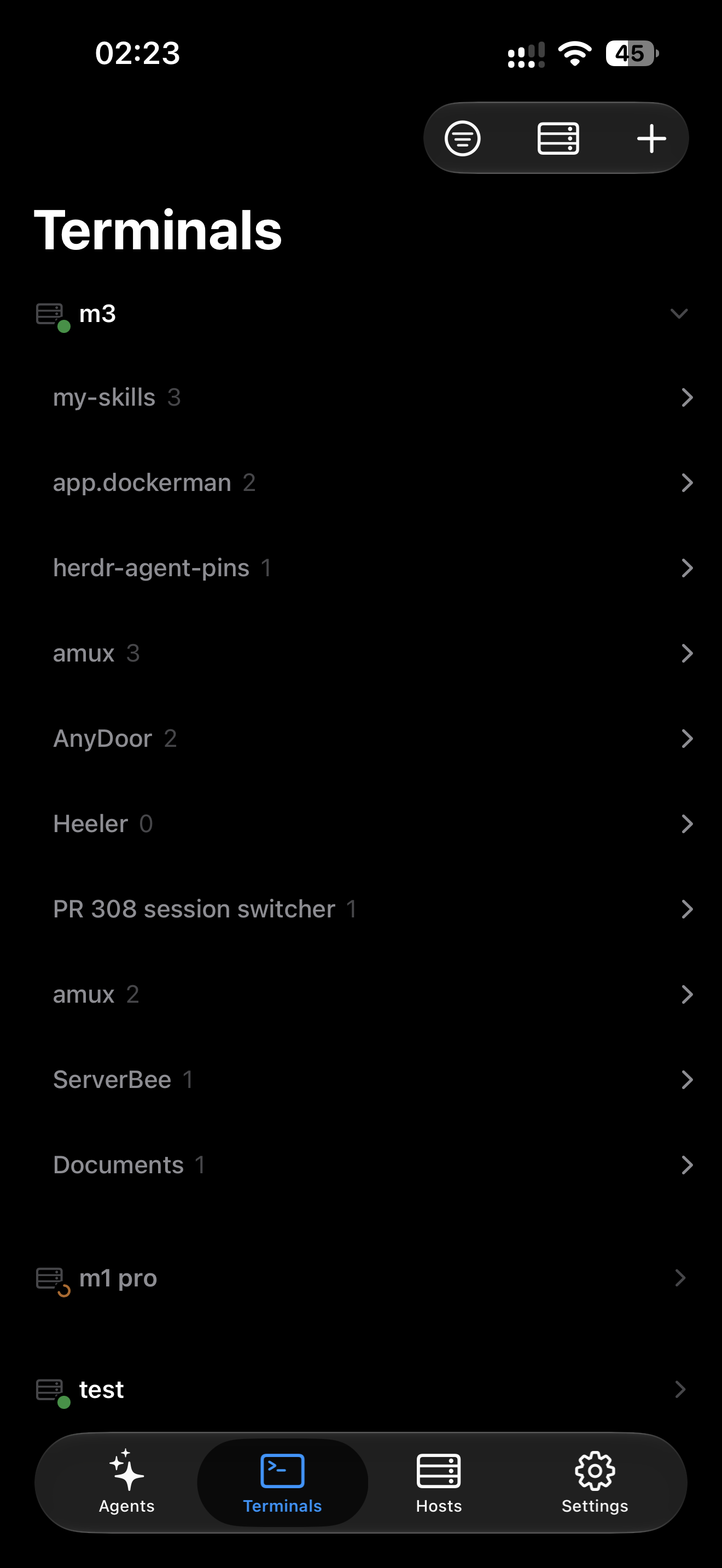 |
|
| Skills | Hosts | Live Activity |
| --- | --- | --- |
| 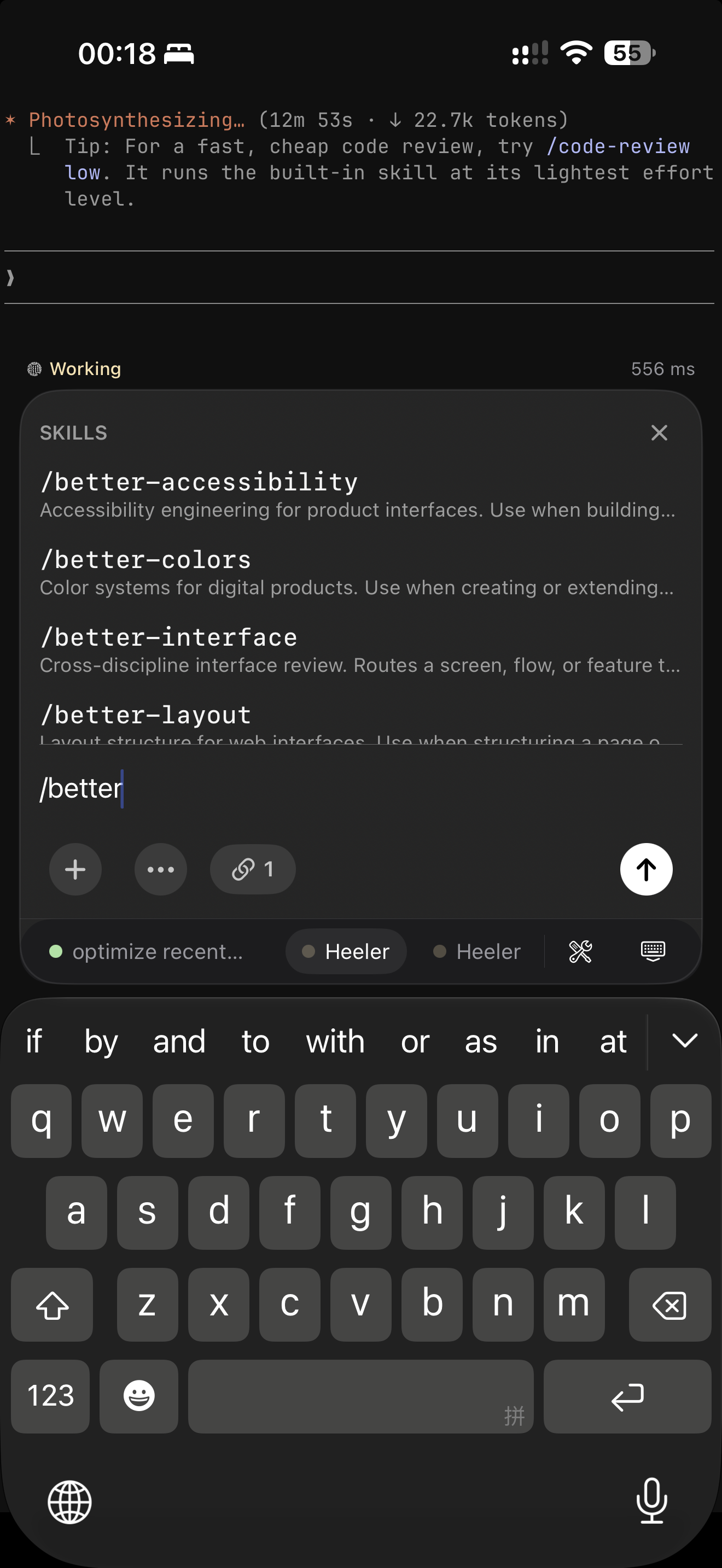 |
| 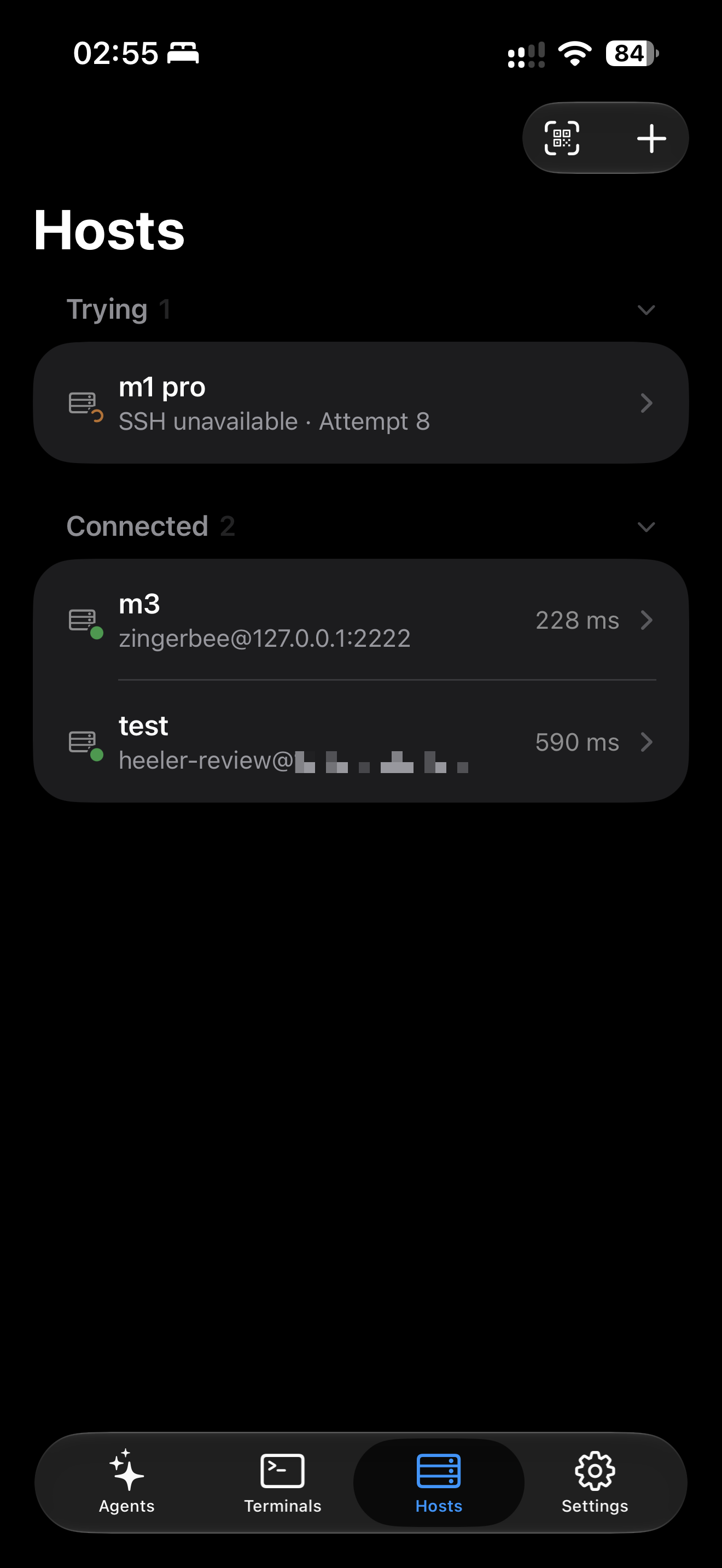 |
| 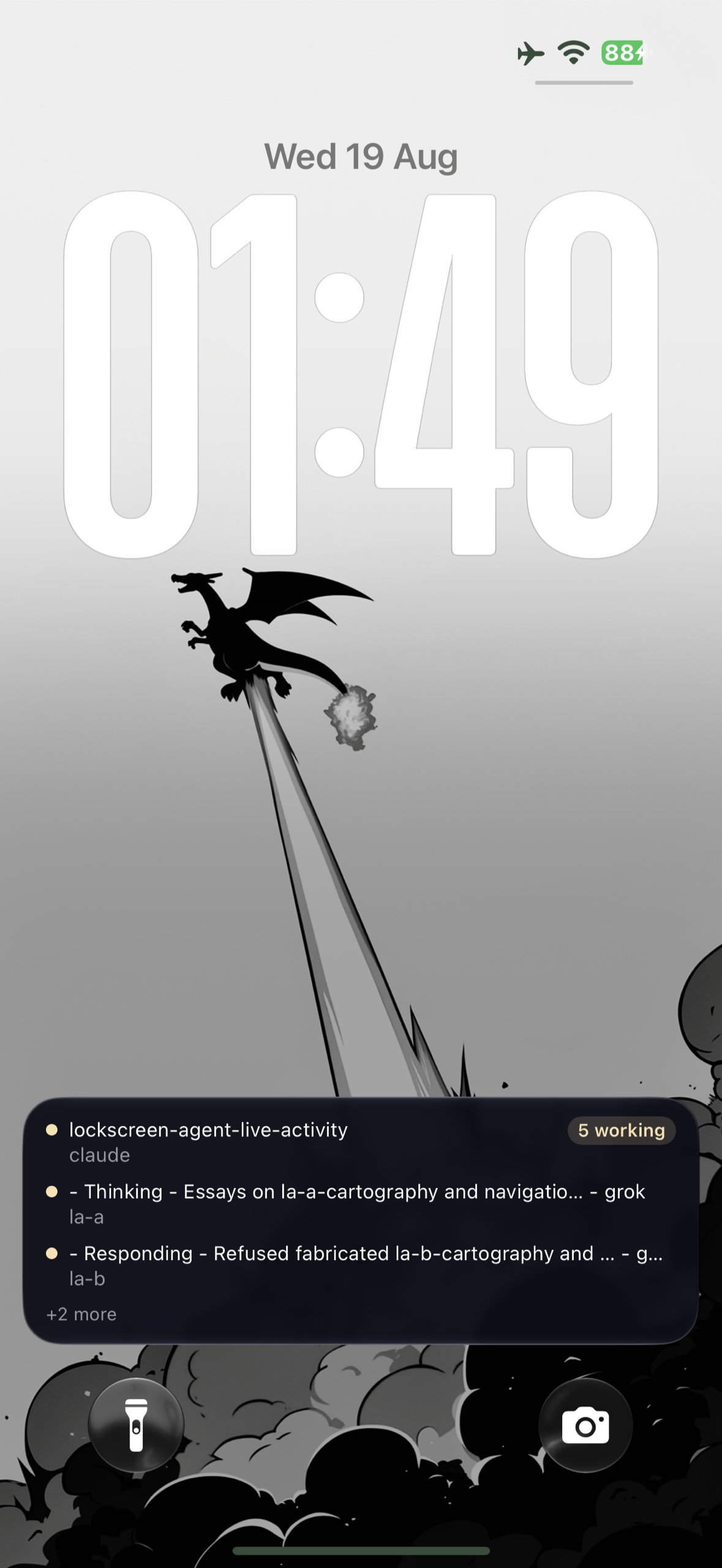 |
|
On macOS and Linux Hosts, Heeler speaks herdr's JSON API over SSH: each request opens a
direct-streamlocal channel onto herdr.sock, one long-lived channel carries
the event stream, and interactive terminals run `herdr agent attach
--takeover` on an SSH PTY. The only prerequisites are SSH access and a
running herdr — no server changes, no extra packages. The SSH server must
allow stream-local forwarding (the OpenSSH default); onboarding calls it out
when it's disabled.
Native Windows Hosts (herdr >= 0.9.3) connect over SSH and are added manually.
Unroutable machines can sit behind an SSH Jump Host:
Install Heeler from the App Store or TestFlight.
On a macOS or Linux machine running herdr (Node >= 20, herdr >= 0.7.5, OpenSSH server on — macOS: System Settings > General > Sharing > Remote Login):
herdr plugin install ZingerLittleBee/Heeler/plugin --ref main --yes
herdr plugin action invoke heeler.pair
Scan the Pairing Code QR it shows and the machine is added as a Host — the code carries the addresses, the host key fingerprint, and SSH key enrollment. The same plugin delivers the encrypted notifications once you enable them for the Host in the app.
Another app can open an Agent in Heeler with a link:
heeler://agent?host=my-mac&session=work&pane=w1%3Ap1
host names a saved Host on that session: its address, or its name whensession is the herdr session name. Leave it out, or pass default, forpane is herdr's pane id. Leave it out to open the Console.%20 for a space: a + stays a plus sign,
so form encoding (such as JavaScript's URLSearchParams) misses a name like
Build Box. When no saved Host on that session matches, or more than one
does, the link opens the Console.
Packages/HeelerSSH (libssh2 + OpenSSL) for SSHdocs/adr/ for why — the transport story in particular is not obvious.
Issues and PRs are welcome — see CONTRIBUTING.md for layout, build/test, and conventions.
Released on the App Store. It is not yet available in every country or region; where it is missing, the TestFlight build stays available. Built for personal use first and shaped by daily driving, so expect rough edges and fast iteration. Not affiliated with the herdr project.
→ →
→ →
→ →
→ →
→ →
→ →
→ →
→