1
 →
→
Turn an Amazon Echo Dot or Echo Show into a fully local Home Assistant voice satellite, media player, display and Bluetooth proxy. No Amazon, no cloud.
ygelfand/echolocal is an open-source project on GitHub, mainly written in Go. Turn an Amazon Echo Dot or Echo Show into a fully local Home Assistant voice satellite, media player, display and Bluetooth proxy. No Amazon, no cloud. It currently holds 439 stars and 23 forks with 0 open issues, and was last pushed on an unknown date (repository created unknown).
AI Homed tracks it on the Today's Trending board, currently at rank #55 with 25 new stars today.
Turn an Amazon Echo Dot or Echo Show into a local Home Assistant voice satellite, speaker and display.
A pure-Go replacement for Amazon's services. It speaks the ESPHome native API, so Home Assistant discovers it the way it discovers any ESPHome device.
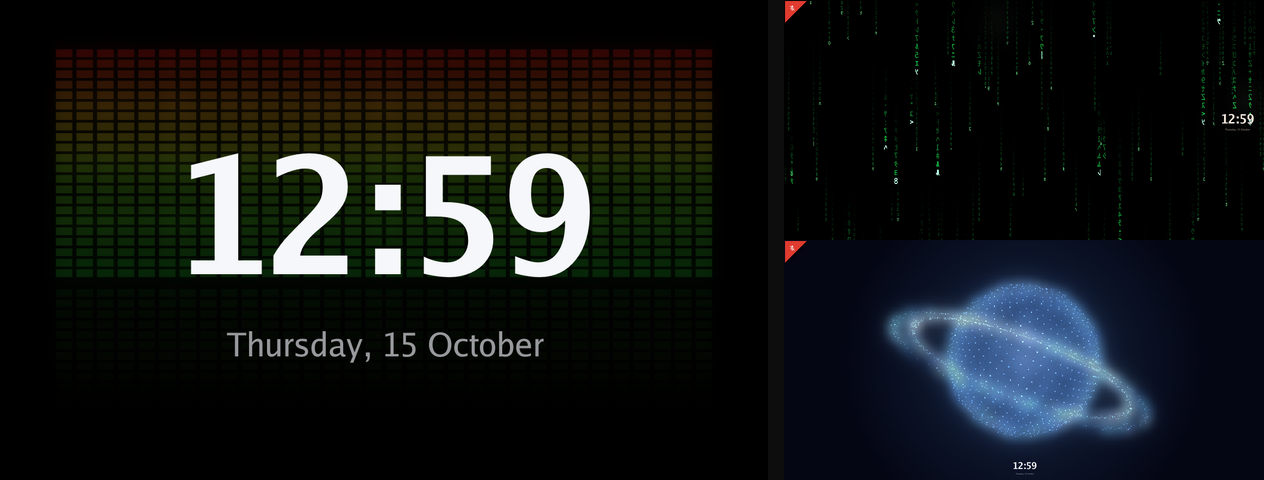
| Device | Codename | Screen | Camera | | --------------------- | -------- | --------------- | ------ | | Echo Dot (2nd gen) | biscuit | LED ring | No | | Echo Show 5 (1st gen) | checkers | 5.5", 960 × 480 | Yes | | Echo Show 5 (2nd gen) | cronos | 5.5", 960 × 480 | Yes | | Echo Show 8 (1st gen) | crown | 8", 1280 × 800 | Yes |
media_player for announcements, TTS and music, ducking under the9c5fa6f1-91c4-4f56-bb9f-d92acfd9d40b, major 1, and a minor
from the last two bytes of its factory MAC, for tools like
BLE Positioning System.
LED ring. Twelve individually addressable segments, effects for ambient, motion, alerts and room-reactive behavior, and a color per segment. The ring can follow the room's volume.
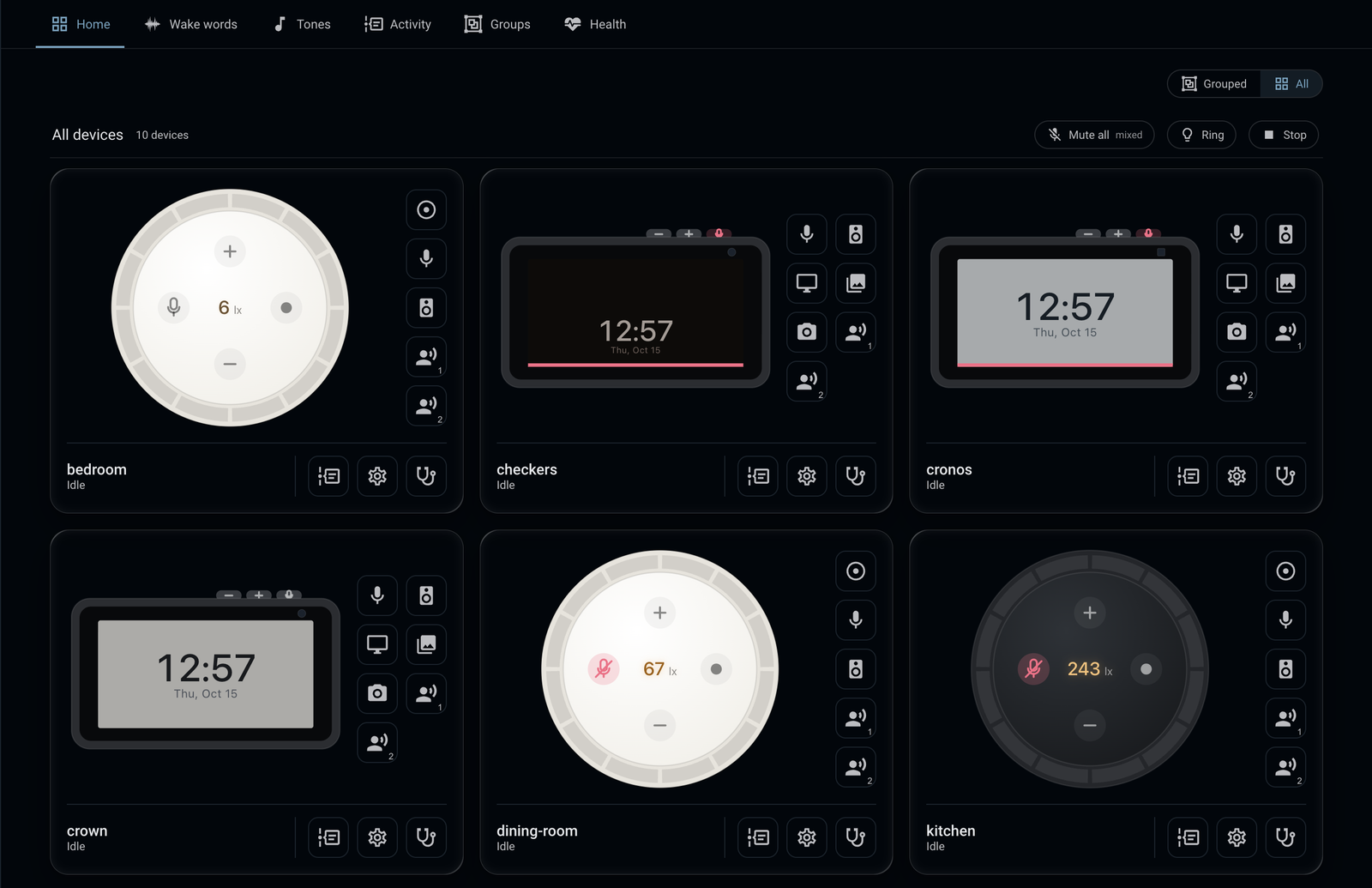
Everything above works with stock Home Assistant. The EchoLocal integration (HACS) adds a dashboard and cards for these devices, turn history with recordings, a wake word library, custom tones, groups and a health view.
You need the device connected over USB with TWRP as its recovery. Follow the XDA guide for yours:
Downloadecholocal for your computer from the
latest release:
| Computer | File |
| ------------------- | ------------------------------ |
| Mac (Apple silicon) | echolocal_darwin_arm64 |
| Mac (Intel) | echolocal_darwin_x86_64 |
| Linux (x86-64) | echolocal_linux_x86_64 |
| Linux (ARM64) | echolocal_linux_arm64 |
| Windows (x86-64) | echolocal_windows_x86_64.exe |
| Windows (ARM64) | echolocal_windows_arm64.exe |
On macOS and Linux:
mv echolocal_darwin_arm64 echolocal
chmod +x echolocal
xattr -d com.apple.quarantine echolocal   # macOS only, if Gatekeeper blocks it
./echolocal install --name living-room
On Windows:
Rename-Item echolocal_windows_x86_64.exe echolocal.exe
.\echolocal.exe install --name living-room
The installer detects the device, flashes its boot image, installs EchoLocal, and asks for your Wi‑Fi if the device isn't on a network yet.

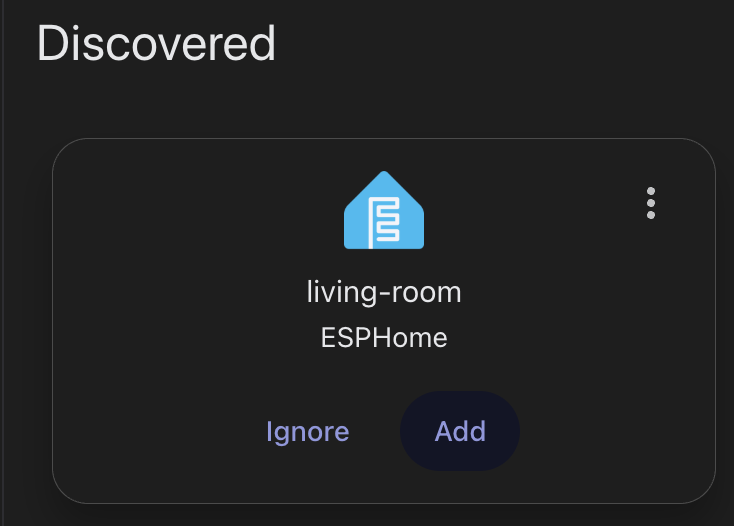
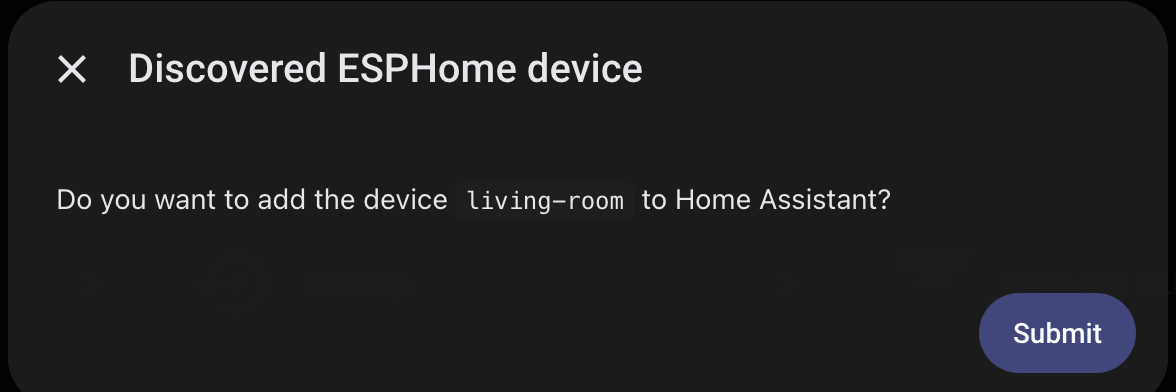
It then shows up in Home Assistant. Add it, and Home Assistant sets its encryption key.
make build-echod                  # echod for the Echo Dot
make build-echod BOARD=crown      # echod for an Echo Show: checkers, cronos or crown
make install-echod                # build, install and restart it on the attached device (requires prior full installation)
 →
→ →
→ →
→ →
→ →
→ →
→ →
→