1
 →
→
Udemy & Hotmart course downloader, YouTube downloader (yt-dlp GUI, 1,800+ sites) + desktop app for AI agents: Claude Code, Codex, Gemini CLI, Ollama.
tonhowtf/omniget is an open-source project on GitHub, mainly written in Rust. Udemy & Hotmart course downloader, YouTube downloader (yt-dlp GUI, 1,800+ sites) + desktop app for AI agents: Claude Code, Codex, Gemini CLI, Ollama. It currently holds 13,987 stars and 1,227 forks with 0 open issues, and was last pushed on an unknown date (repository created unknown).
AI Homed tracks it on the AI Coding Agents board.
English · Português (BR) · Русский · 简体中文
A yt-dlp GUI, a Udemy and Hotmart course downloader, and a desktop app for AI coding agents.
Free and open source for Windows, macOS and Linux. No terminal.
Download YouTube, Instagram, TikTok, X, Pinterest and 1,800+ other sites, then transcribe, convert, read and study what you saved.
Run Claude Code, Codex, Gemini CLI and local Ollama models as agents with permissions, undo, jobs and loops, and watch them work in a house you can visit.

Free. Open source under GPL-3.0. No account, no ads, no telemetry on what you download. Your files stay on your computer.
13,800+ GitHub stars. The most starred repository in the udemy-downloader, hotmart-downloader, course-downloader, yt-dlp-gui, media-downloader and instagram-downloader topics.
---
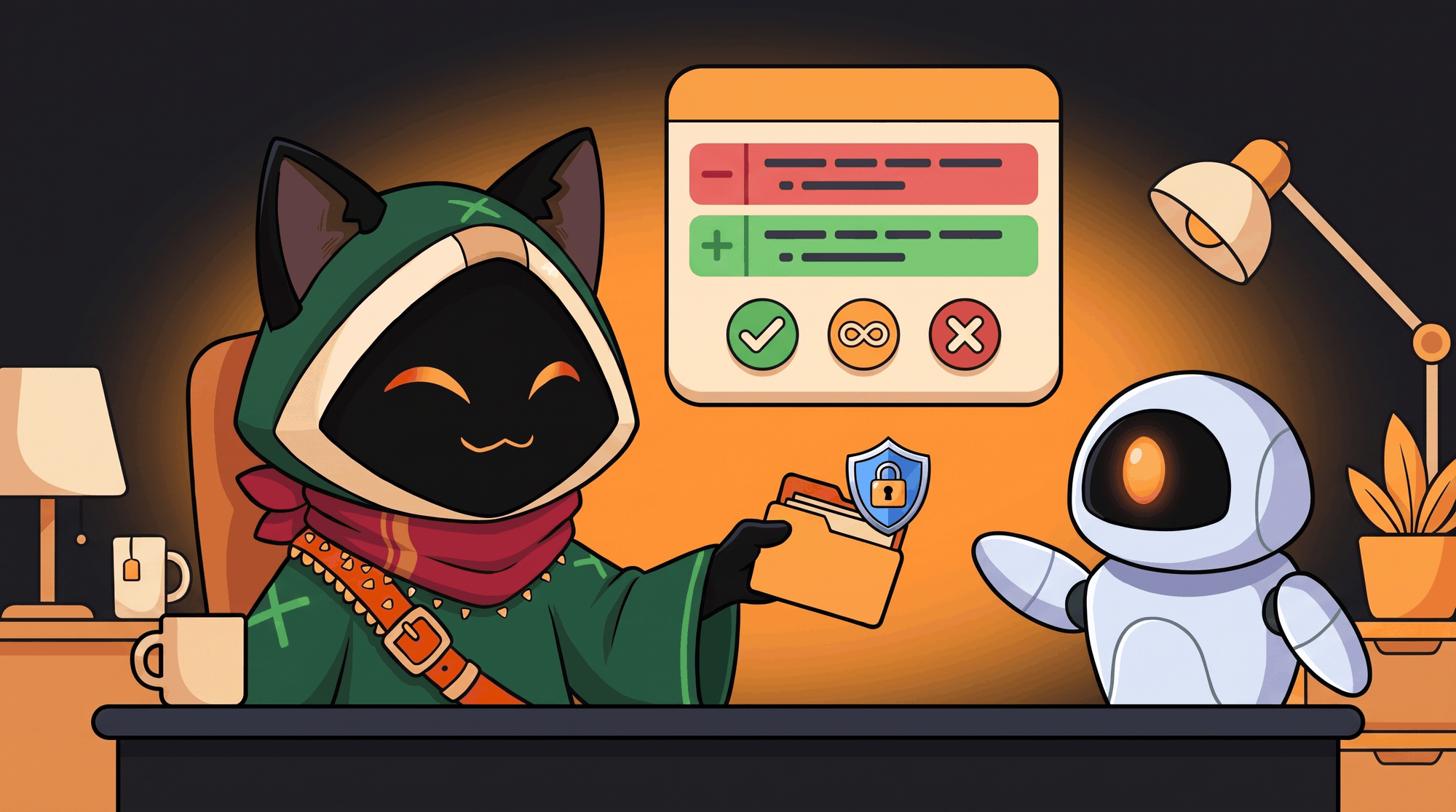
Claude Code, run through OmniGet, fixes a failing test in about 15 seconds from one command. It asks permission with the diff on screen, and one click takes the whole turn back. New in 0.10 and now the centre of the app, OmniGet is a desktop app for AI coding agents. It carries the whole system that goes around an agent: a coding harness with permissions and undo, a durable job queue with loops and triggers, a roster that takes your local models, your API keys and the agent CLIs you already pay for, a project memory, and a small world where those agents live and where you can watch them work. It runs on your machine. Nothing talks to the network until you add a key, start a local model or open your house.
| You want to | Open | What happens | | --- | --- | --- | | Have an agent change code in a folder | LLM → Chat | It reads, edits and runs commands inside that folder only, asks before it writes, and one click undoes the turn | | Leave work running | LLM → Jobs, Loops | The turn survives closing the window and a crash; a Loop repeats until your check command passes | | Start work on a schedule or from another program | LLM → Jobs → Triggers | A cron line or a webhook on the local bridge starts a job | | A GUI for Claude Code, Codex or Gemini CLI | LLM → Accounts | They join the roster as agents, keep their login, ask permission through OmniGet | | Agents on a local model, offline | LLM → Models | Ollama, LM Studio or llama-server runs the same tools with no key | | Several agents in parallel | LLM → Jobs, World | Two jobs run at once, agents delegate to each other, each at its own workbench | | See who is doing what | World | Each agent walks to its own workbench, shows the tool in a balloon and waves when it needs you | | Show a friend | World → Open the house | A code, a visit, a chat. Your app stays the authority |
Pick an agent, attach a folder, ask for a change.
fs_read, fs_list, fs_glob, fs_grep, fs_edit, fs_write, fs_apply_patch, shell_exec, todo_write, plus kb_search and kb_write. Every path is resolved inside the folder you attached; a path outside it becomes its own question (external_directory) and the answer covers that one call. Each conversation has its own folder.fs_edit falls back from an exact match to a block match anchored on the first and last line, and refuses when the block it found is out of proportion to what was asked. fs_apply_patch takes the V4A envelope with a context fuzz ladder and keeps the file's own context lines. A small model that invents a container path such as /workspace is put back at the folder root instead of failing.shell_exec runs under seatbelt: no network, writes only inside the folder. The chip next to the folder always shows whether the sandbox is on.git status , npm run test , node *. A chained line (git status && rm -rf x) needs a rule for every segment, and $(…), backticks and > never ride on a rule. The rules are listed in the inspector on the right, where you edit the pattern, switch a rule to ask or deny, or delete it; the next call asks again.qwen3:8b on Ollama) does the same in about 3 minutes, asking permission with the diff.
A fresh install is local first. Point OmniGet at Ollama, LM Studio or llama-server and the agents run on your machine, offline, with the same eleven tools, the same permission prompts and the same undo. On the demo project an 8B model (qwen3:8b on Ollama) finds and fixes the bug in about 3 minutes. Add API keys later and the router uses them as the next step of the chain; the local model stays first for as long as you want.
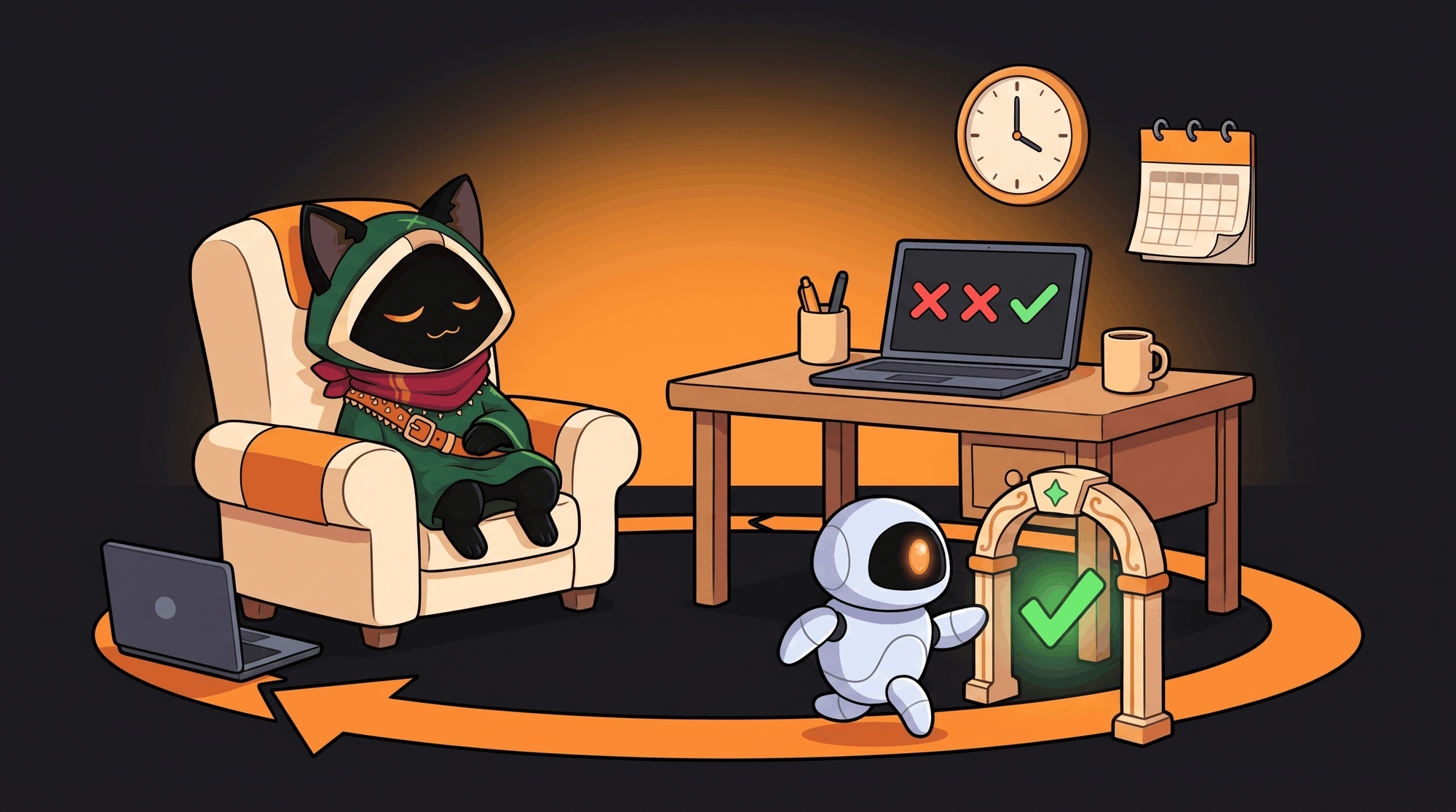
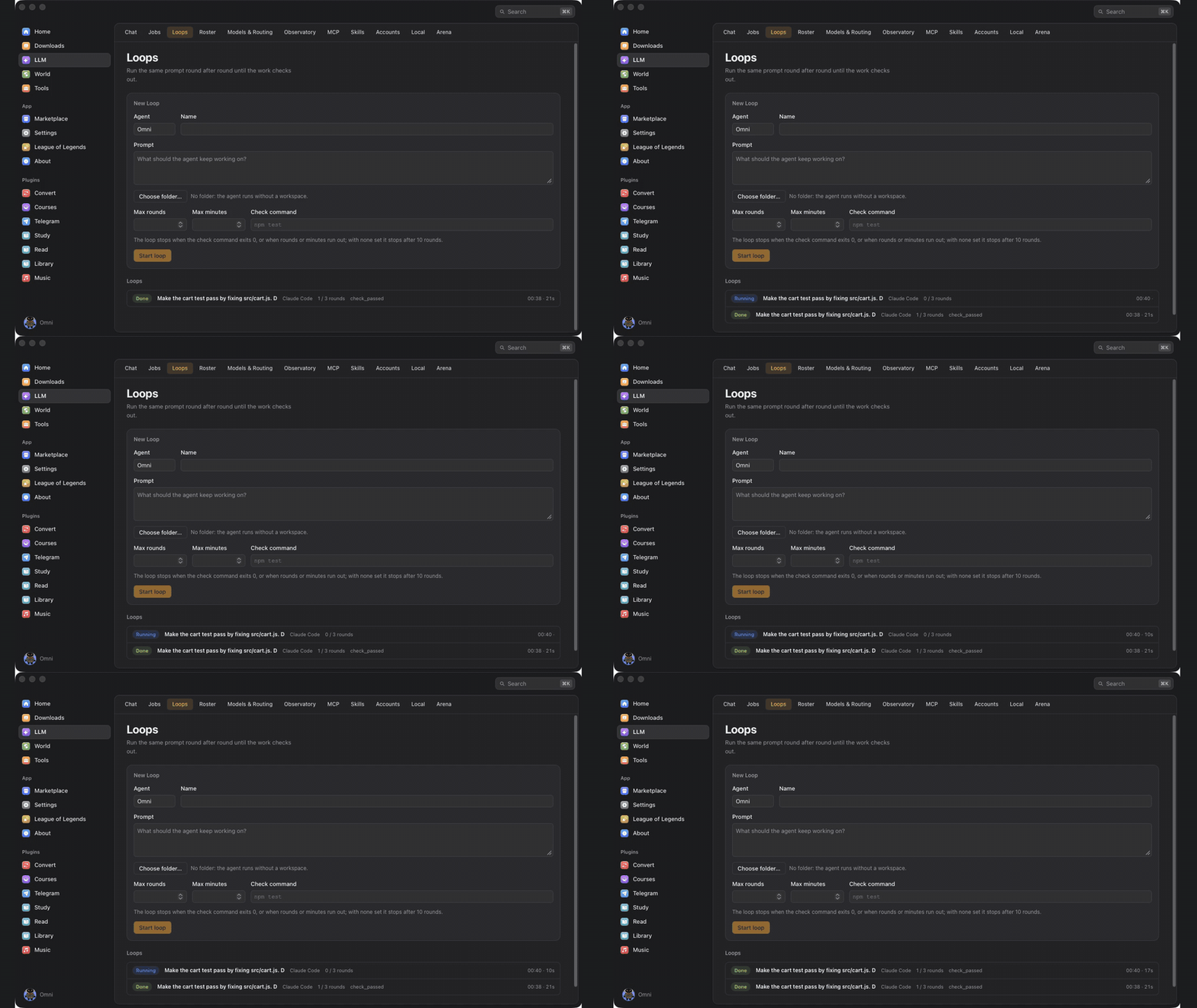
queued, running, waiting_approval, done, failed, cancelled), its log, and what it cost: model, tokens in and out, cache reads, and the cost when the provider reports one. Two jobs run at a time. A job that needs a permission shows Allow / Always allow / Deny right on its row.npm test, cargo test, node test/cart.test.js); the check runs under the same sandbox, and the Loop ends with check_passed, or when the rounds or minutes you set run out.@hourly, @daily, local time), checked once a minute with no duplicate fire, or a webhook: POST /v1/hooks/ on the local bridge with your token, where the body becomes {{body}} in the prompt.omniget agent run "Fix the failing test in src/cart.js" --agent claude-code --workspace .
omniget agent loop "Make the tests pass" --agent omni --workspace . --check "npm test" --rounds 5
omniget agent jobs # list, show one, --cancel
omniget agent loops
omniget agent agents
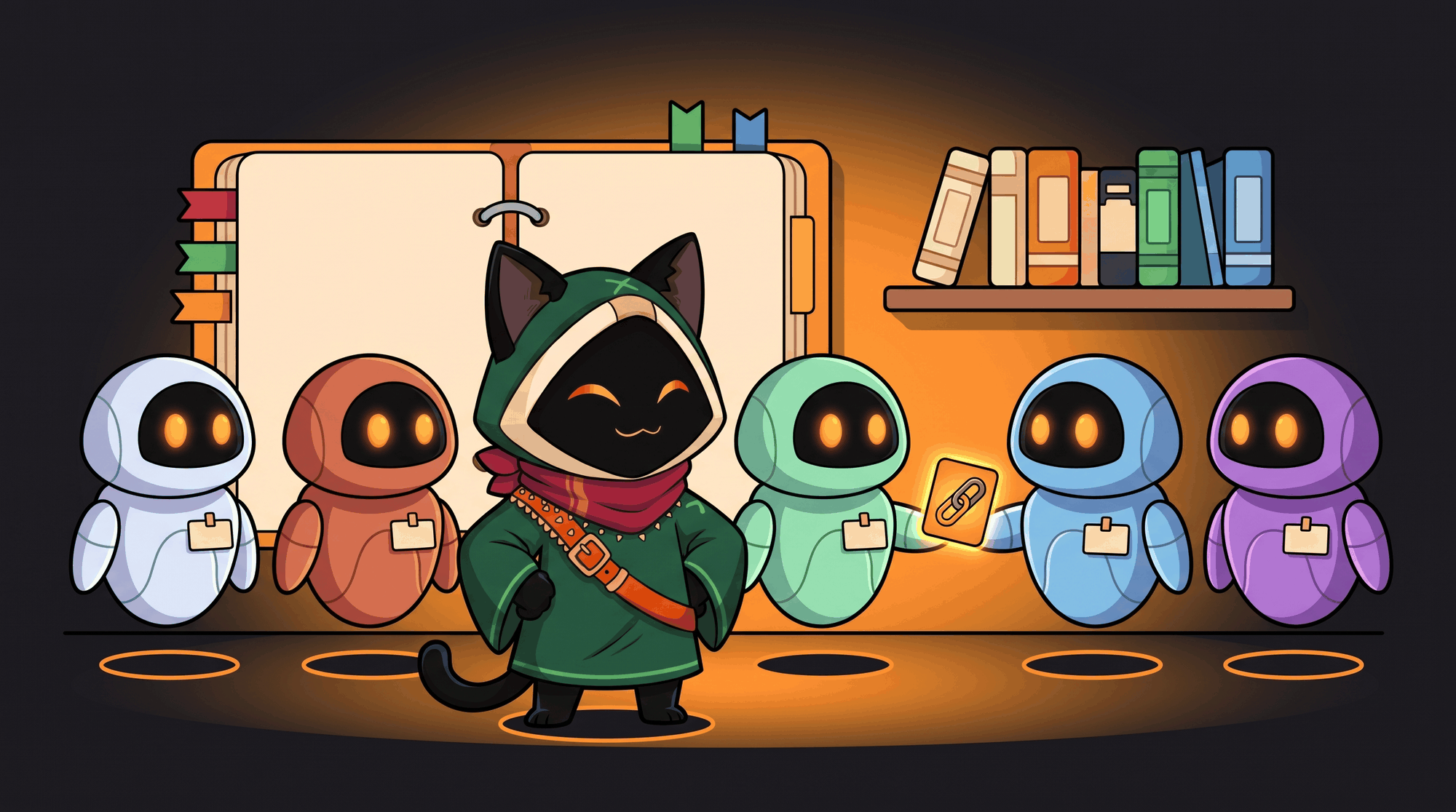
agent_delegate. One agent hands a task to another and gets the answer back as a tool result, in a child conversation you can open. A local coordinator that delegates the hard part to Claude Code costs exactly one run of the CLI.AGENTS.md (or CLAUDE.md) plus markdown notes in .omniget/kb/, inside your project, in git if you want. The index goes into every prompt, and the agents search and write notes with kb_search and kb_write.owner/repo and owner/repo@skill as in npx skills add, and pass through a scanner first.
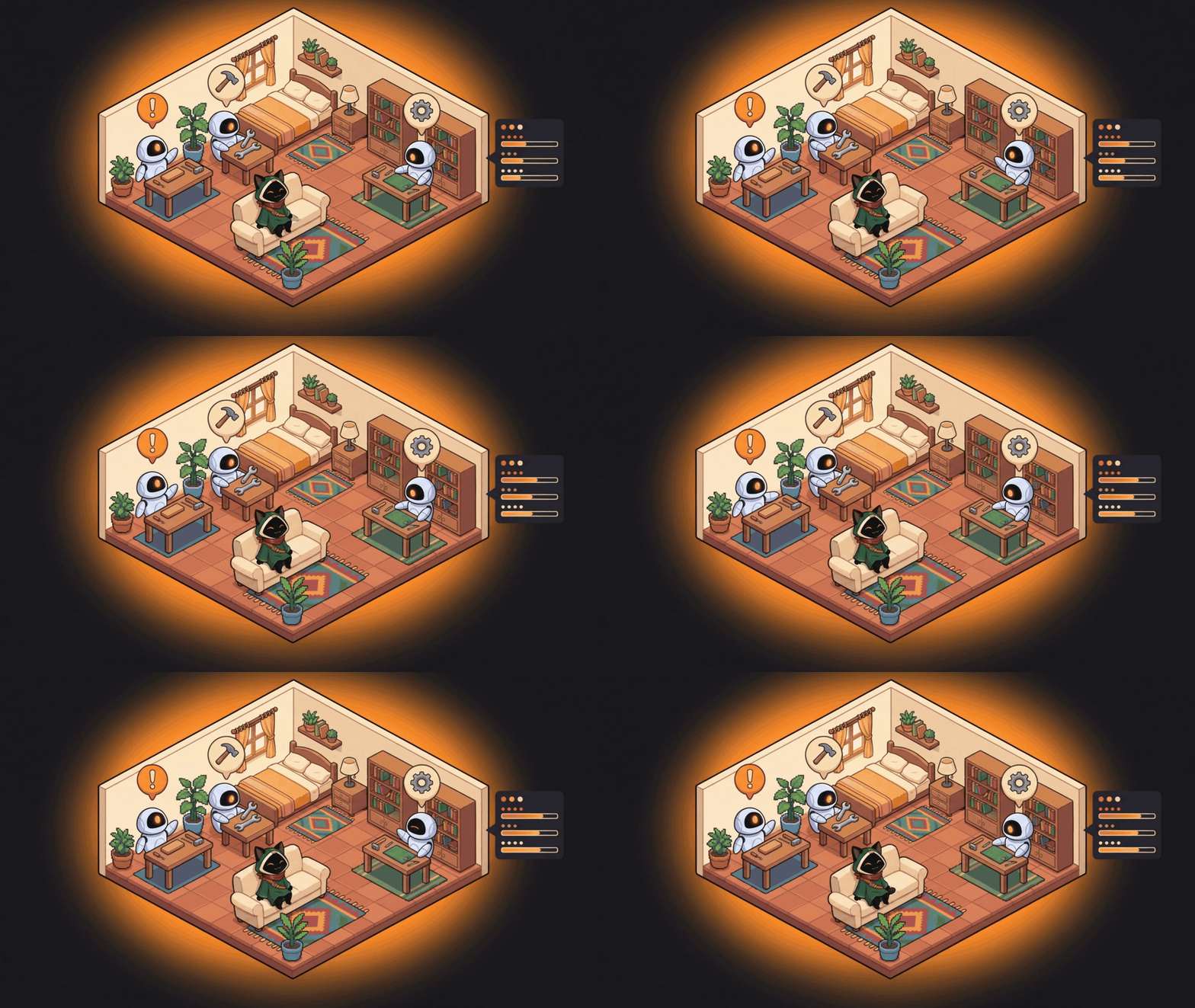
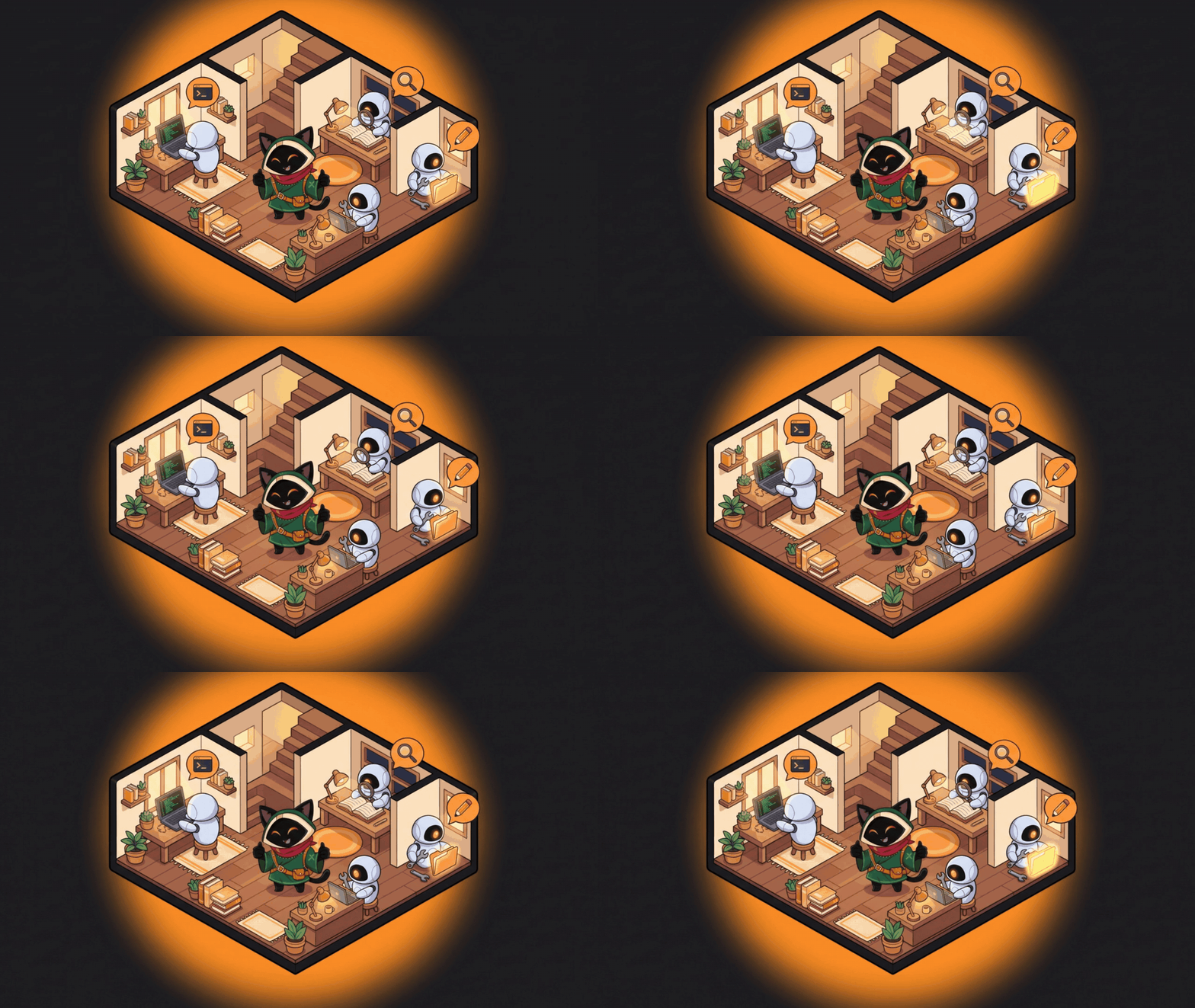
A house is made on your first visit and the agents of your roster move in, CLI and ACP agents included. A fresh install starts with three: Omni (coordinator), Builder (code) and Scout (reading and research), all editable. Add or remove an agent and the house follows.
fs_edit cart.js, shell_exec). When it needs your permission it stops and waves at you. When its budget is spent it sits down, tired. Jobs and Loops move the agents exactly like chat does./world?demo=1, or the Demo button, plays a scripted run with three agents and a permission request without spending a token. It is what the clip below shows.
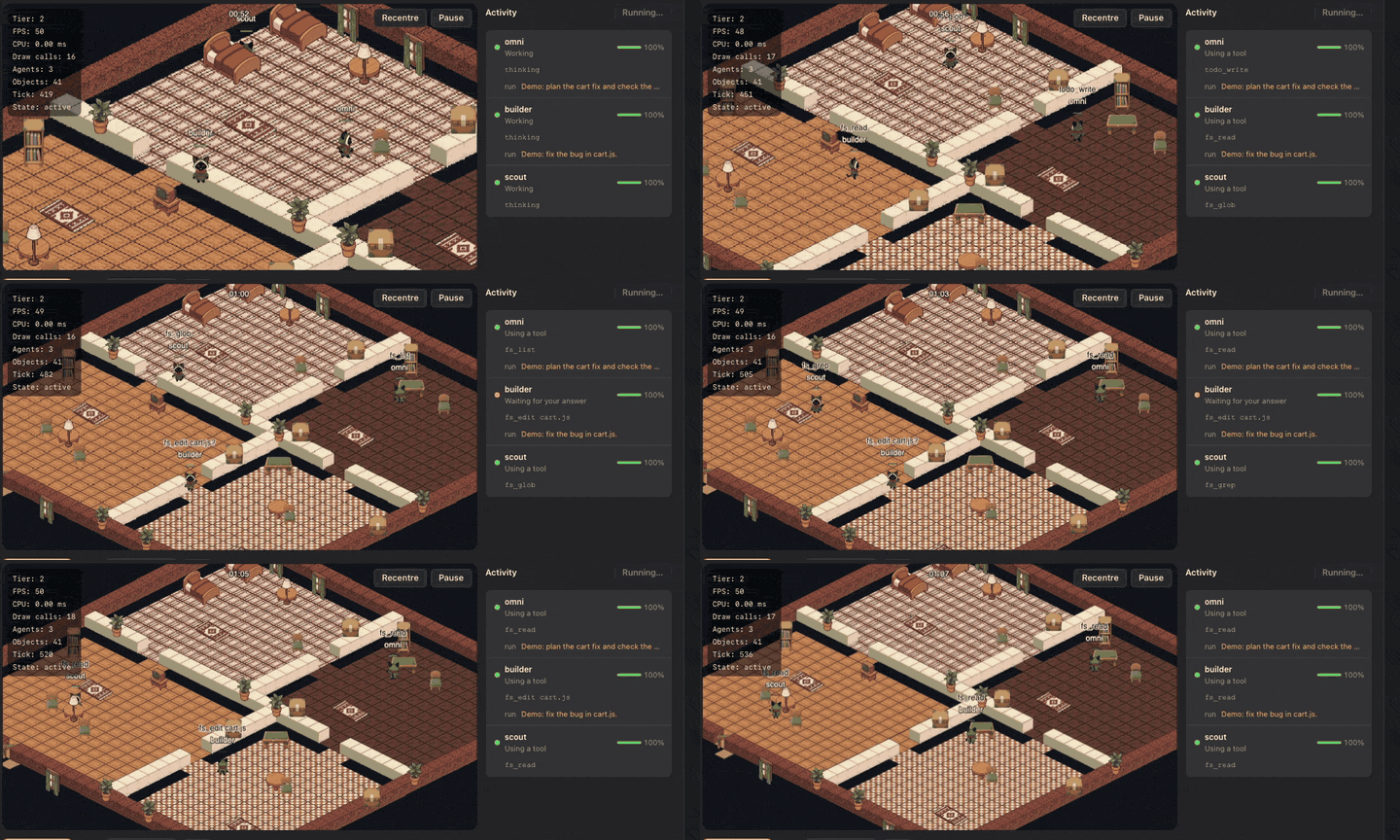
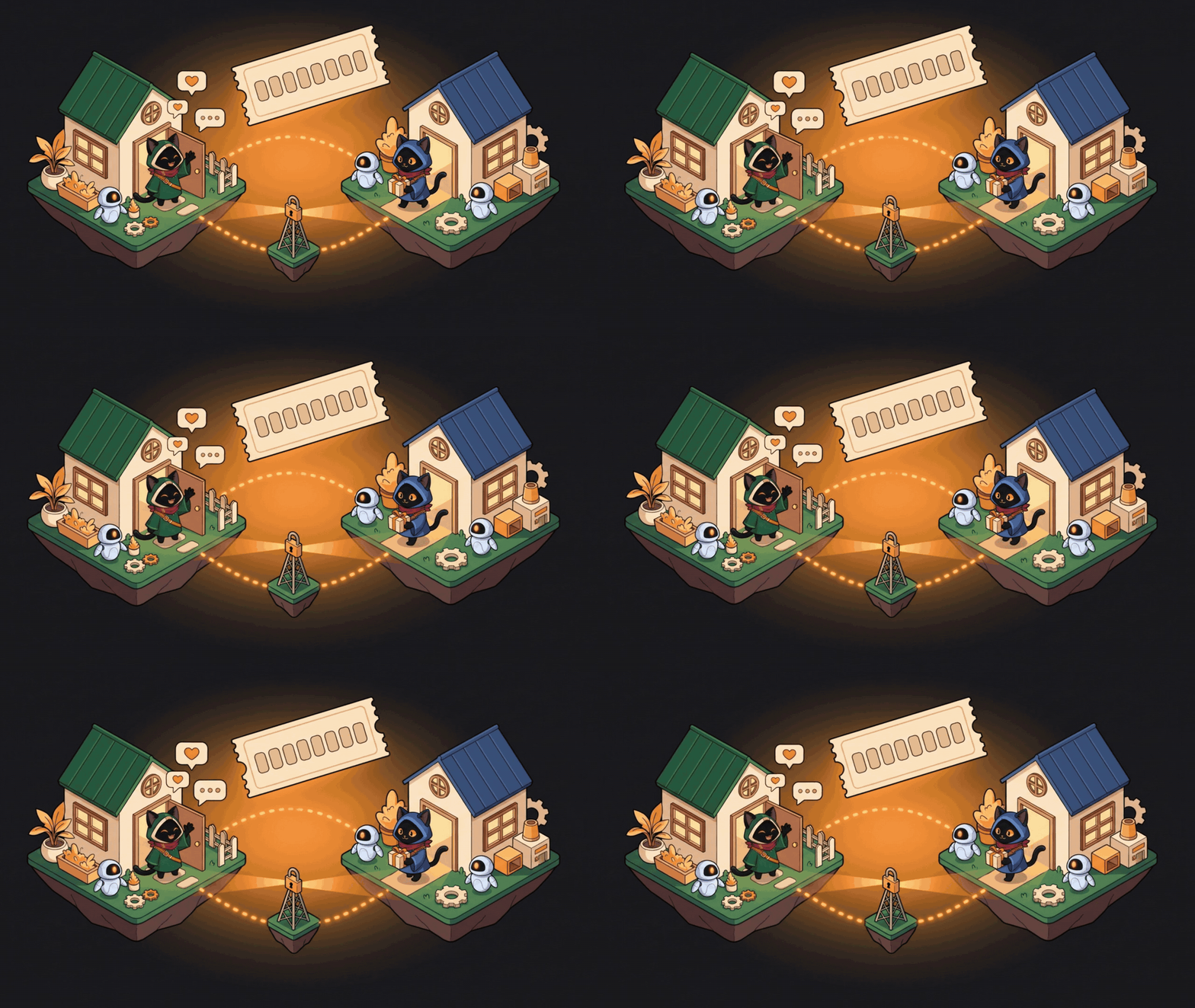
Open the house gives you a code such as ZZCJ-YA09. A friend types it and walks into your house: they see your map, your agents at work and the other guests, walk around, and what they say shows up as a balloon.
wss://chat.tonho.wtf/v1/room. To host your own, omniworld-server is a single binary with a Dockerfile and a docker-compose.yml in scripts/omniworld-server/; put it behind a proxy that terminates TLS and set the address in Settings → World → Room server.The limits strip. A thin strip on a screen edge with one ring per coding assistant: how much of each usage limit is gone, when it resets, and whether the assistant is working, waiting or done. Off until you switch it on in LLM → Accounts, and every assistant is its own checkbox that says what it reads. A reader opens only the login that tool already keeps on your machine, read-only, asks that tool's own service for your usage at most once every five minutes, and never writes, refreshes or logs a token. Local runtimes (Ollama, LM Studio) show the models they have loaded. Claude Code is verified; the other remote readers are marked beta.
---
You bought a course and want it on your disk before the platform pulls it. You keep a yt-dlp cheat sheet because the flags never stick. You have one site for Instagram stories, another for X videos, a Chrome extension for Pinterest, a Python script for subtitles, and none of them remember your login.
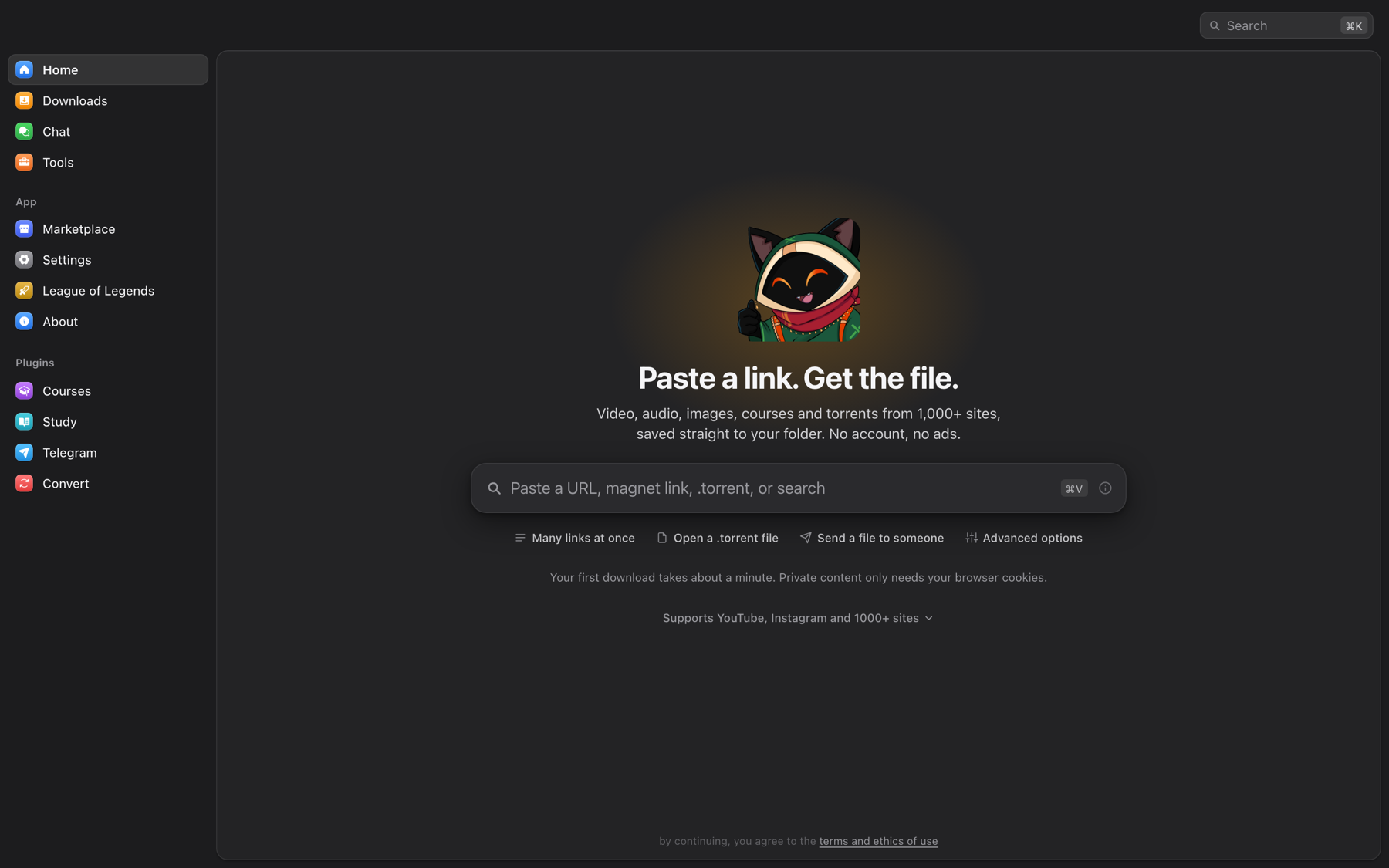
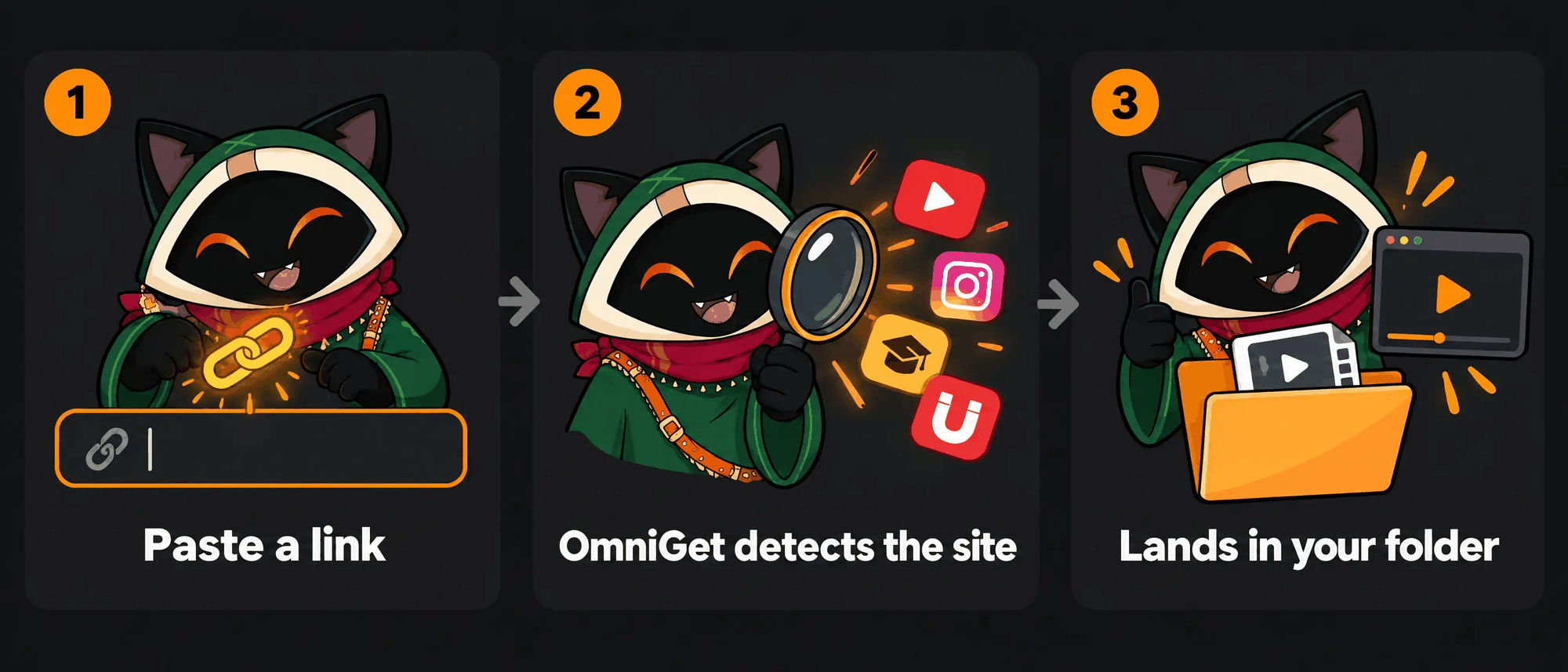
OmniGet puts all of that behind one text box. Paste a link, see a preview with quality options, click download. The same window then plays the course, reads the PDF, transcribes the audio and backs up the Pinterest board. yt-dlp and FFmpeg install themselves and stay updated, so there is nothing to configure and no terminal to open.
| | OmniGet | yt-dlp alone | Single-site web downloaders | Paid course downloaders | |---|---|---|---|---
→ →
→ →
→ →
→ →
→ →
→ →
→ →
→