1
 →
→
一个简洁优雅的词典翻译 macOS App。开箱即用,支持离线 OCR 识别,支持有道词典,🍎 苹果系统词典,🍎 苹果系统翻译,OpenAI,Gemini,DeepL,Google,Bing,腾讯,百度,阿里,小牛,彩云和火山翻译。A concise and elegant Dictionary and Translator macOS App for looking up words and
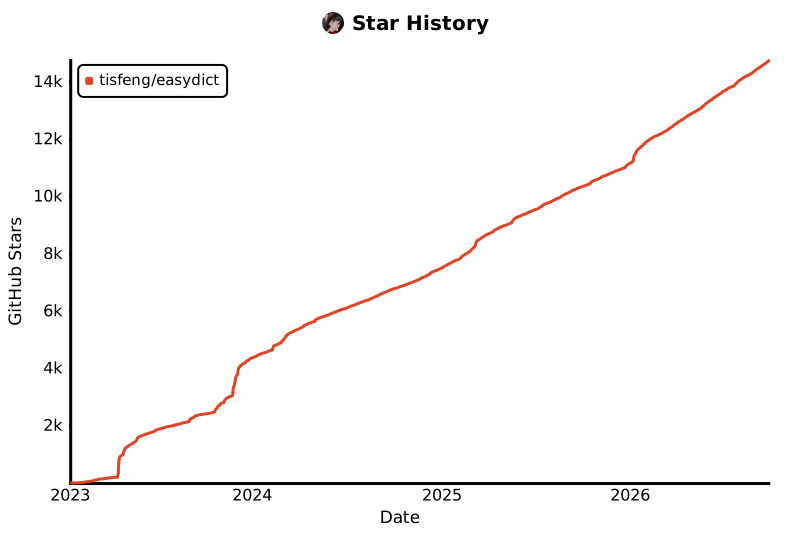
tisfeng/Easydict is an open-source project on GitHub, mainly written in Swift. 一个简洁优雅的词典翻译 macOS App。开箱即用,支持离线 OCR 识别,支持有道词典,🍎 苹果系统词典,🍎 苹果系统翻译,OpenAI,Gemini,DeepL,Google,Bing,腾讯,百度,阿里,小牛,彩云和火山翻译。A concise and elegant Dictionary and It currently holds 14,832 stars and 765 forks with 0 open issues, and was last pushed on an unknown date (repository created unknown).
AI Homed tracks it on the Today's Trending board, currently at rank #57 with 11 new stars today.

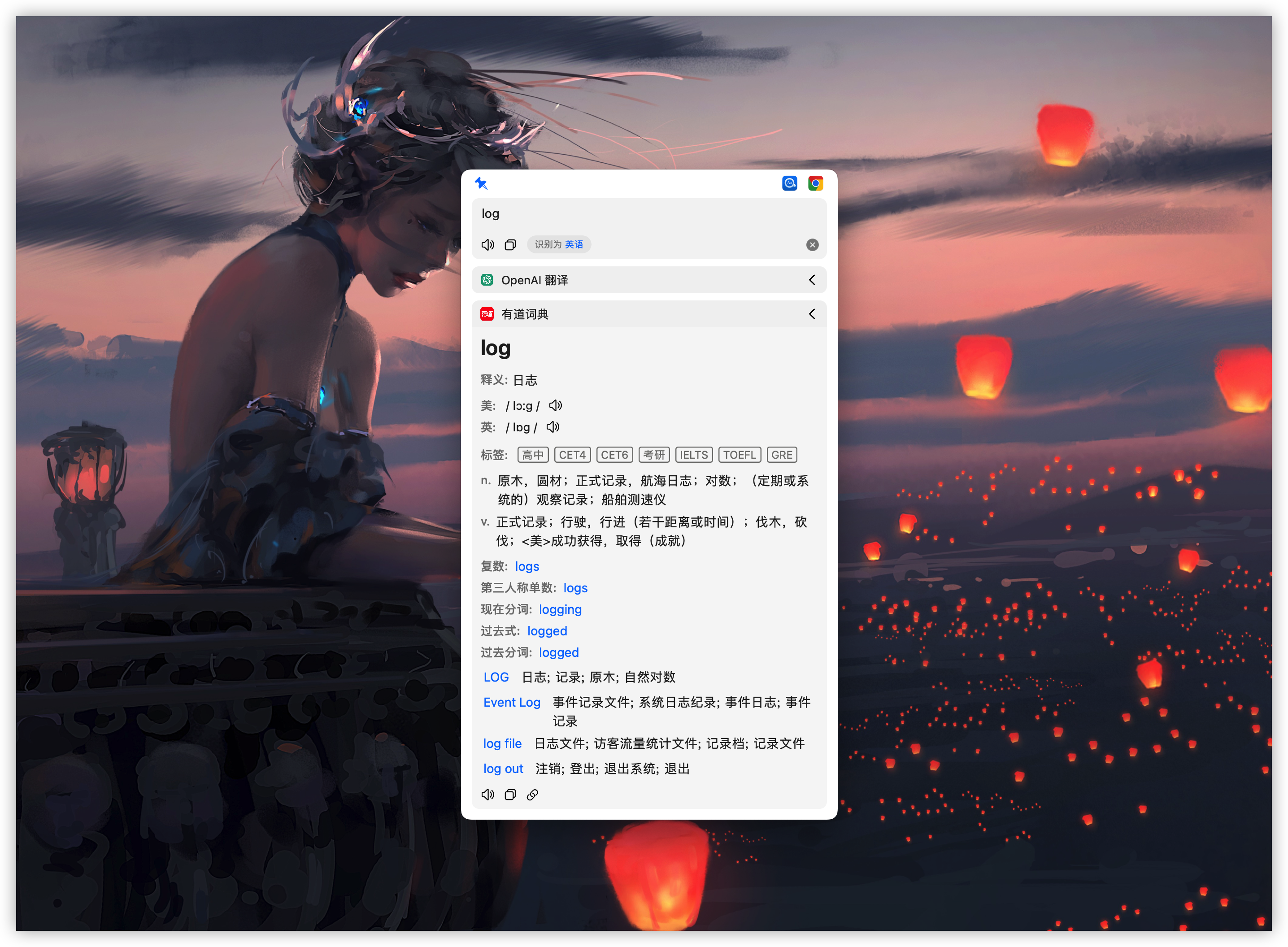
Easydict is a concise and easy-to-use translation dictionary macOS App that allows you to easily and elegantly look up words or translate text.
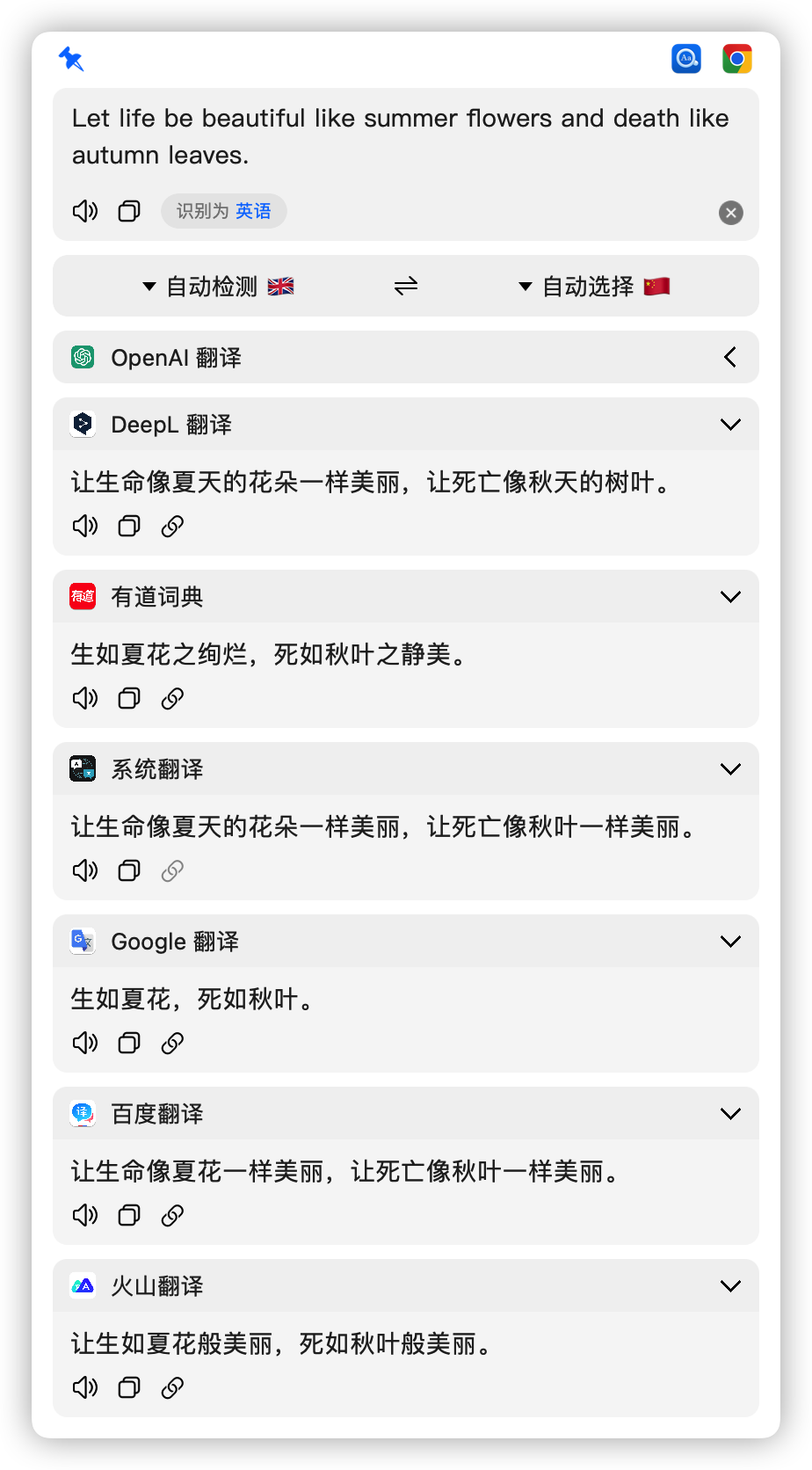
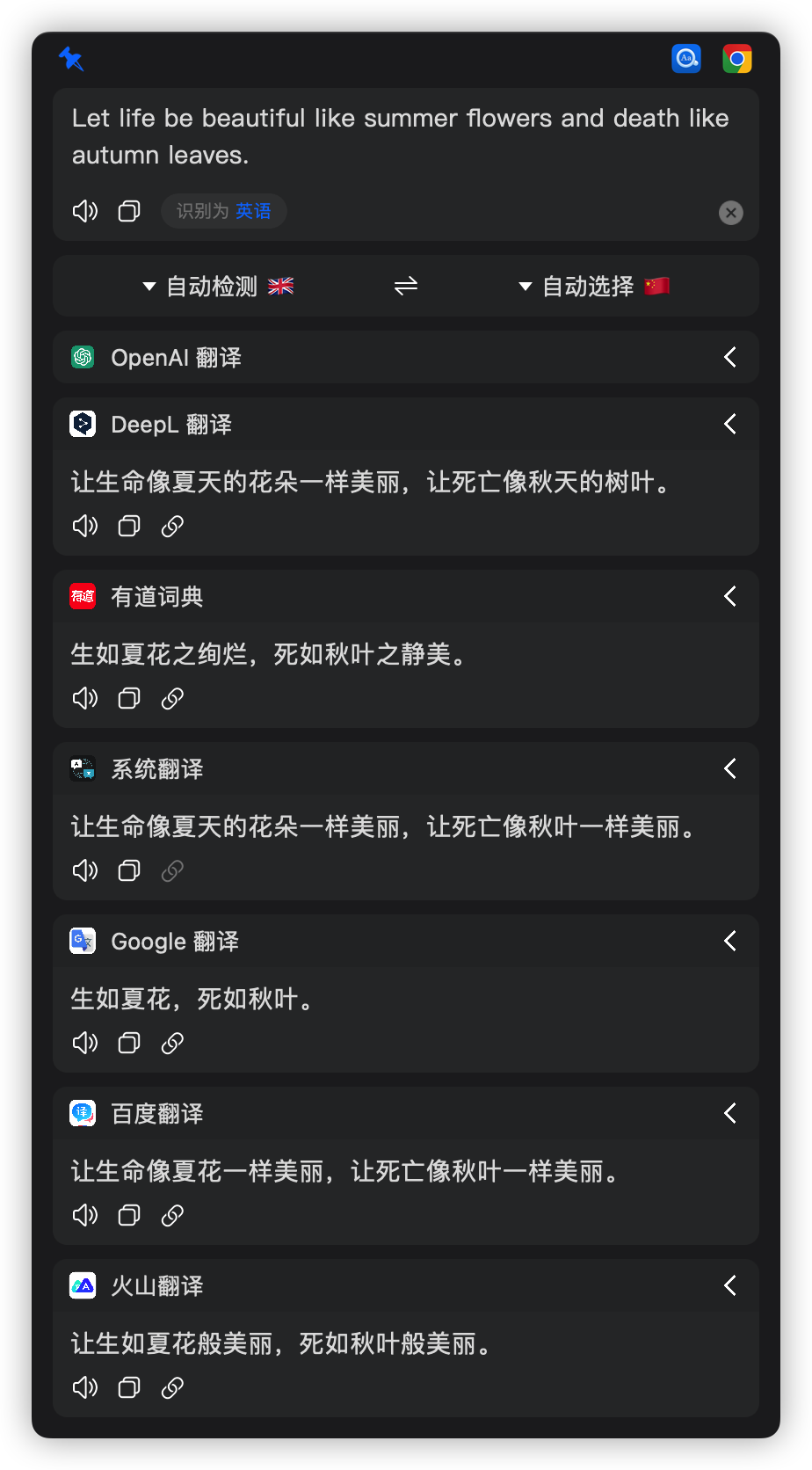
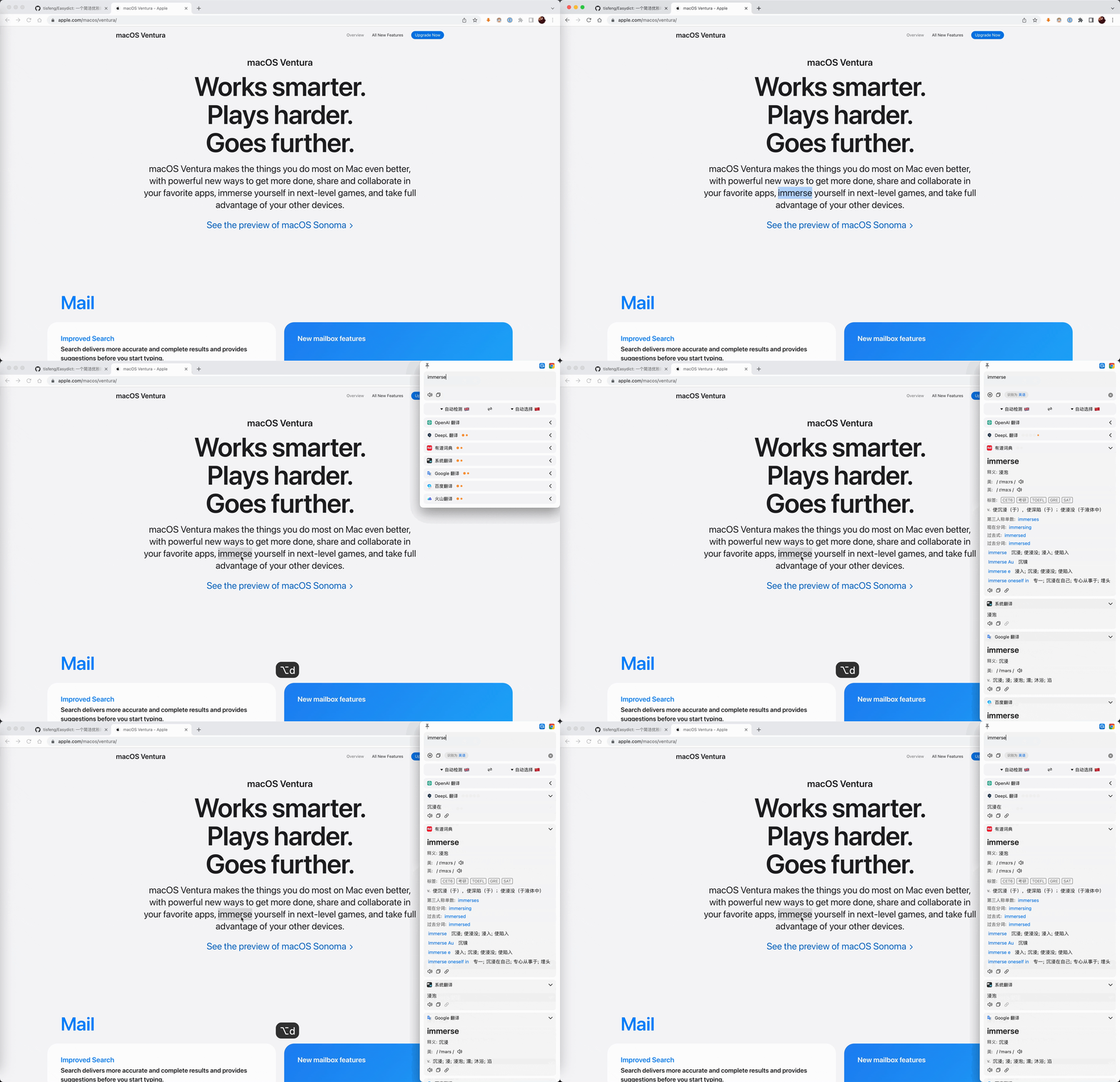
Easydict is ready to use out of the box, can automatically recognize the language of the input text, supports input translate, select translate, and OCR screenshot translate, and can query multiple translation services results at the same time.
Supported services: 20+ dictionary, translation, AI, local-model, and CLI services, including Apple Dictionary, MDict, Apple Translate, OpenAI, Gemini, Claude, DeepSeek, Ollama, Claude Code, Codex CLI, DeepL, Google, and Bing. See the services overview for the complete list and access requirements.
| 
|
Contributions through issues and pull requests are welcome. Read the Chinese contribution guide for the development workflow and pull request requirements.
We welcome contributions assisted by programming agents such as Codex and
Claude. Prefer the latest available GPT or Claude model suitable for complex
coding tasks, and carefully review and test the final changes. See the Chinese
contribution guide for the Agent workflow and
review requirements.
The maintainer has been quite busy recently and usually only has time to triage issues on weekends. PRs (especially bugfix PRs) are prioritized. Also, due to an overloaded inbox and notifications, some messages may not be seen or replied to promptly. Thanks for your understanding.
brew install --cask easydict
Download the latest release.
[!NOTE]
Latest version supports macOS 13.0+, for older systems please use 2.7.2
---
| Ways | Description | Preview |
| ------------------------- | -------------------------------------------------------------------------------------------------------------------------------------------- | ---------------------------------------------------------------------------------------------------------------------------------------------- |
| Input Translate | Press the input translate shortcut key (default ⌥ + A), enter the text to be translated, and Enter key to translate | 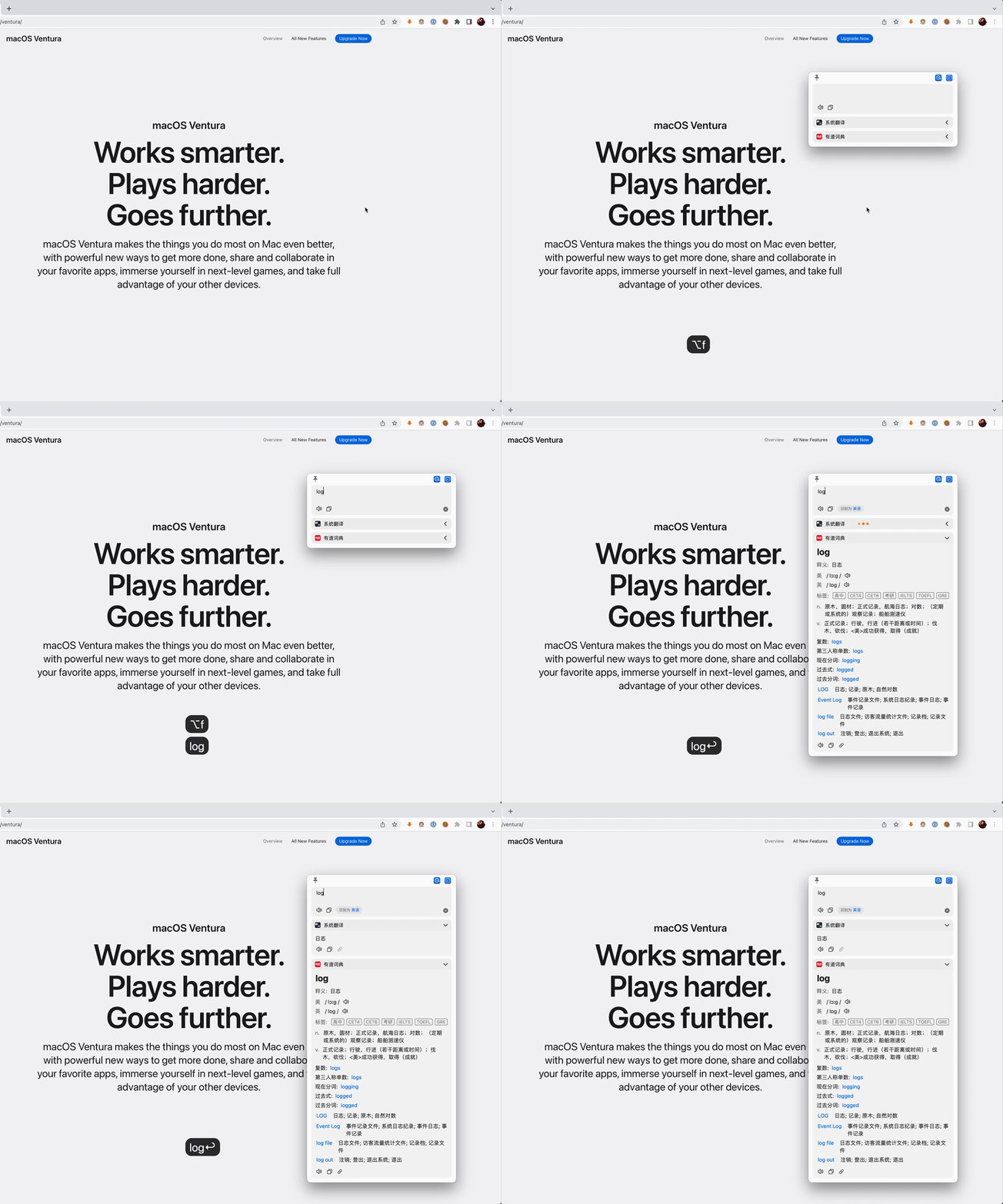 |
| Mouse Select Translate | The query icon is automatically displayed after the word is selected, and the mouse hovers over it to query |
|
| Mouse Select Translate | The query icon is automatically displayed after the word is selected, and the mouse hovers over it to query | 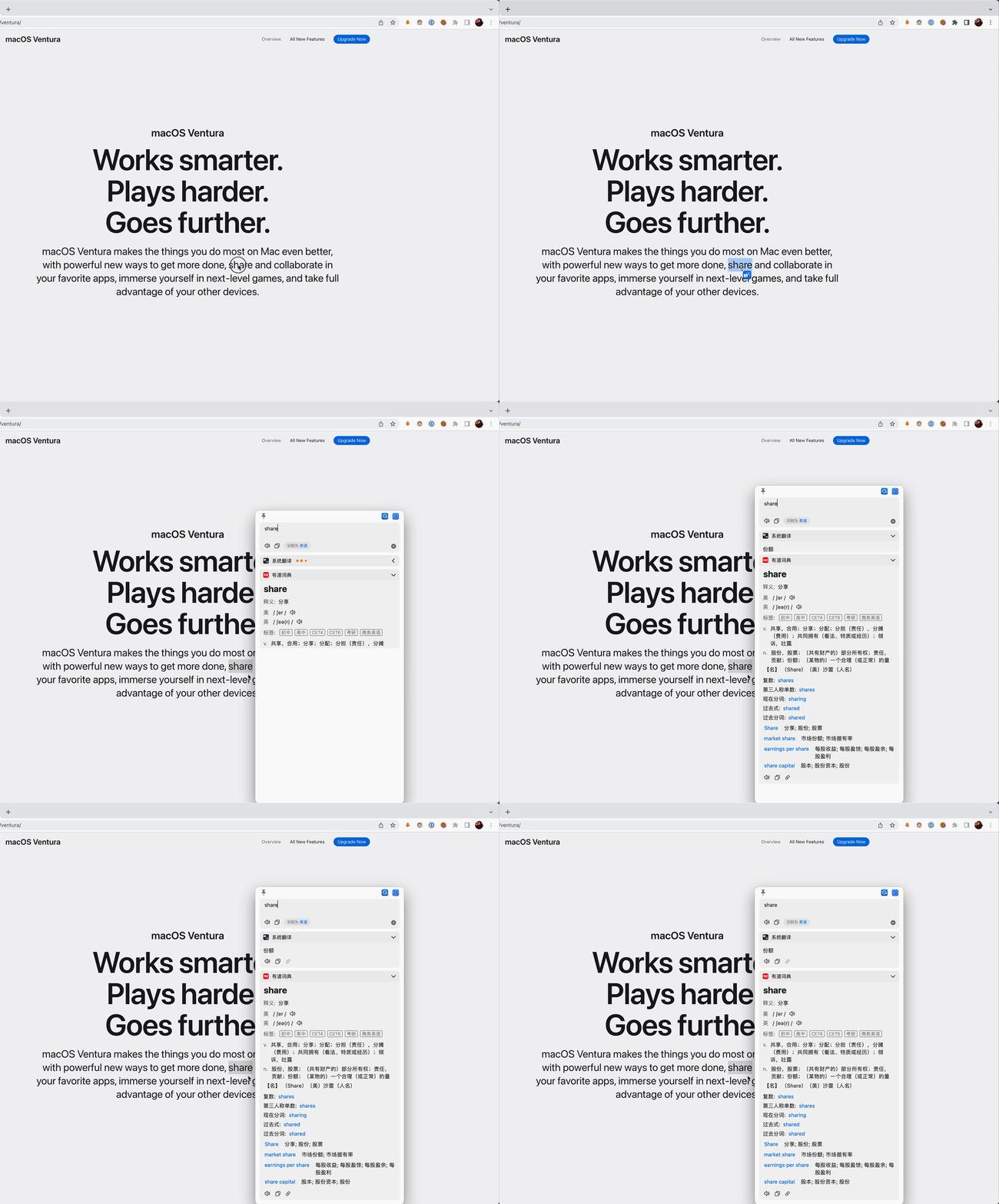 |
| Shortcut Select Translate | After selecting the text to be translated, press the shortcut key (default
|
| Shortcut Select Translate | After selecting the text to be translated, press the shortcut key (default ⌥ + D) | 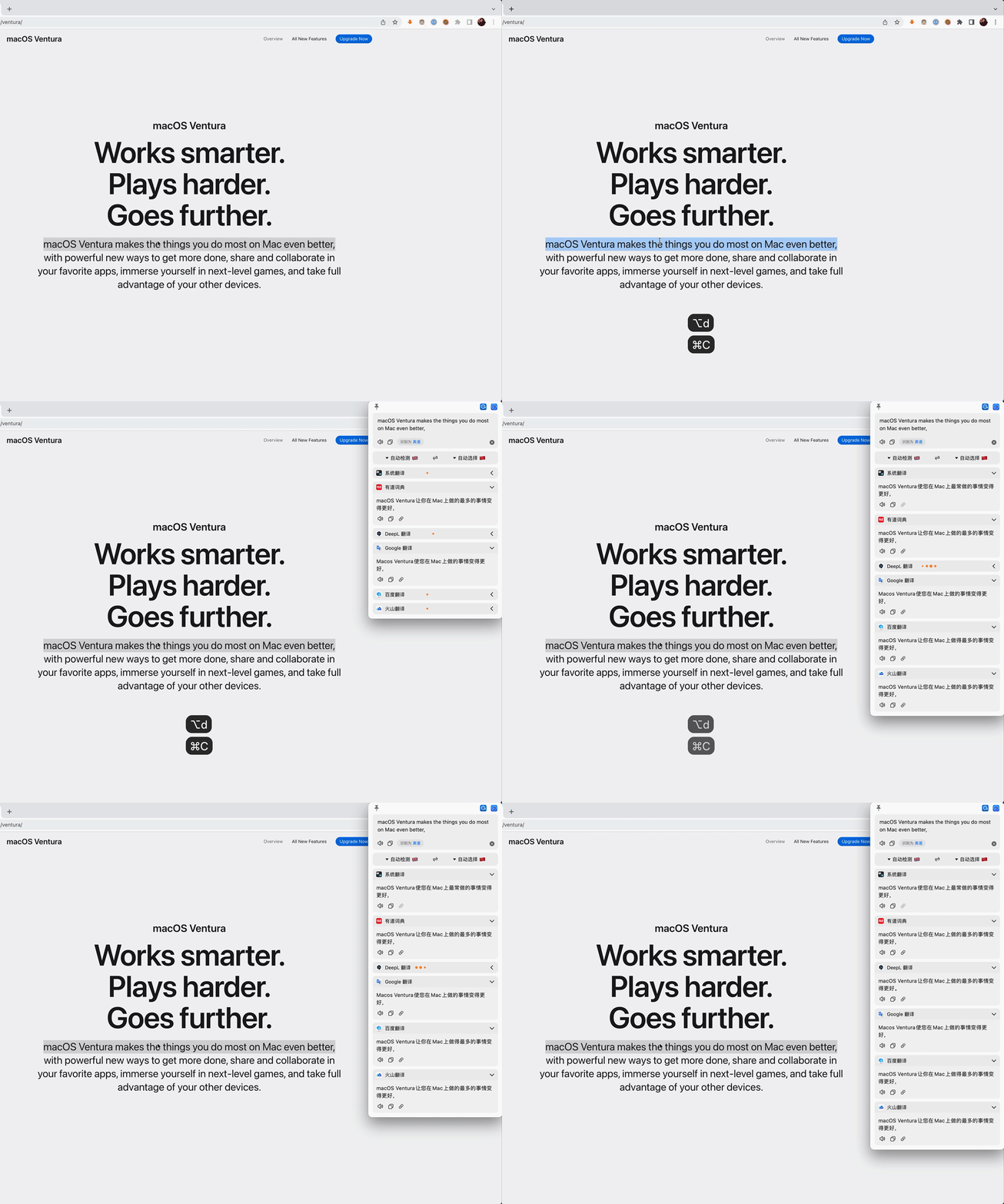 |
| Screenshot Translate | Press the screenshot translate shortcut key (default
|
| Screenshot Translate | Press the screenshot translate shortcut key (default ⌥ + S) to capture the area to be translated | 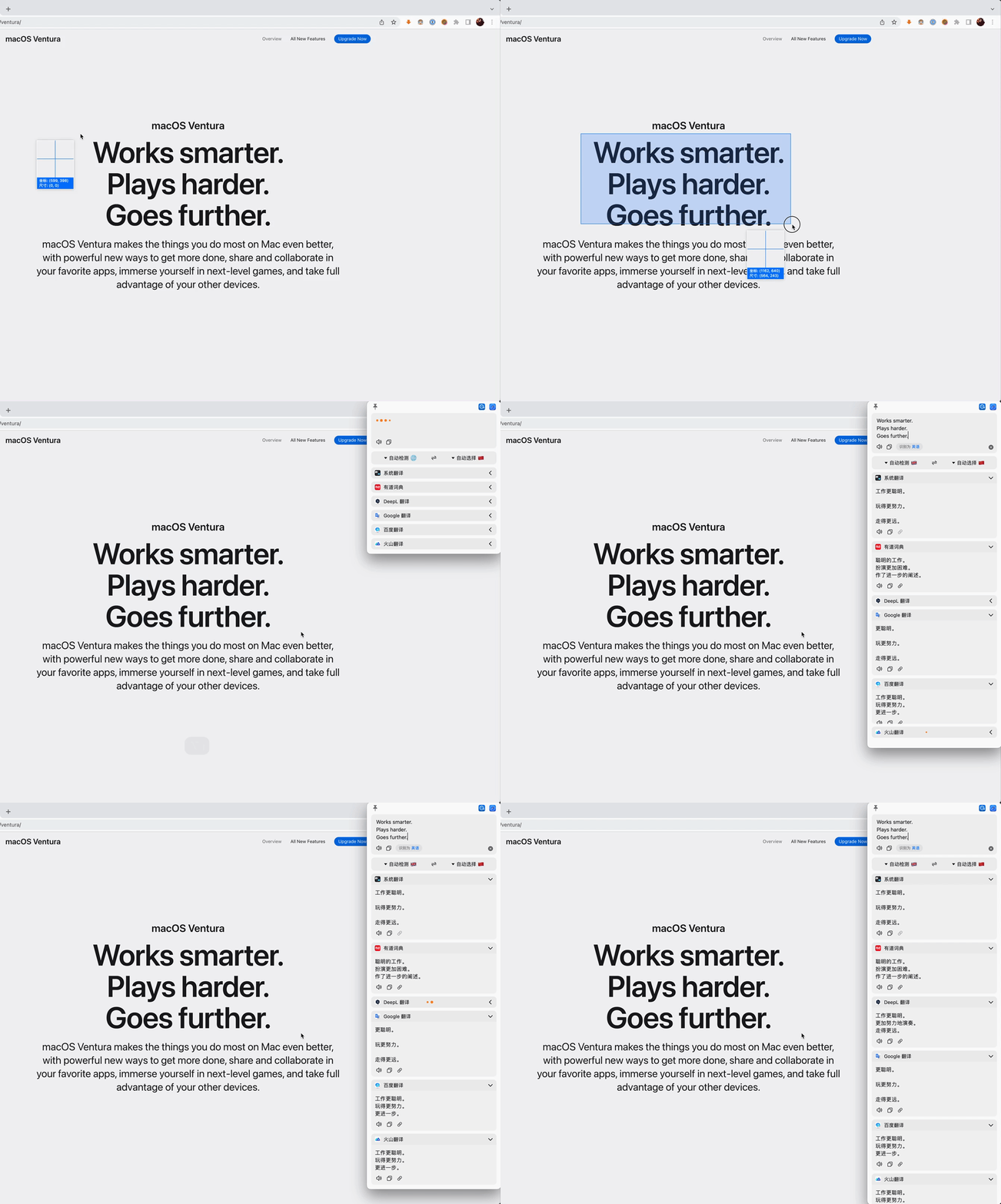 |
| Silent Screenshot OCR | Press the Silent Screenshot shortcut key(default
|
| Silent Screenshot OCR | Press the Silent Screenshot shortcut key(default ⌥ + ⇧ + S)to capture the area, the OCR results will be copied directly to the clipboard | |
---
Easydict is licensed under the GPL-3.0 open source license, which is for learning and communication only. Anyone can get this product and source code for free. If you believe that your legal rights have been violated, please contact the author immediately. You can use the source code freely, but you must attach the corresponding license and copyright.
Easydict is a free and open source project, currently mainly developed and maintained by the author. If you like this project and find it helpful, you can consider sponsoring this project to support it, so that it can go further.
Thanks to @CanglongCl for providing the Apple Developer account, which solved the app signature issue, allowing more people to use Easydict conveniently.

Thanks to all sponsors for their generous support. For details, please see the Sponsor List.
---
→ →
→ →
→ →
→ →
→ →
→ →
→ →
→