1
 →
→
A cross-platform Flutter app that runs uncensored, 100% offline open-source AI models (GGUF) directly on your Android, iOS, or PC. No cloud, no filters, total privacy.
techjarves/Uncensored-Local-AI-Multiplatform is an open-source project on GitHub, mainly written in Dart. A cross-platform Flutter app that runs uncensored, 100% offline open-source AI models (GGUF) directly on your Android, iOS, or PC. It currently holds 1,185 stars and 276 forks with 0 open issues, and was last pushed on an unknown date (repository created unknown).
AI Homed tracks it on the Today's Trending board.
Run unrestricted AI models entirely on your device.
No cloud. No filters. No limits.
Overview · Download · Features · Quick Start · Local API · Roadmap
---
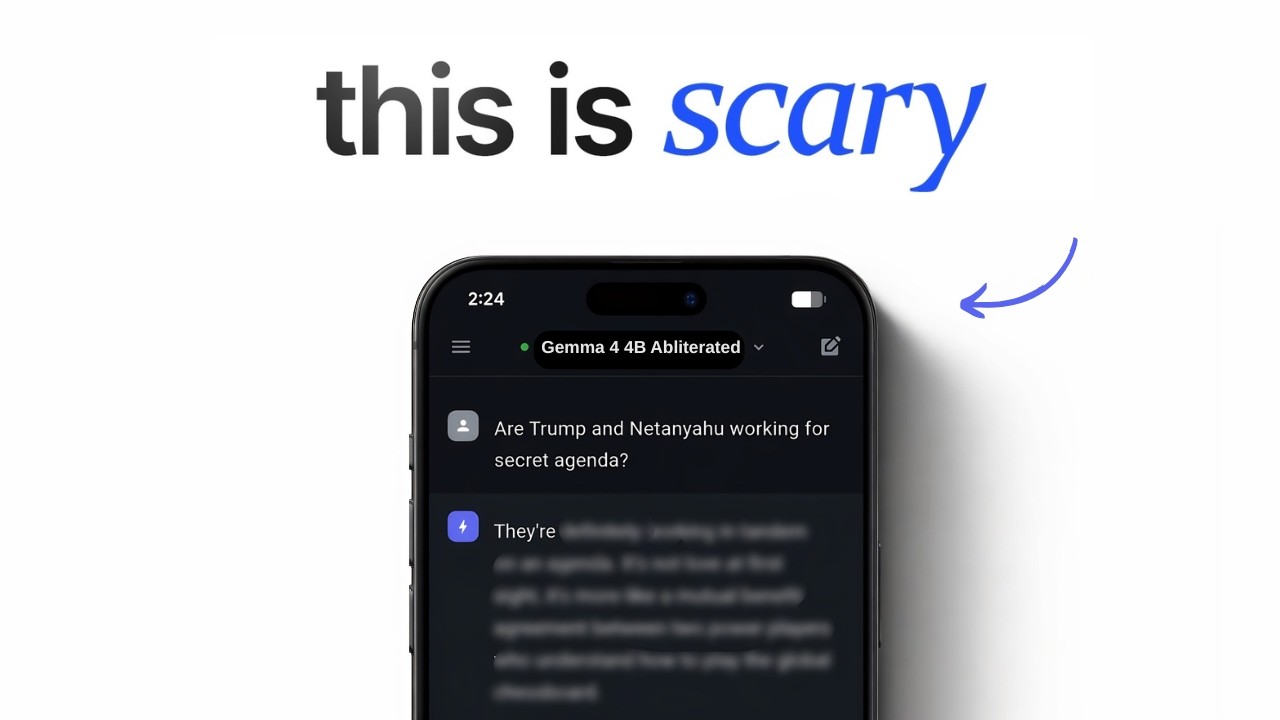
Uncensored Local AI is a mobile-first application that runs powerful open-source AI models directly on your Android or iOS device — with zero censorship, zero cloud dependency, and zero monthly fees.
No API keys. No subscriptions. No content restrictions. Your conversations never leave your device.
Think of it as ChatGPT — but running on your phone, with no rules.
Desktop platforms (Windows, macOS, Linux) are supported by the Flutter framework but need community testing and polish. We'd love your help!
🎥 Watch the Setup & Demo Video: https://youtu.be/2Pnv68iHIaQ
---
| APK | Architecture | Best For | Size | |-----|-------------|----------|------| | app-arm64-v8a-release.apk | ARM 64-bit | Most phones (2018+) | ~65 MB | | app-armeabi-v7a-release.apk | ARM 32-bit | Older/budget phones | ~18 MB | | app-x86_64-release.apk | x86 64-bit | Emulators / ChromeOS | ~58 MB |
Not sure which to pick? Download arm64-v8a — it works on virtually all modern Android phones.
| File | Note |
|------|------|
| ios_pre_release.zip | Important: You must extract this .zip file after downloading to get the actual .ipa app file to install. |
---
| Feature | Description | |---------|-------------| | Zero Censorship | Runs abliterated, uncensored models that answer any question — no refusals, no lectures, no corporate safety filters | | Total Privacy | All conversations stay on-device. Nothing is sent to any server, ever | | Fully Offline | Works on planes, in remote areas, on restricted networks — no internet needed after model download | | Cross-Platform | One codebase for Android, iOS, Windows, macOS, and Linux | | Local OpenAI API | Built-in HTTP server compatible with any OpenAI-standard client | | Model Library | Download, import, and manage GGUF models directly in the app | | Chat History | Persistent conversation history stored locally via Hive | | Live Metrics | Real-time tokens/sec and loading progress tracking |
---
1. Download the correct APK from the Download table above 2. On your phone: Settings → Install unknown apps → allow your browser 3. Tap the downloaded APK to install 4. Open the app, go to Models tab, download a model, and start chatting
1. Sideloading via TrollStore (Recommended - No 7 day limit):
1. Download ios_pre_release.zip to your device.
2. Unzip/extract it using the built-in iOS Files app to get the .ipa file.
3. Open TrollStore, tap the + in the top right, and choose Install IPA File.
4. Select the extracted .ipa file and install.
2. Sideloading via AltStore / AltServer (Requires PC/Mac):
1. Ensure AltServer is running on your computer and AltStore is installed on your iPhone.
2. Download ios_pre_release.zip to your device and extract the .ipa file using the Files app.
3. Open AltStore on your device, go to My Apps, and tap the + at the top left.
4. Select the .ipa file to install (your device must be on the same Wi-Fi or connected via cable to your AltServer computer).
3. Build from Source:
Prerequisites: Mac with Xcode 15+ · Flutter SDK
git clone https://github.com/techjarves/Uncensored-Local-AI-Multiplatform.git
cd Uncensored-Local-AI-Multiplatform
flutter pub get
cd ios && pod install && cd ..
flutter build ios --release
Open ios/Runner.xcworkspace in Xcode and archive to deploy
Desktop builds compile successfully but may have rough edges. We are actively looking for contributors to help test and polish the desktop experience.
git clone https://github.com/techjarves/Uncensored-Local-AI-Multiplatform.git
cd Uncensored-Local-AI-Multiplatform
flutter pub get
flutter run -d windows   # or macos / linux
If you encounter issues on desktop, please open an issue — your feedback directly shapes the roadmap.
---
| Model | Size | Best For | Type | |-------|------|----------|------| | Gemma 2 2B | ~1.6 GB | Low-RAM phones, fast replies | Standard | | Gemma 4 E4B Heretic | ~5.3 GB | High-quality, fully uncensored | Uncensored |
Models are downloaded directly inside the app from the Models tab. No manual setup needed.
---
Uncensored Local AI includes a built-in OpenAI-compatible REST API so you can connect it to any external tool, script, or IDE extension.
1. Load a model in the app
2. Go to Settings → Local API Server and toggle it ON
3. Use http://127.0.0.1:4891/v1 as your base URL
# List loaded models
curl http://127.0.0.1:4891/v1/models
Chat completion (non-streaming)
curl http://127.0.0.1:4891/v1/chat/completions \
  -H "Content-Type: application/json" \
  -d '{"model":"local","messages":[{"role":"user","content":"Tell me something true that no one wants to hear."}]}'
Chat completion (streaming)
curl -N http://127.0.0.1:4891/v1/chat/completions \
  -H "Content-Type: application/json" \
  -d '{"model":"local","stream":true,"messages":[{"role":"user","content":"Write a brutally honest analysis of social media."}]}'
API Key: Use local for any client that requires a non-empty key value.
---
| Feature | Status | |---------|--------| | On-device uncensored AI chat | Launched | | Real-time model loading with progress | Launched | | Cancel & unload models | Launched | | Persistent chat history sidebar | Launched | | Local OpenAI-compatible API server | Launched | | Custom model import (URL + file) | Launched | | Multi-platform support | Launched | | AI Agent Mode | In Progress | | Web search integration | Planned | | Voice interaction | Planned | | Image/vision model support | Planned |
---
All contributions are welcome — and we especially need help from the community in these areas:
| Area | What's Needed | |------|---------------| | Windows | Testing, packaging, installer script | | macOS | Testing, App Store prep, notarization | | Linux | Testing on distros, AppImage build | | General | Bug reports, feature ideas, UI improvements |
If you own a desktop device and can test the app — please do! Even a simple "works" or "crashes on X" issue report is incredibly valuable.
# Fork → Clone → Branch → Code → Push → PR
git checkout -b fix/windows-model-loading
git commit -m "fix: resolve model path on Windows"
git push origin fix/windows-model-loading
Open a Pull Request — all sizes welcome
---
Licensed under the MIT License — free to use, modify, and distribute. See LICENSE for full details.
---
→ →
→ →
→ →
→ →
→ →
→ →
→ →
→