1
 →
→
Code for Motion Representations for Articulated Animation paper
snap-research/articulated-animation is an open-source project on GitHub, mainly written in Jupyter Notebook. Code for Motion Representations for Articulated Animation paper It currently holds 1,277 stars and 349 forks with 0 open issues, and was last pushed on an unknown date (repository created unknown).
AI Homed tracks it on the AI Video Projects board and on the AI AI Video Projects list.
This repository contains the source code for the CVPR'2021 paper Motion Representations for Articulated Animation by Aliaksandr Siarohin, Oliver Woodford, Jian Ren, Menglei Chai and Sergey Tulyakov.
For more qualitiative examples visit our project page.
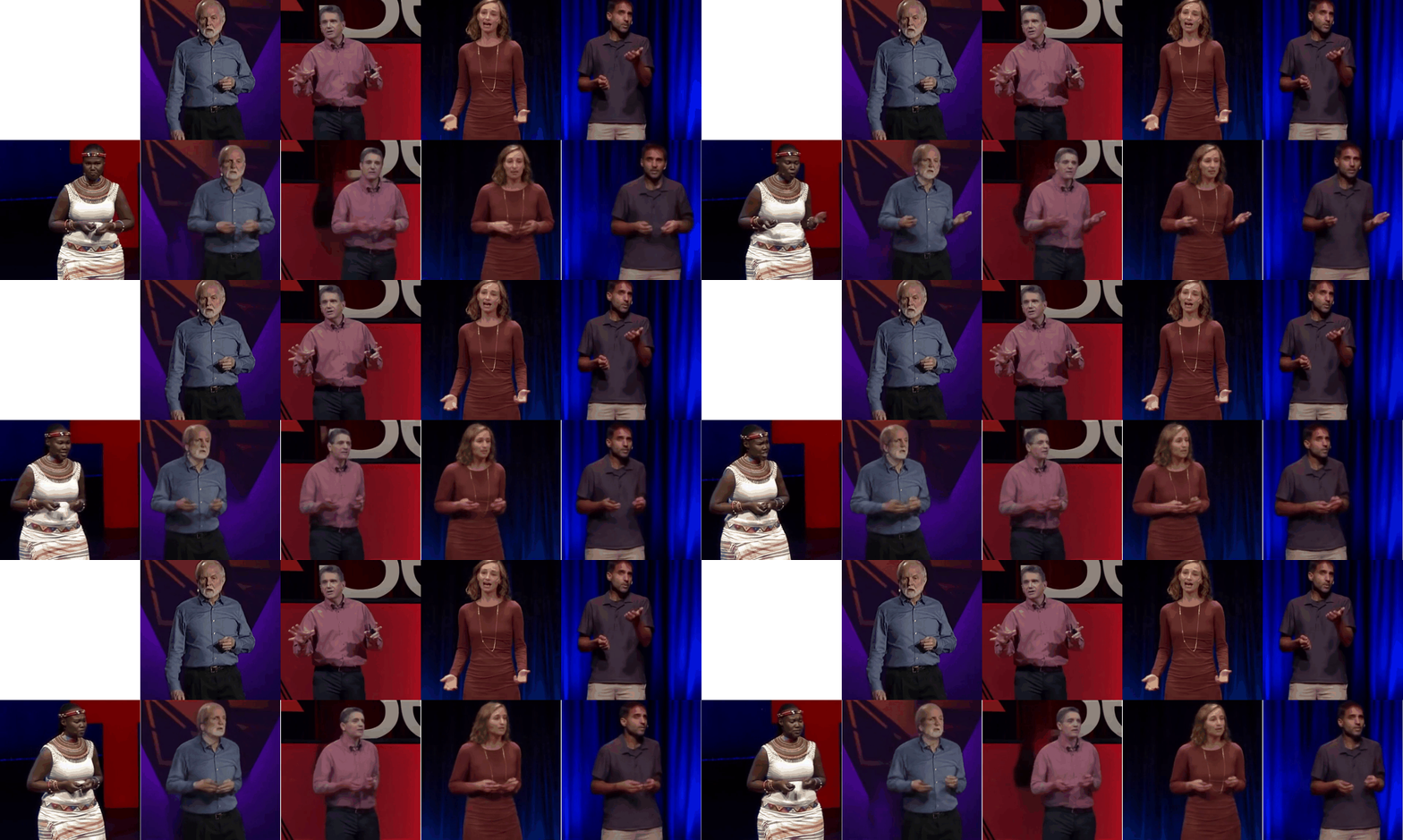
Here is an example of several images produced by our method. In the first column the driving video is shown. For the remaining columns the top image is animated by using motions extracted from the driving.
We support ``python3``. To install the dependencies run:
pip install -r requirements.txt
There are several configuration files one for each dataset in the config folder named as ``config/dataset_name.yaml`. See `config/dataset.yaml`` to get the description of each parameter.
See description of the parameters in the ``config/vox256.yaml``. We adjust the the configuration to run on 1 V100 GPU, training on 256x256 dataset takes approximatly 2 days.
python demo.py --config config/dataset_name.yaml --driving_video path/to/driving --source_image path/to/source --checkpoint path/to/checkpoint
result.mp4`. To use Animation via Disentaglemet add `--mode avd`, for standard animation add `--mode standard`` instead.
demo.ipynb``.
To train a model run:
CUDA_VISIBLE_DEVICES=0 python run.py --config config/dataset_name.yaml --device_ids 0
log.txt``.
You can also check training data reconstructions in the ``train-vis`` subfolder.
Then to train Animation via disentaglement (AVD) use:
CUDA_VISIBLE_DEVICES=0 python run.py --checkpoint log/{folder}/cpk.pth --config config/dataset_name.yaml --device_ids 0 --mode train_avd
{folder}`` is the name of the folder created in the previous step. (Note: use backslash '\' before space.)
This will use the same folder where checkpoint was previously stored.
It will create a new checkpoint containing all the previous models and the trained avd_network.
You can monitor performance in log file and visualizations in train-vis folder.
To evaluate the reconstruction performance run:
CUDA_VISIBLE_DEVICES=0 python run.py --config config/dataset_name.yaml --mode reconstruction --checkpoint log/{folder}/cpk.pth
{folder}`` is the name of the folder created in the previous step. (Note: use backslash '\' before space.)
The ``reconstruction`` subfolder will be created in the checkpoint folder.
The generated video will be stored to this folder, also generated videos will be stored in ``png`` subfolder in loss-less '.png' format for evaluation.
Instructions for computing metrics from the paper can be found here.
git clone https://github.com/AliaksandrSiarohin/video-preprocessing
cd video-preprocessing
python load_videos.py --metadata ../data/ted384-metadata.csv --format .mp4 --out_folder ../data/TED384-v2 --workers 8 --image_shape 384,384
2) Create a folder ``data/dataset_name` with 2 subfolders `train` and `test`, put training videos in the `train` and testing in the `test``.
3) Create a config file ``config/dataset_name.yaml`. See description of the parameters in the `config/vox256.yaml`. Specify the dataset root in dataset_params specify by setting `root_dir: data/dataset_name`. Adjust other parameters as desired, such as the number of epochs for example. Specify `id_sampling: False`` if you do not want to use id_sampling.
Citation:
@inproceedings{siarohin2021motion,
        author={Siarohin, Aliaksandr and Woodford, Oliver and Ren, Jian and Chai, Menglei and Tulyakov, Sergey},
        title={Motion Representations for Articulated Animation},
        booktitle = {CVPR},
        year = {2021}
}
 →
→ →
→ →
→ →
→ →
→ →
→ →
→