rusty4444/hermes-android is an open-source project on GitHub, mainly written in Dart. Android client for Hermes Agent - chat with your Hermes sessions from a phone or tablet over local Wi-Fi or a private Tailscale network. It currently holds 475 stars and 97 forks with 18 open issues, and was last pushed on 2026-11-02 (repository created 2026-05-27).
AI Homed tracks it on the Today's Trending board, currently at rank #71 with 2 new stars today.
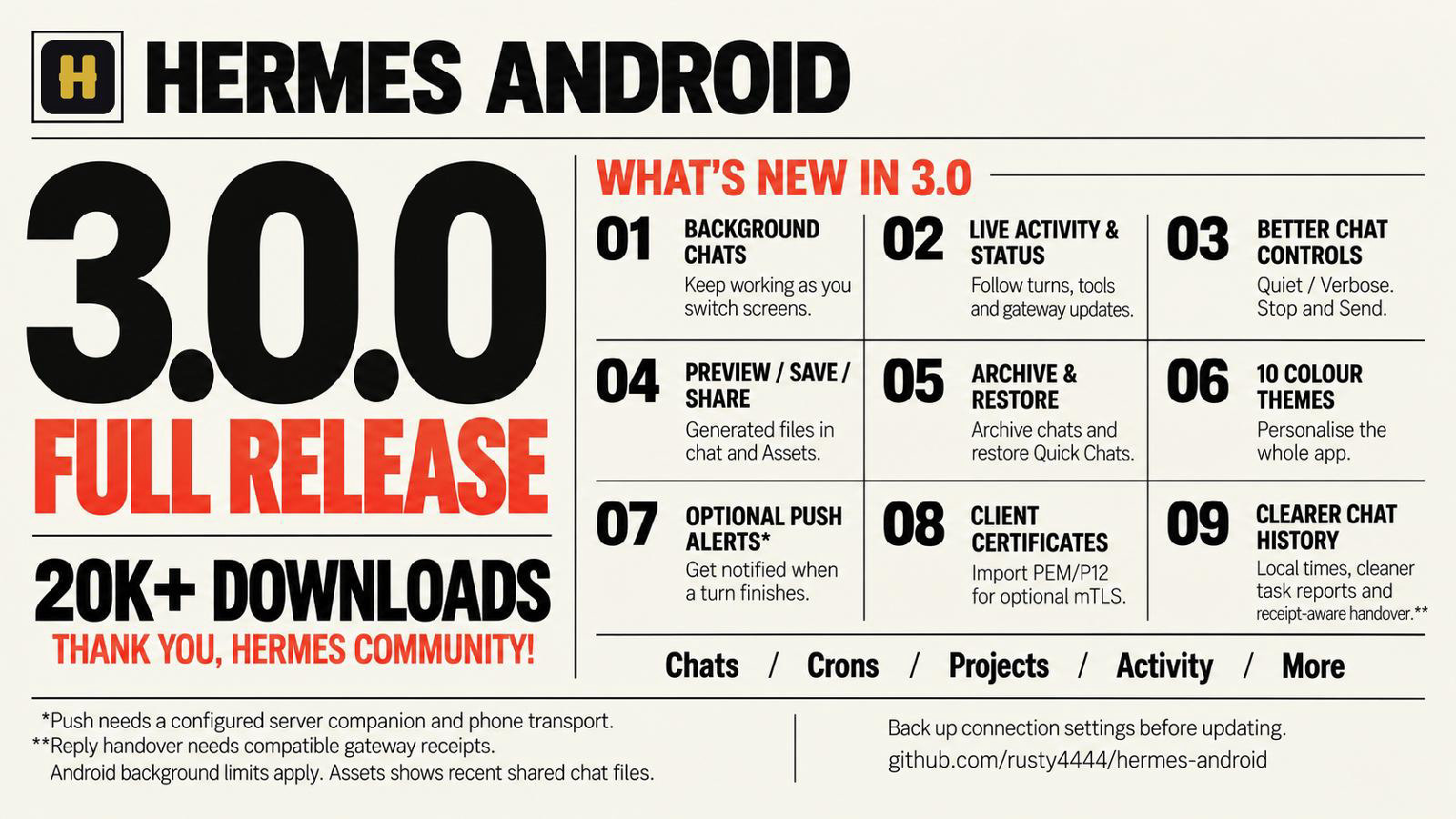
Hermes Android v3.2.1
Android client for Hermes Agent — chat with your Hermes sessions from a phone or tablet over local Wi-Fi or a private Tailscale network.
Screenshots
Ten fresh Android emulator captures, each using a different colour palette. These show the production-signed RC3 UI retained in 3.0.0, with illustrative demo conversations and files rather than private account data. The live-work example uses a local test gateway, not a model response. See capture details.
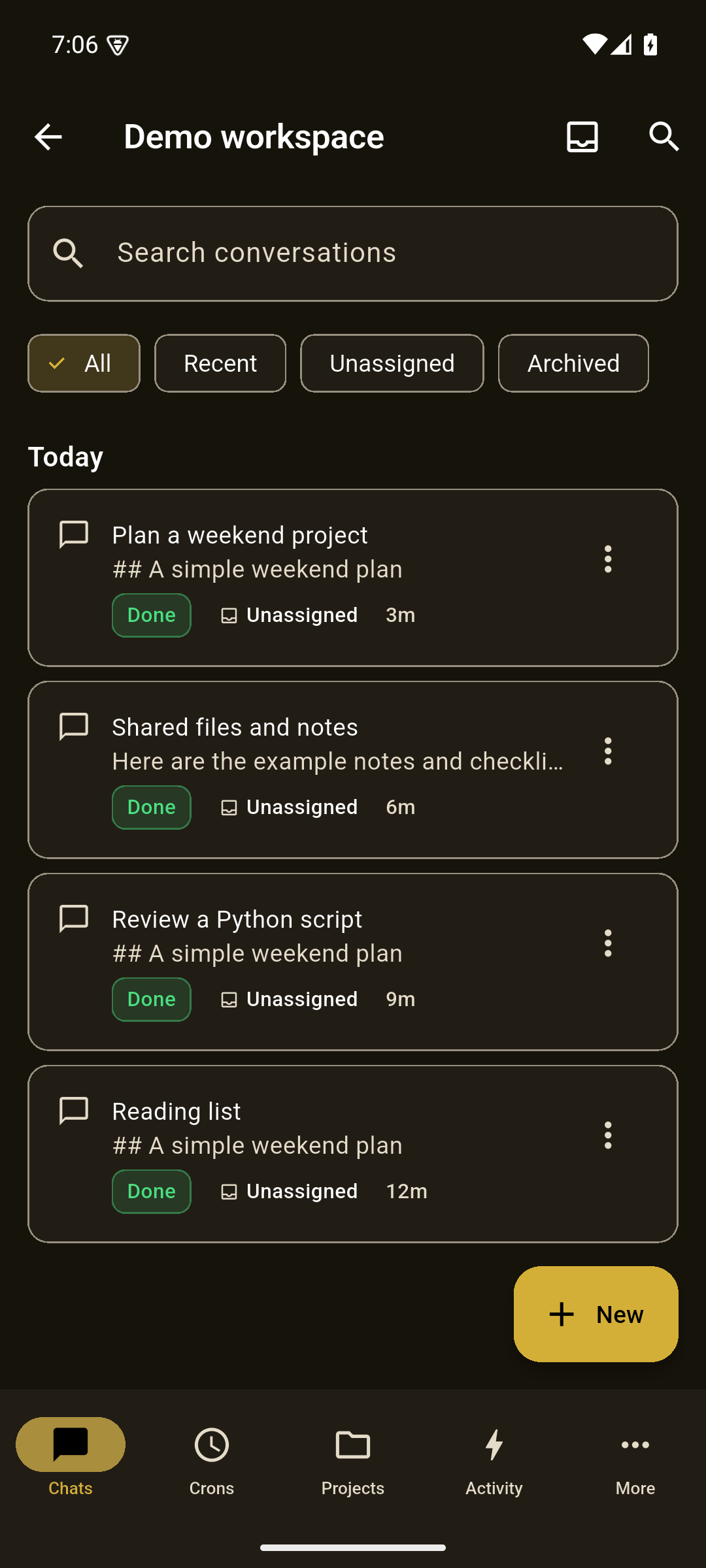
Chats · Gold · dark |
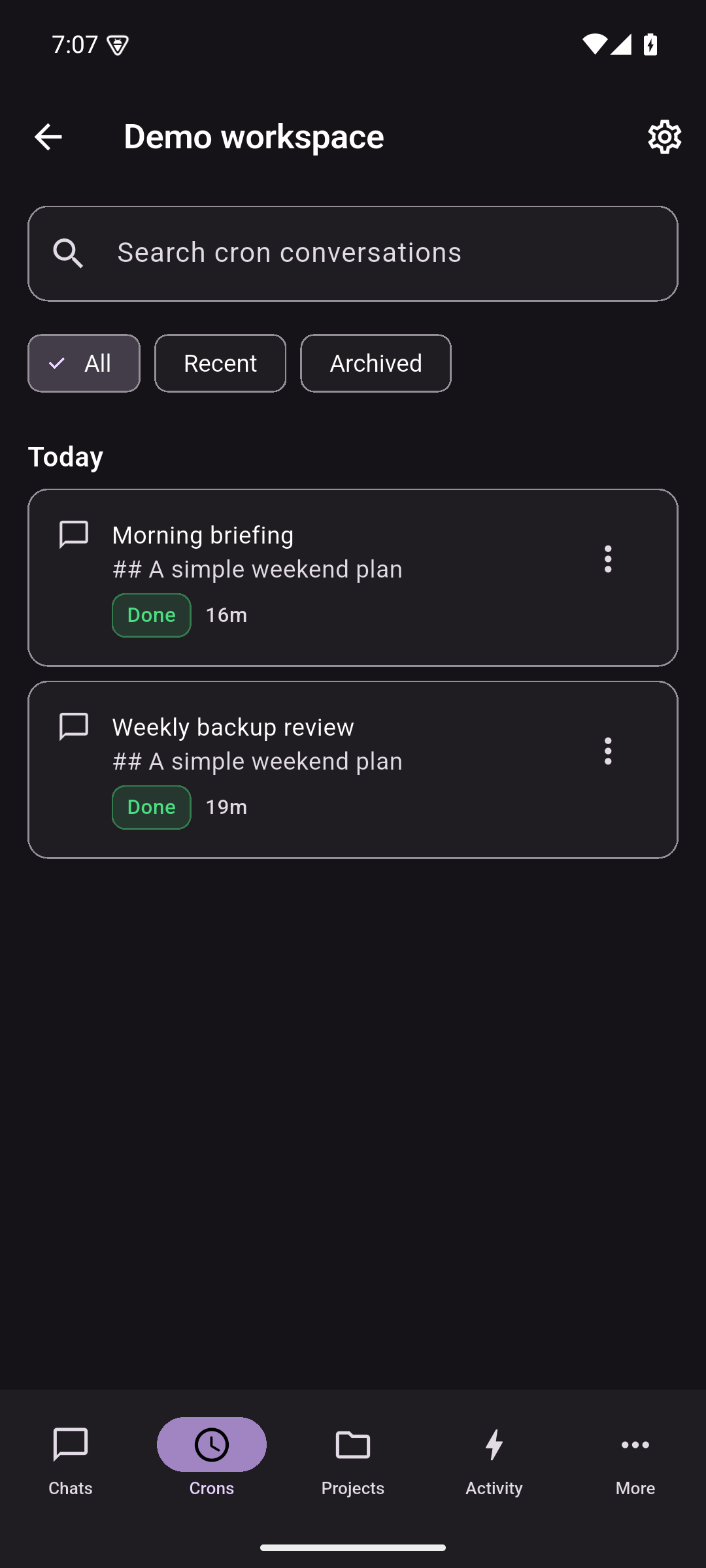
Crons · Purple · dark |
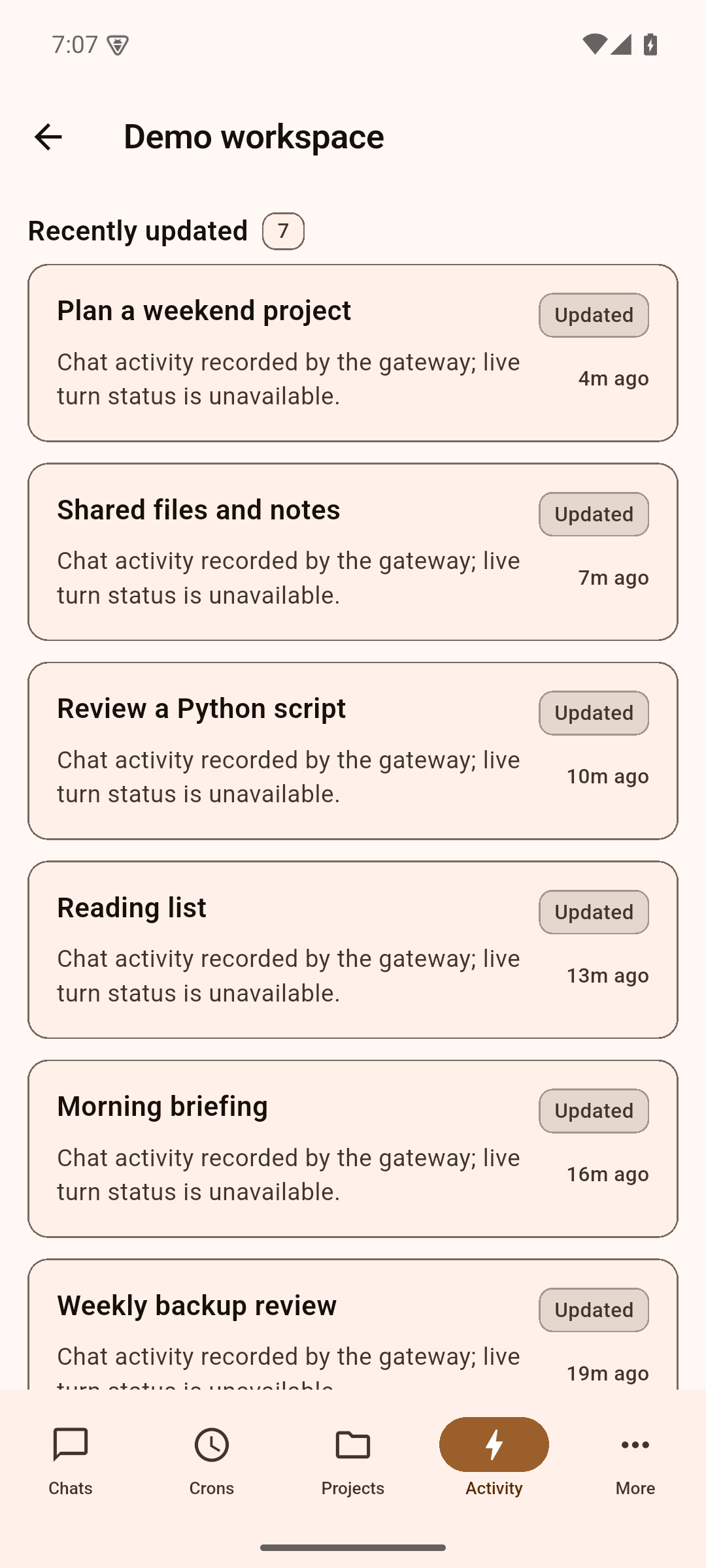
Activity · Orange · light |
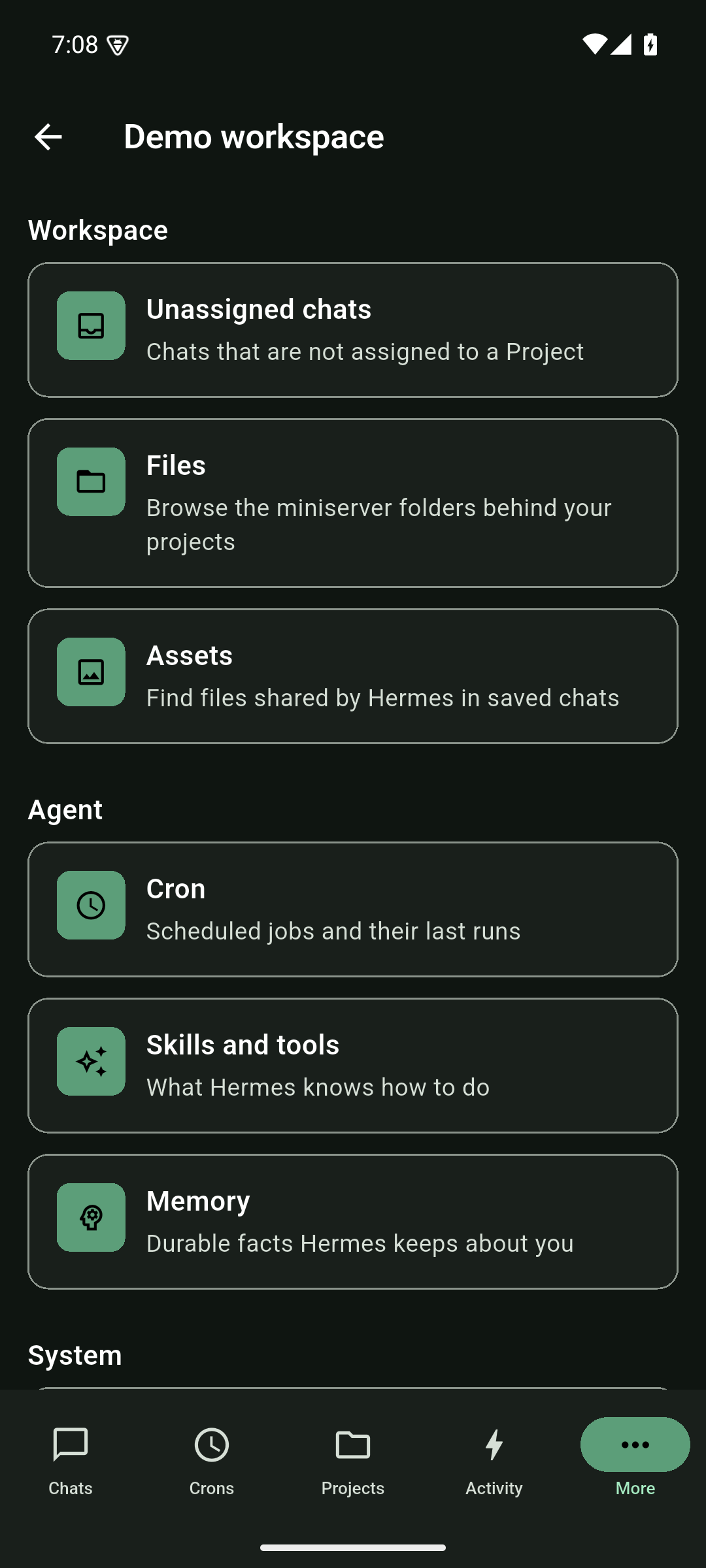
More · Green · dark |
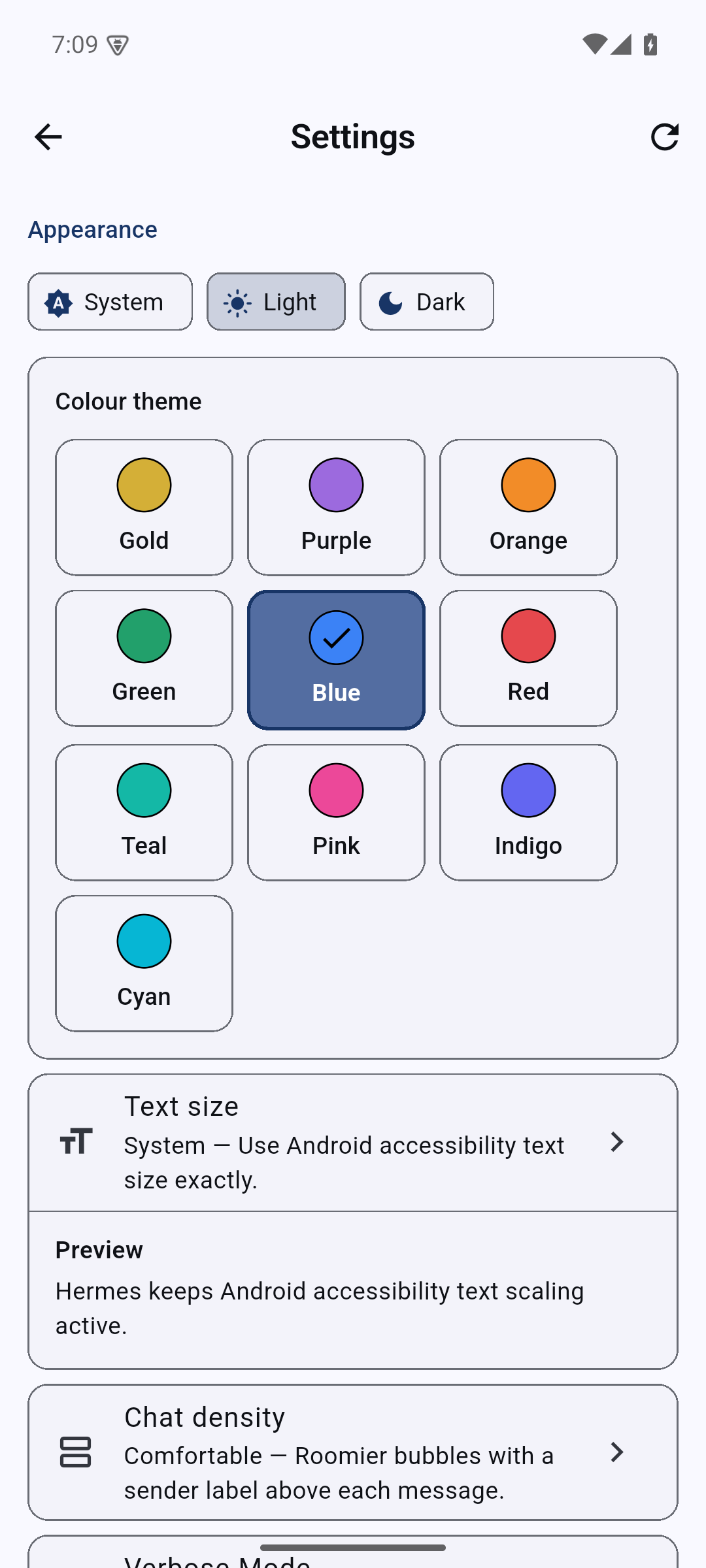
Settings · Blue · light |
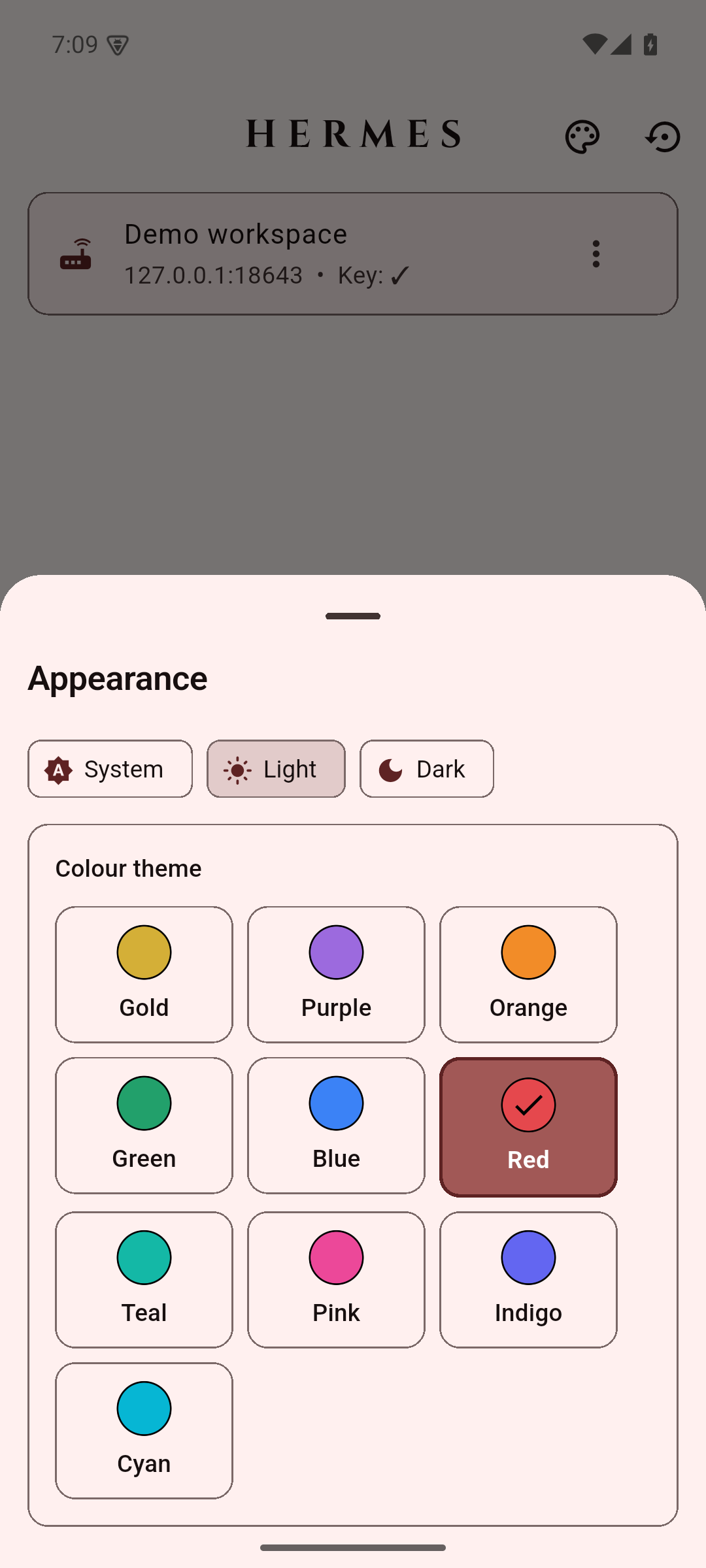
Appearance · Red · light |
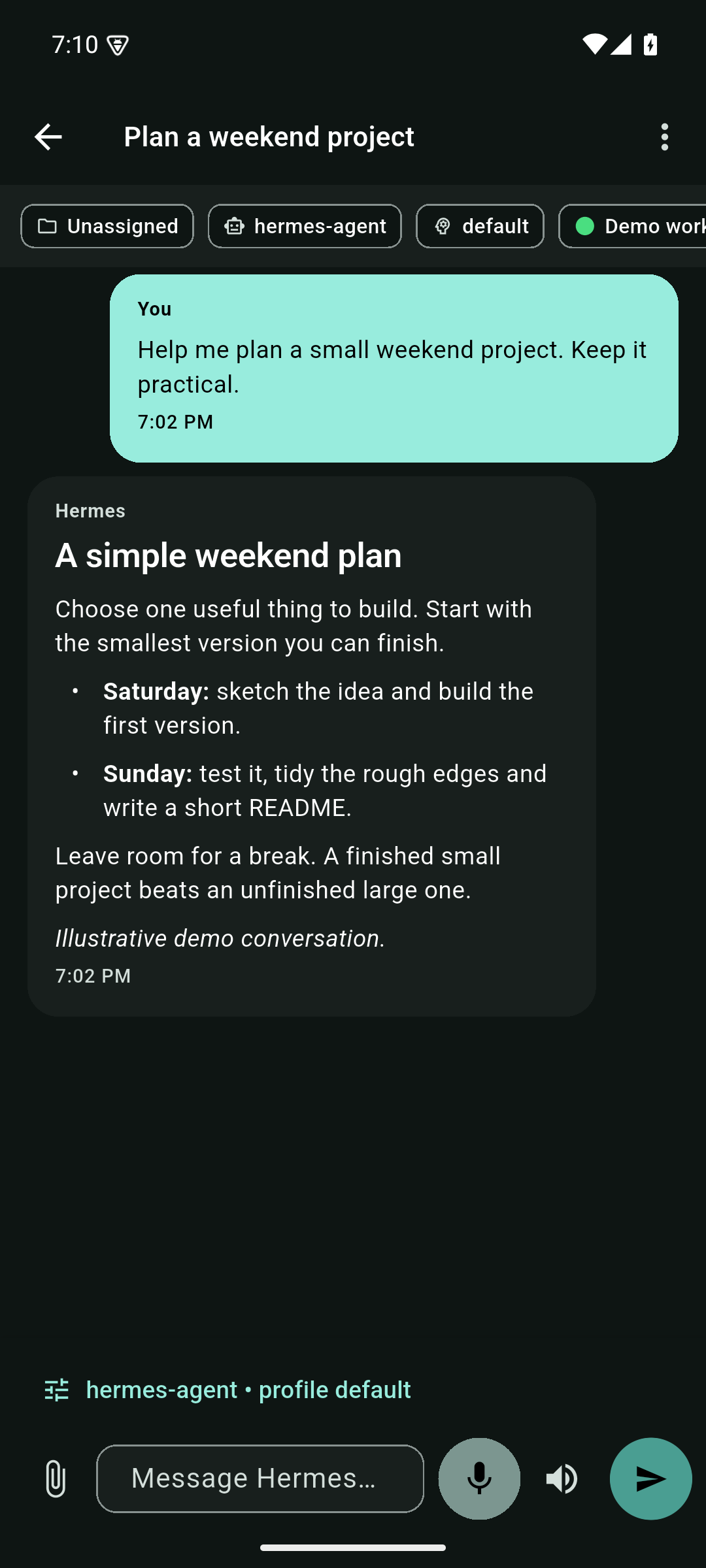
Conversation · Teal · dark |
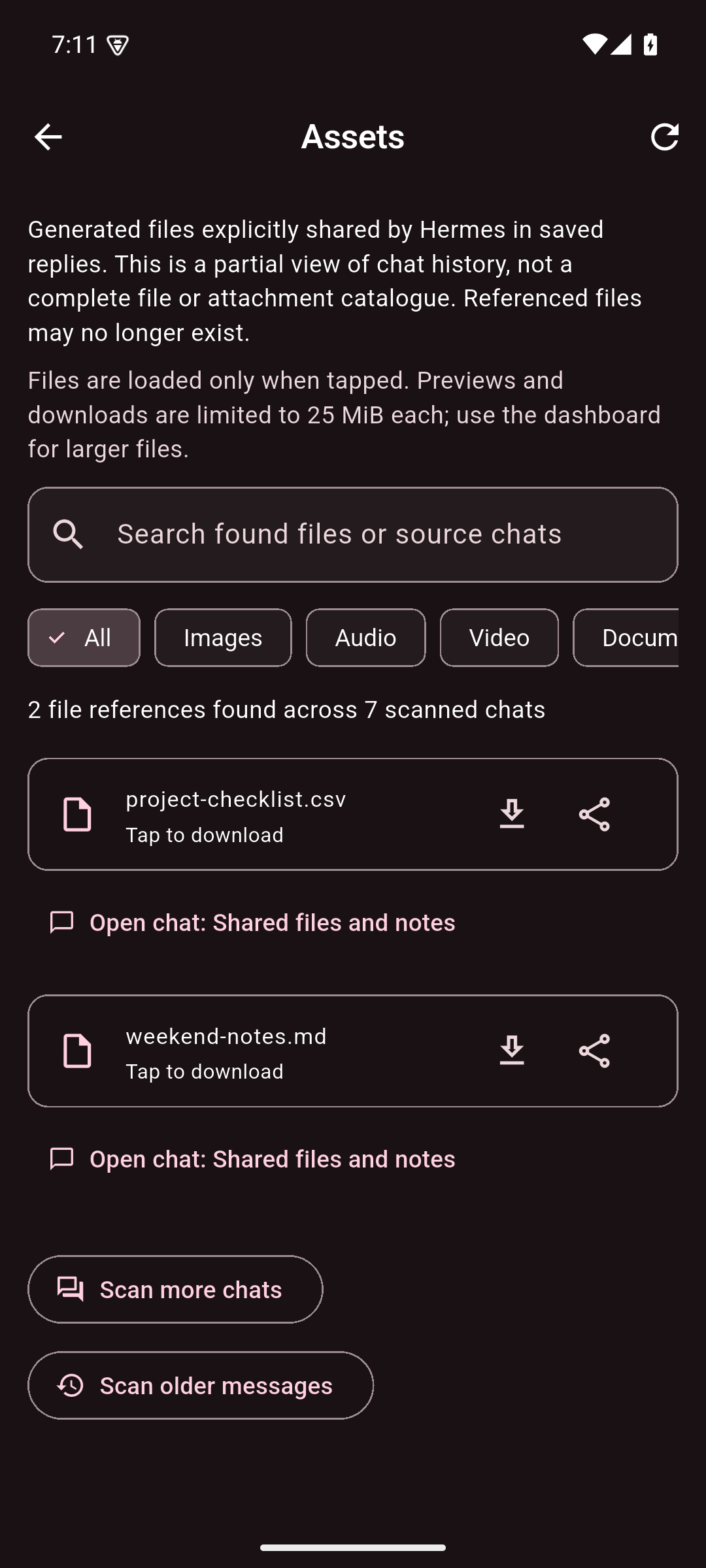
Assets · Pink · dark |
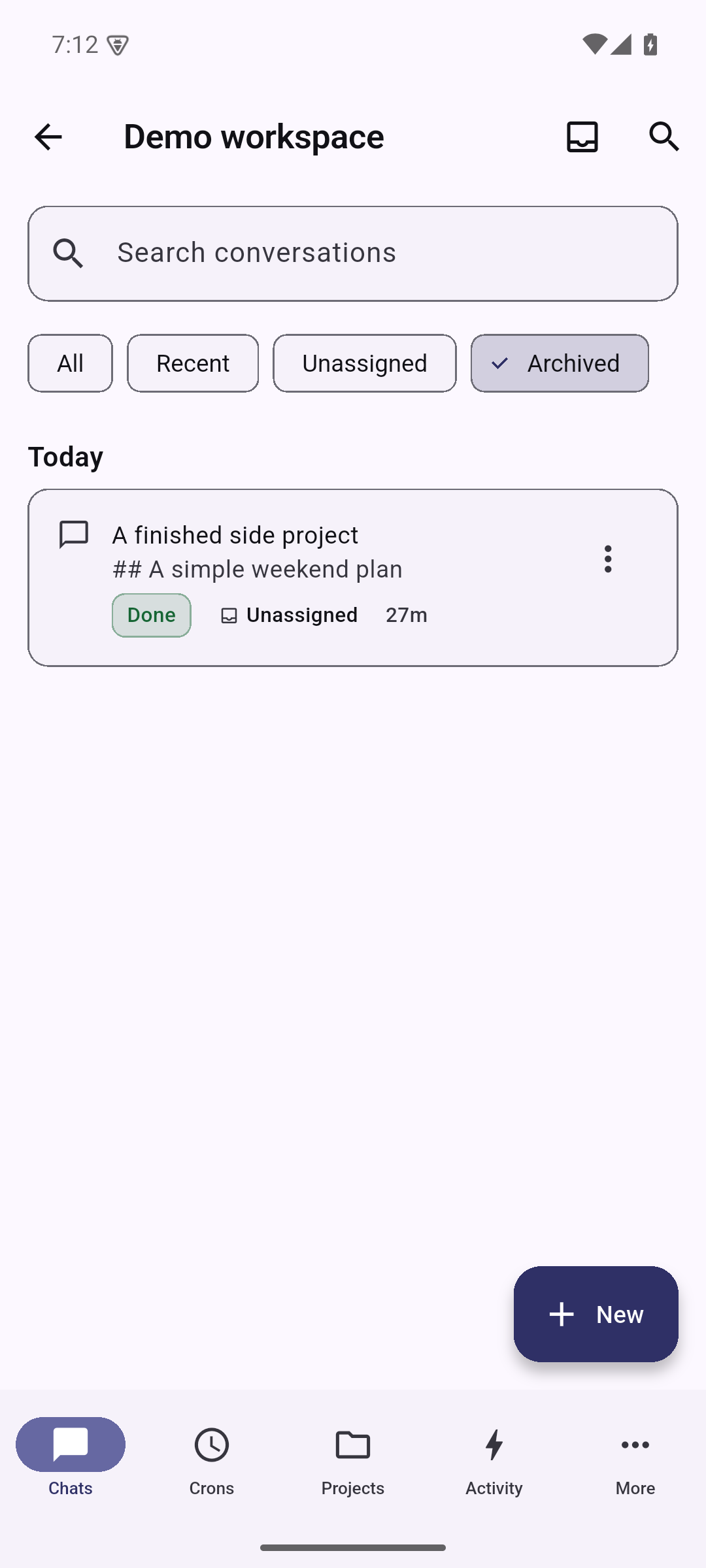
Archived chats · Indigo · light |
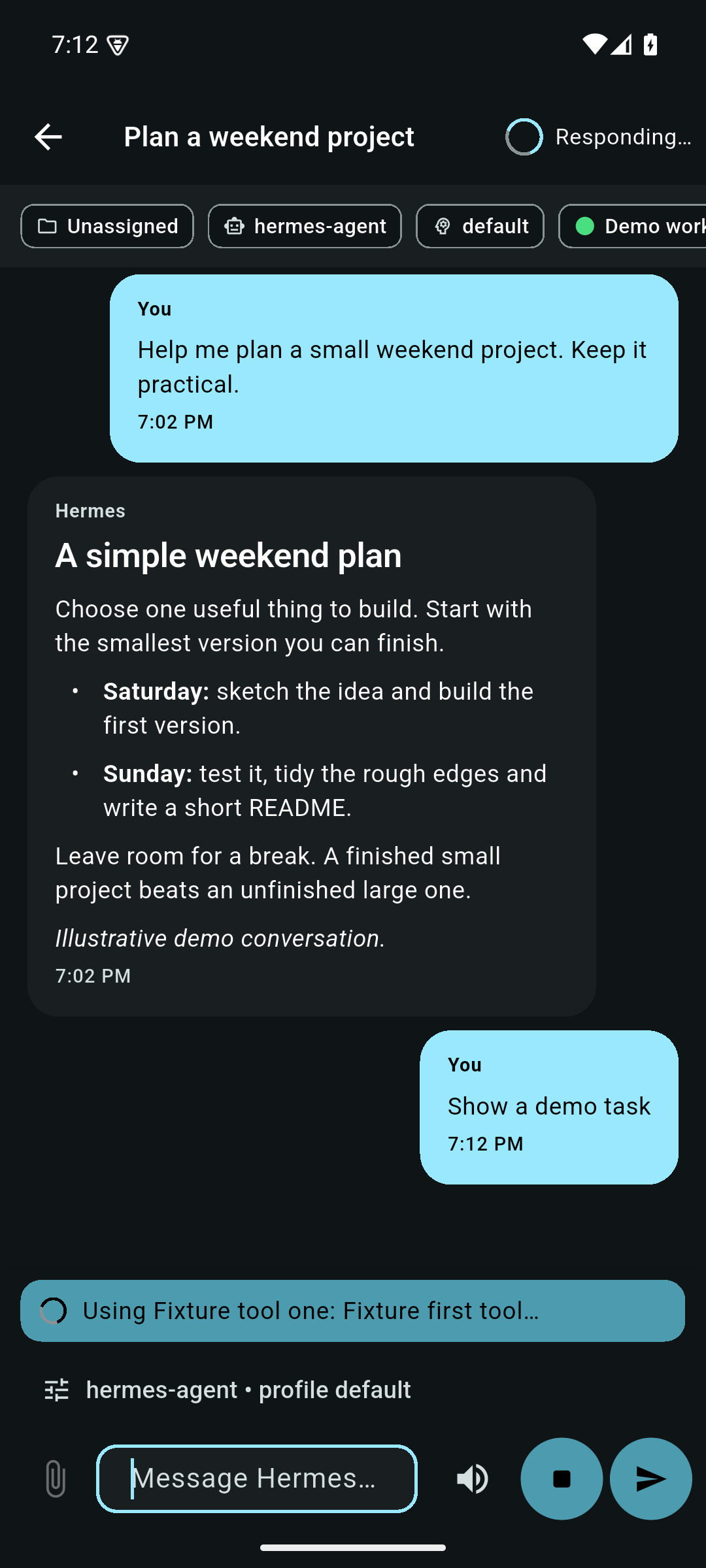
Live work and Stop/Send · Cyan · dark |
v2.0.0 merges the community Remote Gateway edition contributed by
@CristianGCiocoi, with review and
testing from @AI-Guru and
@grunjol. The merge brings a unified Desktop
Gateway JSON-RPC transport, per-chat model selection, multi-attachment uploads,
durable turn recovery, voice dictation, and a comprehensive test suite.
See CHANGELOG.md for the full list and the
merge PR thread for
the community discussion.
Current release
3.2.1 (base build 3027) adds search by model ID or provider in the
per-chat model picker. Filtering retains your selection; Apply is explicit.
Scrollable content and wrapping actions improve compact/large-text keyboard use.
The production package and signer are unchanged. Install over the existing app;
do not uninstall or clear app data.
Publication is pending the tag workflow. Until its assets are verified, use
verified stable 3.2.0.
| Download | Device | Version code |
| --- | --- | --- |
| ARM64 APK | Most current Android phones/tablets | 30272 |
| ARMv7 APK | Older 32-bit ARM devices | 30271 |
| x86_64 APK | x86_64 Android devices/emulators | 30273 |
Release and checksums · 3.2.1 release notes · Full changelog
Debug builds use the separate com.hermesagent.hermes_android.dev package and Android debug certificate. Older production APKs have lower version codes; downgrading can require uninstalling and restoring a backup.
Before updating
- Updating the APK does not install or configure Hermes host software or the optional mobile-push server companion.
- Quiet mode requires completion metadata for each reply. If an older gateway's saved answers are missing in quiet mode, enable Verbose Mode. Saved/live duplicate handover also needs the gateway's optional complete
persisted_turn receipt and fresh history; older gateways can retain both sources.
- Assets is partial discovery of shared files, not a complete attachment or filesystem catalogue. Downloads are limited to 25 MiB per file.
- Protect encrypted backups and their passwords. Backups can contain connection secrets and imported client private keys. See the upgrade notes and compatibility limits.
Update checks
The app checks GitHub Releases on ordinary launches. An answered check limits requests to once every 12 hours; offline attempts may retry on the next launch. The dialog offers a newer build but does not download or install it. Later asks again on the next launch; Skip this version stays quiet until another version appears. Shares and Quick Chat shortcuts are not interrupted. In Settings → About, use Check for updates or disable Check for updates on launch. Backups include these choices, not HTTP response caches.
Background notifications: server setup required
Background push requires the paired mobile-push server companion, installed
and enabled separately for the saved connection's Hermes profile. Updating the
Android APK alone does not install it, and the phone's Refresh / retry only
rechecks availability—it cannot install server software.
The server operator must copy server/mobile-push into the profile's plugins,
generate a private VAPID key, authorise the verified dashboard login in the
companion's policy, and enable both the plugin and policy. Current Hermes plugin
enablement prepares its declared Python dependencies through package management.
Activate it in the dashboard and the gateway/turn processes that load its hooks
and sender worker: use supported live activation/reload, or restart affected
processes after draining active work when a new managed generation is selected.
Current host support is limited to the dashboard's launch profile in trusted
in-process mode; secondary-profile hosts cannot forward the required verified
login. Verify both the API and worker are active. Follow the
server installation runbook,
then enable Settings → Background notifications on the phone and grant Android
notification permission. See the phone setup guide.
Built-in Google-backed transport needs working Google Play Services on the
phone, but no Firebase project, Firebase credentials or separate distributor
app. An external UnifiedPush distributor is an optional phone transport, not the
server companion; Google-free devices need that alternative. Neither transport
removes the server prerequisite or guarantees background delivery.
Navigation in 3.0.0
The bottom bar is Chats → Crons → Projects → Activity → More. Chats is the
default screen; the separate Home tab has been removed.
- Chats lists human conversations with search and All, Recent, Unassigned
and Archived filters. A compact
Needs you / Running now section appears
above the list only when the device has observed relevant work.
Use
Chats → Archived for archived conversations, including expired Quick
Chats; the duplicate archive entry has been removed from More.
- Crons lists conversations produced by scheduled jobs, including older
runs and runs whose job has since been deleted. It has its own search and
All, Recent and Archived filters. Cron conversations do not appear in Chats.
The settings button opens the existing cron-job manager;
More → Cron
remains available too. Script-only jobs without a conversation are still
inspected through the job manager, not invented as chat sessions.
- Projects, Activity and More retain their existing roles.
Both conversation browsers show a small first preview while history loads.
Older history is not silently cut off after 2,000 rows. Archived history uses
the saved dashboard connection and profile; a failed read keeps available
rows and offers Retry rather than claiming the archive is empty.
Chat guidance and shared files
- Send while Hermes is working: the composer keeps separate Stop and
Send buttons. Remote Gateway sends text as guidance for the current run
without interrupting it. Legacy REST uses an explicitly labelled
Stop and
send action instead. See
Sending while Hermes is working.
- More → Assets browses generated files explicitly shared in saved Hermes
replies, plus recognised successful image-generation results. The same file
cards appear in the chat timeline, including filesystem Markdown links.
Tap to preview images, PDF pages, text or videos with playback controls.
In 3.0.1, videos start paused; DOCX, XLSX and PPTX have offline text previews
without original layout, images, charts or formatting. Use
Download to
choose a save destination, or
Share to send the original file to another
app. Legacy
.doc/
.xls/
.ppt, OpenDocument and other unsupported binaries
remain downloadable. History scans are incremental and downloads are lazy,
with a 25 MiB per-file limit. This is not a complete attachment or
filesystem catalogue. See
Browsing chat assets.
Remote Gateway edition highlights
- One Desktop Gateway JSON-RPC session for text, images, and files.
- Copy/select text, Read aloud, Stop, Edit and resend, Regenerate, and export.
- Up to 10 Remote Gateway attachments per draft, capped at 64 MiB total;
generic files retain the 16 MiB per-file limit.
- Paste more than 3,000 characters into a Remote Gateway chat to attach them as
paste.txt, keeping your instructions in the composer. Short pastes and REST
chats stay inline. See
Long pastes.
- File-backed app cache, metadata-sanitized JPEG/PNG/WebP images, ordered
sequential upload, accessible reordering, remove, and individual retry.
Sanitized JPEG inputs remain JPEG; PNG and WebP inputs are emitted as PNG.
- Legacy REST remains fail-closed to one image and does not expose multi-select.
- Per-chat model and thinking effort without changing the profile default.
The chat model picker searches model IDs and providers as you type (ignoring
case and surrounding spaces). Clear the search to restore the full list;
filtering does not change your selection until you choose a model and apply it.
- Search, Rename, Branch, and Delete for remote conversations.
- Rename a chat from its Chats row's action menu or the open chat's top-right
menu. The title saves to Hermes and appears on other devices after refresh;
REST-only connections also support Rename. See
Renaming chats.
- Move conversations into a Project or between Projects from the Chats action
menu. Destination Projects need a server folder. See
Moving chats.
- Pin and unpin chats on this device from the Chats action menu. Local pins
stay above the dated chat list, including when a chat has moved past the
first page; they do not change Hermes's server-side pinned flag or another
device's ordering. Pins are saved per connection and included in app backups.
- New chat inside a Project uses that Project's server folder as the
session working directory before the first prompt, so the chat appears in
the Project on refresh. Project card chat counts refresh when you return
from a Project or reselect the Projects tab. A Project without a folder
cannot file chats on stock Hermes: add a folder first rather than opening
an unassigned chat.
Quick chat remains deliberately unfiled.
- Native approval, sudo/secret, clarification, reasoning, tool activity,
notifications, background results, reviews, and subagent status. Expanded
tool cards show a time for each call, and a collapsed card shows the latest
known activity. Live events use the phone's observation time; persisted
results use the server's recorded time. Unknown times are not guessed.
- Tap a delegated task to inspect its recorded messages, tool arguments/results
and exposed reasoning in a read-only sheet or dialog above the parent chat.
Missing durable references show an unavailable explanation; omitted compression
segments show
Partial history. See
Task timelines.
- Follow text, exposed reasoning and consecutive tool groups in receipt order
across REST/SSE and Remote Gateway replies. Expanding a card keeps that choice
while its contents update. Tool sections start collapsed on each chat visit,
showing only the current call (or the latest call when none are running).
Tap to view the full group; leaving and reopening the chat resets that choice.
Enable Verbose mode to see these sections; they start collapsed.
- Activity shows app-observed Remote Gateway turns: waiting for input,
running, failed and completed, plus an explicit unconfirmed state during
recovery or when an outcome cannot be proven. Recent turn metadata survives
app restarts; no prompt, response, title or approval content is stored there.
It also lists gateway chats updated within seven days, including REST-only
connections and chats started elsewhere. These are labelled
Updated, not
assumed to be running or completed. The tab refreshes while visible,
pauses beneath other tabs/chat routes and in the background, supports
pull-to-refresh and opens the relevant chat. A bounded gateway scan is
labelled partially loaded rather than claiming no activity or an exhaustive
count. This is not a complete server audit log: live outcomes from other
clients and historic per-turn outcomes predating this build are unavailable.
- Persistent reconnect/session resume and defensive retry handling.
- App-owned stock Gateway turns outlive an open chat route. Reopen a chat to
reattach, including while other chats run. Pending markers survive process
restart; the app checks server history without resubmitting uncertain prompts.
- Background protection uses one foreground service with a required disclosure
and quiet per-chat ongoing entries. Notification taps open the relevant chat;
permission, preferences and Android lifecycle restrictions still apply.
- Background notifications can use built-in Google-backed delivery without a
separate app or manual push details. External UnifiedPush remains available.
Enable the separate server companion and opt in on the phone; server policy
controls which current and future chats are eligible. See
Background work and push.
Gateway transport compatibility
Stock Hermes Agent releases do not advertise the experimental
capabilities.turn_recovery v2 contract in gateway.ready. The app uses the
stock Desktop Gateway transport for those connections. Its app-owned session
keeps user-started turns across chat navigation and reconciles persisted history
after reconnect or process restart. It does not resubmit an uncertain prompt.
After an outage, the app keeps recovery pending until it can verify the server's
state. A proven-idle turn with no recorded terminal outcome becomes inactive
with an outcome-unknown status. It does not generate a completion alert.
In Verbose Mode, saved history and retained received output remain independent
sources. A complete gateway persisted_turn receipt plus fresh history containing
all addressed rows can prove the handover to saved content and remove the covered
live copy. Matching text, an admission baseline or idle status cannot prove it.
Older gateways or lagging history may retain repetition across sources. Received
output is bounded and temporary within the app/connection session, not an offline
transcript archive. See Chat presentation.
The experimental v2 path adds a separate durable exactly-once recovery contract
when the gateway advertises support. A legacy-transport capability notice refers
to that contract; it does not mean stock chat reattachment is unavailable. Neither
transport guarantees an Android background connection or delivery after Force stop.
See CHANGELOG.md for the complete release history and
docs/HERMESAPK_DEVELOPMENT_LOG.md for the
sanitized implementation and validation record.
What's new in v3.2.1
- Search the per-chat model picker by model ID or provider without losing your
selection; compact layouts keep actions reachable above the keyboard (#248).
- Thanks to @esc247 for the implementation and tests.
See
3.2.1 release notes.
What's new in v3.2.0
- More → Usage: Portal and provider-recorded activity, separate host-reported
Codex/Claude subscription windows, and secure Dashboard provider sign-in.
Approval is not current-account verification; missing allowances stay unavailable.
- More → Agent → Model: profile default and auxiliary assignments with
confirmed readback and protected custom routes.
Crons → Edit → Model pins
a job's provider/model or follows defaults, clearing stale endpoint overrides.
- Searchable command palette, composer formatting, latest-visible-code copying,
compact large-text layouts, canonical REST approval fixes and safe Back handling.
- Safer cron-shell filtering, consistent Dashboard/profile routing and bounded
LAN discovery follow-up. OAuth/quota copy translated across shipped locales.
Covers all changes since 3.1.7, not just RC.5. See complete scope, review fixes
and pending publication gates.
What's new in v3.1.7
- Find Hermes on LAN discovery: IPv4 and IPv6 subnet probing, HTTPS-aware,
bounded concurrency, and test-file cleanup.
See the 3.1.7 release notes for scope and
compatibility limits.
Features
- Hermes chat on Android — browse sessions, create new chats, and send prompts to your Hermes Agent.
- Streaming responses: Remote Gateway chat uses JSON-RPC over WebSocket;
REST chat uses
POST /v1/chat/completions with SSE. Live text, exposed reasoning
and tool activity keep their receipt order without changing request history.
- Messaging-style UI: ten colour palettes, independent dark/light/system appearance, Markdown, local message times and responsive phone/tablet layouts.
- Hermes branding: the gold/black default remains available alongside nine other full-app palettes. Chat surfaces, controls, code blocks and navigation follow the selected theme.
- Gateway API integration — sessions and chat run through the Hermes Gateway API Server, normally on port
8642, with HTTP and HTTPS endpoints supported. Reverse-proxy deployments can set a gateway path prefix that is applied before /api and /v1 routes.
- Dashboard integrations: Memory, Cron Jobs, Skills, Settings and Remote Gateway chat use the authenticated Hermes dashboard (default port
9119, configurable per connection). Use the built-in password login or a trusted reverse proxy. Current Hermes requires an authentication provider before the dashboard can bind to a non-loopback address; --insecure no longer bypasses this requirement.
- Model settings — view and change the configured Hermes model where the dashboard exposes model settings.
- Cron management — list, trigger, pause/resume, create, edit, and delete scheduled Hermes cron jobs.
- Skills browser — view available Hermes skills with descriptions and trigger conditions.
- Memory viewer: More → Memory opens saved facts about you from
USER.md,
with a separate Agent notes tab for
MEMORY.md. Reads follow the connection’s
Hermes profile; long facts can be read in full. The view is read-only and does
not enumerate external providers such as MemPalace. See
Saved memory facts.
- Verbose mode toggle — switch between conversation-only chat and retained
reasoning, tools, tasks and metadata, all initially collapsed. Current work
remains visible in the bottom status bar in either mode.
- Task inspection: read recorded delegated-task history without joining or
controlling the child runtime. The viewer preserves the parent chat and draft.
- Background work: keep active stock Gateway turns above chat routes, review
device-local battery/notification settings and opt in to separate UnifiedPush.
- Appearance: Gold, Purple, Orange, Green, Blue, Red, Teal, Pink, Indigo and Cyan, with separate Dark / Light / System controls.
- Keyboard handling — Enter inserts a new line; use the on-screen Send button to submit. The composer stays editable during setup and replies, so you can draft a follow-up without waiting. A failed submission restores its prompt only if you have not edited the cleared composer. FAB to scroll to bottom.
- Voice chat — microphone dictation sends recognised speech to Hermes, with optional text-to-speech replies.
Quick start
Prerequisites
- Android device or emulator (Android 8+).
- Hermes Agent installed on the host machine.
- Hermes Gateway API Server reachable from the Android device.
API_SERVER_KEY from the Hermes host environment (~/.hermes/.env).- Optional: Hermes dashboard reachable for Memory/Cron/Skills/Settings screens.
Hermes Agent docs:
Install the APK
Download the latest APK from this repository's
GitHub Releases page.
For most Android phones, install the ARM64 APK:
adb install -r app-arm64-v8a-release.apk
If sideloading directly on Android, enable Install unknown apps for your browser or file manager, then open the downloaded APK.
1. Start the Gateway API Server
The Android chat/session features connect to the Hermes Gateway API Server. It must bind to an address your phone can reach, not only 127.0.0.1.
Use your normal Hermes gateway/API-server startup command and confirm:
- host/IP is reachable from Android
- port is usually
8642
API_SERVER_KEY is available in ~/.hermes/.env
2. Optional: start the dashboard for drawer features
Memory, Cron Jobs, Skills, and Settings use the Hermes dashboard API (default port 9119).
Configure a dashboard authentication provider before exposing it to your LAN or
tailnet. For password login, Hermes uses dashboard.basic_auth.username, a
scrypt dashboard.basic_auth.password_hash, the bundled basic auth plugin,
and a separate session-signing secret. Follow the current
Hermes documentation for setup;
keep passwords and signing secrets out of commands, chat and committed files.
Start the configured dashboard:
hermes dashboard --host 0.0.0.0 --port 9119 --no-open
Enter its username/password in the app's Dashboard / Proxy Settings dialog
(se
 →

 →
 →
 →
 →
 →
 →
 →