rusty4444/ares is an open-source project on GitHub, mainly written in Dart. Ares (formerly Hermes Android) - Android client for Hermes Agent. Chat with your Hermes sessions from a phone or tablet over local Wi-Fi or a private Tailscale It currently holds 548 stars and 100 forks with 11 open issues, and was last pushed on 2026-11-19 (repository created 2026-05-27).
AI Homed tracks it on the Today's Trending board, currently at rank #89 with 4 new stars today.



Ares (formerly Hermes Android) is free and open source. If it is useful to you, you can
buy me a coffee — entirely optional,
and it never gates a feature.
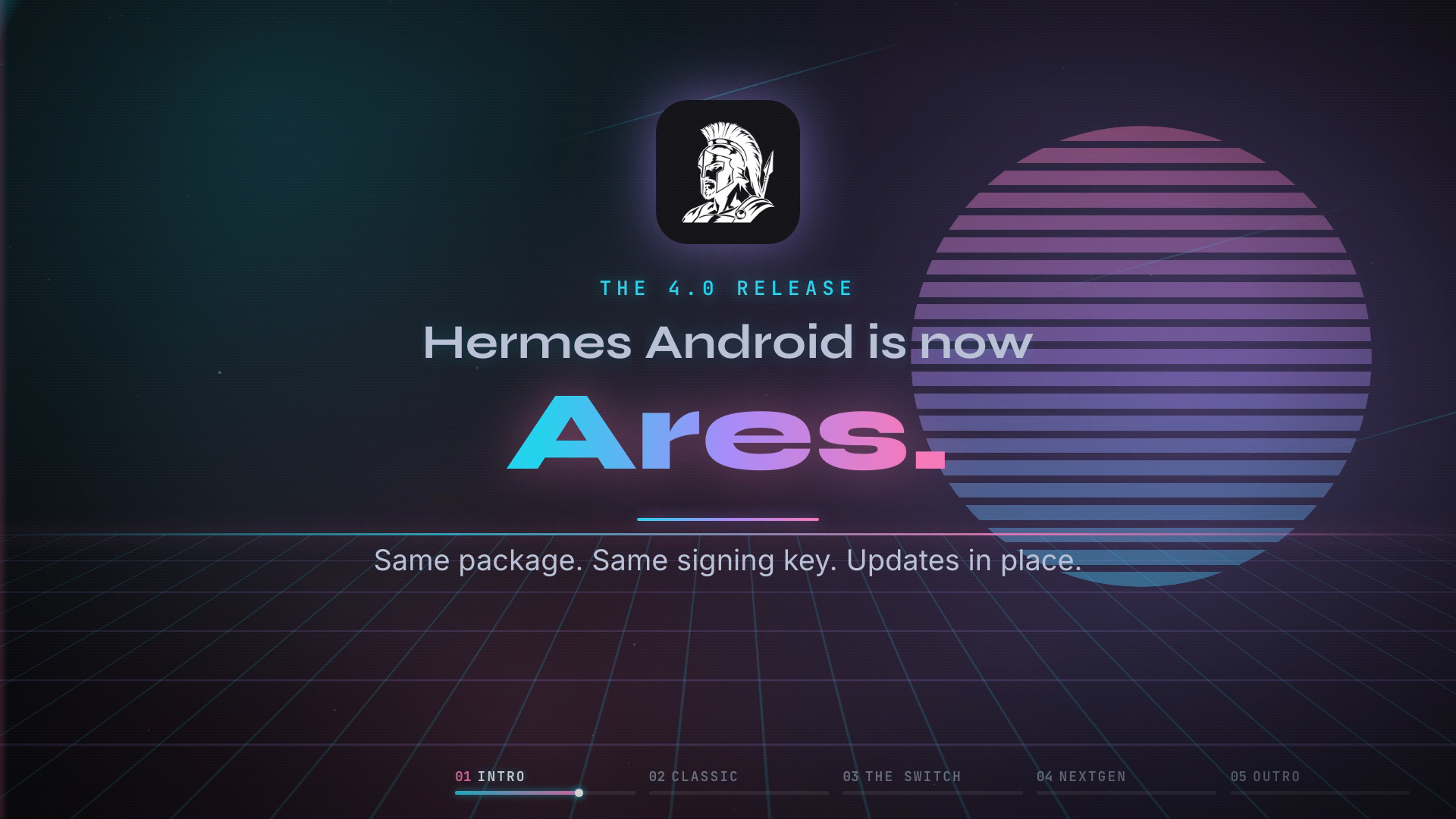
Watch the 80 second showcase. No voiceover. The score is original synthwave written for this film. It was recorded on the production-signed 4.0.0-rc.7 build during the candidate cycle, with illustrative fixture chats. 4.0.8 is the latest stable release. NextGen adapts the Kyllene design by Giton22 (MIT).
Ares - formerly Hermes Android v4.0.8
Hermes Android is now Ares. In 4.0.0 the app is called "Ares - formerly
Hermes Android", and the launcher label is Ares. 4.0.8 is the latest
stable release. The package
com.hermesagent.hermes_android and the signing key are unchanged, so the
update installs over the existing app. It still connects to
Hermes Agent.
Android client for Hermes Agent — chat with your Hermes sessions from a phone or tablet over local Wi-Fi or a private Tailscale network.
Screenshots
Emulator captures of production-signed 4.0.0-rc.7 (version code 30432). Classic and NextGen ship in the same app. Each Classic shot uses a different palette. Each NextGen shot uses a different accent. The chats, jobs and insight figures are illustrative fixture data. See capture details. The 3.0.0 gallery stays on disk for history.
Classic
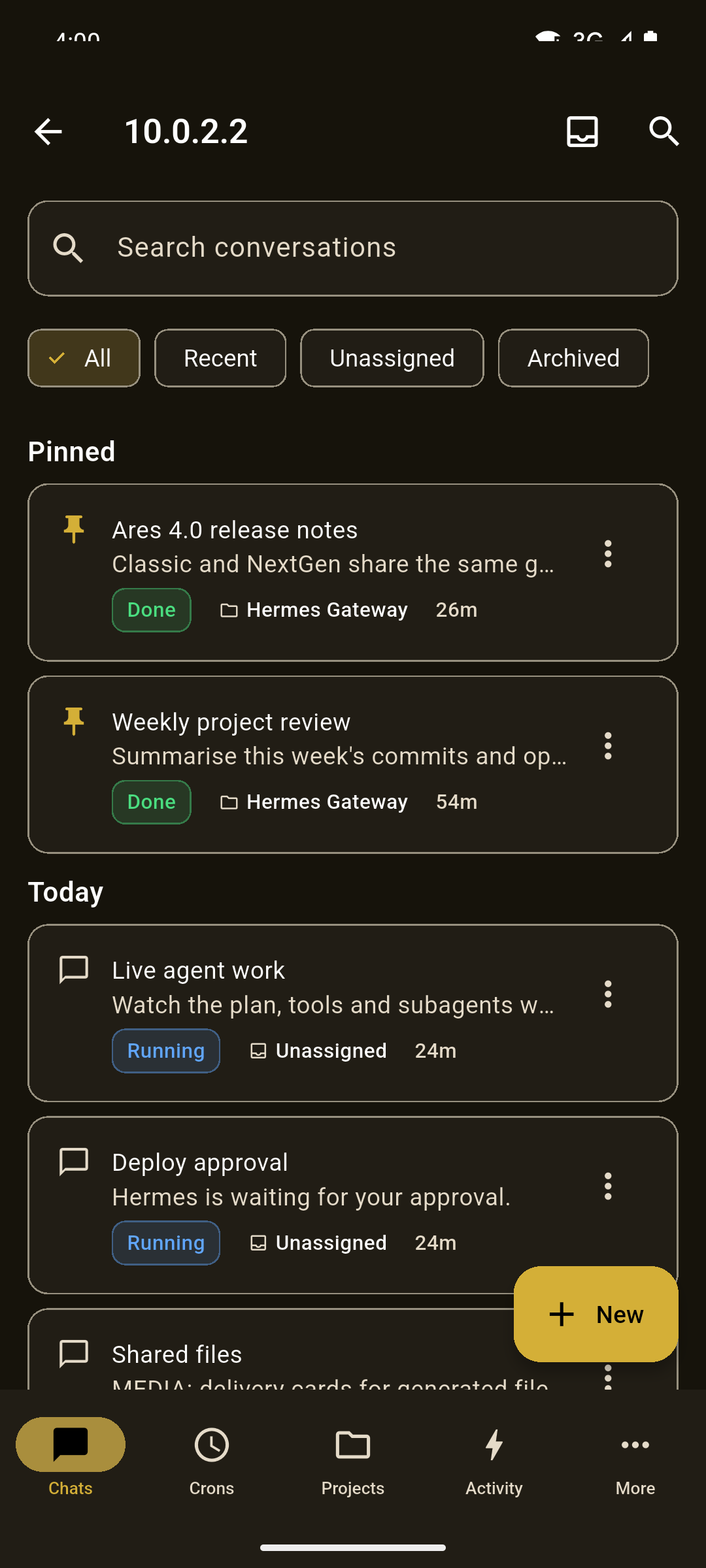
Chats · Gold · dark |
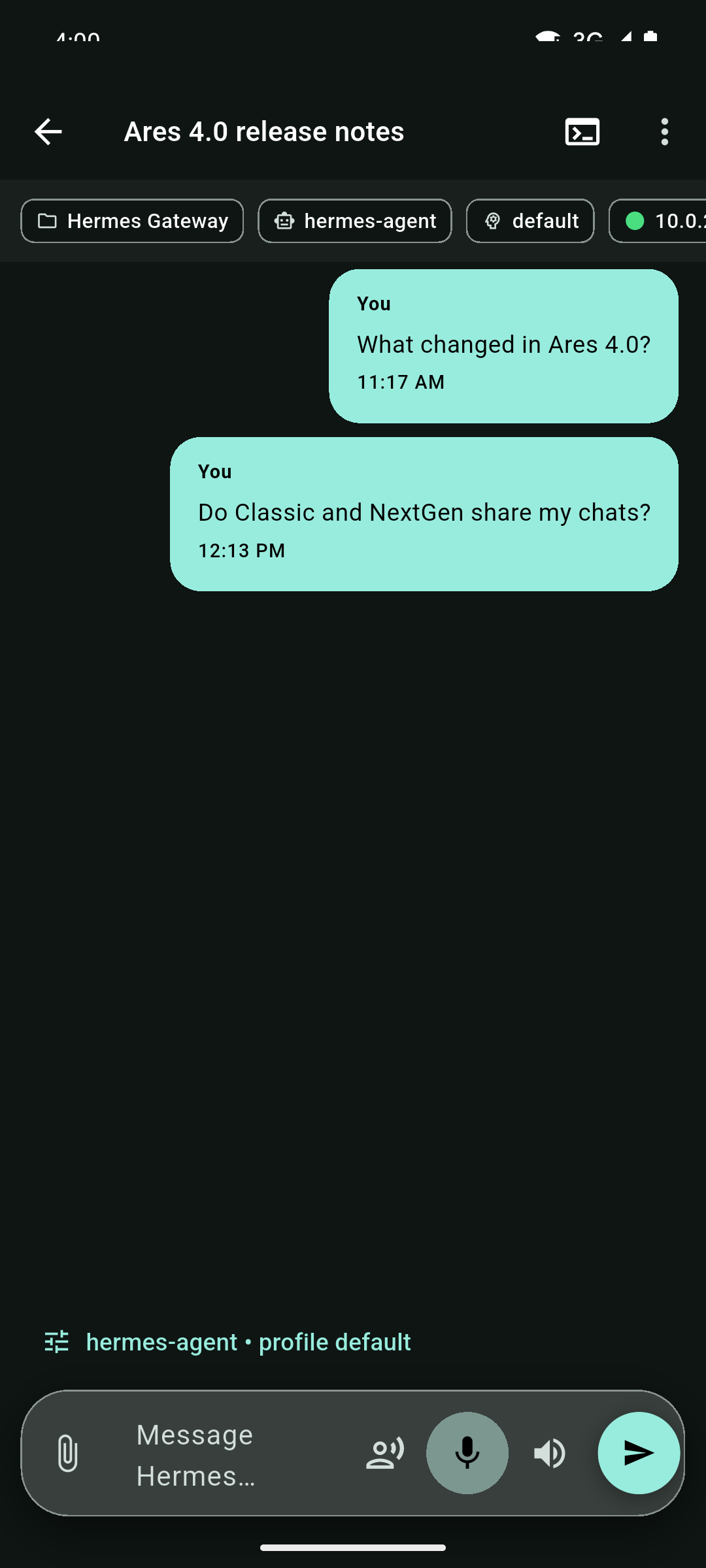
Conversation · Teal · dark |
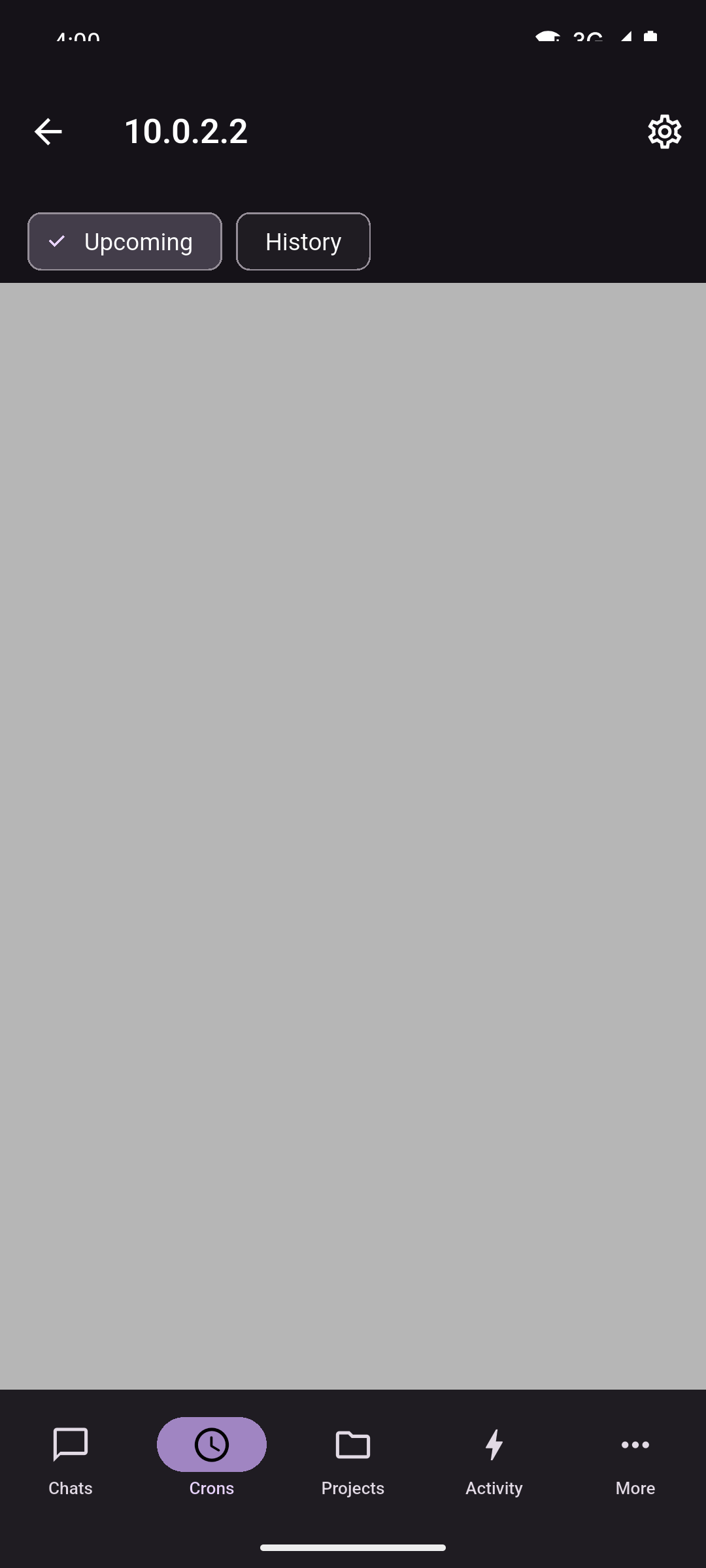
Crons · Purple · dark |
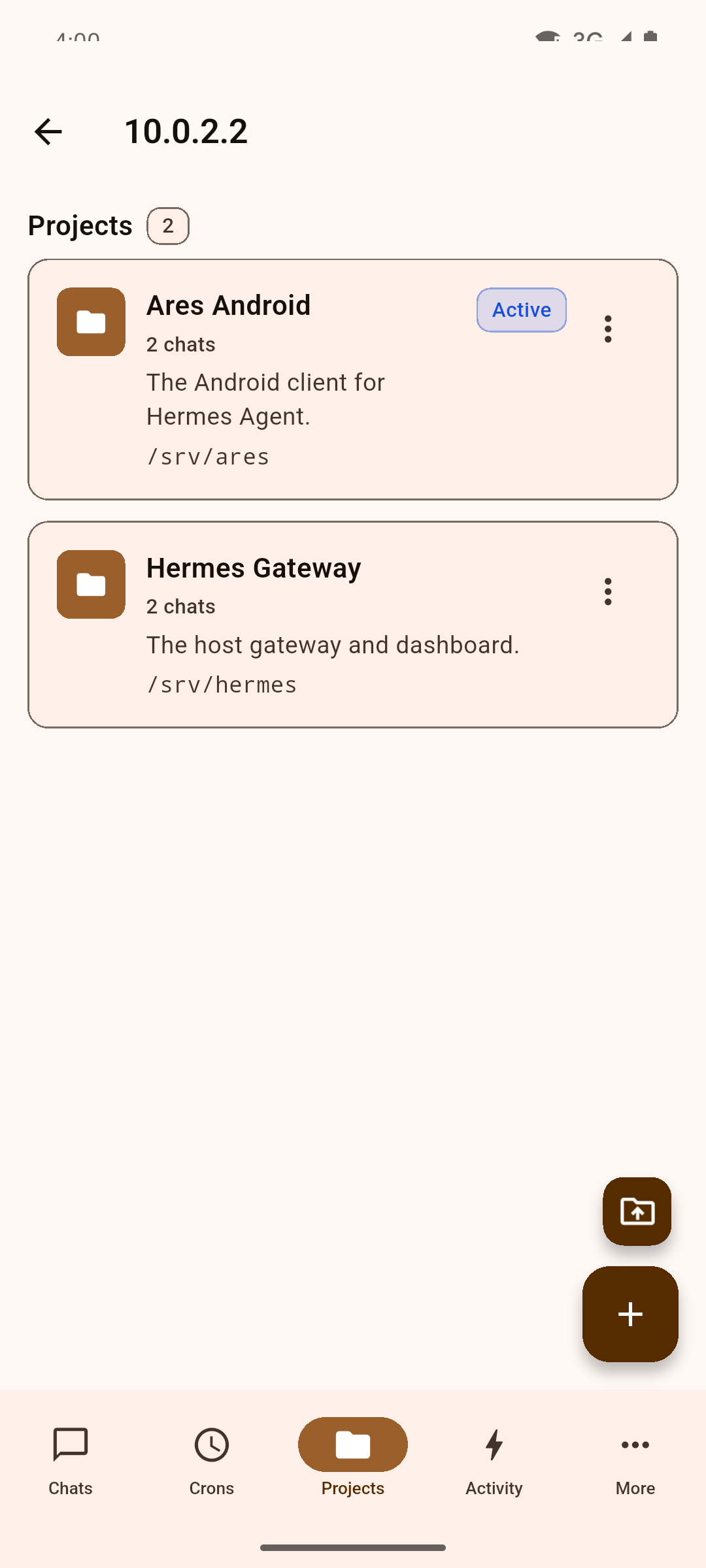
Projects · Orange · light |
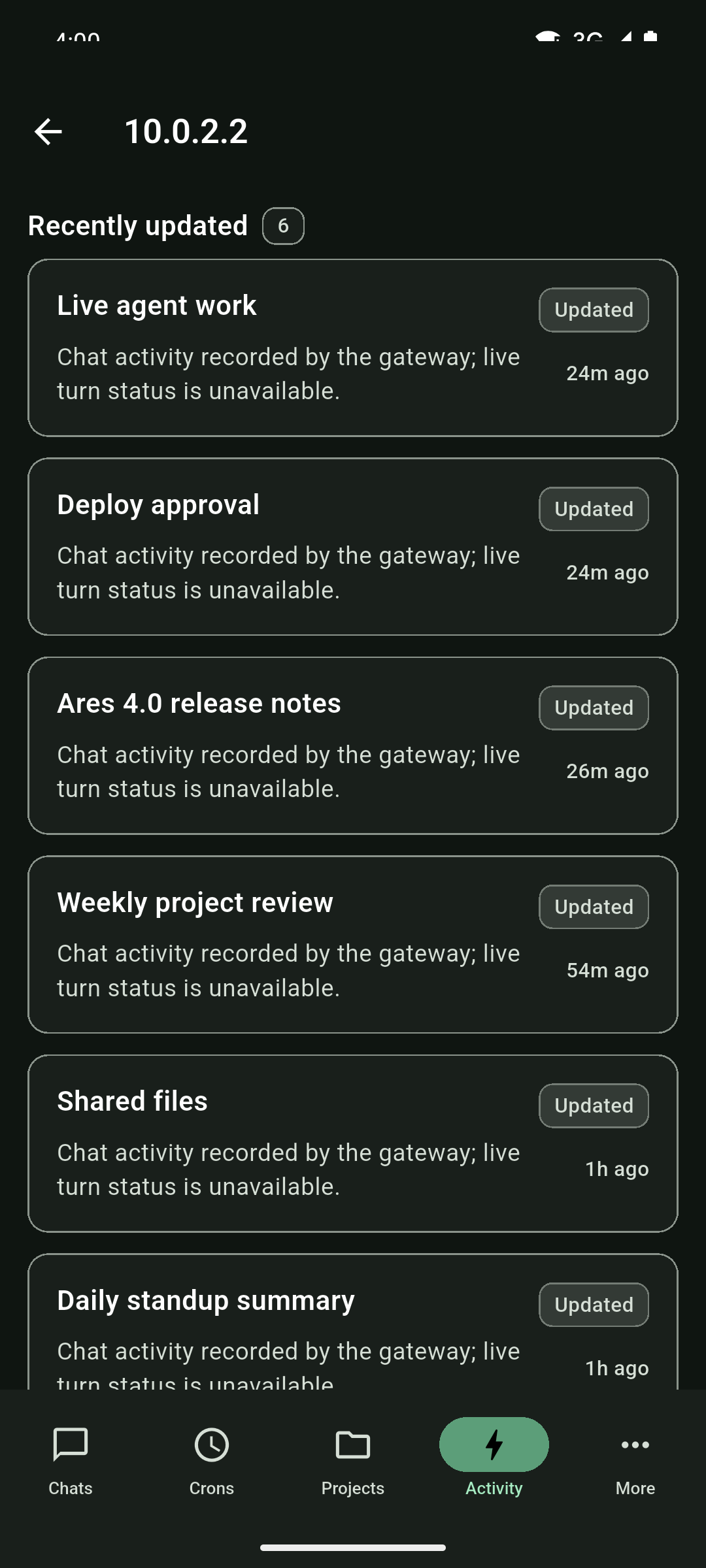
Activity · Green · dark |
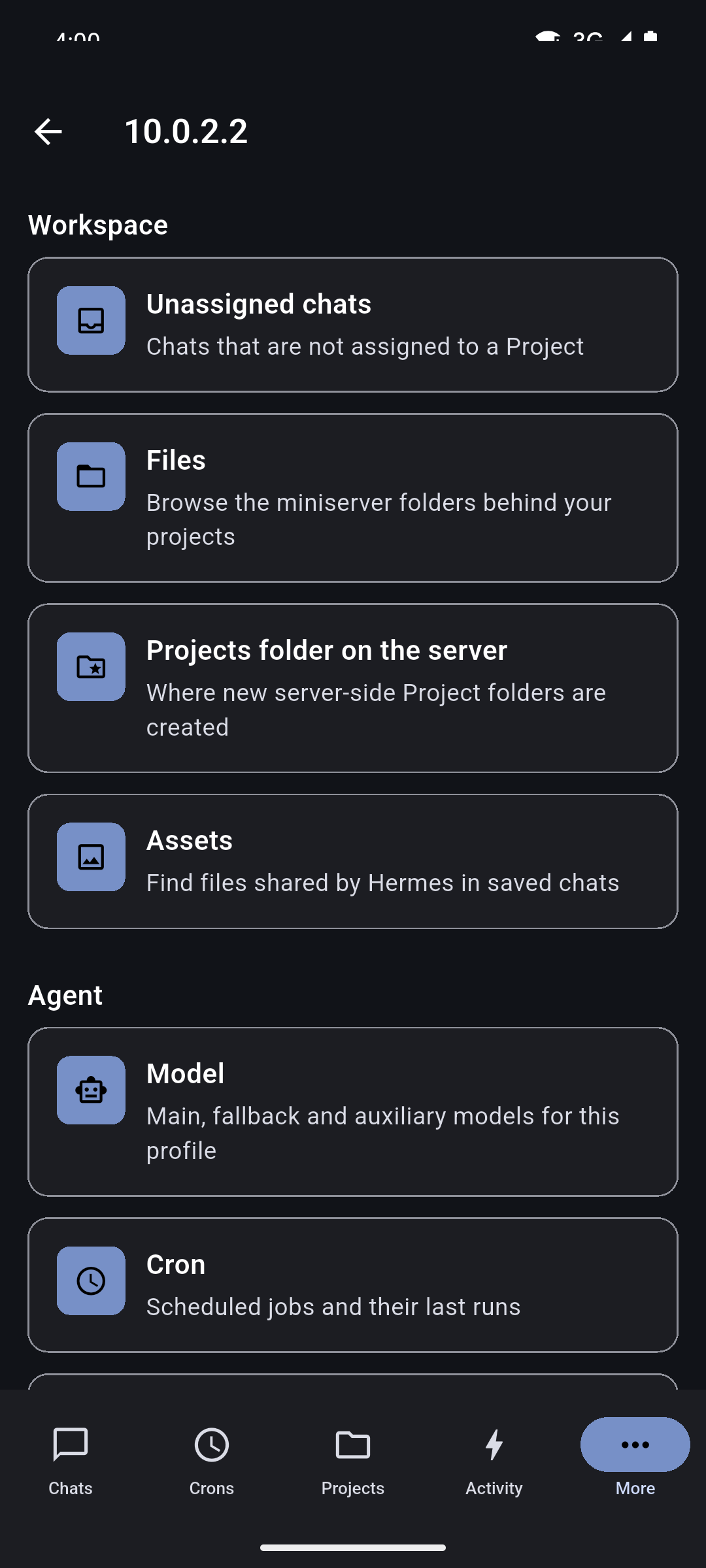
More · Blue · dark |
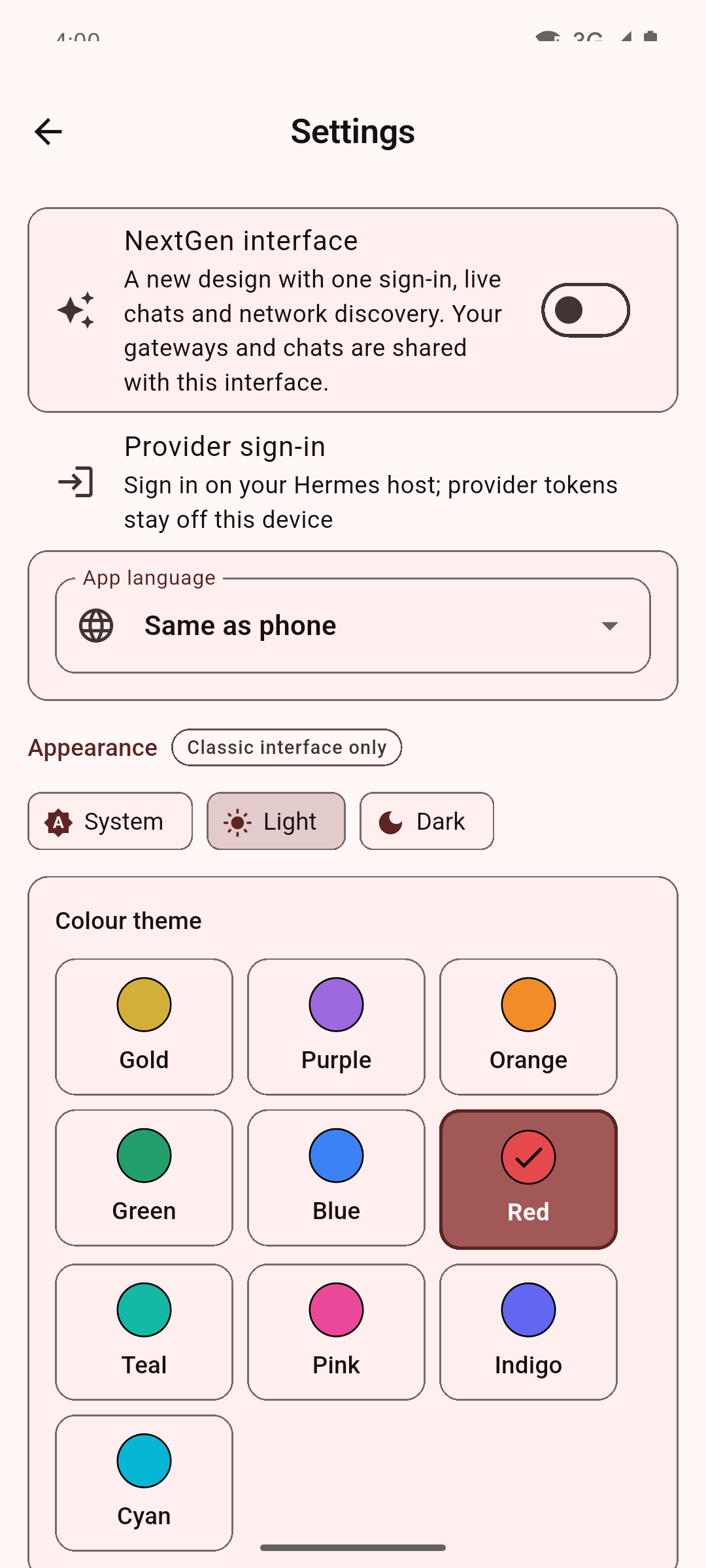
Settings · Red · light |
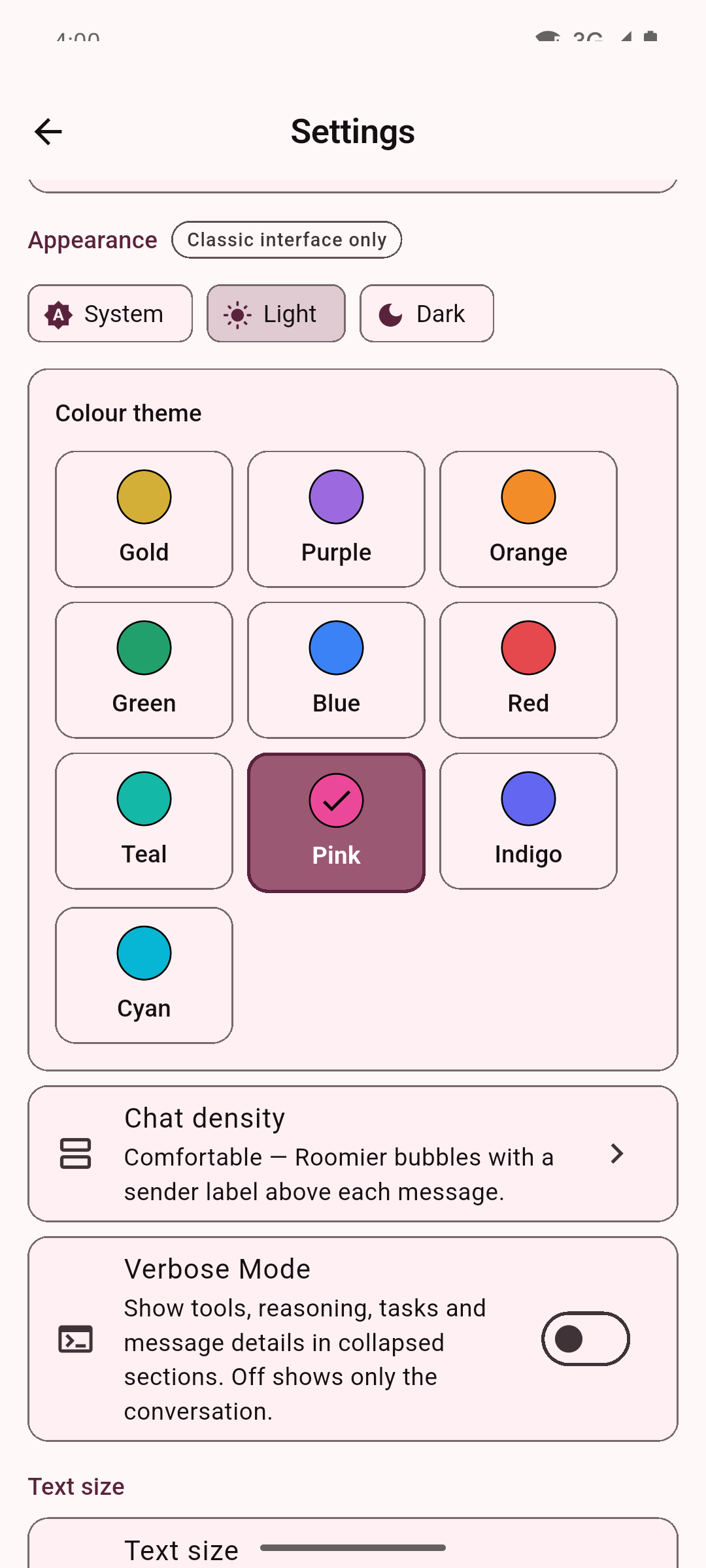
Appearance · Pink · light |
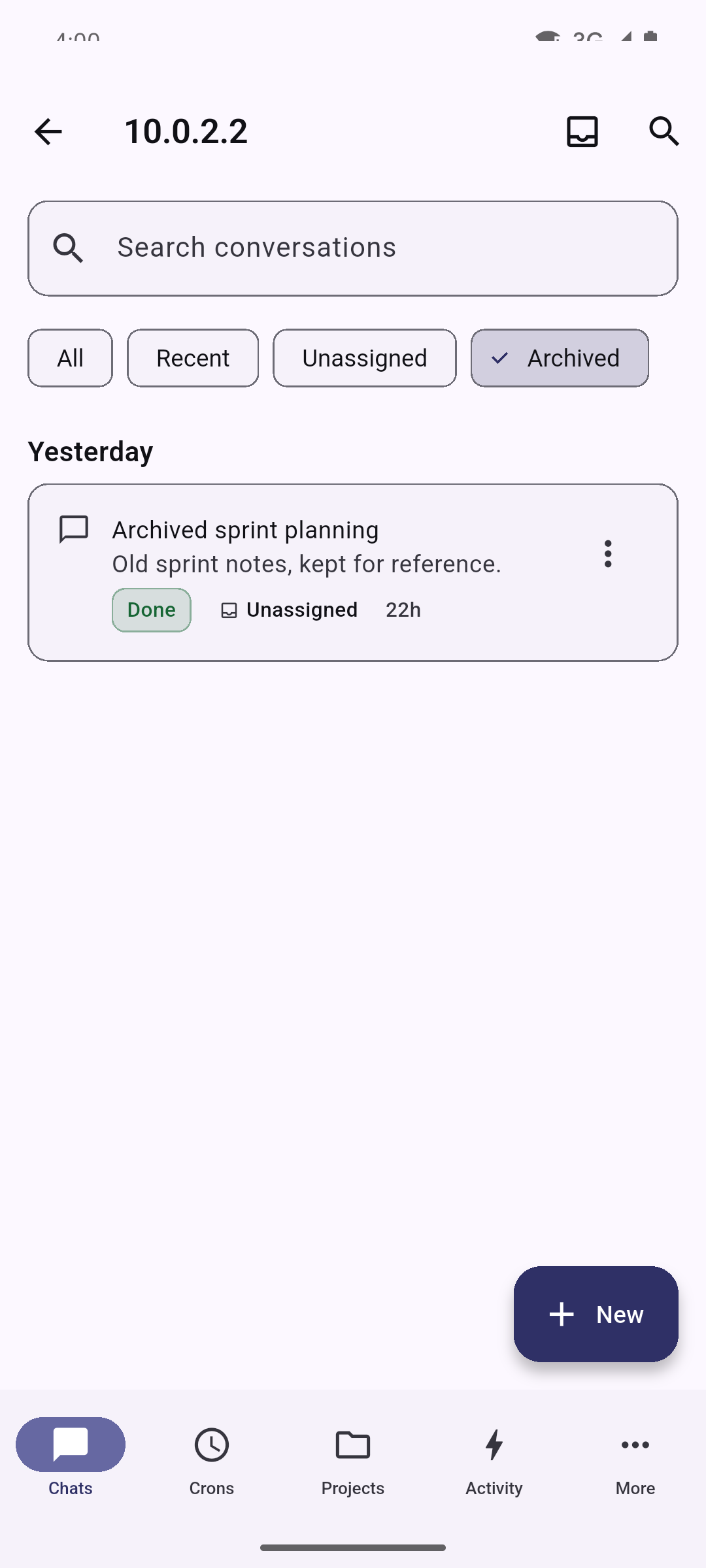
Archived chats · Indigo · light |
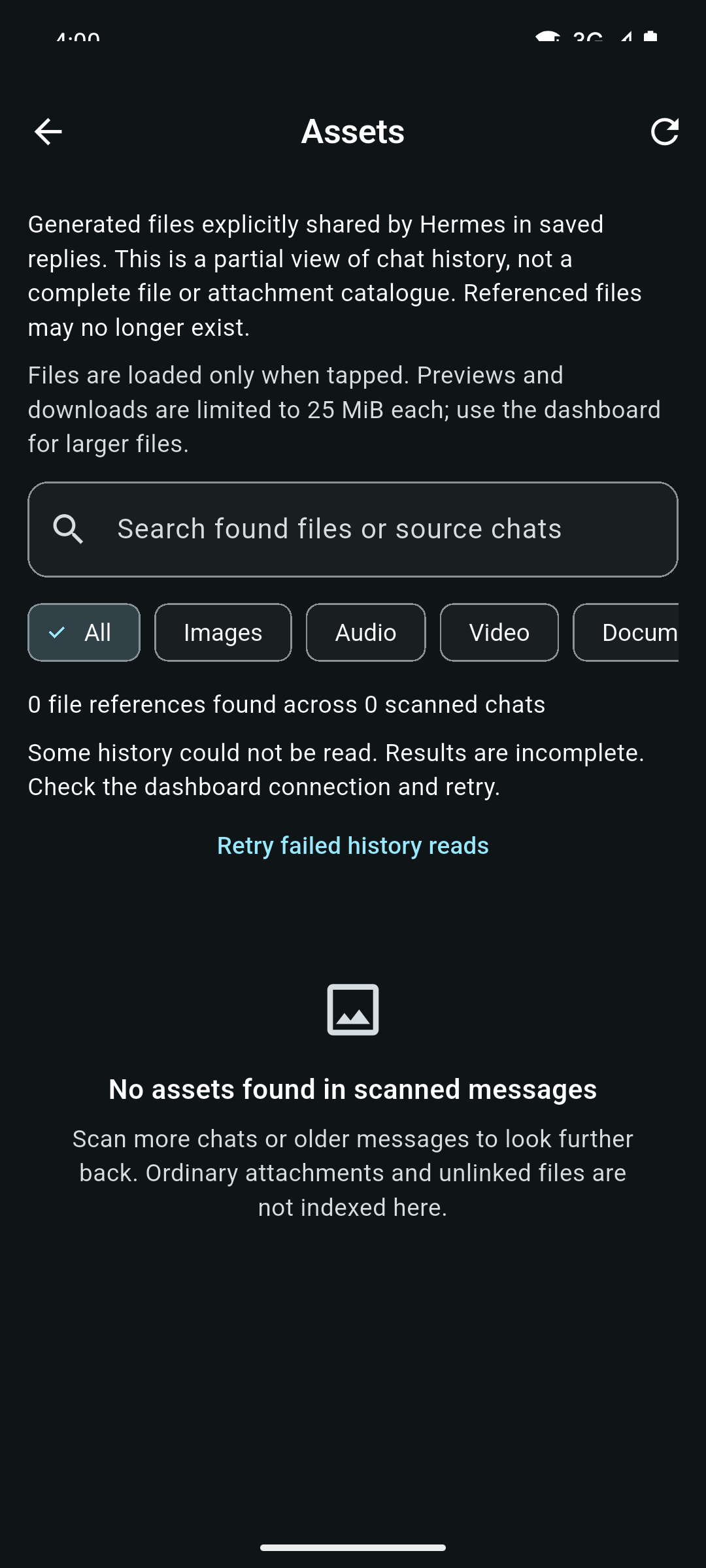
Assets · Cyan · dark |
NextGen
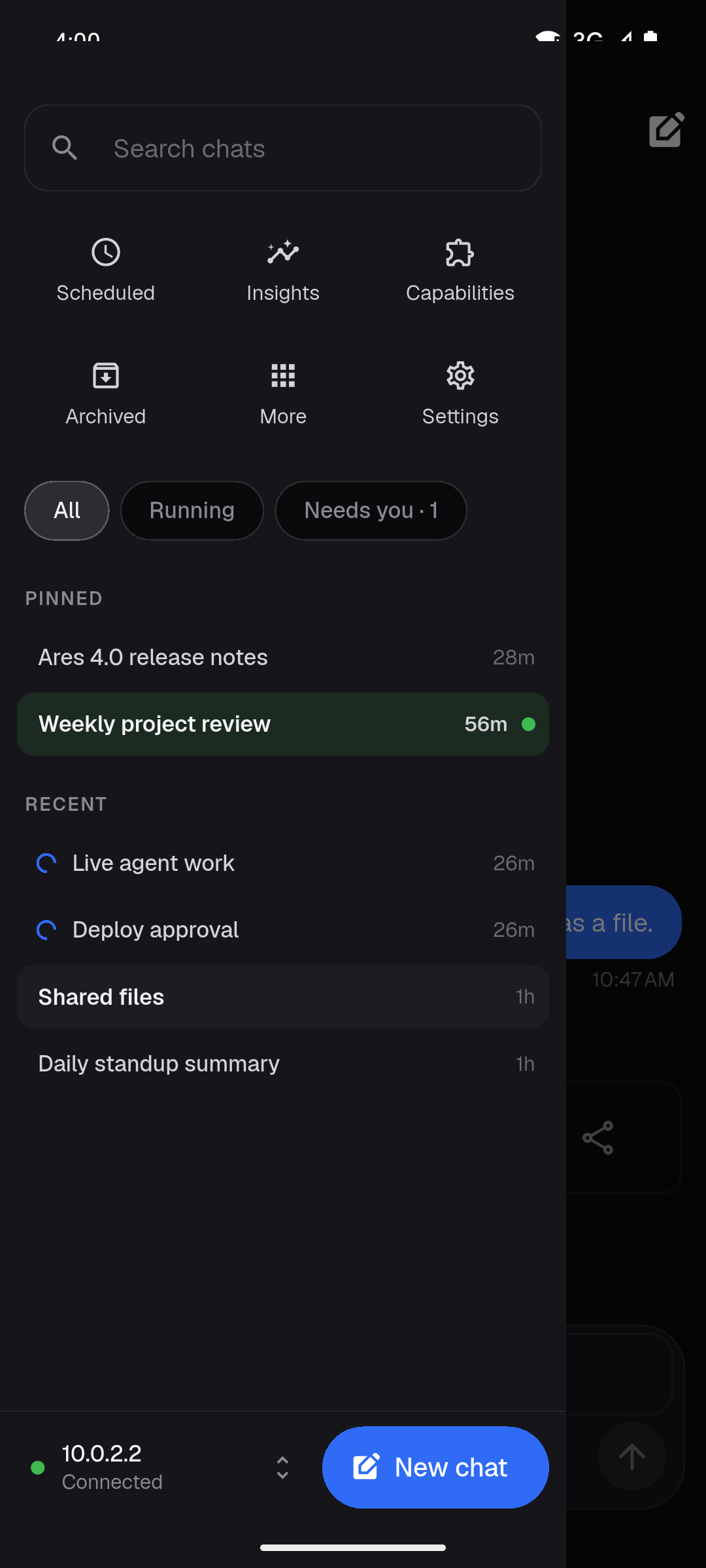
Sidebar · blue · dark |
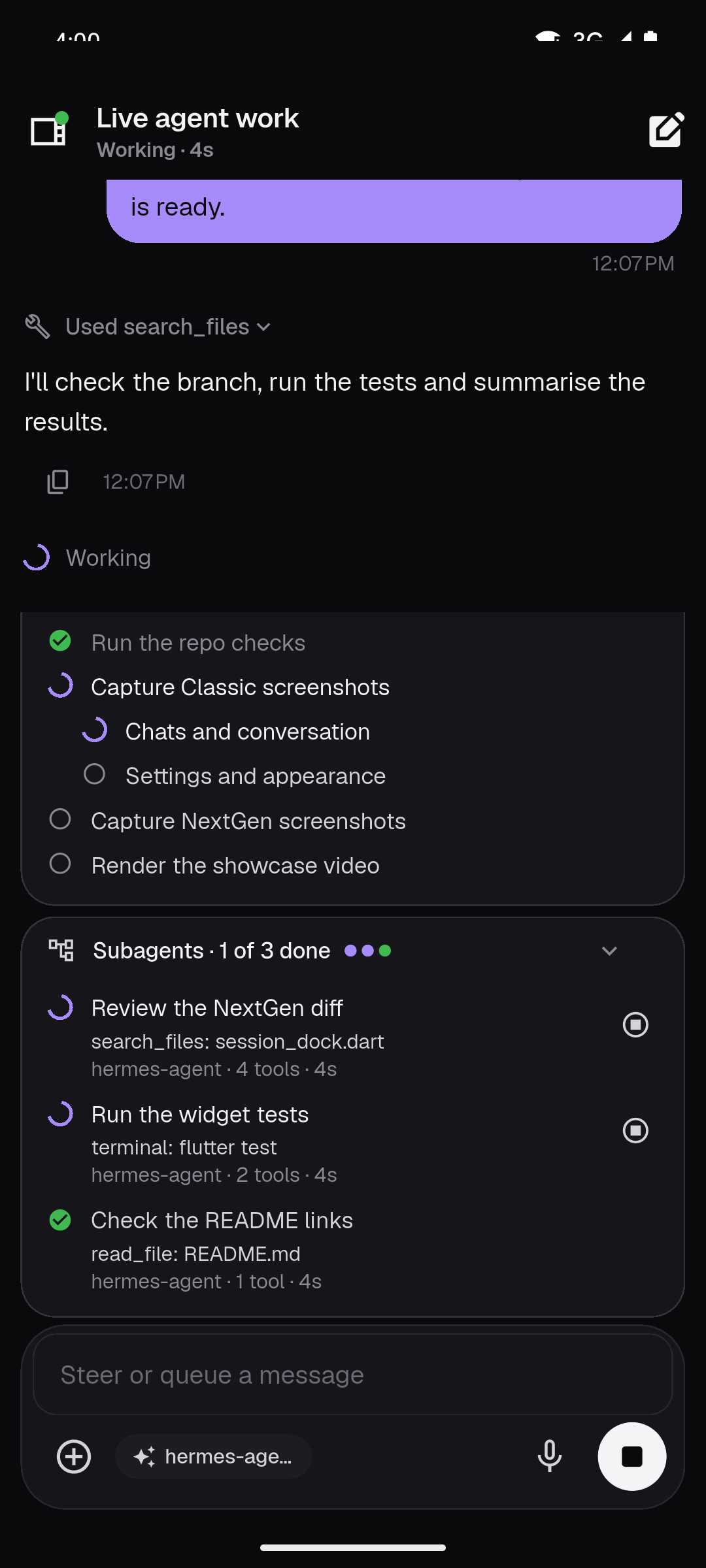
Live chat · violet · dark |
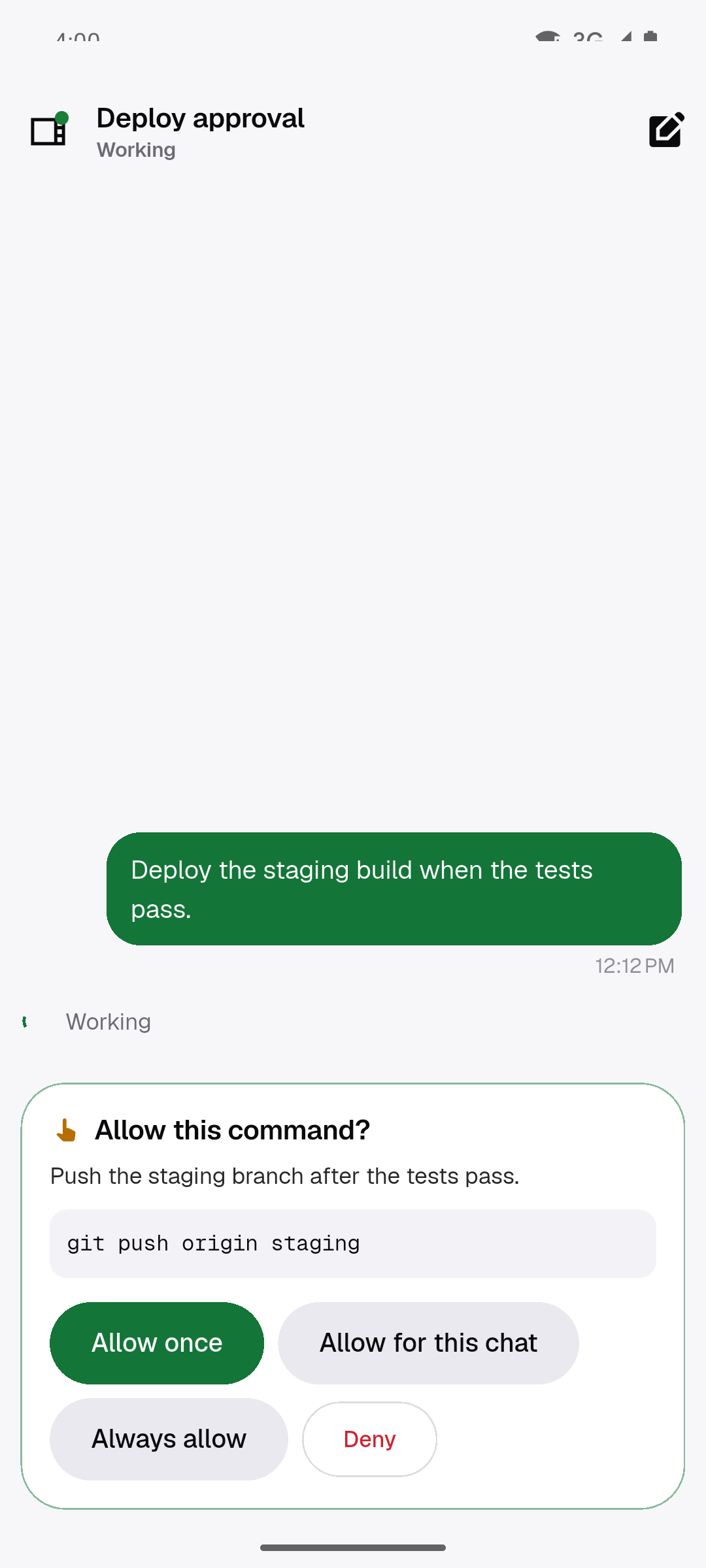
Approval · green · light |
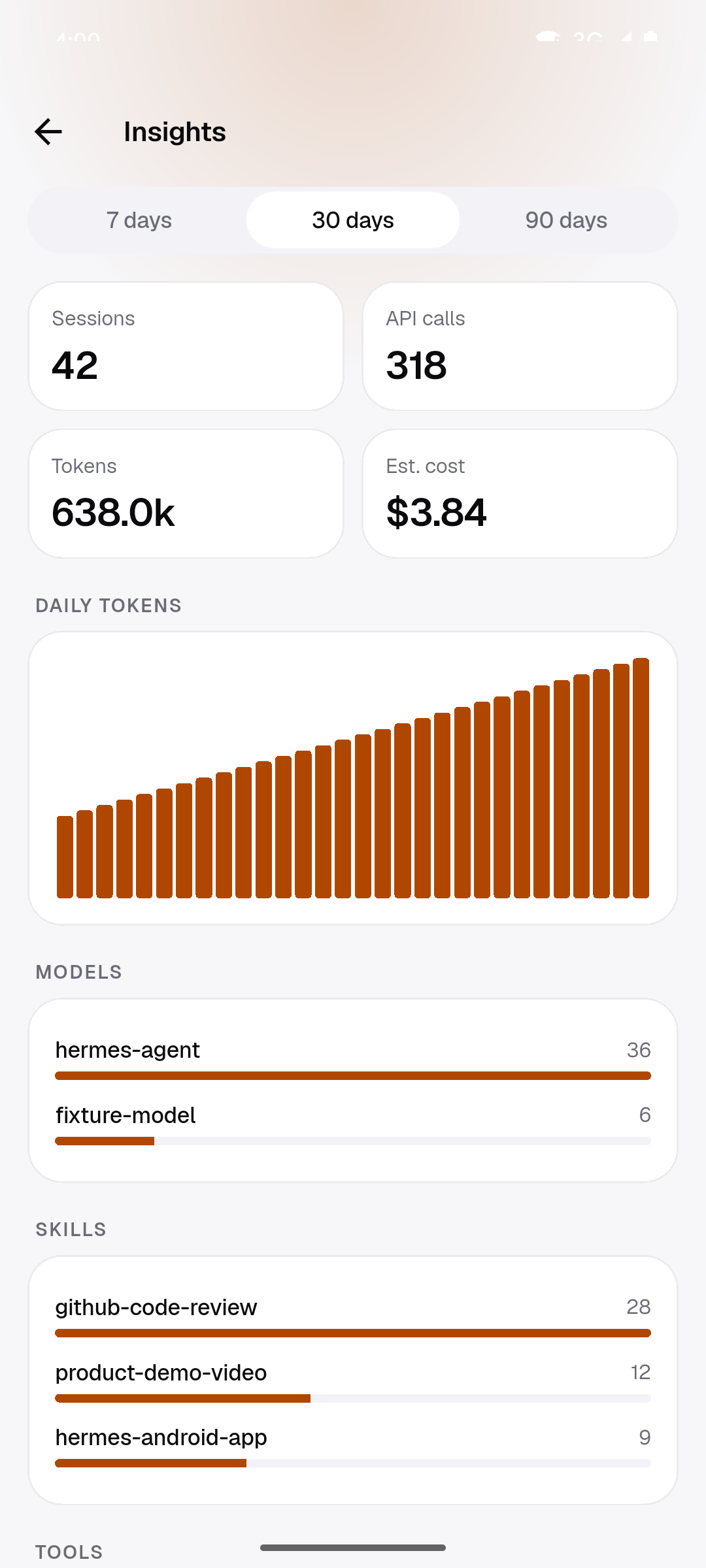
Insights · orange · light |
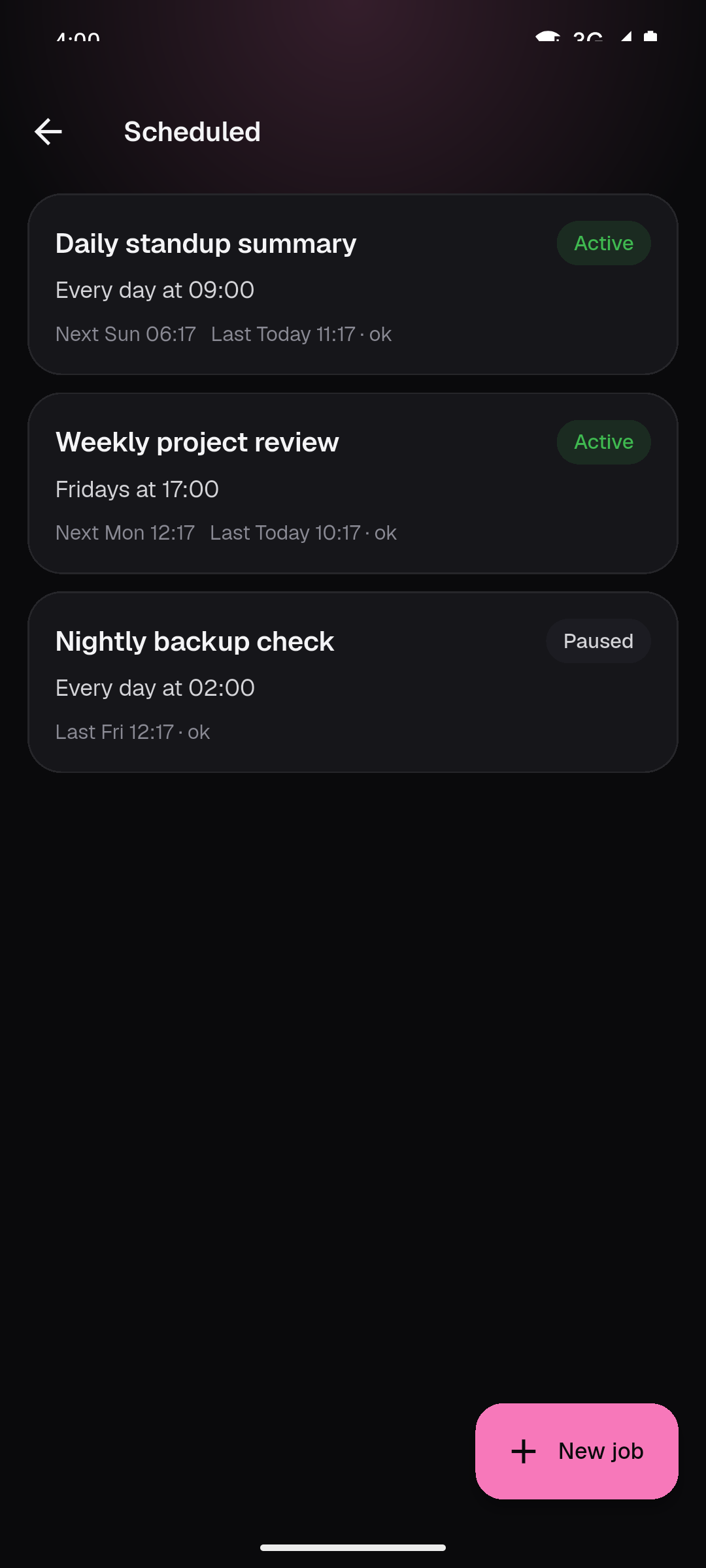
Scheduled · pink · dark |
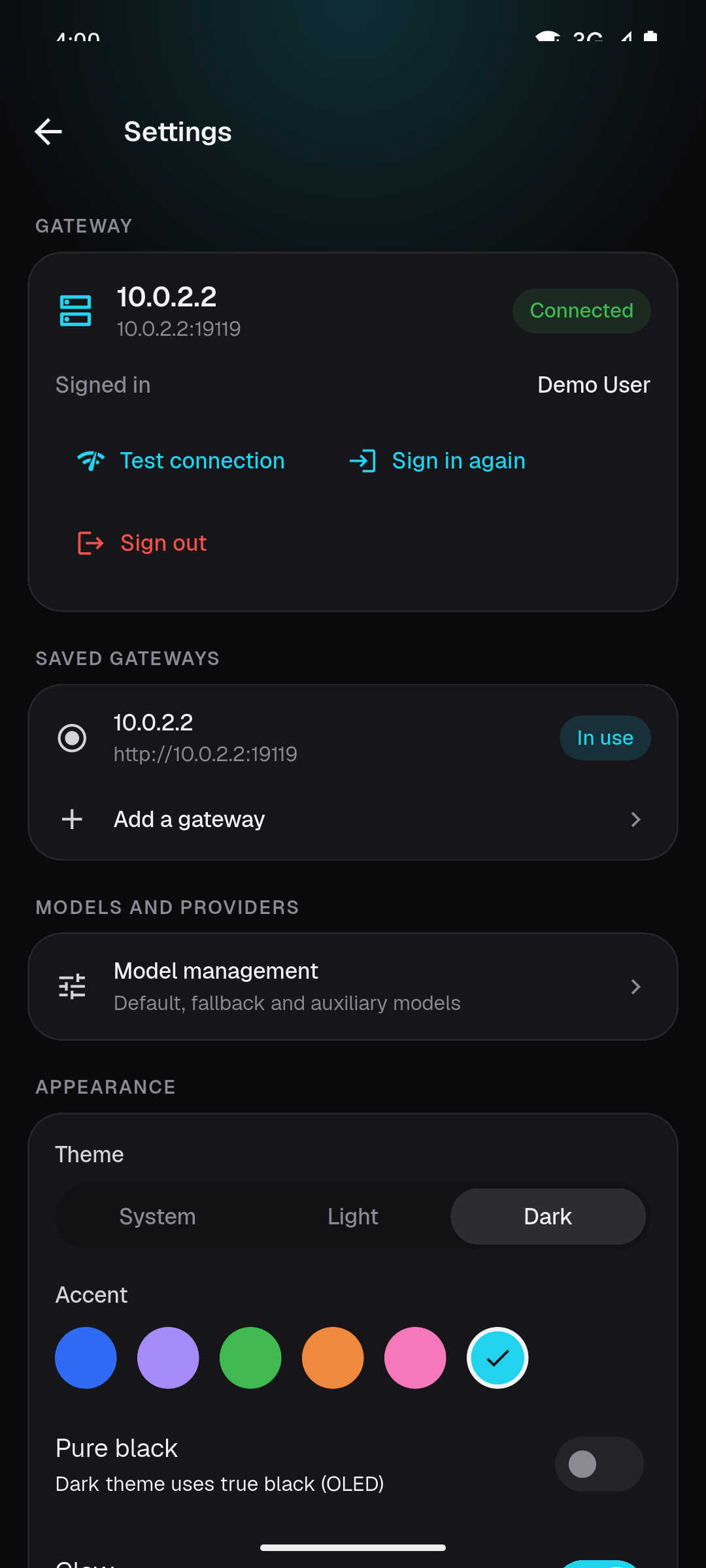
Settings · teal · dark |
v2.0.0 merges the community Remote Gateway edition contributed by
@CristianGCiocoi, with review and
testing from @AI-Guru and
@grunjol. The merge brings a unified Desktop
Gateway JSON-RPC transport, per-chat model selection, multi-attachment uploads,
durable turn recovery, voice dictation, and a comprehensive test suite.
See CHANGELOG.md for the full list and the
merge PR thread for
the community discussion.
Current release
4.0.8 (base build 3064) is the latest stable release. Its ABI splits are
30641, 30642 and 30643, each above the highest published 4.0.7
split (30633). The production package and signer are unchanged. Install over
the existing app; do not uninstall or clear app data. 4.0.8 restores NextGen
parity with Classic: every assistant reply offers Read aloud/Stop, and fenced
code blocks copy their own source with one labelled tap.
| Download | Device | Version code |
| --- | --- | --- |
| ARM64 APK | Most current Android phones/tablets | 30642 |
| ARMv7 APK | Older 32-bit ARM devices | 30641 |
| x86_64 APK | x86_64 Android devices/emulators | 30643 |
Release and checksums · 4.0.8 release notes · Full changelog
Debug builds use the separate com.hermesagent.hermes_android.dev package and Android debug certificate. Older production APKs have lower version codes; downgrading can require uninstalling and restoring a backup.
Before updating
- Updating the APK does not install or configure Hermes host software or the optional mobile-push server companion.
- Quiet mode requires completion metadata for each reply. If an older gateway's saved answers are missing in quiet mode, enable Verbose Mode. Saved/live duplicate handover also needs the gateway's optional complete
persisted_turn receipt and fresh history; older gateways can retain both sources.
- Assets is partial discovery of shared files, not a complete attachment or filesystem catalogue. Classic downloads are limited to 25 MiB per file. NextGen Save and Share stream delivered files up to 1 GiB; previews retain the 25 MiB budget.
- Protect encrypted backups and their passwords. Backups can contain connection secrets and imported client private keys. See the upgrade notes and compatibility limits.
Update checks
The app checks GitHub Releases on ordinary launches. An answered check limits requests to once every 12 hours; offline attempts may retry on the next launch. On supported Android installs, Update now downloads the matching official APK, verifies its SHA-256, package, signing certificate and version, and opens the Android installer. You may need to allow Hermes to install apps and confirm the update; after granting permission, return to the app and tap Install update. Android may offer Open after installation. The original View release link remains available when an in-app update cannot be used. Later asks again on the next launch; Skip this version stays quiet until another version appears. Shares and Quick Chat shortcuts are not interrupted. In Settings → About, use Check for updates or disable Check for updates on launch. Backups include these choices, not HTTP response caches.
In-app installation is for the official GitHub APK distribution; other distribution channels may use different signing keys or update policies. A local debug build cannot update the production package. The separate Play AAB is built with ARES_PLAY_BUILD=true and --dart-define=ARES_PLAY_BUILD=true: it removes the GitHub install permission, provider, update checks and prompts, and uses Play-managed updates. Both distributions link the privacy policy and provide an AI-output report action.
Background notifications: server setup required
Background push requires the paired mobile-push server companion, installed
and enabled separately for the saved connection's Hermes profile. Updating the
Android APK alone does not install it, and the phone's Refresh / retry only
rechecks availability—it cannot install server software.
The server operator must copy server/mobile-push into the profile's plugins,
generate a private VAPID key, authorise the verified dashboard login in the
companion's policy, and enable both the plugin and policy. Current Hermes plugin
enablement prepares its declared Python dependencies through package management.
Activate it in the dashboard and the gateway/turn processes that load its hooks
and sender worker: use supported live activation/reload, or restart affected
processes after draining active work when a new managed generation is selected.
Current host support is limited to the dashboard's launch profile in trusted
in-process mode; secondary-profile hosts cannot forward the required verified
login. Verify both the API and worker are active. Follow the
server installation runbook,
then enable Settings → Background notifications on the phone and grant Android
notification permission. See the phone setup guide.
Built-in Google-backed transport needs working Google Play Services on the
phone, but no Firebase project, Firebase credentials or separate distributor
app. An external UnifiedPush distributor is an optional phone transport, not the
server companion; Google-free devices need that alternative. Neither transport
removes the server prerequisite or guarantees background delivery.
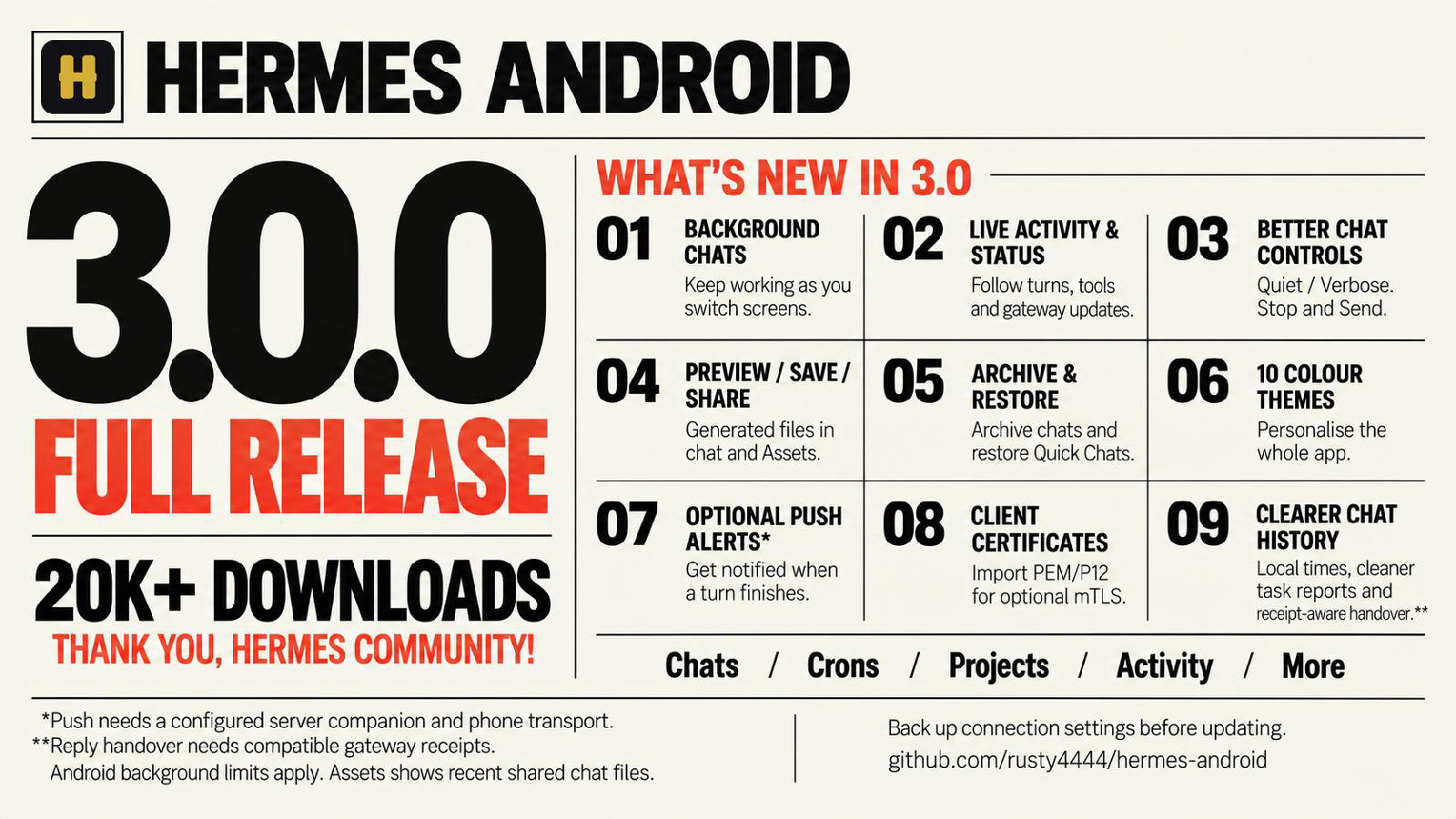
Navigation in 3.0.0
The bottom bar is Chats → Crons → Projects → Activity → More. Chats is the
default screen; the separate Home tab has been removed.
- Chats lists human conversations with search and All, Recent, Unassigned
and Archived filters. A compact
Needs you / Running now section appears
above the list only when the device has observed relevant work.
Use
Chats → Archived for archived conversations, including expired Quick
Chats; the duplicate archive entry has been removed from More.
- Crons lists conversations produced by scheduled jobs, including older
runs and runs whose job has since been deleted. It has its own search and
All, Recent and Archived filters. Cron conversations do not appear in Chats.
The settings button opens the existing cron-job manager;
More → Cron
remains available too. Script-only jobs without a conversation are still
inspected through the job manager, not invented as chat sessions.
- Projects, Activity and More retain their existing roles.
Both conversation browsers show a small first preview while history loads.
Older history is not silently cut off after 2,000 rows. Archived history uses
the saved dashboard connection and profile; a failed read keeps available
rows and offers Retry rather than claiming the archive is empty.
Chat guidance and shared files
- Send while Hermes is working: the composer keeps separate Stop and
Send buttons. Remote Gateway sends text as guidance for the current run
without interrupting it. Legacy REST uses an explicitly labelled
Stop and
send action instead. See
Sending while Hermes is working.
- More → Assets browses generated files explicitly shared in saved Hermes
replies, plus recognised successful image-generation results. The same file
cards appear in the chat timeline, including filesystem Markdown links.
Tap to preview images, PDF pages, text or videos with playback controls.
In 3.0.1, videos start paused; DOCX, XLSX and PPTX have offline text previews
without original layout, images, charts or formatting. Use
Download to
choose a save destination, or
Share to send the original file to another
app. Legacy
.doc/
.xls/
.ppt, OpenDocument and other unsupported binaries
remain downloadable. History scans are incremental and downloads are lazy,
with a 25 MiB per-file limit. This is not a complete attachment or
filesystem catalogue. See
Browsing chat assets.
Remote Gateway edition highlights
- One Desktop Gateway JSON-RPC session for text, images, and files.
- Copy/select text, Read aloud, Stop, Edit and resend, Regenerate, and export.
- Up to 10 Remote Gateway attachments per draft, capped at 64 MiB total;
generic files retain the 16 MiB per-file limit.
- Paste more than 3,000 characters into a Remote Gateway chat to attach them as
paste.txt, keeping your instructions in the composer. Short pastes and REST
chats stay inline. See
Long pastes.
- File-backed app cache, metadata-sanitized JPEG/PNG/WebP images, ordered
sequential upload, accessible reordering, remove, and individual retry.
Sanitized JPEG inputs remain JPEG; PNG and WebP inputs are emitted as PNG.
- Legacy REST remains fail-closed to one image and does not expose multi-select.
- Per-chat model and thinking effort without changing the profile default.
The chat model picker searches model IDs and providers as you type (ignoring
case and surrounding spaces). Clear the search to restore the full list;
filtering does not change your selection until you choose a model and apply it.
- Search, Rename, Branch, and Delete for remote conversations.
- Rename a chat from its Chats row's action menu or the open chat's top-right
menu. The title saves to Hermes and appears on other devices after refresh;
REST-only connections also support Rename. See
Renaming chats.
- Move conversations into a Project or between Projects from the Chats action
menu. Destination Projects need a server folder. See
Moving chats.
- Pin and unpin chats on this device from the Chats action menu. Local pins
stay above the dated chat list, including when a chat has moved past the
first page; they do not change Hermes's server-side pinned flag or another
device's ordering. Pins are saved per connection and included in app backups.
- New chat inside a Project uses that Project's server folder as the
session working directory before the first prompt, so the chat appears in
the Project on refresh. Project card chat counts refresh when you return
from a Project or reselect the Projects tab. A Project without a folder
cannot file chats on stock Hermes: add a folder first rather than opening
an unassigned chat.
Quick chat remains deliberately unfiled.
- Native approval, sudo/secret, clarification, reasoning, tool activity,
notifications, background results, reviews, and subagent status. Expanded
tool cards show a time for each call, and a collapsed card shows the latest
known activity. Live events use the phone's observation time; persisted
results use the server's recorded time. Unknown times are not guessed.
- Tap a delegated task to inspect its recorded messages, tool arguments/results
and exposed reasoning in a read-only sheet or dialog above the parent chat.
Missing durable references show an unavailable explanation; omitted compression
segments show
Partial history. See
Task timelines.
- Follow text, exposed reasoning and consecutive tool groups in receipt order
across REST/SSE and Remote Gateway replies. Expanding a card keeps that choice
while its contents update. Tool sections start collapsed on each chat visit,
showing only the current call (or the latest call when none are running).
Tap to view the full group; leaving and reopening the chat resets that choice.
Enable Verbose mode to see these sections; they start collapsed.
- Activity shows app-observed Remote Gateway turns: waiting for input,
running, failed and completed, plus an explicit unconfirmed state during
recovery or when an outcome cannot be proven. Recent turn metadata survives
app restarts; no prompt, response, title or approval content is stored there.
It also lists gateway chats updated within seven days, including REST-only
connections and chats started elsewhere. These are labelled
Updated, not
assumed to be running or completed. The tab refreshes while visible,
pauses beneath other tabs/chat routes and in the background, supports
pull-to-refresh and opens the relevant chat. A bounded gateway scan is
labelled partially loaded rather than claiming no activity or an exhaustive
count. This is not a complete server audit log: live outcomes from other
clients and historic per-turn outcomes predating this build are unavailable.
- Persistent reconnect/session resume and defensive retry handling.
- App-owned stock Gateway turns outlive an open chat route. Reopen a chat to
reattach, including while other chats run. Pending markers survive process
restart; the app checks server history without resubmitting uncertain prompts.
- Background protection uses one foreground service with a required disclosure
and quiet per-chat ongoing entries. Notification taps open the relevant chat;
permission, preferences and Android lifecycle restrictions still apply.
- Background notifications can use built-in Google-backed delivery without a
separate app or manual push details. External UnifiedPush remains available.
Enable the separate server companion and opt in on the phone; server policy
controls which current and future chats are eligible. See
Background work and push.
Gateway transport compatibility
Stock Hermes Agent releases do not advertise the experimental
capabilities.turn_recovery v2 contract in gateway.ready. The app uses the
stock Desktop Gateway transport for those connections. Its app-owned session
keeps user-started turns across chat navigation and reconciles persisted history
after reconnect or process restart. It does not resubmit an uncertain prompt.
After an outage, the app keeps recovery pending until it can verify the server's
state. A proven-idle turn with no recorded terminal outcome becomes inactive
with an outcome-unknown status. It does not generate a completion alert.
In Verbose Mode, saved history and retained received output remain independent
sources. A complete gateway persisted_turn receipt plus fresh history containing
all addressed rows can prove the handover to saved content and remove the covered
live copy. Matching text, an admission baseline or idle status cannot prove it.
Older gateways or lagging history may retain repetition across sources. Received
output is bounded and temporary within the app/connection session, not an offline
transcript archive. See Chat presentation.
The experimental v2 path adds a separate durable exactly-once recovery contract
when the gateway advertises support. A legacy-transport capability notice refers
to that contract; it does not mean stock chat reattachment is unavailable. Neither
transport guarantees an Android background connection or delivery after Force stop.
See CHANGELOG.md for the complete release history and
docs/HERMESAPK_DEVELOPMENT_LOG.md for the
sanitized implementation and validation record.
Ares 4.0.0 highlights
- Ares name and icon. Hermes Android is now Ares, with new launcher,
adaptive, round, themed and store artwork. The package and signer are
unchanged, and the app still connects to Hermes Agent.
- NextGen interface. Choose Classic or NextGen during setup, or switch later
in Settings while sharing gateways and chats. NextGen includes the
Kyllene-style sidebar, pill composer, inline approvals, model controls,
attachments, file cards, session dock, live tasks, subagents, unread chats and
timestamps. Sidebar searches can be cleared with one tap. Cron-run
conversations have a separate
Crons filter, while
Scheduled remains
the job manager.
- One dashboard sign-in. Use a username/password or browser PKCE login with
token refresh, LAN discovery, profile selection, staged connection checks and
optional Cloudflare Access service tokens.
- Notifications and catch-up. Replies, failures, approvals and questions can
notify out of sight. Ordered event replay and transcript fallback recover work
after gaps, reconnects and resume.
- Long-chat performance. Paged history, cached Markdown, bounded automatic
backfill and background decoding keep long, tool-heavy chats responsive.
- Provider filters and code controls. The NextGen model picker has
tap-to-filter provider chips and readable dark-mode labels. Fenced code blocks
in Classic and NextGen offer copy and line-wrap controls.
- Play distribution and safety. A separate Play AAB removes the GitHub
self-updater and uses Play-managed updates. Both builds link the
privacy policy, and assistant replies offer
Report AI output.
NextGen adapts Kyllene by Giton22 (MIT).
See 4.0.0 release notes.
What's new in v4.0.8
- NextGen reads replies aloud (#289, fixes #288). Every completed
assistant reply offers Read aloud/Stop with Classic's voice settings; one
reply plays at a time, and switching chats stops playback. Reported by
@Susensio.
- One-tap code-block copy in NextGen (#289). Fenced code blocks show a
labelled Copy code button that copies just t
 →

 →
 →
 →
 →
 →
 →
 →