1
 →
→
Open-source observability & evaluation platform for AI agents and coding agents. Trace LLMs, tools, prompts, costs & agent workflows with OpenTelemetry.
openlit/openlit is an open-source project on GitHub, mainly written in TypeScript. Open-source observability & evaluation platform for AI agents and coding agents. Trace LLMs, tools, prompts, costs & agent workflows with OpenTelemetry. It currently holds 2,777 stars and 395 forks with 0 open issues, and was last pushed on an unknown date (repository created unknown).
AI Homed tracks it on the AI Coding Agents board.

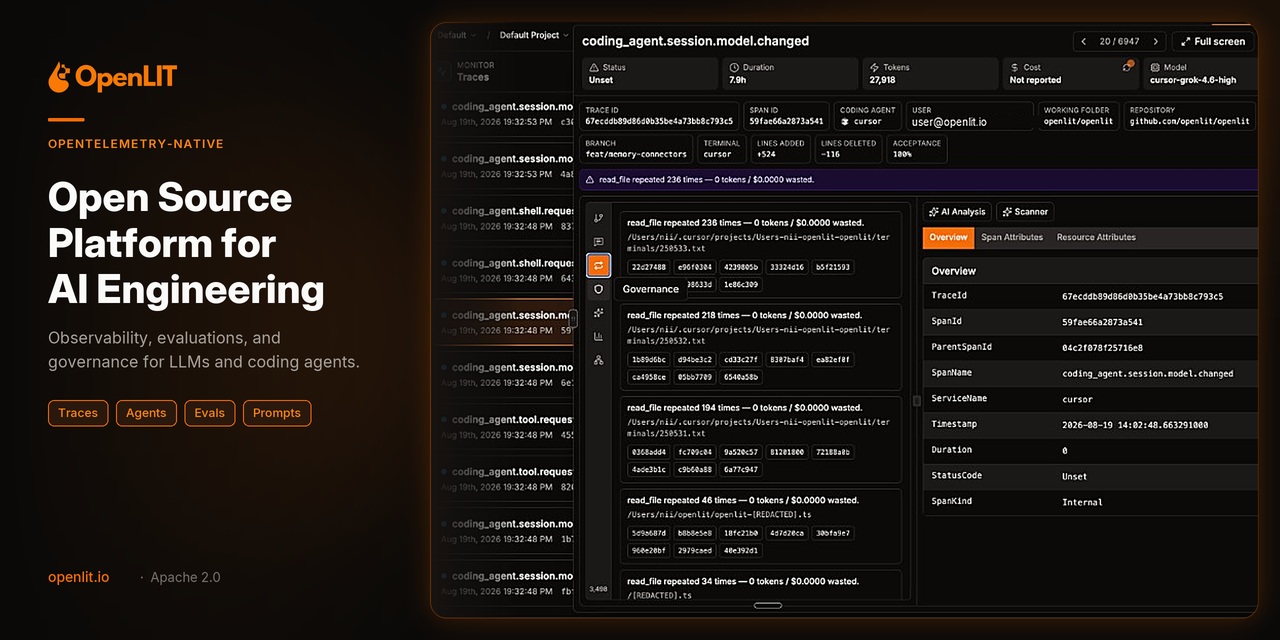
Trace, evaluate, debug, and optimize AI applications and coding agents with OpenTelemetry.

---
AI applications are no longer just LLM calls.
A production agent can involve:
flowchart TD
    U([User]) --> A[AI Agent]
    A --> L[LLM calls]
    A --> T[Tool calls]
    A --> R[Retrieval]
    A --> M[Memory]
    A --> S[Sub-agents]
    A --> P[Prompts]
    A --> C[Code changes]
    L & T & R & M & S & P & C --> E{{Evaluation}}
    E --> O[["Cost / Quality / Errors"]]
style U fill:#F97316,stroke:#7C2D12,color:#fff
    style A fill:#111827,stroke:#F97316,stroke-width:2px,color:#fff
    style E fill:#111827,stroke:#F97316,stroke-width:2px,color:#fff
    style O fill:#F97316,stroke:#7C2D12,color:#fff
OpenLIT gives you visibility across the entire workflow.
Trace every LLM call, tool invocation, prompt, agent step, token, cost, error, and evaluation — using OpenTelemetry.
---
git clone https://github.com/openlit/openlit.git
cd openlit
docker compose up -d
Open:
http://127.0.0.1:3000
Python:
pip install openlit
TypeScript:
npm install openlit
Python:
import openlit
openlit.init()
That's it.
OpenLIT automatically instruments supported LLM providers, frameworks, vector databases, and other AI infrastructure and exports OpenTelemetry traces and metrics.
By default, configure the OTLP endpoint:
export OTEL_EXPORTER_OTLP_ENDPOINT="http://127.0.0.1:4318"
Or:
import openlit
openlit.init(
    otlp_endpoint="http://127.0.0.1:4318"
)
Open your dashboard and start exploring your AI application's traces, metrics, costs, and performance.
---
AI coding agents are powerful — but understanding what they actually did can be difficult.
OpenLIT gives you an OpenTelemetry-native view of coding-agent sessions.
Install the CLI:
curl -fsSL https://raw.githubusercontent.com/openlit/openlit/main/cli/scripts/install.sh | sh
iwr -useb https://raw.githubusercontent.com/openlit/openlit/main/cli/scripts/install.ps1 | iex
Configure OpenLIT:
openlit configure --endpoint http://127.0.0.1:4318
Install coding-agent instrumentation:
openlit coding install --vendor=all
Or install individual integrations:
openlit coding install --vendor=cursor
openlit coding install --vendor=claude-code
openlit coding install --vendor=codex
Check your installation:
openlit doctor
Now OpenLIT can capture:
flowchart LR
    S([Coding Agent Session]) --> P[User prompt]
    S --> L[LLM calls]
    S --> T[Tool calls]
    T --> T1[File reads]
    T --> T2[File edits]
    T --> T3[Shell commands]
    T --> T4[Search]
    S --> SA[Sub-agent activity]
    S --> TU[Token usage]
    S --> CO[Cost]
    S --> CI[Code impact]
style S fill:#111827,stroke:#F97316,stroke-width:2px,color:#fff
    style T fill:#111827,stroke:#F97316,stroke-width:2px,color:#fff
Explore the resulting sessions in the Coding Agents dashboard.
---
Understand exactly what happened during an AI request.
All represented using OpenTelemetry.
---
Track the cost of your AI applications across:
Support custom pricing for custom and fine-tuned models.
---
Automatically evaluate LLM and agent outputs using LLM-as-a-Judge evaluations.
Built-in evaluation types include:
Use evaluations to move from:
"The agent produced an answer."
to:
"The agent produced a good answer."
---
Find the requests that matter.
Investigate:
Go from:
Something went wrong.to a fully traced root cause:
flowchart TD
    A[Agent] --> P[Prompt] --> L1[LLM] --> T[Tool call] --> R[Retrieval] --> L2[LLM] --> E([Error])
style E fill:#DC2626,stroke:#7F1D1D,color:#fff
    style A fill:#111827,stroke:#F97316,stroke-width:2px,color:#fff
---
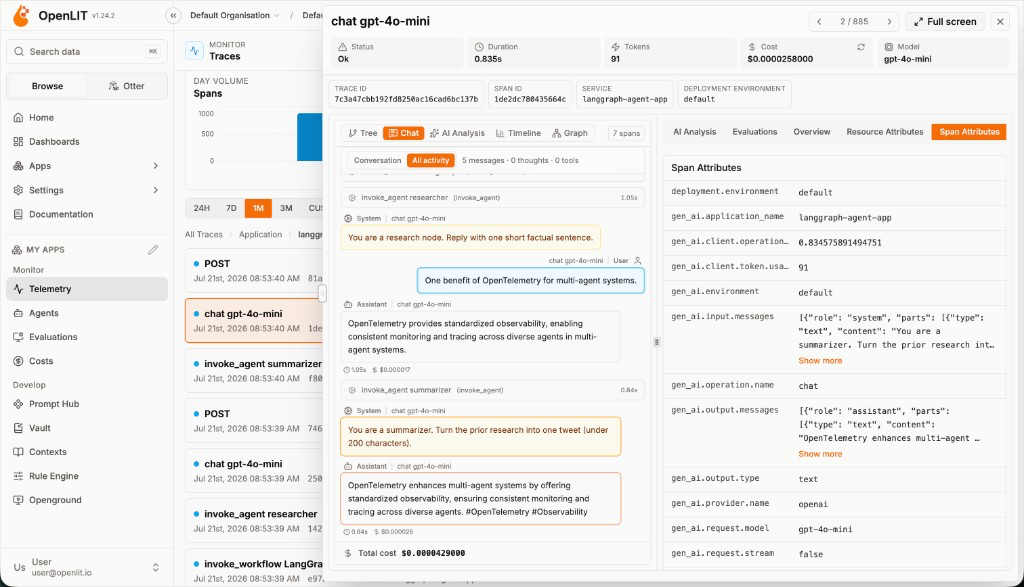 Traces — full agent conversation, spans & cost |
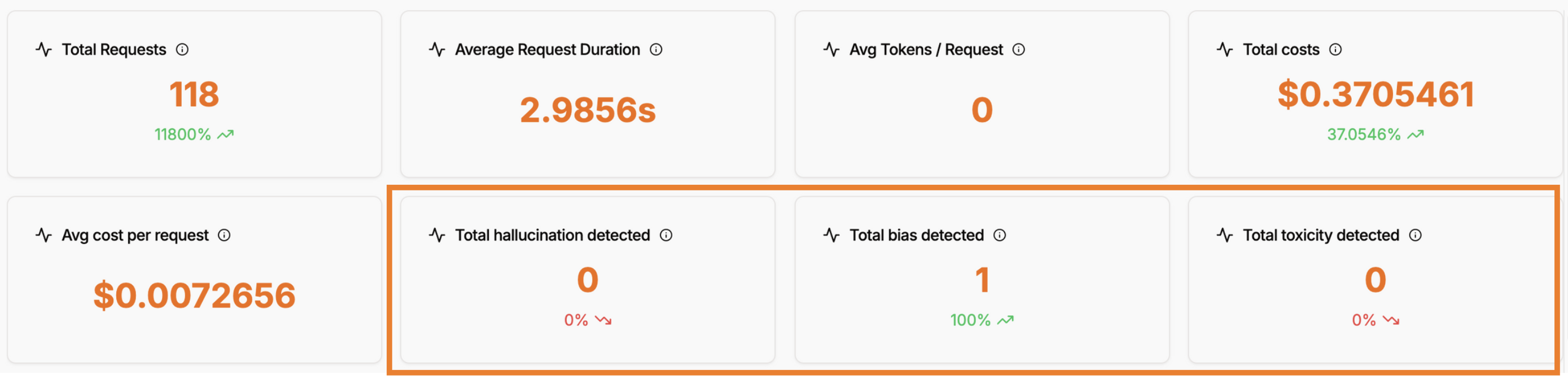 Evaluations — hallucination, bias & toxicity checks |
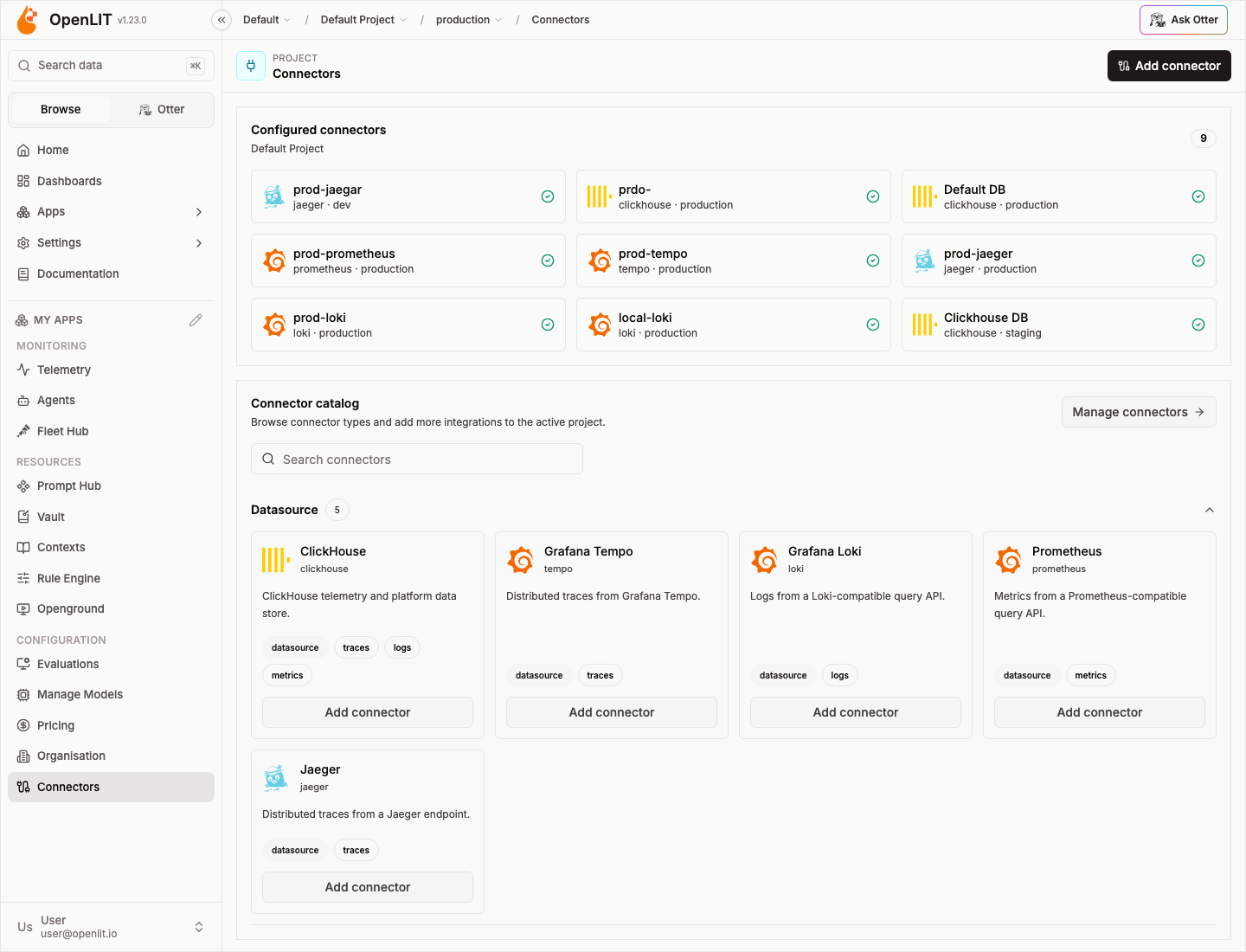 Connectors — plug in ClickHouse, Tempo, Loki, Prometheus & more |
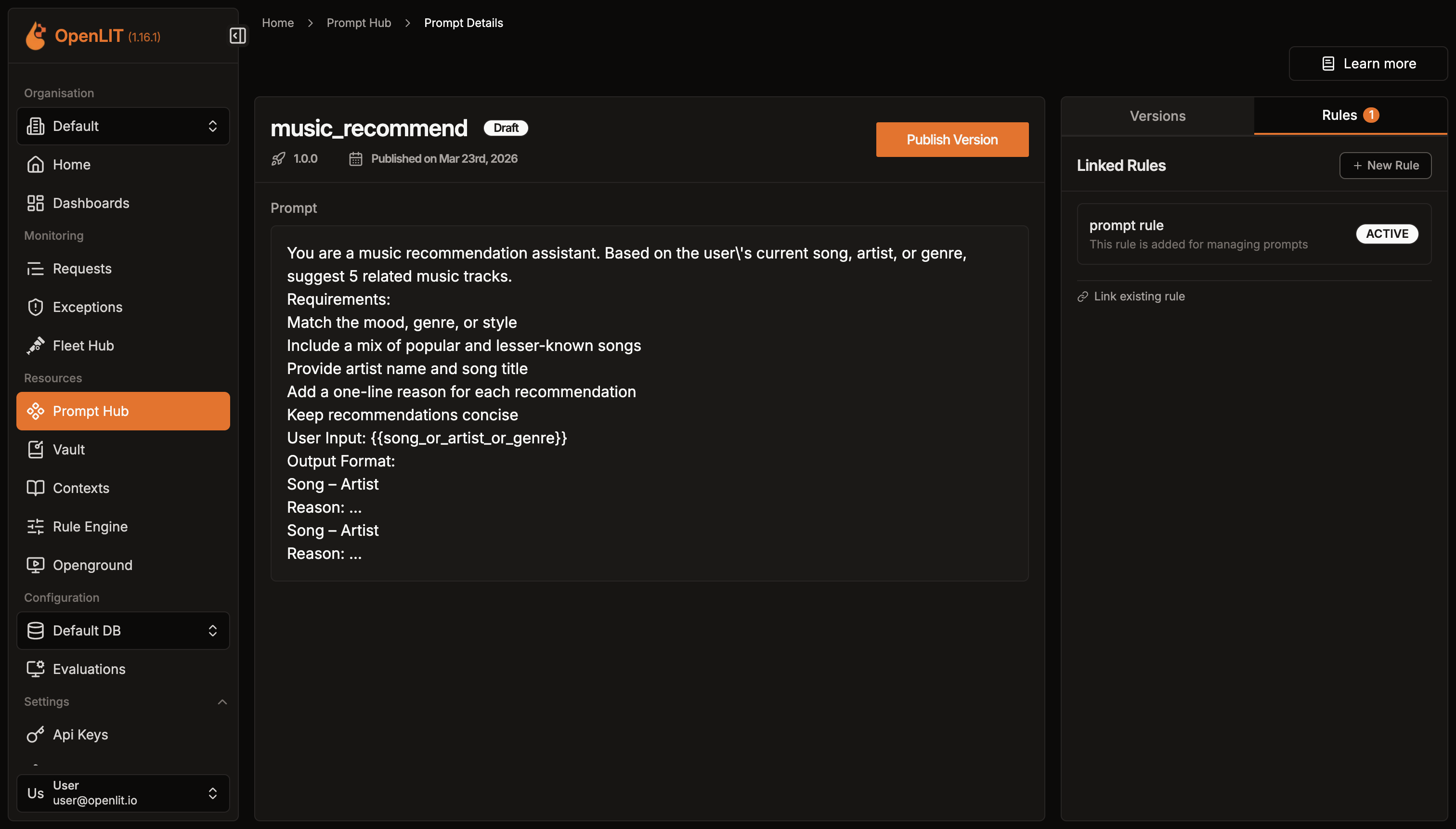 Prompt Hub — versioned, centrally managed prompts |
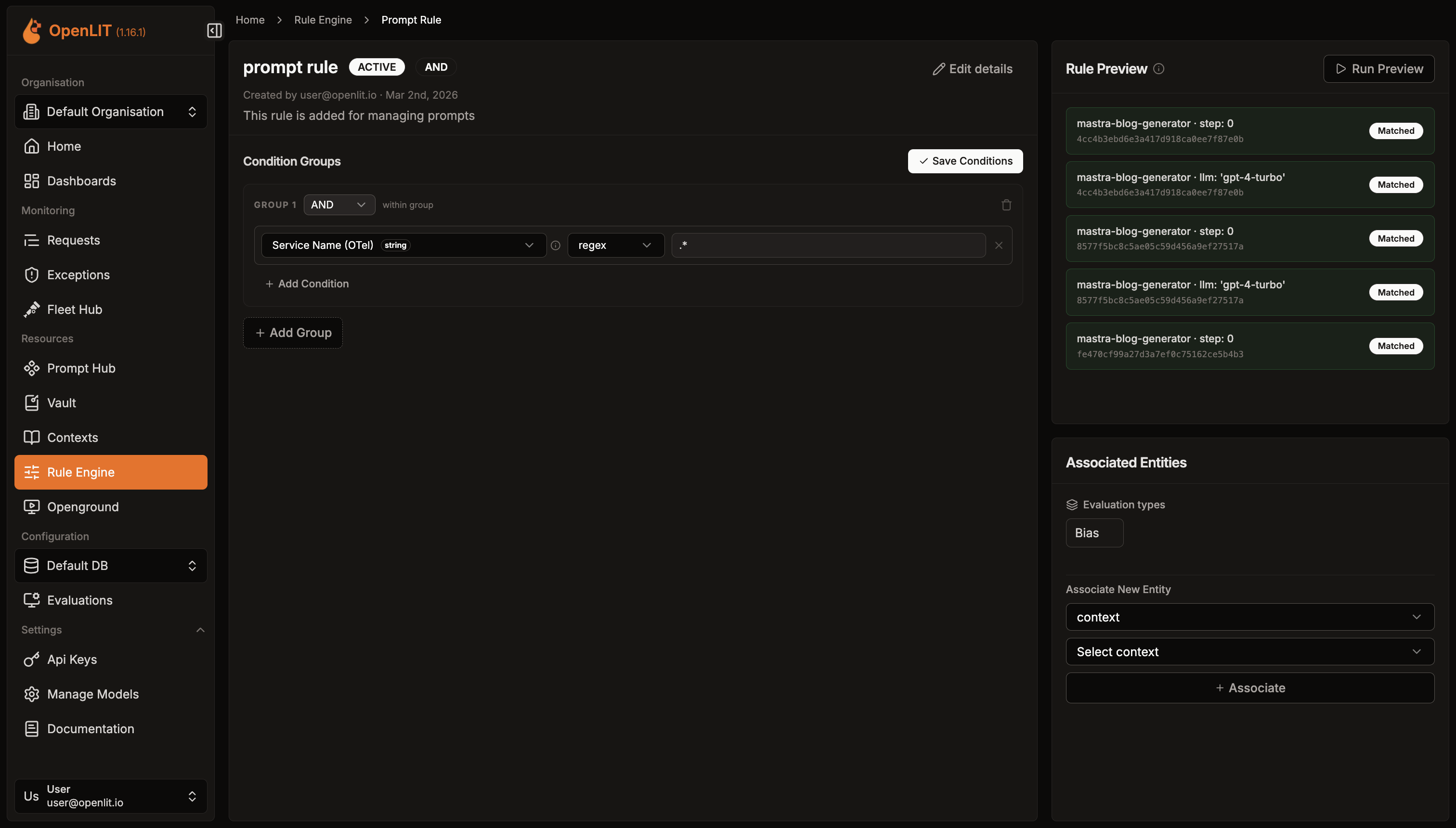 Rule Engine — conditional rules on trace attributes |
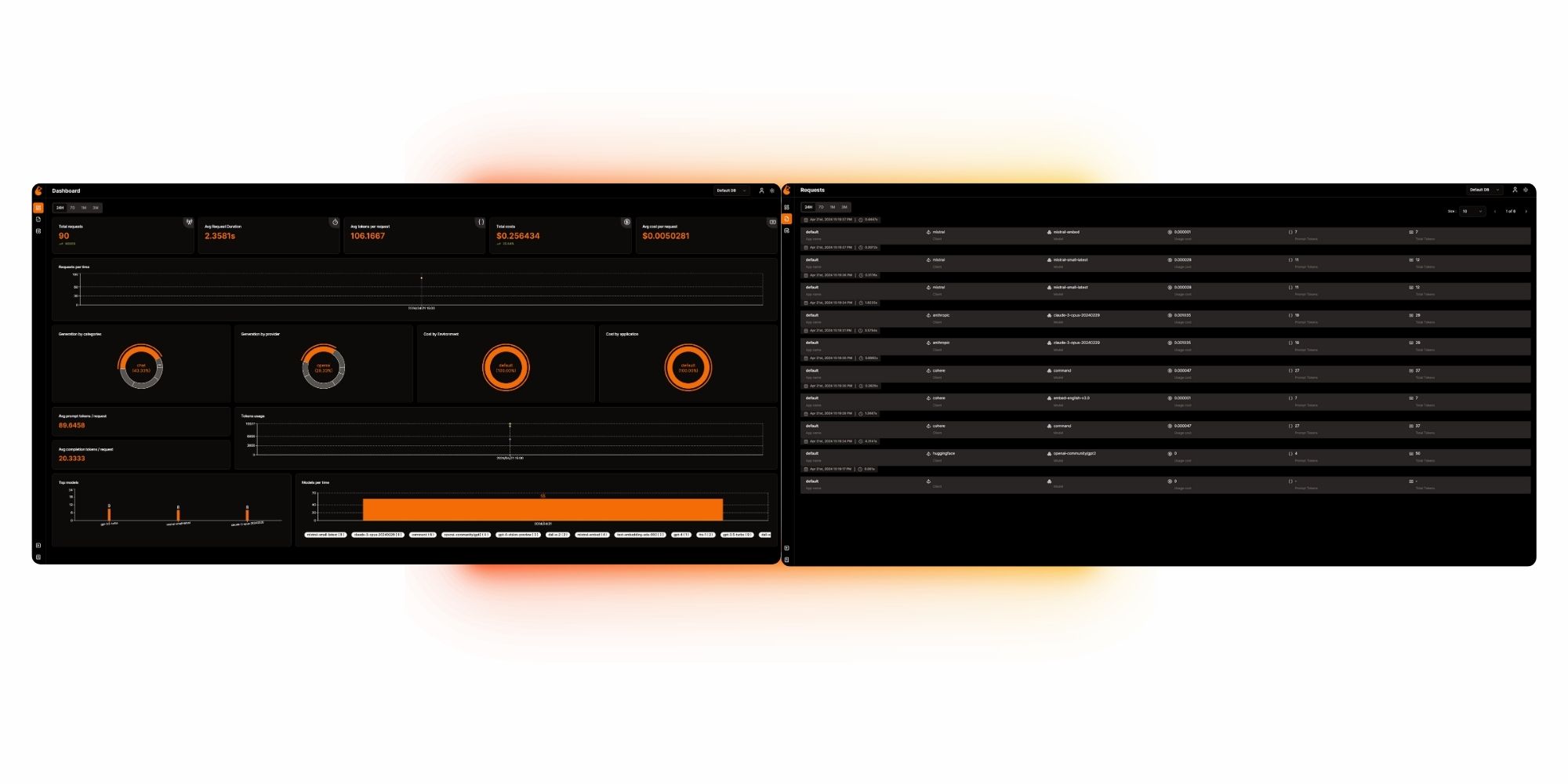 Dashboards — cost, latency & usage charts at a glance |
---
Use Prompt Hub to:
Example:
prompt = openlit.prompts.get(
    "customer-support"
)
Keep prompt management separate from application code while maintaining version control and observability.
---
Define runtime rules based on trace attributes.
Use rules to dynamically control:
Example:
IF
  environment = production
  AND
  model = expensive-model
THEN
  run cost evaluation
  + retrieve production prompt
---
OpenLIT is built around OpenTelemetry, rather than creating a proprietary telemetry format.
Your telemetry can flow through the OpenTelemetry ecosystem:
flowchart TD
    A["AI App / AI Agent"] -->|OpenTelemetry| C[OpenTelemetry Collector]
    C --> B[OpenLIT Backend]
    C --> O["Other OTel backends
(Datadog, Grafana, Honeycomb, ...)"]
    B --> D[OpenLIT Dashboard]
style A fill:#111827,stroke:#F97316,stroke-width:2px,color:#fff
    style C fill:#111827,stroke:#F97316,stroke-width:2px,color:#fff
    style B fill:#F97316,stroke:#7C2D12,color:#fff
    style D fill:#F97316,stroke:#7C2D12,color:#fff
This means you can integrate OpenLIT into an existing OpenTelemetry architecture instead of replacing it.
---
OpenLIT auto-instruments a growing ecosystem of AI providers, frameworks, vector databases, and GPU infrastructure with a single line of code. Click any badge to view its integration guide.
LLM Providers

Vector & Data Stores
AI Frameworks & Agents
→ →
→ →
→ →
→ →
→ →
→ →
→ →
→