1
 →
→
Build plugins that feel like native, first-class features of ChatGPT.
openai/mcp-extensions is an open-source project on GitHub, mainly written in TypeScript. Build plugins that feel like native, first-class features of ChatGPT. It currently holds 424 stars and 17 forks with 0 open issues, and was last pushed on an unknown date (repository created unknown).
AI Homed tracks it on the Today's Trending board, currently at rank #93 with 0 new stars today.
OpenAI MCP Extensions adds ChatGPT-specific capabilities to MCP so developers can build plugins that feel like native, first-class features.
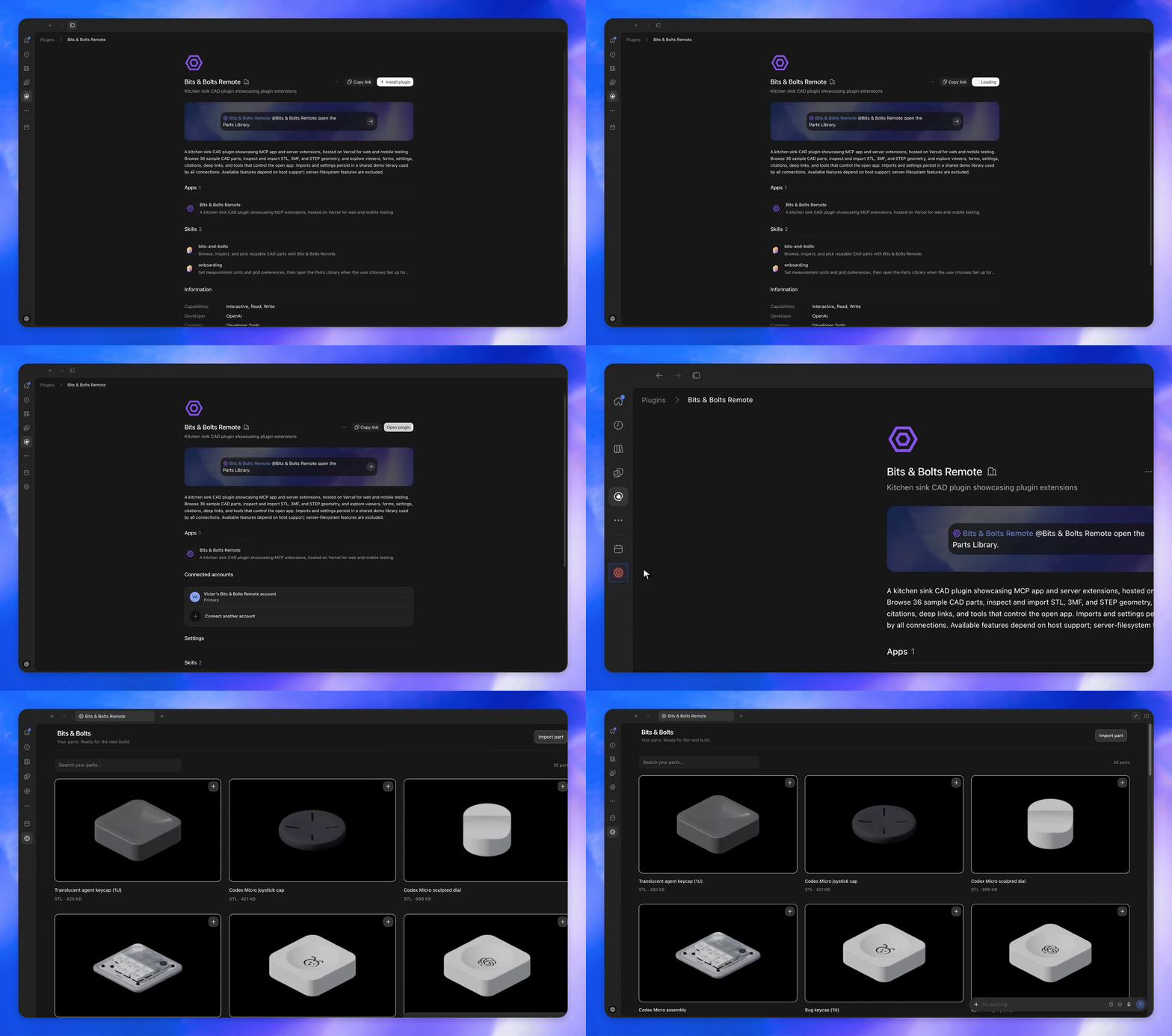
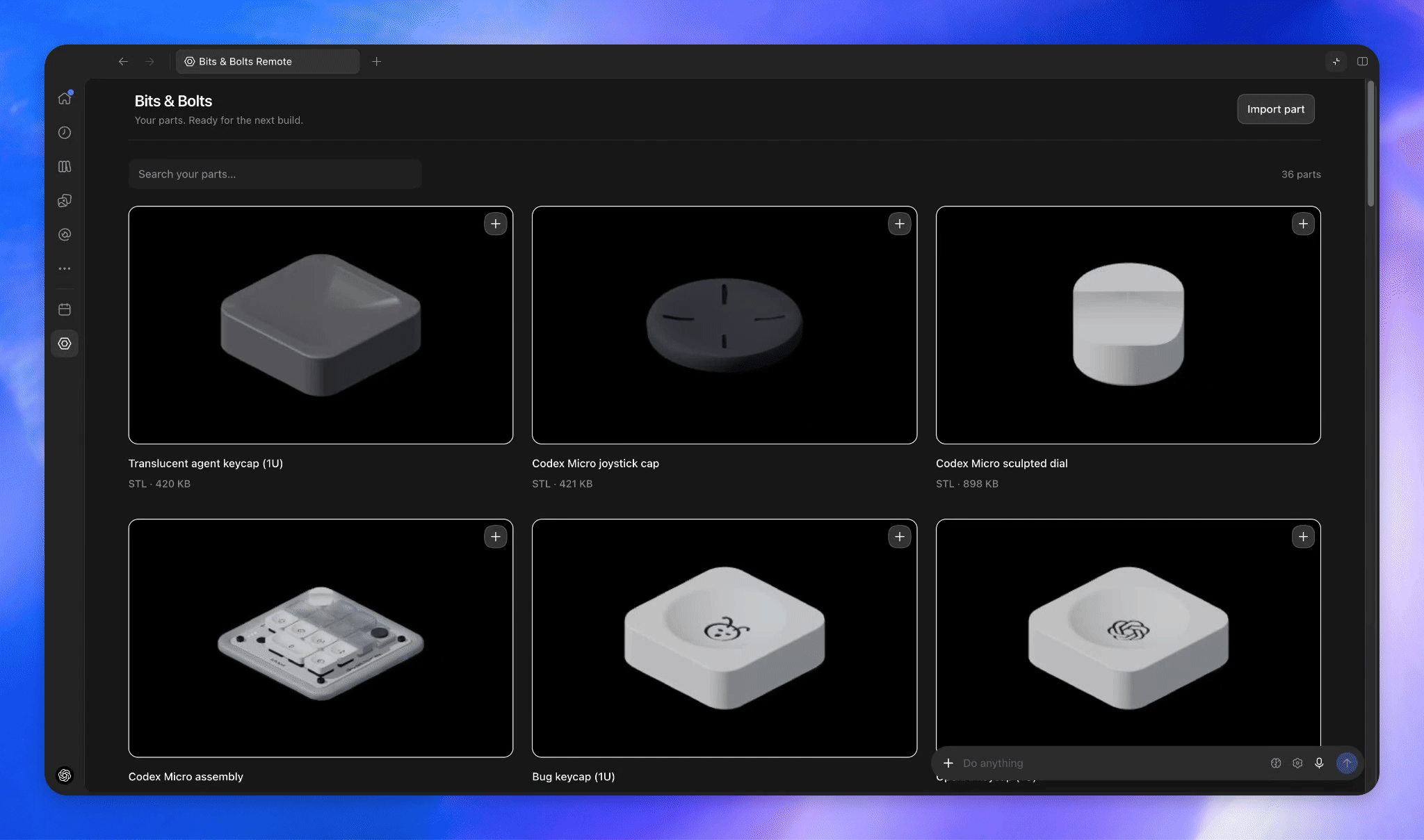
All examples below use the Bits & Bolts plugin, which you can try by installing the plugin.
Allow users to access your app from the sidebar.
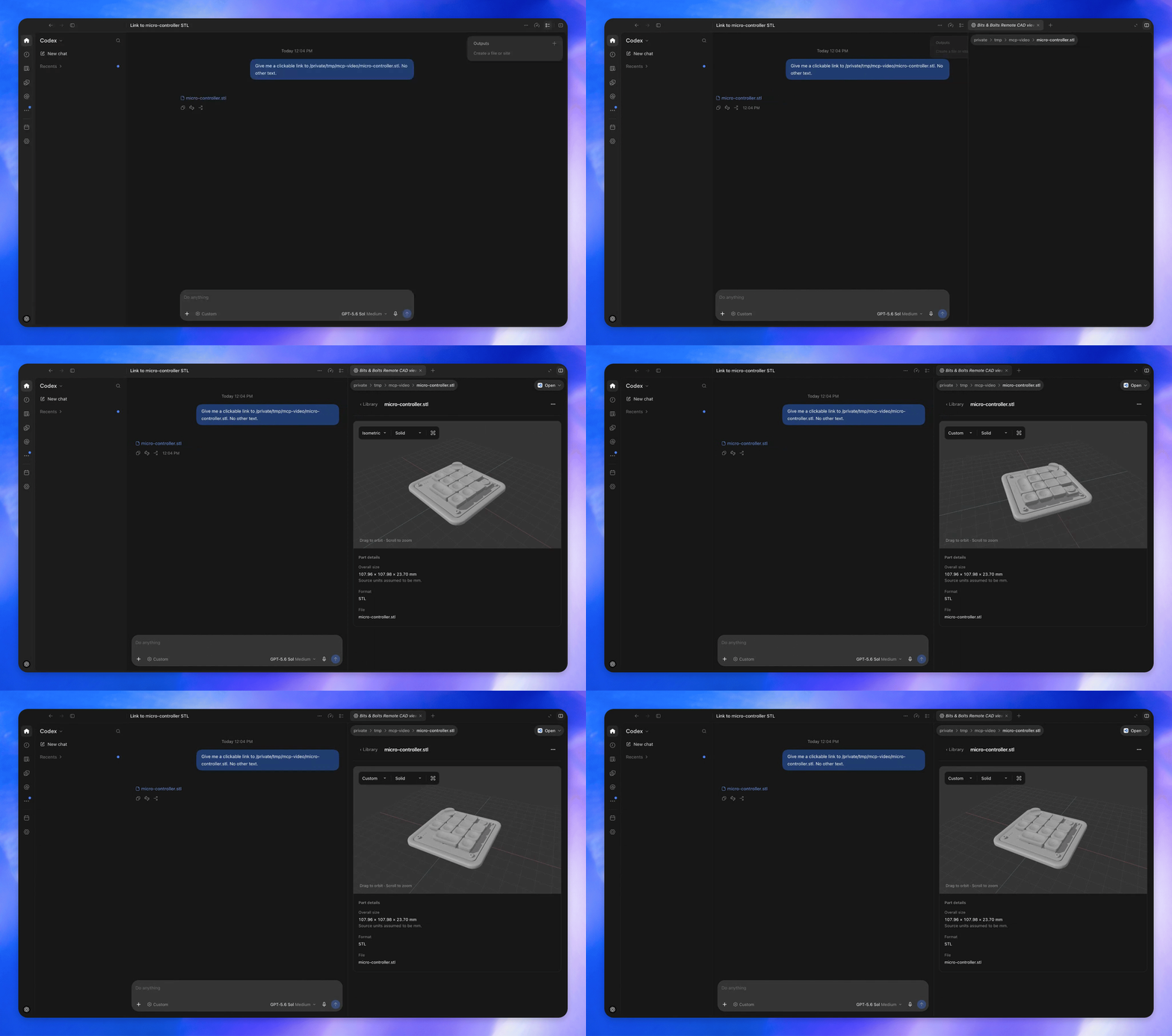
Render custom file viewers when users open a supported file type.
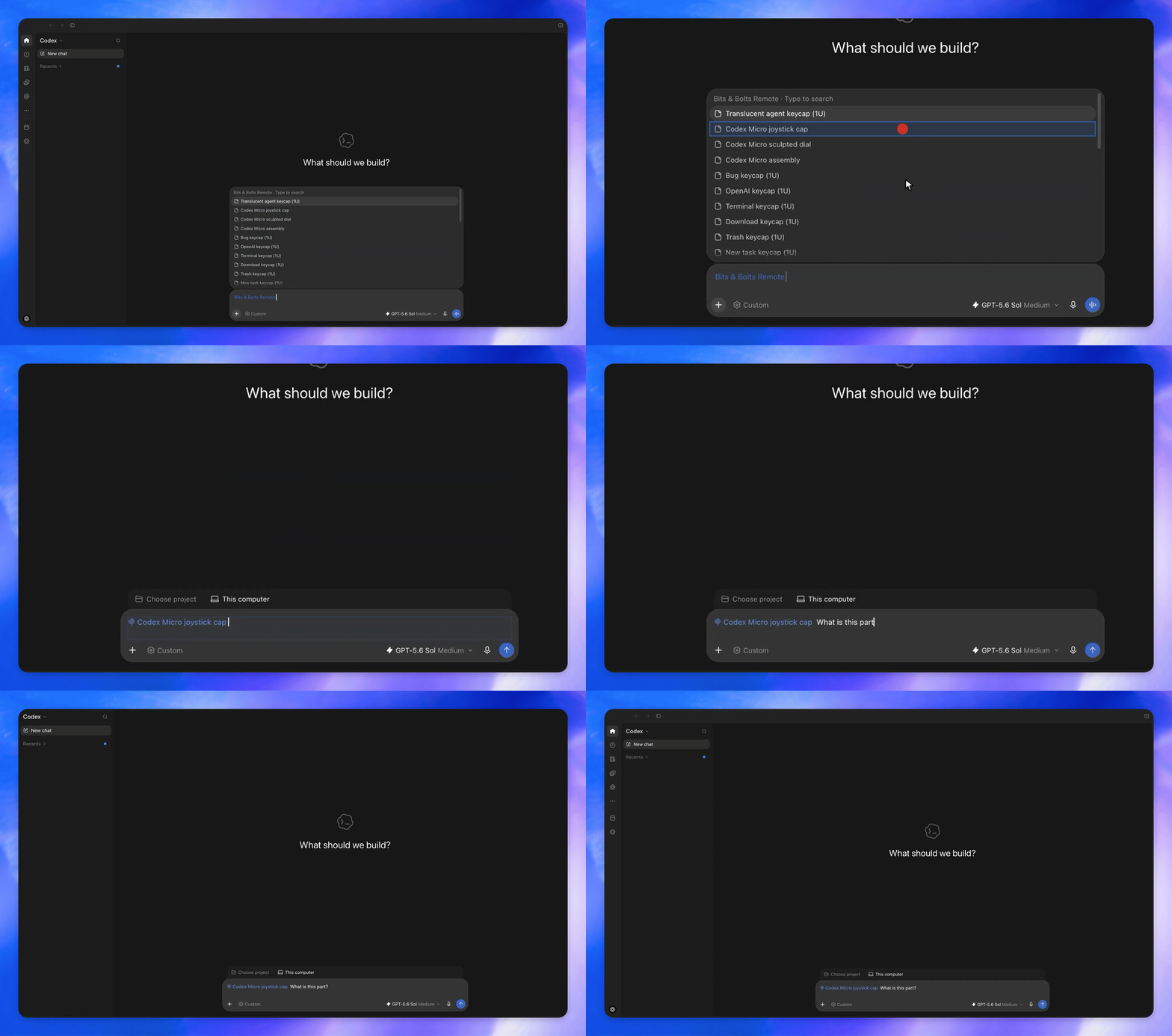
Let users search your plugin’s resources from the composer and add references to a message.
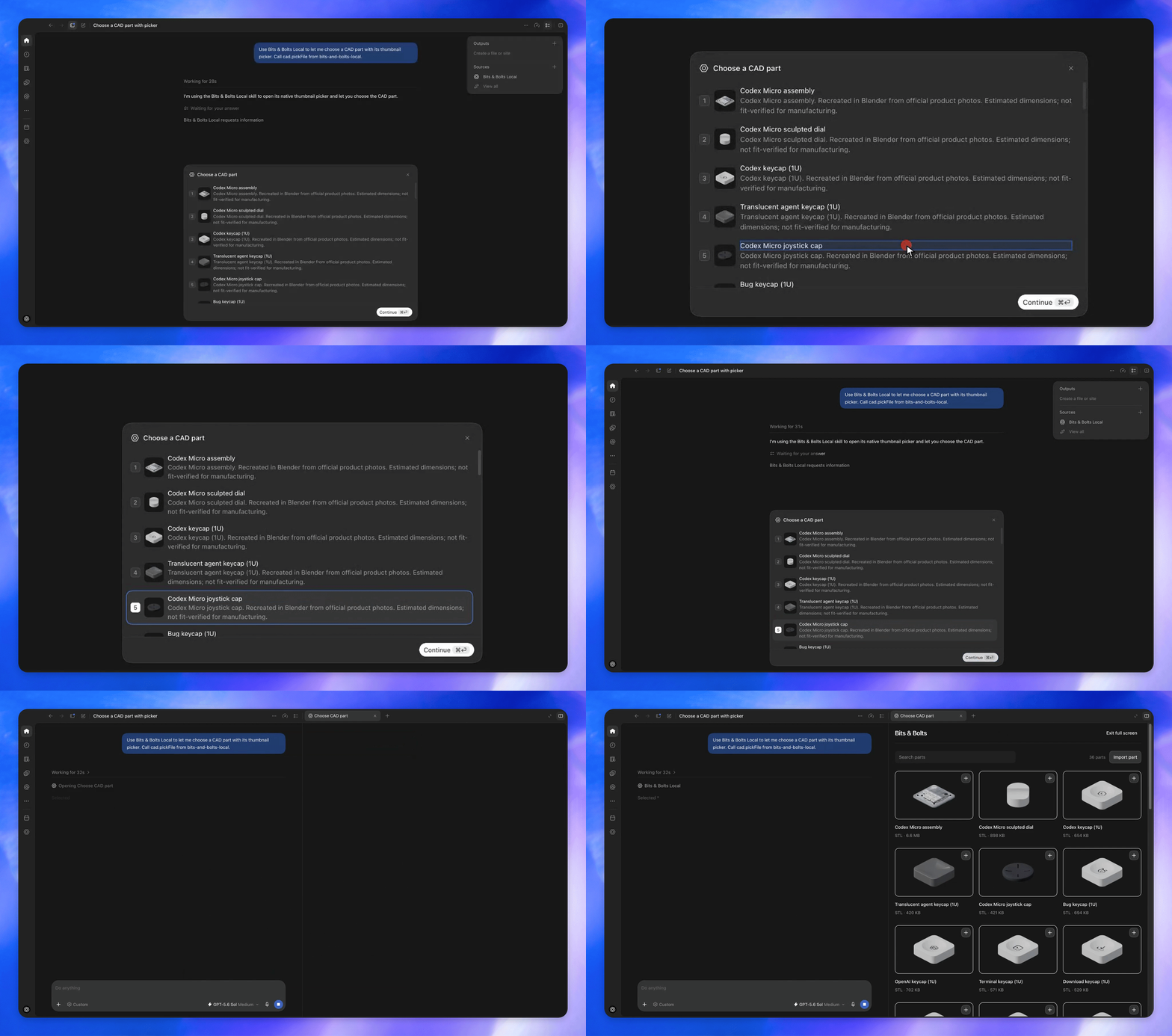
Let users select a CAD part using thumbnail choices.
Install the Bits & Bolts Remote plugin:
1. Install Bits & Bolts Remote from the plugin directory. 2. Select Bits & Bolts Remote in the sidebar to open the Parts Library.
Read the plugin documentation about how to create a plugin. Once you have a plugin…
Follow the SDK installation instructions for the current source:
@openai/mcp-extensions for MCP servers and Apps.openai-mcp-extensions for MCP servers.Read the spec to learn more about supported extensions.
This project is licensed under the Apache License 2.0.
→ →
→ →
→ →
→ →
→ →
→ →
→ →
→