1
 →
→
Mumble is an open-source, low-latency, high quality voice chat software.
mumble-voip/mumble is an open-source project on GitHub, mainly written in C++. Mumble is an open-source, low-latency, high quality voice chat software. It currently holds 8,290 stars and 1,393 forks with 482 open issues, and was last pushed on 2026-09-19 (repository created 2011-02-26).
AI Homed tracks it on the Today's Trending board, currently at rank #60 with 6 new stars today.
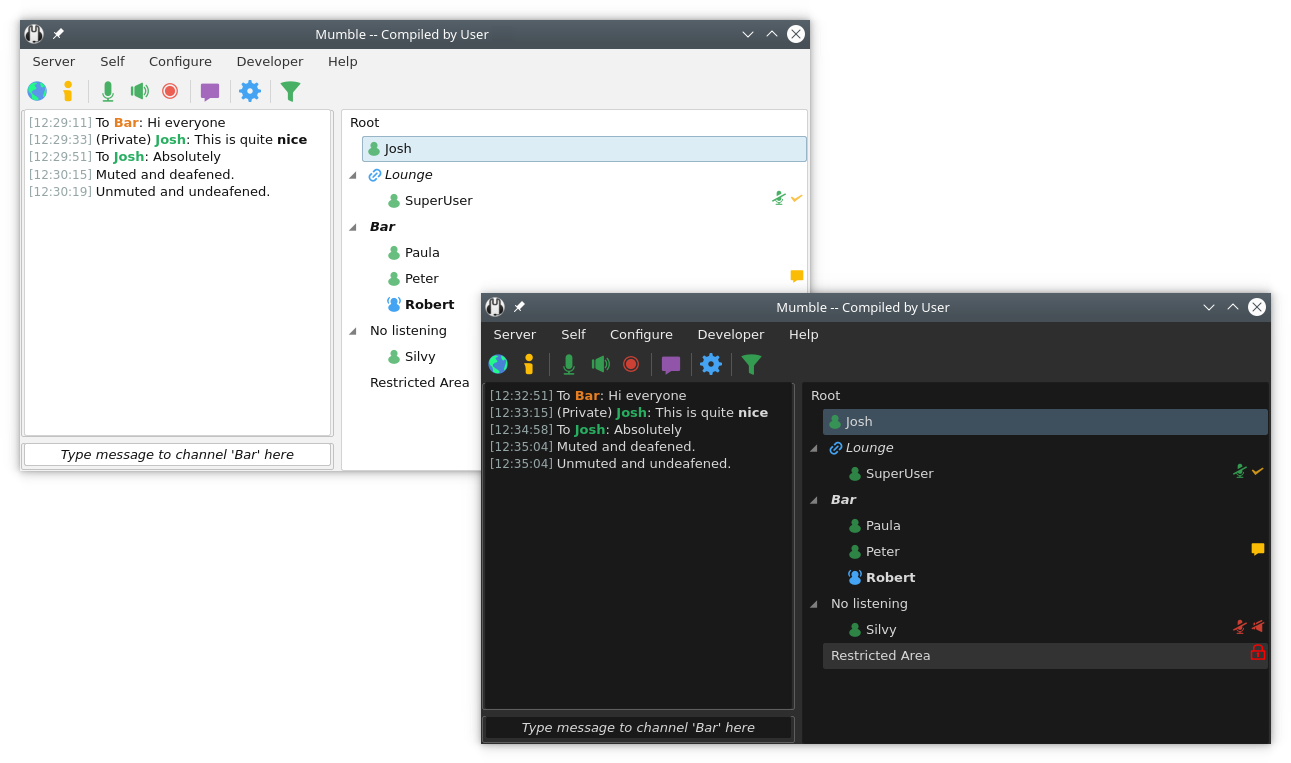
Mumble is an Open Source, low-latency and high-quality voice-chat program written on top of Qt and Opus.
There are two modules in Mumble; the client (mumble) and the server (mumble-server formerly known as murmur). The client works on Windows, Linux, FreeBSD, OpenBSD, and macOS, while the server should work on anything Qt can be installed on.
The documentation of the project can be found on the website.
We always welcome contributions to the project. If you have some code that you would like to contribute, please go ahead and create a PR. While doing so, please try to make sure that you follow our commit guidelines.
If you are new to the Mumble project, you may want to check out the general introduction to the Mumble source code.
Mumble supports various languages. We are always looking for qualified people to contribute translations.
We are using Weblate as a translation platform. Register on Weblate, and join our translation project.
Mumble supports general-purpose plugins that can provide functionality that is not implemented in the main Mumble application. You can find more information on how this works and how these have to be created in the plugin documentation.
For information on how to build Mumble, check out the dedicated documentation.
Make sure to switch to the appropriate branch in this repository to get the correct build documentation. The current `master` branch contains
the unstable code for a future release of Mumble. If you want to build an already released stable version of Mumble, e.g. `1.5.735`, select the
corresponding branch, e.g. `1.5.x`, in the dropdown menu above. Alternatively, use the documentation in the respective release tarball.
If you want to report a bug or create a feature request, you can open a new issue (after you have checked that there is none already) on GitHub.
We graciously acknowledge that this program uses free code signing provided by SignPath.io, and a free code signing certificate by the SignPath Foundation.
After installation, you should have a new Mumble folder in your Start Menu, from which you can start Mumble.
Double-click the icon to start `mumble-server`. There will be a small icon on your
taskbar from which you can view the log.
To set the superuser password, run `mumble-server with the parameters --set-su-pw `.
To install Mumble, drag the application from the downloaded
disk image into your /Applications folder.
`mumble-server` is distributed separately from the Mumble client on MacOS.
It is called Static OS X Server and can be downloaded from the main webpage.
Once downloaded it can be run in the same way as on any other Unix-like system. For more information please see the "Running mumble-server" in the Linux/Unix section below.
If you have installed Mumble through your distribution package repository, you should be able to find Mumble in your start menu. No additional steps are necessary.
`mumble-server` should be run from the command line, so start a shell (command prompt)
and go to wherever you installed Mumble. Run `mumble-server` as
mumble-server [--set-su-pw ] [--ini ] [--foreground] [--verbose]
--set-su-pw     Set a new password for the user SuperUser, which is hardcoded to
                bypass ACLs. Keep this password safe. Until you set a password,
                the SuperUser is disabled. If you use this option, mumble-server will
                set the password in the database and then exit.
--ini           Use an inifile other than mumble-server.ini, use this to run several instances
                of mumble-server from the same directory. Make sure each instance is using
                a separate database.
--foreground    Run in the foreground, logging to standard output.
--verbose       More verbose logging.
Our official Docker image along with instructions on how to use it can be found at https://github.com/mumble-voip/mumble-docker
You can find an up-to-date `mumble-server` configuration template in this repository.
Further server configuration documentation can be found on the project website.
The OpenGL overlay works by intercepting the call to switch buffers, and just before the buffer switch, we draw our nice GUI.
To load a game with the overlay enabled, start the game like this:
LD_PRELOAD=/path/to/libmumble.so.1.1 gamename
If you have Mumble installed through the binary packages, this can be done by simply typing:
mumble-overlay gamename
[ ](https://dartnode.com "Powered by DartNode - Free VPS for Open Source")
→ →
→ →
→ →
→ →
→ →
→ →→
→→