
1
 →
→longsurf-ai/openchart is an open-source project on GitHub, mainly written in TypeScript. Trade with charts, alerts, scripts, and your AI agents. It currently holds 67 stars and 8 forks with 0 open issues, and was last pushed on an unknown date (repository created unknown).
AI Homed tracks it on the Today's Trending board, currently at rank #88 with 0 new stars today.
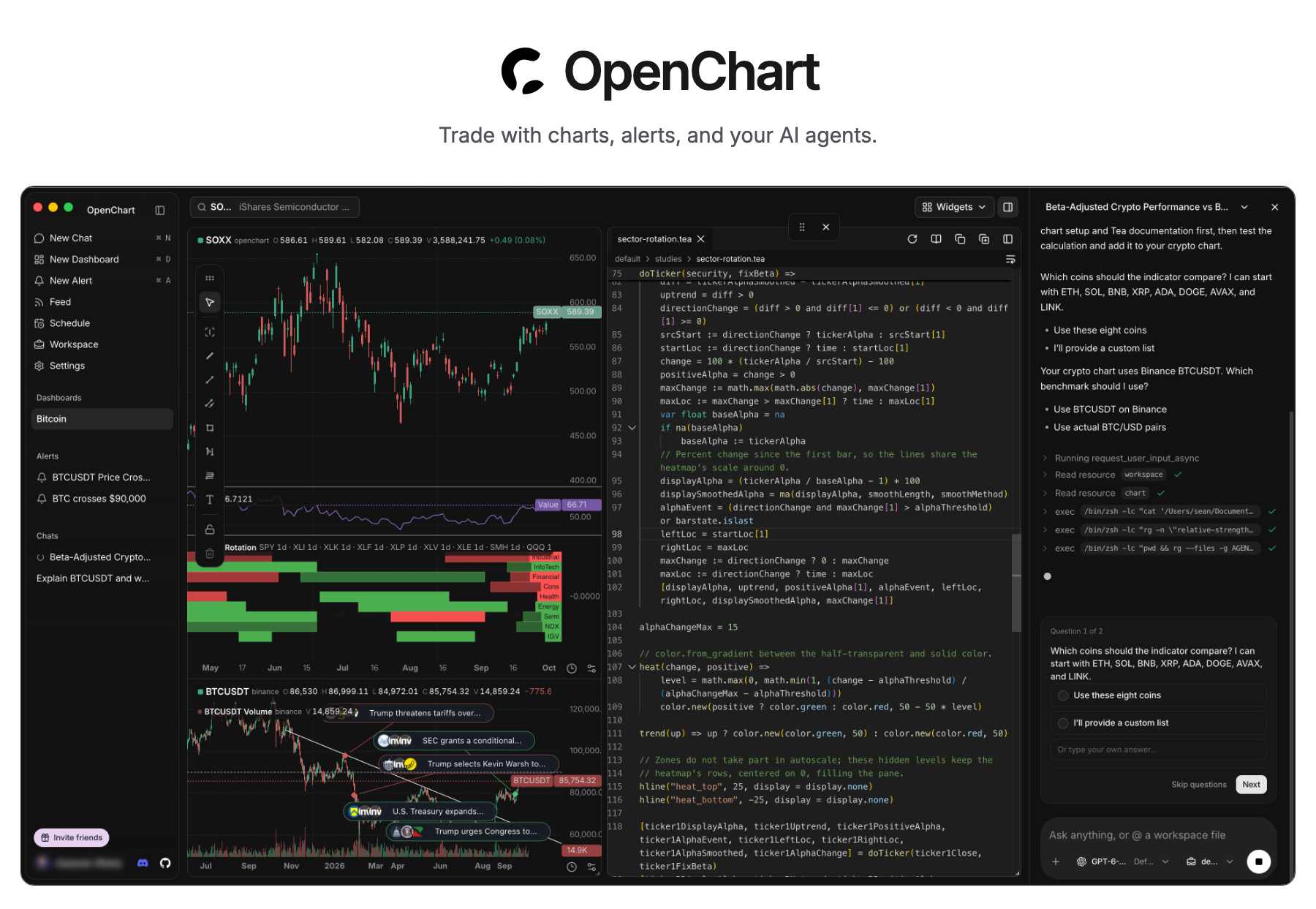
Download Desktop · Self-hosting · Features · Tea
OpenChart brings AI agents into every step of your investment journey: statistical and technical analysis with code and charts, real-time responses to market events with alerts, opportunity discovery through agentic research, and more.
OpenChart is not built to monetize software, but to explore a future where humans and agents manage assets together. If you believe in this future and want to join forces, we want to talk to you.
Download Desktop for macOS (Apple Silicon), open the disk image, and install OpenChart.
To run Desktop from source, install Node.js 24, npm 11.11.1, Bun 1.4.2, and Just, then run:
git clone https://github.com/longsurf-ai/openchart.git
cd openchart
just install --frozen-lockfile
just desktop
just install also initializes and builds Tea, a programming language built for analyzing market, by the same team.
Follow the setup guide
for your first chart and alert, or the development guide
for building and packaging the app.
Desktop is free. AI usage follows your agent provider's plan; optional Cloud market data is priced separately.
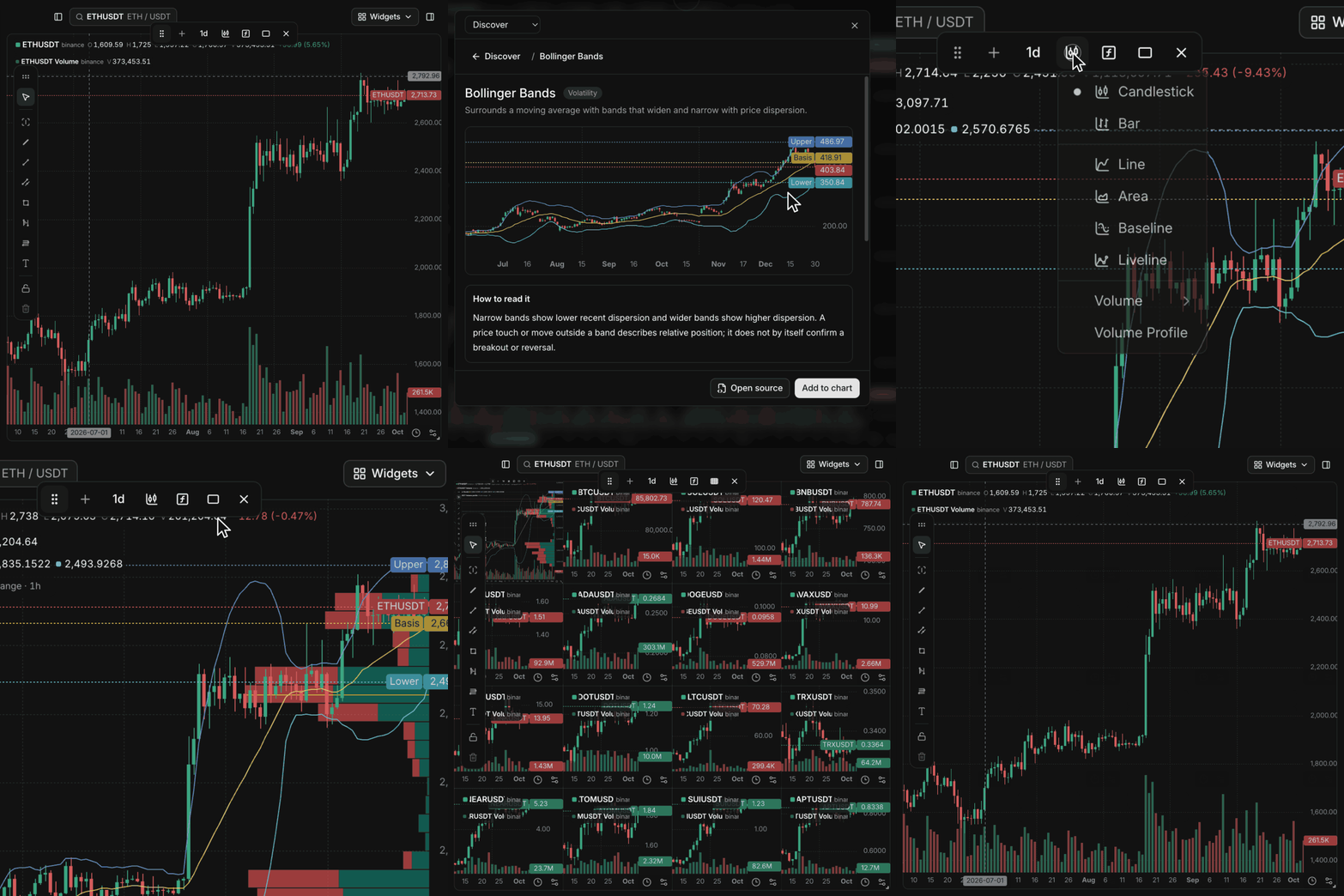
Charts without software quotasAdd indicators and Volume Profile, then expand to a 4×4 grid. No software plan limits on charts, indicators, or price and indicator alerts. |
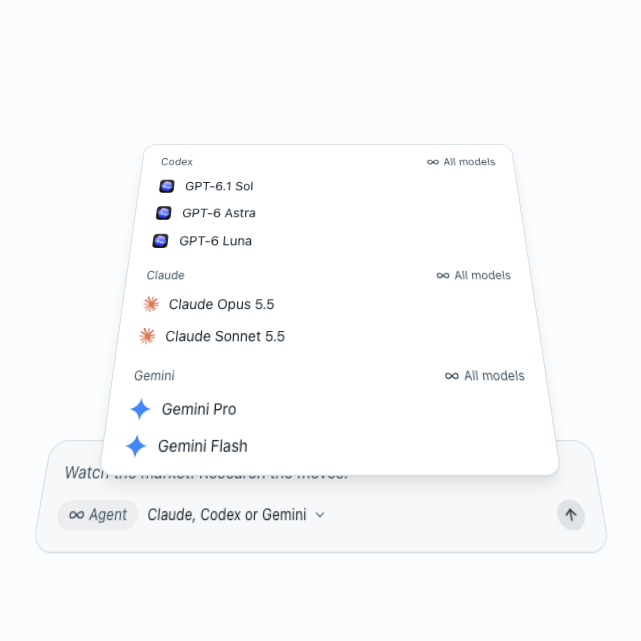
Use your own agentsUse your Claude, Codex, and Gemini models to research markets, build indicators, and set up alerts with the accounts you already have. |
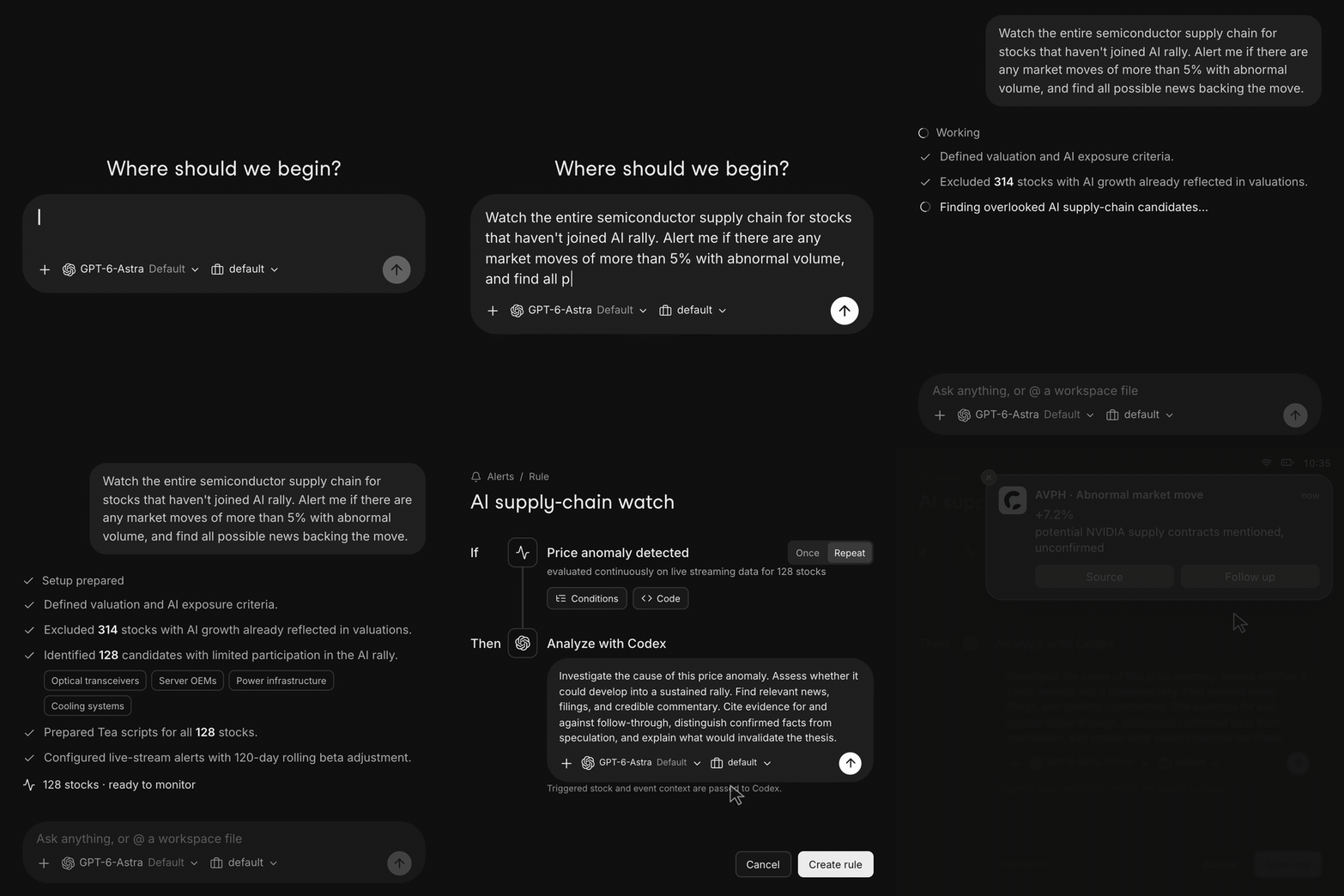
Describe what to watchTell your agent what matters. It builds Tea monitors that evaluate incoming data and investigate when a condition fires. |
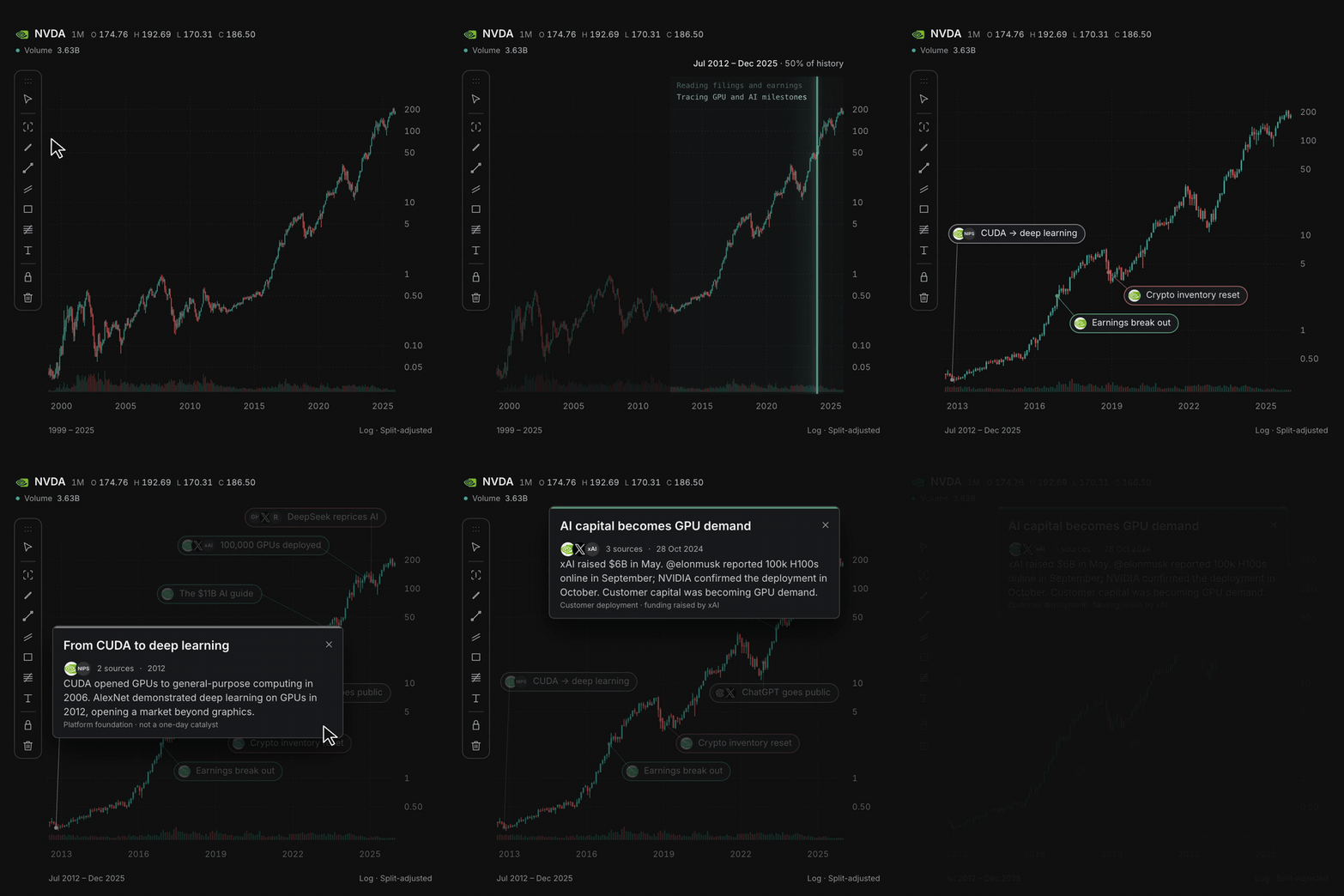
Explain what moved the chartSelect a range and let your agent research the move, with source-linked annotations pinned to the bars. |
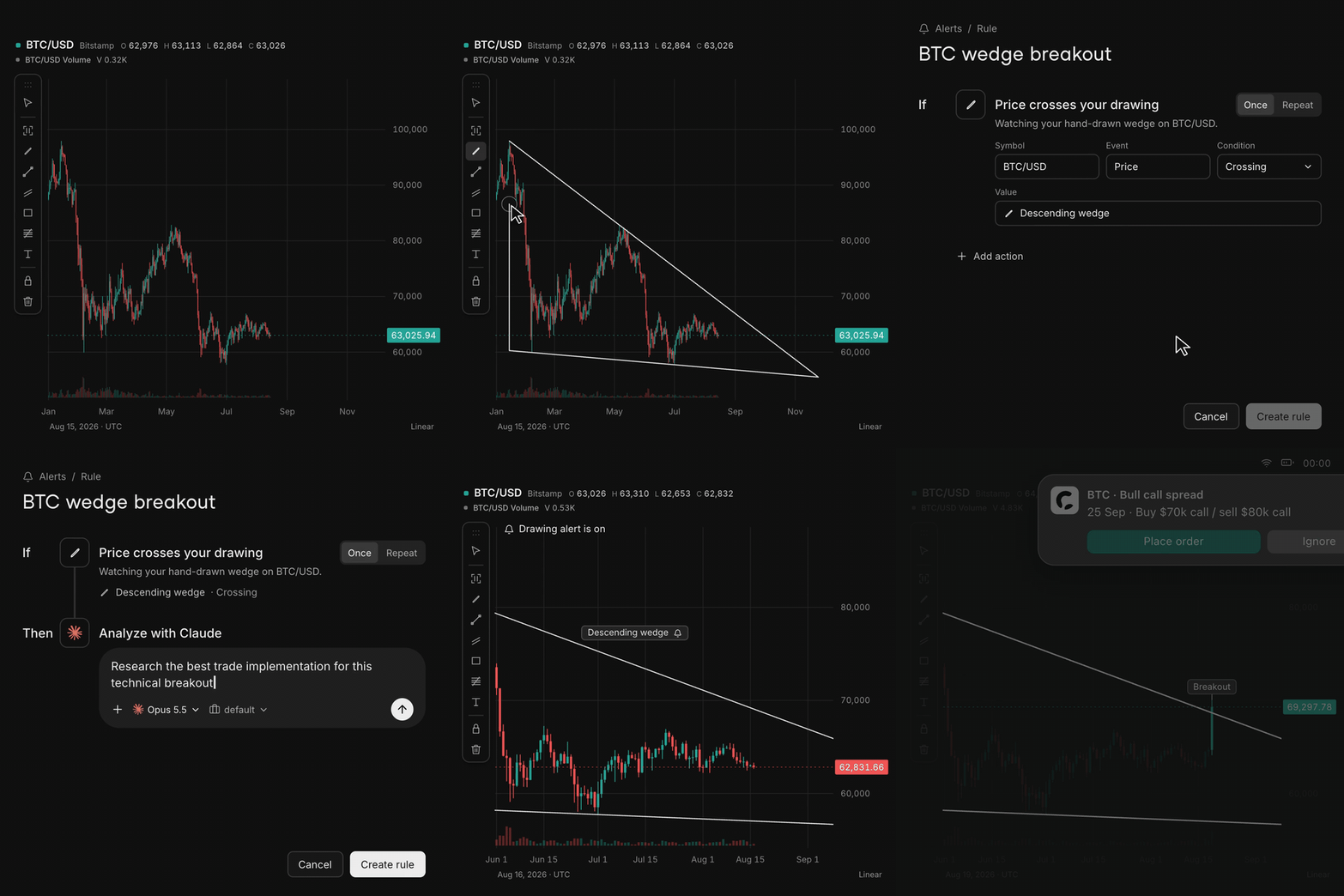
Draw it, get alertedDraw a line or zone on the chart. When price crosses it, an alert can ask your agent to research the move. |
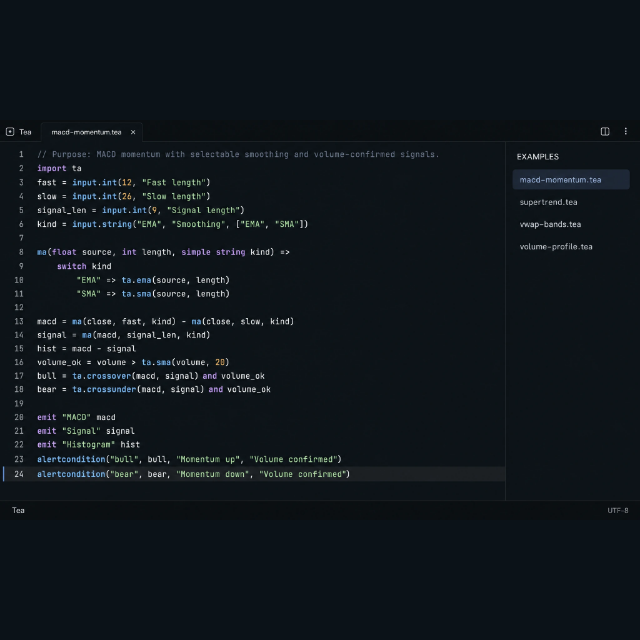
Write your own market logic in TeaBuild custom indicators and conditions with functions, loops, state, and collections that evaluate as data flows in. Explore Tea → |
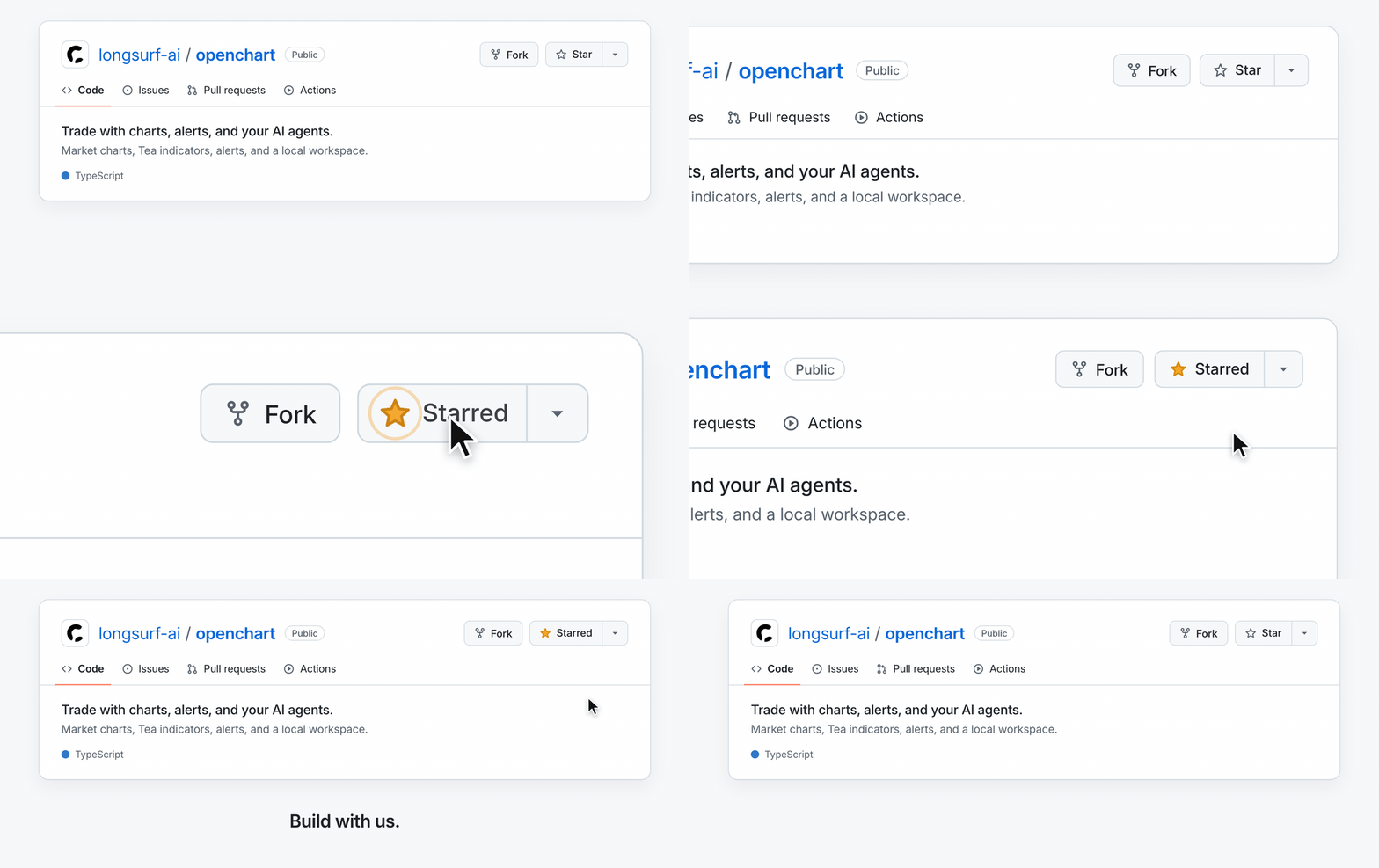
Star OpenChart to support the project and help more people discover it.
Thank you to the projects and people whose work helps shape OpenChart:
Thanks also to the maintainers of the many other open-source dependencies that make OpenChart possible.
Help improve OpenChart through code, indicators, documentation, and feedback.
just check before
submitting a pull request.
Thanks to everyone helping build OpenChart.


Report vulnerabilities privately to security@longsurf.ai, following our security policy. Please do not disclose vulnerabilities in public issues, pull requests, or community channels.
OpenChart uses the OpenChart License, based on Apache 2.0 with additional conditions. See the license for usage and commercial terms. For commercial licensing, contact legal@longsurf.ai.
→ →
→ →
→ →
→ →
→ →
→ →
→ →
→