
1
 →
→llm4s/llm4s is an open-source project on GitHub, mainly written in Scala. Agentic and LLM Programming in Scala It currently holds 268 stars and 120 forks with 0 open issues, and was last pushed on an unknown date (repository created unknown).
AI Homed tracks it on the Today's Trending board, currently at rank #60 with 1 new stars today.



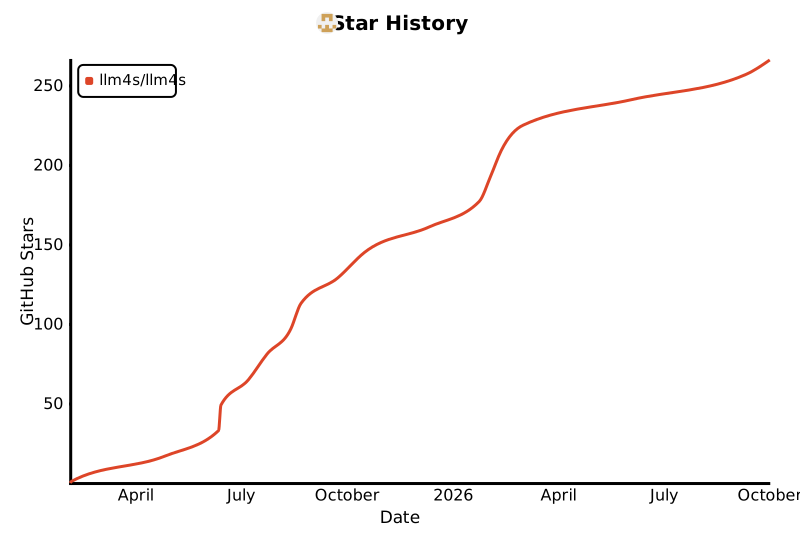

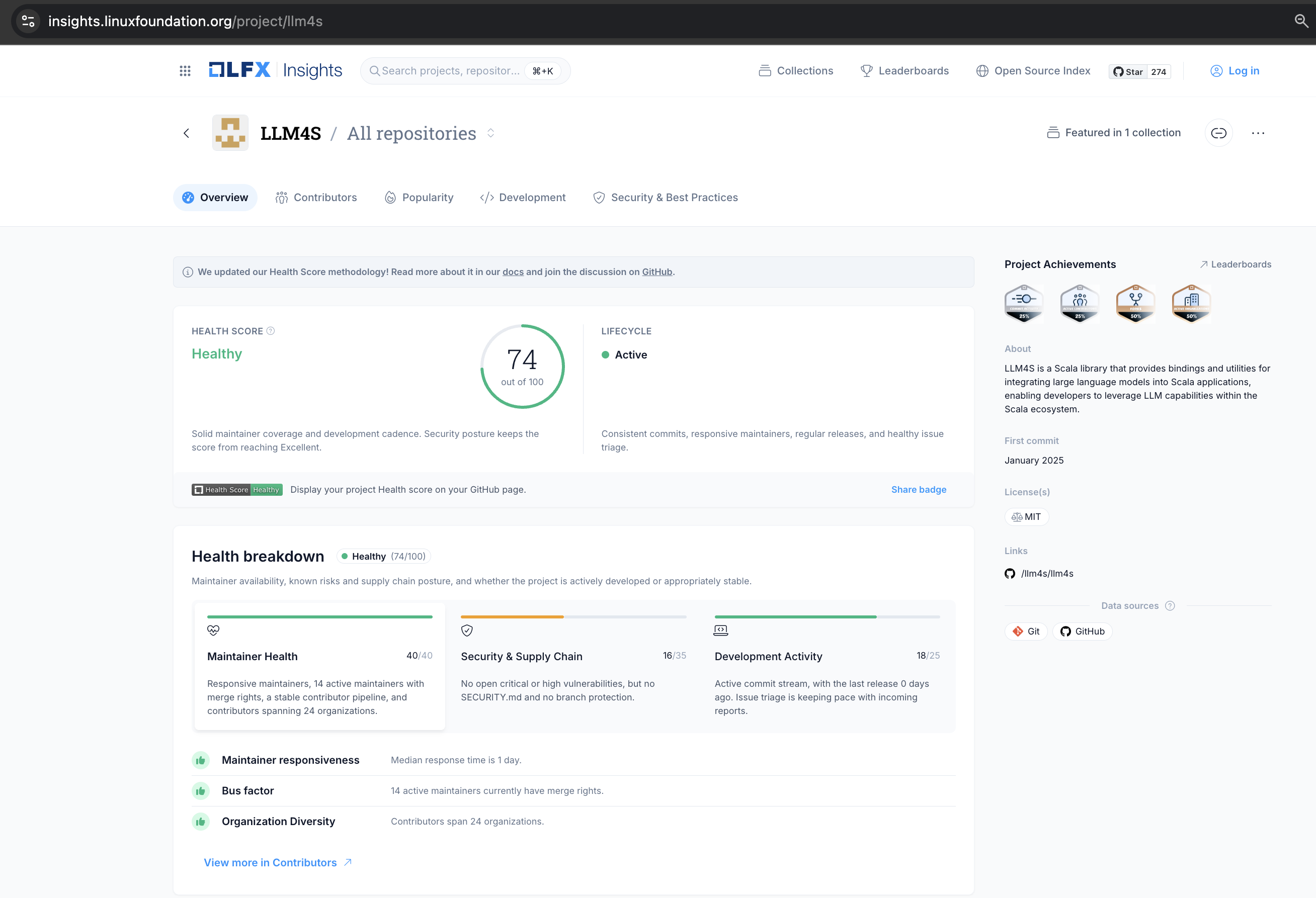
LLM4S is now onboarded and tracked on Linux Foundation LFX Insights, providing an independent, data-driven view of project health, maintainer activity, development, contributors, and security practices. LFX Insights tracking does not mean that LLM4S is hosted by or part of the Linux Foundation.
This visibility helps contributors, adopters, and organizations evaluate the project's activity and sustainability, strengthening transparency, trust, and readiness for broader community and enterprise adoption.
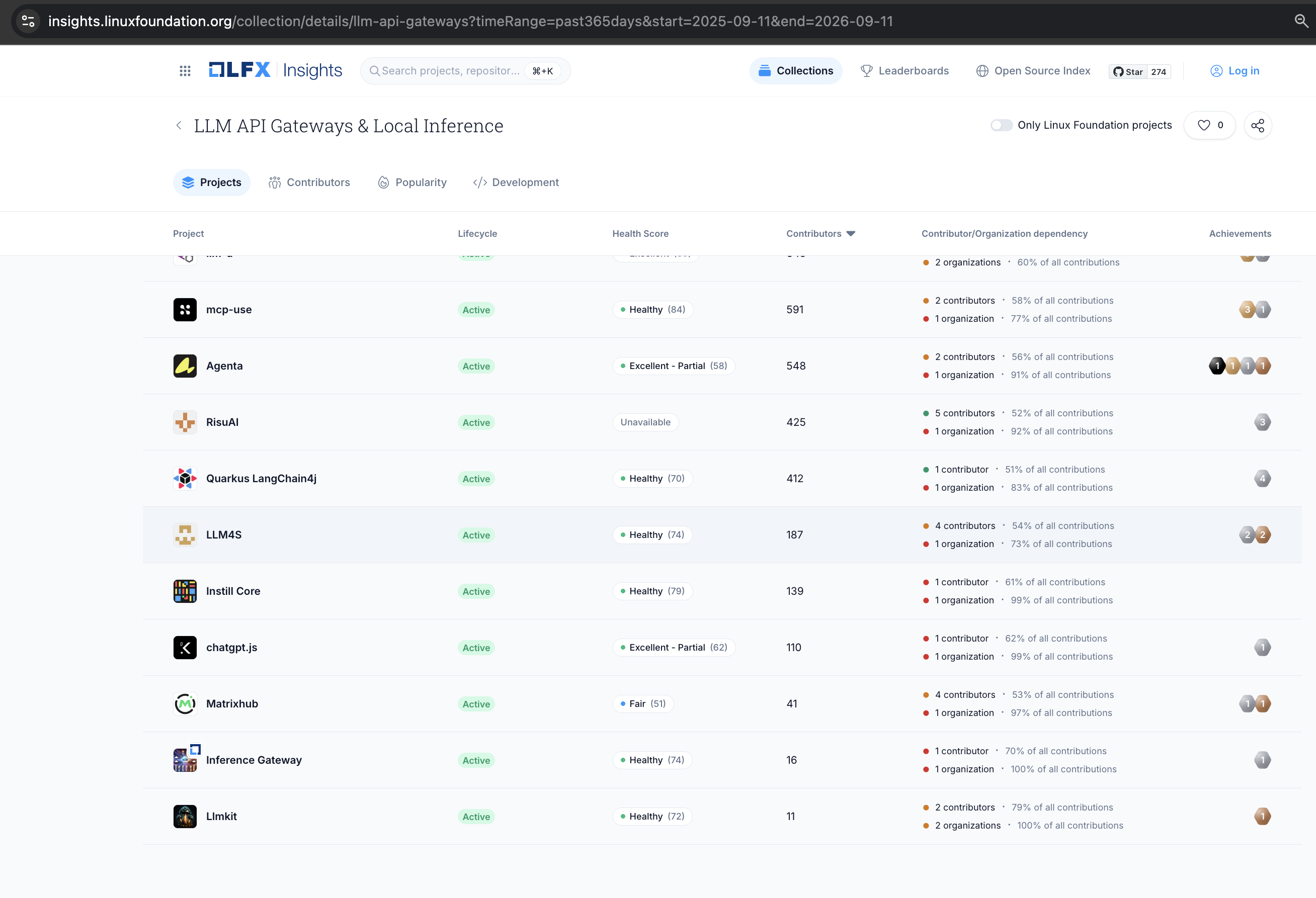
LLM4S appears in the LLM API Gateways & Local Inference collection alongside widely adopted projects such as Ollama, vLLM, LiteLLM, and Vercel AI SDK. For developers exploring production-minded LLM infrastructure—especially on the JVM and Scala—this makes LLM4S easier to discover, compare, and explore. Collection inclusion provides category context; it does not imply ranking or endorsement.
LLM4S provides a simple, robust, and scalable framework for building LLM applications in Scala. While most LLM work is done in Python, we believe that Scala offers a fundamentally better foundation for building reliable, maintainable AI-powered applications.
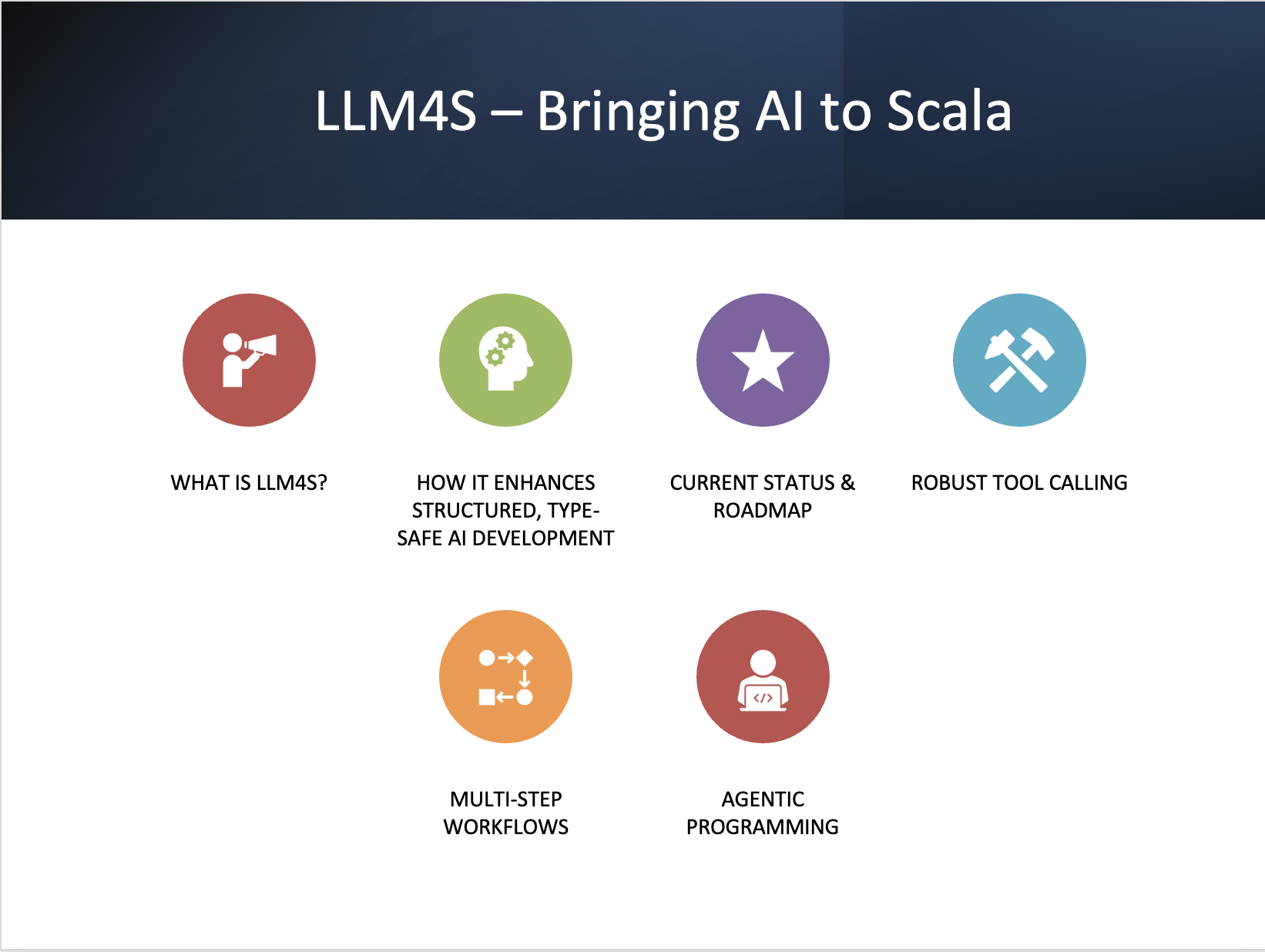
LLM4S is under active pre-1.0 development. The latest published release is v0.4.1, targeting Scala 3.7.1 and JDK 21. Its APIs are usable today but are still being stabilized ahead of the 1.0 compatibility commitment.
The framework already provides multi-provider clients, agents and tool calling, RAG and vector stores, memory, guardrails, tracing and metrics, reliability wrappers, workspace isolation, MCP support, and image and speech APIs.
On main, every modularization slice has landed. RAG, knowledge graph, memory, MCP, shared media types, image, and speech have been carved out of llm4s-core into focused modules with smaller dependency footprints, and providers register through an SPI. Provider clients have moved into modules of their own - llm4s-ollama, llm4s-gemini, llm4s-anthropic, llm4s-openai, llm4s-openai-compatible (DeepSeek, Z.ai, OpenRouter, Mistral, Cohere and any OpenAI-compatible endpoint) and llm4s-voyage - and llm4s-core holds none. Langfuse tracing, the trace collector and store, and CostTracker are in llm4s-observability, and Prometheus metrics in llm4s-observability-prometheus, leaving llm4s-core with only the tracing and metrics contracts, console and no-op tracing, and no observability dependency. The agent runtime is in llm4s-agent and the built-in tools in llm4s-agent-tools, so llm4s-core is now a ~19k-line spine, and its API has been cleaned up ahead of the compatibility baseline. The remaining step is the release (#1281): publishing 0.5.0 with the split artifacts and setting the MiMa baseline. These split modules are in the build but have not yet been published as separate artifacts; v0.4.1 still ships this functionality through llm4s-core. See the 1.0 scope and migration guide for module maturity and upgrade details.
The path to 1.0 is focused on stable API boundaries, provider capability parity and contract tests, Java/Kotlin/Spring/Gradle interoperability, security hardening, deterministic CI, production observability and cost controls, runnable documentation, and maintained reference applications. See the roadmap for the full stabilization plan.
        ┌───────────────────────────┐
        │    LLM4S API Layer        │
        └──────────┬────────────────┘
                   │
          Multi-Provider Connector
        (OpenAI | Anthropic | DeepSeek | ...)
                   │
         ┌─────────┴─────────┐
         │ Execution Manager │
         └─────────┬─────────┘
                   │
        ┌──────────┴──────────┐
        │   Agent Framework   │
        └──────────┬──────────┘
                   │
      ┌────────────┴────────────┐
      │  RAG Engine + Tooling   │
      └────────────┬────────────┘
                   │
     ┌─────────────┴─────────────┐
     │   Observability Layer     │
     └───────────────────────────┘
To get started with the LLM4S project, check out this teaser talk presented by Kannupriya Kalra at the Bay Area Scala Conference. This recording is essential for understanding where we’re headed:
🎥 Teaser Talk: https://www.youtube.com/watch?v=SXybj2P3_DE&ab_channel=SalarRahmanian
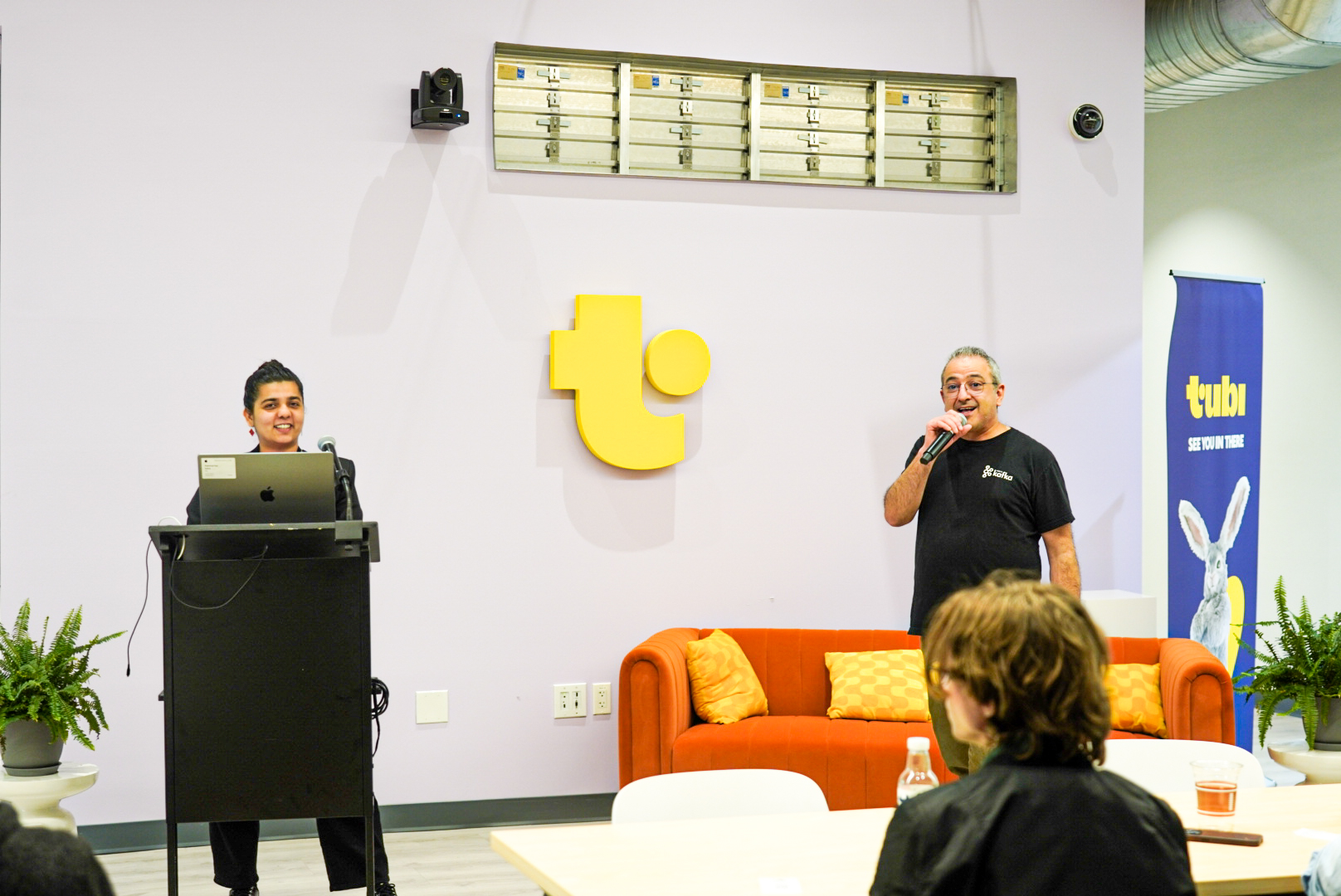
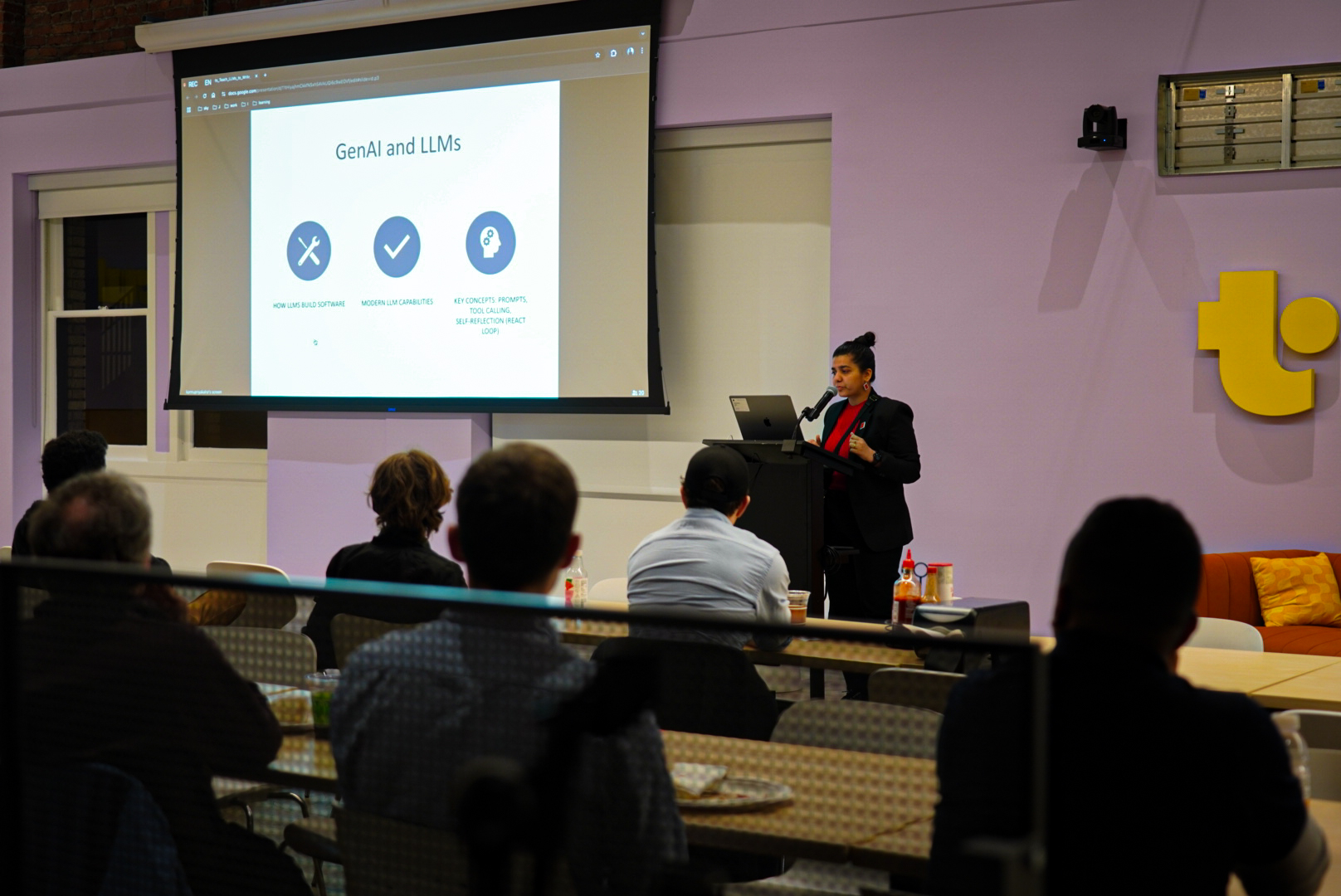
LLM4S was officially introduced at the Bay Area Scala Conference in San Francisco on February 25, 2025.
To ensure code quality, we use a Git pre-commit hook that automatically checks code formatting and runs tests before allowing commits:
# Install the pre-commit hook
./hooks/install.sh
The hook will automatically:
- Check code formatting with scalafmt
- Compile code
- Run tests
To skip the hook temporarily (not recommended):
git commit --no-verify
java -version
Set JAVA_HOME and update your PATH.
brew install openjdk@21
echo 'export PATH="/opt/homebrew/opt/openjdk@21/bin:$PATH"' >> ~/.zshrc
sbt compile
Build and test
sbt buildAll
See: docs/reference/contributing.md#IDE-Setup
You will need an API key for at least one cloud provider, or a local Ollama installation for local models.
llm4s reads providers from named sections under llm4s.providers in application.conf. Each
provider module binds its vendor's API-key variable (OPENAI_API_KEY, ANTHROPIC_API_KEY, ...)
to a shared key, so with the variable set a section needs only provider and model - a section
for a second account sets its own apiKey = ${?OTHER_VAR}. Nothing reads LLM_MODEL:
llm4s {
  providers {
    provider = "openai-main"          # the default: the name of a section below
openai-main {
      provider = "openai"
      model    = "gpt-4o-mini"
    }
  }
}
The samples in this repository already have an application.conf whose default is a local Ollama
section (ollama-local, model llama3:latest, overridable with OLLAMA_MODEL and
OLLAMA_BASE_URL). Run ollama pull llama3 once, or set OLLAMA_MODEL to a model you already
have (ollama list). To run them against a cloud provider, put a section like the one above in
modules/samples/src/main/resources/application.local.conf (ignored by git) and select it:
export OPENAI_API_KEY=<your_openai_api_key>
export LLM4S_PROVIDER=openai-main   # bound by the samples' application.conf
Anthropic, Gemini, Azure, OpenRouter, Z.ai, DeepSeek, Mistral, Cohere and generic OpenAI-compatible
endpoints work the same way with provider = "anthropic", "gemini", "azure", "openrouter",
"zai", "deepseek", "mistral", "cohere" or "openai-compatible", and the vendor's own
key variable (ANTHROPIC_API_KEY, GOOGLE_API_KEY/GEMINI_API_KEY, AZURE_OPENAI_API_KEY, ...);
each provider module's reference.conf has an example section. See the
API keys table, the
configuration guide for all of them
and running the samples for the
samples' own bindings.
To check the whole setup in one run - the JDK, the provider section, its module, its API key (where it was found,
never its value) and, with --local, whether Ollama is running and has the model - run the
doctor; each step that fails prints the fix:
sbt "configPolicy/runMain org.llm4s.configpolicy.DoctorCli --config modules/samples/src/main/resources/application.conf --local"
No build tool yet? The Scala CLI quick start makes a first call from a single file.
The quickest start is the cookbook: complete, runnable programs that need no API key
(a scripted client stands in for the model; add --live for your configured provider), each run in CI. Recipes:
classify text into an enum, extract data from an email, summarise a long document, answer questions over a folder of files, an agent that calls two tools, a guardrailed chatbot, stream tokens, fall back between providers, cache repeated calls, evaluate an answer with a judge, keyword search, memory, several agents in one graph.
sbt "samples/runMain org.llm4s.samples.cookbook.StructuredOutputRecipe"
Every other sample:
# Using Scala 3
sbt "samples/runMain org.llm4s.samples.basic.BasicLLMCallingExample"
sbt docker:publishLocal
sbt "workspaceSamples/runMain org.llm4s.samples.workspace.ContainerisedWorkspaceDemo"
LLM4S now targets Scala 3.7.1 only. The build keeps compatibility-oriented aliases for Scala 3 verification:
src/main/scala - Common code for all versionssrc/main/scala-3 - Scala 3 specific code (add when needed)# Compile the repo
sbt compileAll
Test the repo
sbt testAll
Clean, compile, and test
sbt buildAll
Publish current Scala 3 artifacts
sbt publishAll
Our goal is to build a production-grade, type-safe AI application framework for Scala and the JVM, with multi-provider, multimodal, agentic, RAG, observability, and governance capabilities.
For the current roadmap, see the LLM4S Roadmap.
The roadmap covers:
| Goal | Current state | Next focus | |------|---------------|------------| | Single API access to multiple LLM providers | Implemented across many providers | Capability matrix, contract tests, parity for streaming/tools/structured output/timeouts/cost | | Tooling for LLM applications | Tool calling, built-in tools, RAG, retrieval, evaluation, tracing, metrics, and reliability primitives exist | Stable APIs, security policies, runnable docs, and production examples | | Agentic framework | Single-agent workflows, handoffs, memory, guardrails, streaming events, async tools, reasoning modes, and serialization exist | API freeze, replay/debugging, maintained reference apps | | RAG and retrieval | Vector stores, hybrid search, reranking, permission-aware RAG, RAGAS-style evaluation, and benchmarking exist | Cost/latency tracking, deployment patterns, compile-tested golden paths | | JVM ecosystem adoption | Scala-first path is the main supported API | Java facade, Kotlin coroutine API, Spring Boot starter, Maven/Gradle examples | | Stable v1.0 platform | Pre-1.0, API stabilizing | MiMa or equivalent compatibility checks, threat model, benchmarks, docs cleanup, release gates |
Tool calling is a critical integration - designed to work seamlessly with multi-provider support and agent frameworks. We use ScalaMeta to auto-generate tool definitions, support dynamic mapping, and run in secure execution environments.
Tools can run:
Using ScalaMeta to automatically generate tool definitions from Scala methods:
/** My tool does some funky things with a & b...
- @param a The first thing
- @param b The second thing
*/
def myTool(a: Int, b: String): ToolResponse = {
// Implementation
}
ScalaMeta extracts method parameters, types, and documentation to generate OpenAI-compatible tool definitions.
Mapping LLM tool call requests to actual method invocations through:
Tools run in a protected Docker container environment to prevent accidental system damage or data leakage.
Tracing isn’t just for debugging - it’s the backbone of understanding model behavior.LLM4S’s observability layer includes:
llm4s-core; Langfuse from llm4s-observability, OpenTelemetry from llm4s-observability-otel)Configure tracing behavior using the TRACING_MODE environment variable. Console output
(the default) and no tracing are built into llm4s-core; every other mode comes from a
backend module you add as a dependency:
# Send traces to Langfuse - needs "org.llm4s" %% "llm4s-observability"
TRACING_MODE=langfuse
LANGFUSE_PUBLIC_KEY=pk-lf-your-key
LANGFUSE_SECRET_KEY=sk-lf-your-secret
Print detailed traces to console with colors and token usage
TRACING_MODE=print
Disable tracing completely
TRACING_MODE=none
import org.llm4s.config.Llm4sConfig
import org.llm4s.trace.{ ConsoleTracing, Tracing }
// Build the tracer llm4s.tracing.mode selects; fall back to the console tracer
val tracer: Tracing = Llm4sConfig
  .tracing()
  .flatMap(Tracing.fromSettings)
  .fold(_ => new ConsoleTracing(), identity)
// Trace events, completions, and token usage
tracer.traceEvent("Starting LLM operation")
tracer.traceCompletion(completion, completion.model) // prefer the model reported by the API
tracer.traceTokenUsage(tokenUsage, completion.model, "chat-completion")
// An agent built withTracing(tracer) ends each run with a TraceEvent.AgentRunEnded
llm4s.g8Note: The LLM4S template has moved to its own repository for better maintainability and independent versioning.
The llm4s.g8 starter kit helps you quickly create AI-powered applications using llm4s.
It is a starter kit for building AI-powered applications using [llm4s][llm4s] with improved SDK usability and developer ergonomics. You can now spin up a fully working scala project with a single sbt command.
The starter kit comes pre-configured with best practices, prompt execution examples, CI, formatting hooks, unit testing, documentation, and cross-platform support.
Template Repository: github.com/llm4s/llm4s.g8
Using sbt, do:
sbt new llm4s/llm4s.g8 \
--name= \
--package= \
--version= \
--llm4s_version=0.3.2 \
--scala_version=3.7.1 \
--munit_version=1.1.1 \
--directory= \
--force
to create new project.
For more information about the template, including compatibility matrix and documentation, visit the template repository. Use the comprehensive documentation to get started with the project using starter kit.
---
llm4s exposes a single configuration flow with sensible precedence:
-D system properties > application.conf (if your app provides it) > reference.conf defaults.${?ENV} substitution binds them: in a module's reference.confllm4s.credentials) or in your own
application.conf. No .env reader is required, and nothing reads LLM_MODEL.
Preferred typed entry points (PureConfig-backed via Llm4sConfig):
Llm4sConfig.defaultProvider(): Result[ProviderConfig] – the typed config of the section llm4s.providers.provider names.Llm4sConfig.provider(name: String): Result[ProviderConfig] – the typed config of the section llm4s.providers..LLMConnect.getClient(config: ProviderConfig): Result[LLMClient] – builds a client from a typed config (with a given ModelRegistryService from Llm4sConfig.modelRegistryService()).Llm4sConfig.tracing(): Result[TracingSettings] – returns typed tracing settings.Tracing.fromSettings(settings: TracingSettings): Result[Tracing] – builds the tracer the mode selects; a missing backend is an error.Tracing.create(settings: TracingSettings): Tracing – the same, falling back to NoOpTracing with an error logged.Llm4sConfig.embeddings(): Result[(String, EmbeddingProviderConfig)] – returns (provider, config) with validation.EmbeddingClient.from(provider: String, cfg: EmbeddingProviderConfig): Result[EmbeddingClient] – builds an embeddings client from typed config.Llm4sConfig.defaultProvider().map(_.model) or prefer completion.model from API responses.Llm4sConfig.tracing().flatMap(Tracing.fromSettings), or .map(Tracing.create) to fall back to no tracing.WorkspaceConfigSupport.load() to get workspaceDir, imageName, hostPort.EmbeddingUiSettings.loadFromEnv, EmbeddingTargets.loadFromEnv, EmbeddingQuery.loadFromEnv (sample helpers backed by Llm4sConfig).Use these loaders to convert flat keys and HOCON paths into typed, validated settings used by the code:
llm4s.providers.provider (the default section's name) and `llm4s.providers..{provider→ →
→ →
→ →
→ →
→ →
→ →
→ →
→