1
 →

A toolbox of film styles made in code for Claude Code: 99 ready to use, and your own. Each style is a style prompt plus a demo film made entirely in code by Claude Opus 5.5, with no video model.
lemomo-ai/lemo-opuscar is an open-source project on GitHub, mainly written in JavaScript. A toolbox of film styles made in code for Claude Code: 99 ready to use, and your own. It currently holds 19,034 stars and 2,395 forks with 1 open issues, and was last pushed on 2026-11-20 (repository created 2026-09-26).
AI Homed tracks it on the AI Audio Projects board and on the AI AI Audio Projects list.
99 film styles for your coding agent. Pick one, bring your story, and the agent makes the film, entirely in code.
99 种影片风格,每种都配一支完全用代码做出来的短片 · 🇨🇳 中文用户请看 简体中文说明
Official repo: github.com/lemomo-ai/lemo-opuscar · by Lemomo (@lemomo_ai)
[!IMPORTANT]
This release was audited and improved with Claude Fable 5.2.
> Built for Claude. Claude Fable, Opus and Sonnet all work; set effort to high (in Claude Code, type /effort high). Other models may not reproduce the styles well, so use them with care.
1. Pick a style. Browse the gallery by what the picture looks like, or search for what you are making: explainers, launches, news, music videos.
2. Watch its demo. Every style has a short film made in code, and a page with stills, what it suits and the STYLE.md your agent follows.
3. Ask your agent. Install the skill once, then say it in one sentence:
Make a film in the Neon Tubes style about the coffee farm my family runs.
Name the style in English or Chinese, or by its folder; the style index lists them all. Add a length, a narrator, your own photos or music if you like:
Make a 45-second film in the watercolor style about the coffee farm my family runs. Warm female narrator.
Make a 40-second LiDAR Survey film about the old quarry in the hills behind our town, from public laser-scan data.
The skill (recommended). In your terminal:
claude plugin marketplace add lemomo-ai/lemo-opuscar
claude plugin install lemo-opuscar@lemolab
Then use it from any folder. On first use it downloads the guides, tools and style prompts to ~/lemo-opuscar, shared by all your films; each film's project, from source to finished video, goes in the folder you started from. For other agents, copy plugin/skills/lemo-opuscar/ into their skills folder.
Or clone the repo. Films go into films// inside it.
git clone https://github.com/lemomo-ai/lemo-opuscar.git
cd lemo-opuscar
claude
Update, then restart Claude Code (the library in ~/lemo-opuscar updates itself on the next film):
claude plugin marketplace update lemolab && claude plugin update lemo-opuscar@lemolab
To have it update by itself: in Claude Code, type /plugin, open Marketplaces, pick lemolab and choose Enable auto-update (third-party marketplaces such as lemolab don't update automatically until you turn this on).
From a clone: git pull, then run sh plugin/skills/lemo-opuscar/scripts/setup.sh deps once (it updates only the core packages that changed; if you installed the voice or music packages, run … deps voice music instead).
After an update, ask for a film as usual; to make a style your own, see below.
Uninstall, then delete ~/lemo-opuscar:
claude plugin uninstall lemo-opuscar@lemolab
Your own styles in ~/lemo-my-styles/ stay through updates and uninstalls; delete that folder yourself if you don't want them. If a step stays stuck, open an issue.
Not sure yet? With the skill installed, type /lemo-opuscar:lemo-opuscar and nothing else. It asks which language to use, then what you'd like to do: a film in a library style, make a style your own, or a film in a style you've saved.
It asks you once, up front: anything it can't decide about your topic; whether you have your own voice, music or other material; whether you want to see a storyboard first (say yes and it stops once to show you the key shots in the real style; otherwise it goes straight to the finished film).
Then the agent reads three guides and works like a small studio:
| File | What it gives the agent |
|---|---|
| DIRECTOR.md | how to direct: story, sound, rhythm, camera, performance, self-checks |
| TECHNIQUE.md | how to build: frame-by-frame rendering, voice, music, mixing |
| styles//STYLE.md | what the style looks and sounds like; the story is yours |
Every film is directed, drawn, scored and mixed by the agent writing code: 🎨 canvas and WebGL pages rendered frame by frame, 🎵 original scores from free sample libraries, 🎙️ text-to-speech narration. No video generation, no stock footage.
Your own brand colours, logo, characters, the tone of your channel: change a library style into one that's only yours, or make one from a blank page that the library doesn't have. It's the same process I use to add a new style to the library.
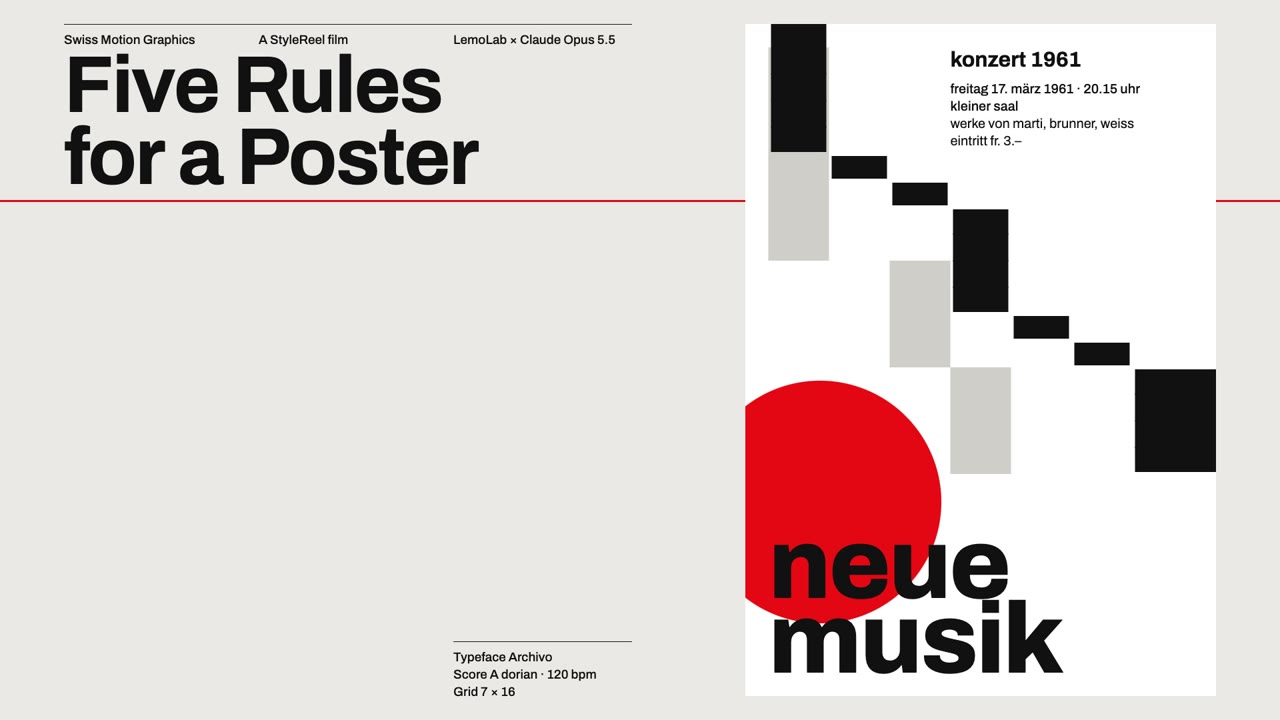 A library style · Swiss Motion Graphics A flat grid, one signal colour, every move on the beat. |
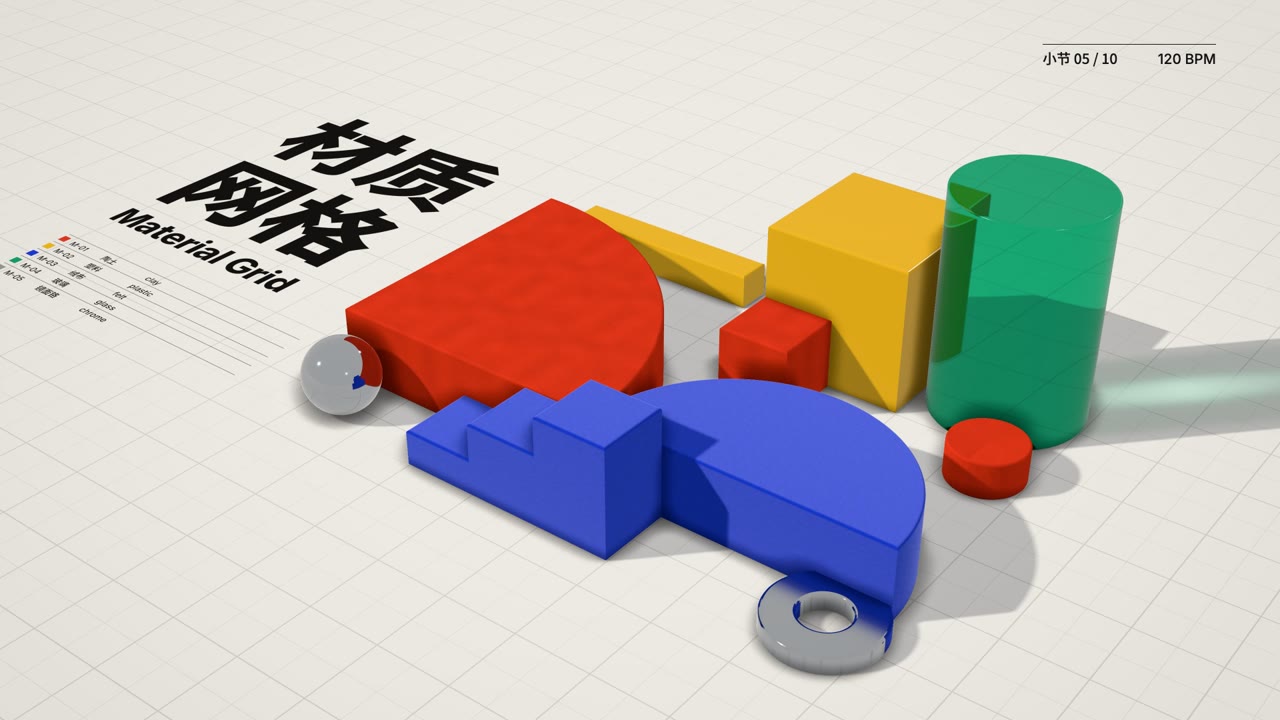 My style · Material Grid · ▶ 31 s demo film The Swiss grid, beat and type kept, the shapes made of clay, plastic, felt, glass and chrome: from above it reads as a poster, one tilt and it's a table of objects. |
Pick it after starting the skill, or say it in one line:
I want to change the Ukiyo-e style into my own version.
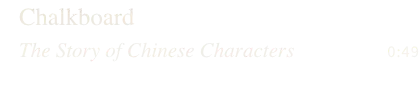
Start from a blank page: a chalk-on-blackboard style, warm and slow.
To change a library style, it lists every style with the gallery link and you type the one to change. From a blank page, describe the look in your own words, or share a picture or a film you like; Claude picks the closest library style as the technique base, tells you why, and you agree or pick another. Then five steps:
1. Plan it one question at a time. What it's for (kinds of film; the platform, as vertical feeds want 1080×1920 or 1080×1440; brand colours, logo, fonts or recurring characters), what to change and which way, and last, a name. A library style is first sorted into safe to change (palette, type, pace, sound, signature moves), changes its character (materials and rendering, the colour logic, camera grammar) and can't change (the style's essence: change that and it's a different style). Each question has a few options, the recommended one first with the reason. Vague is fine: "more premium" or "livelier" becomes concrete changes to pick from. Choose "free conversation" to just talk it through, or say "you decide" at any point. At most five changes a round when changing a library style; everything is drawn in code, no image generation. 2. Review the summary: each part before, after and what it costs. Nothing is written until you agree. 3. See one style frame first, drawn with the real code; when you changed a library style, the original is rendered too, side by side: original left, yours right. If it still isn't right after two rounds, it says so and suggests a closer base. 4. A 15–30 second demo film, every change on screen, with music and sound effects. It checks the film and fixes it once before handing it over. 5. Keep it when you're happy: keep it as my style, another round, or not now. Until you say yes, everything stays in that project's folder.
A kept style lives in ~/lemo-my-styles//, shaped like a library style (the style prompt, what changed, the demo film and its source), so later films can reuse the techniques. Name it like any other style: "Make a 30-second film in my Night Ukiyo-e style about…"; when you pick a style, your own are listed first. Library updates and reinstalling never touch them; when the base style is updated later, Claude mentions it once and asks whether to bring the useful fixes into your copy. The steps Claude follows are in MY-STYLES.md.
99 styles in 15 categories, sorted by what the picture looks like. A station opens it on the site's workbench; a card or a name opens the style's page, with its film, stills and the sentence to copy.
01 Edit & Documentary · 02 Painting & Illustration · 03 Sketch & Board · 04 Traditional Crafts · 05 Print & Printmaking · 06 Graphic & Type · 07 Line Diagrams · 08 Cartoons · 09 Games · 10 Film & Tape · 11 Screens & Interfaces · 12 Light & Lines · 13 3D & Miniature · 14 Instruments & Evidence · 15 Data & Maps
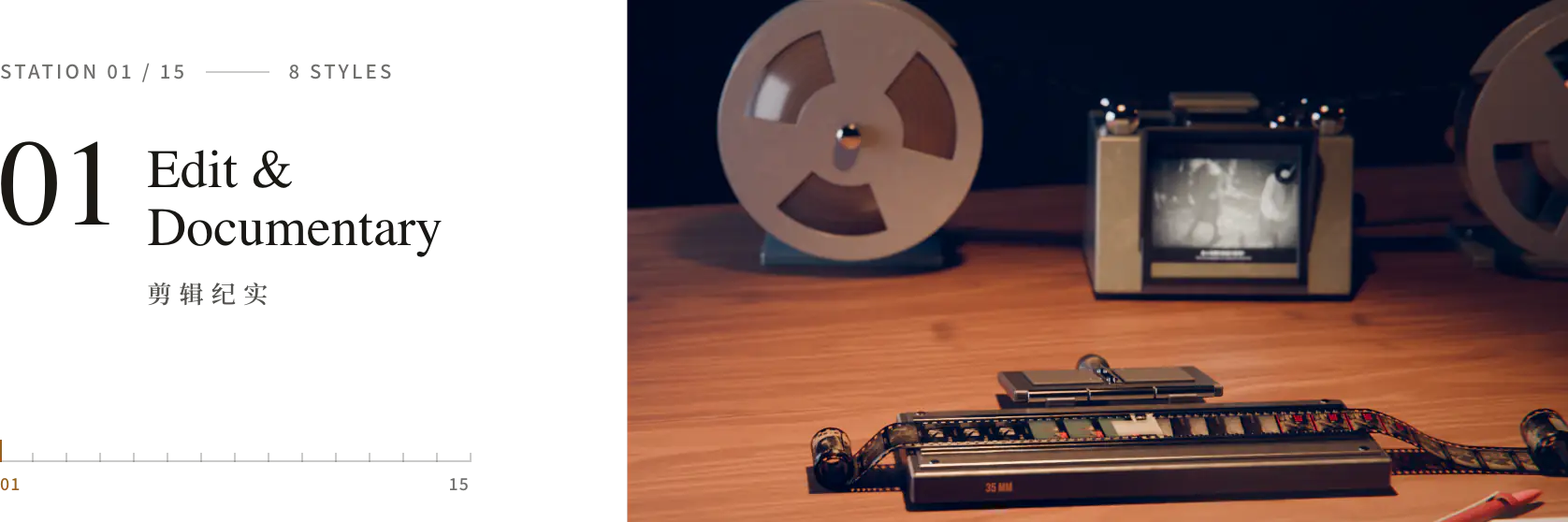
Cut from real footage, documents and data: captions, newsreels, montage, broadcast graphics.
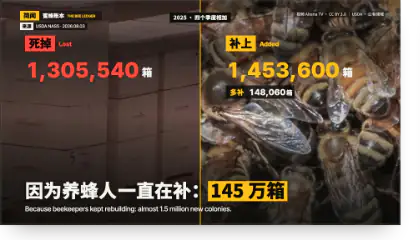
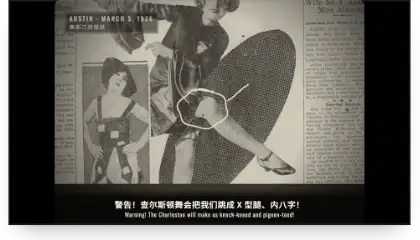
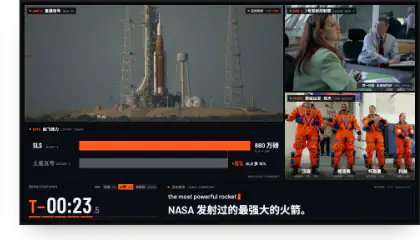
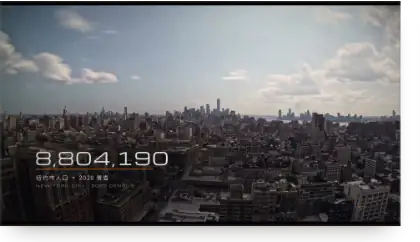
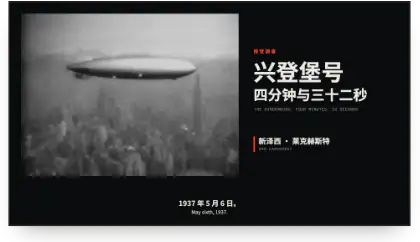
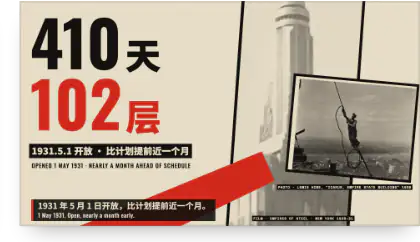
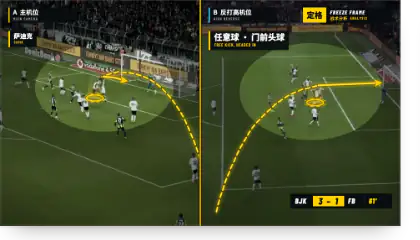
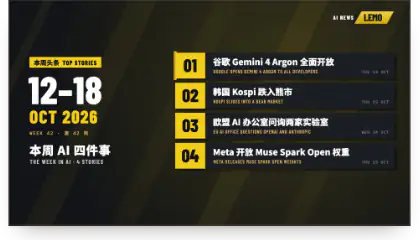
Caption News · 1920s Newsreel · Live Countdown Split-screen · City Symphony · Visual Investigation · Constructivist Montage · Sports Telestrator · Broadcast News Package
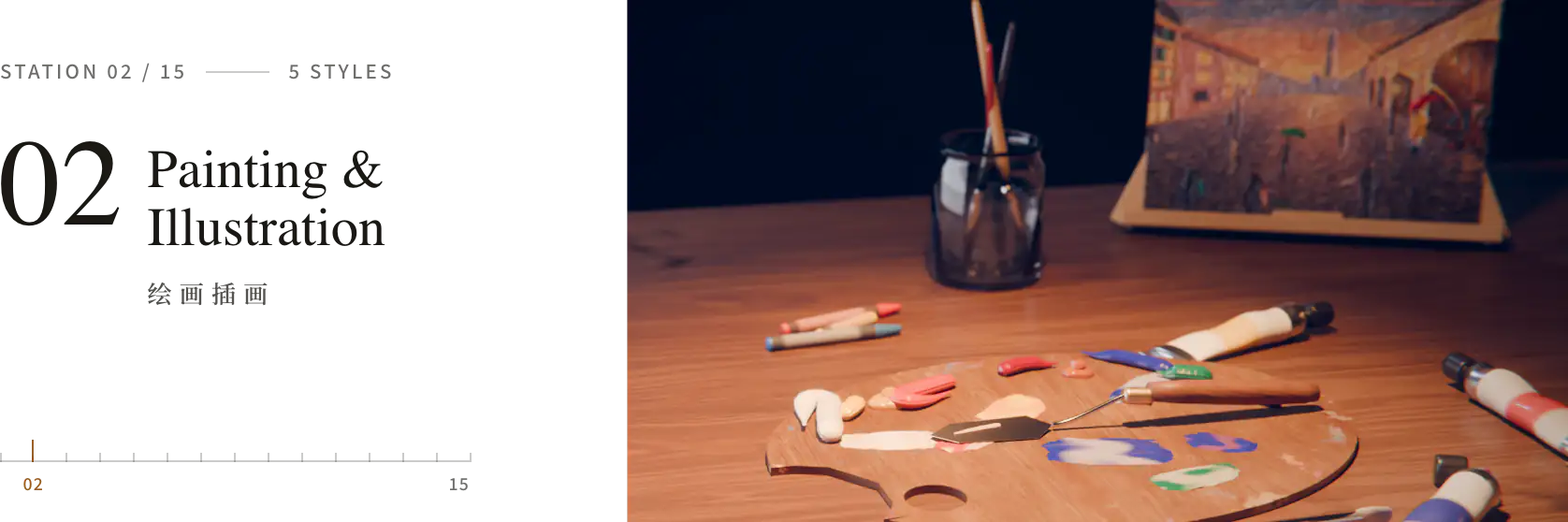
Pictures painted stroke by stroke: crayon, watercolour, oil, pen and wash, coloured pencil.
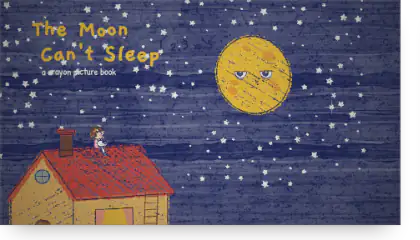
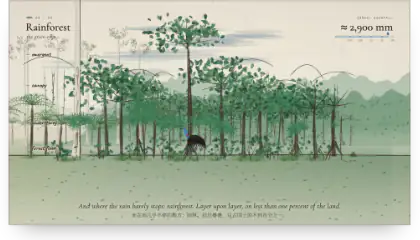
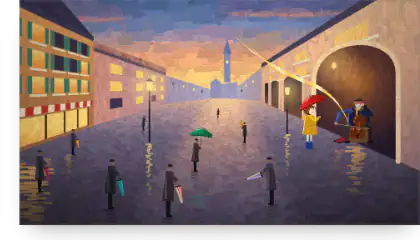
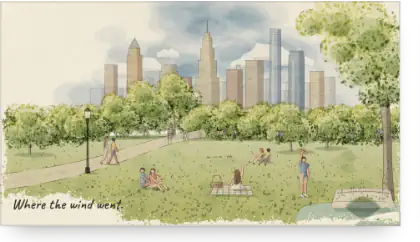
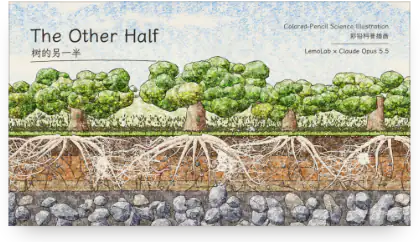
Crayon Picture Book · Watercolor Brush · Impasto Oil Painting · Urban Sketch · Pen & Wash · Colored-Pencil Science Illustration
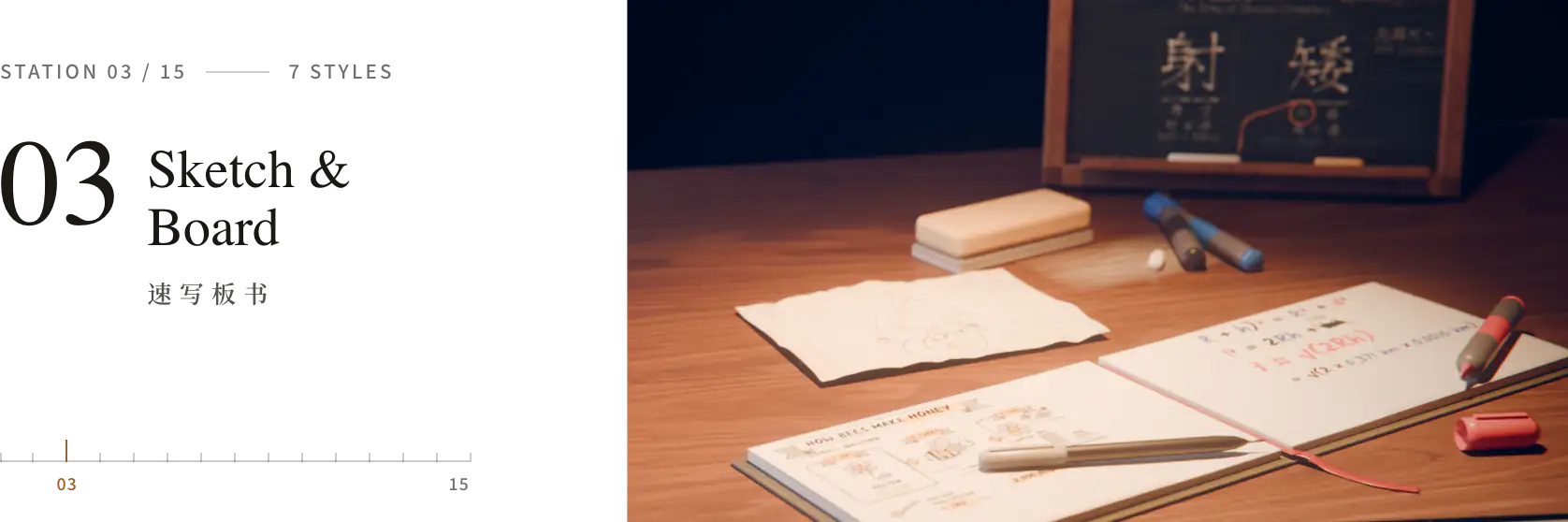
Drawn while it is explained: whiteboard, chalk, marker, sketch notes and stick figures.
→ →
 →
 →
 →
 →
 →
 →