
1
 →
→
Versioned Codex instruction deployment with preview, ownership manifests, hook isolation, scenario evaluation, and recovery.
Jia-Ethan/codex-keysmith is an open-source project on GitHub, mainly written in Python. Versioned Codex instruction deployment with preview, ownership manifests, hook isolation, scenario evaluation, and recovery. It currently holds 4,546 stars and 714 forks with 0 open issues, and was last pushed on an unknown date (repository created unknown).
AI Homed tracks it on the AI Prompt Engineering board.
Keysmith 给本机的 AI 编程工具装指令:先预览,再写入,能验证,能撤走。
codex-keysmith 面向 Codex。装上之后,新开的对话会按这份指令工作。不改 Codex 软件本身,也不读取账号和密钥。默认只装一份稿。
[!IMPORTANT]
这会改变该 Codex 配置下 之后新开的对话。默认只给你看计划,加上确认才会写入。装完后请开一个新任务。
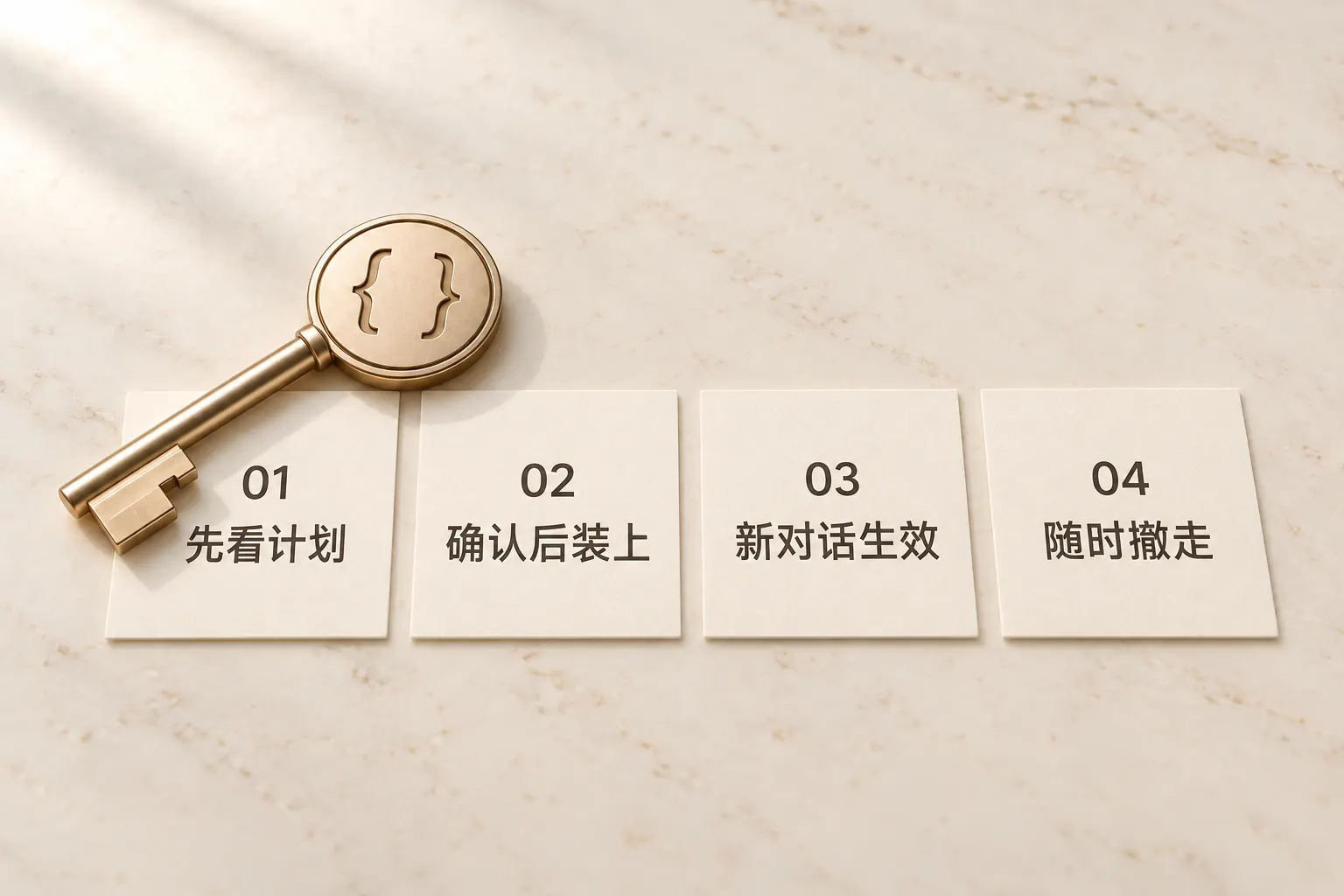
1. 先看计划。 确认之前什么都不会写入。 2. 确认后装上。 指令交给本机 Codex,软件保持原样。 3. 新开一轮对话。 关掉旧任务,开一个新的。 4. 随时撤走。 同样先看计划,确认后恢复成原来的样子。
| 你在用 | 用这个 | 怎么开始 | | --- | --- | --- | | Codex | codex-keysmith | 稳定版安装包 | | Claude Code | claude-keysmith | 源码 | | Grok Build | grok-keysmith | 稳定版安装包 | | ZCode | zcode-keysmith | 源码 |
每个工具一份安装器。也有未签名桌面版(Apple Silicon / Windows x64)。
本机需要已经装好 Codex。稳妥路径是 最新稳定 Release 的单文件脚本(当前公开稳定脚本包括 codex-instruct-v0.5.1.py)。也有未签名桌面版。
# 把 vX.Y.Z 换成 Releases 页的最新稳定 tag
base='https://github.com/Jia-Ethan/codex-keysmith/releases/download/vX.Y.Z'
curl --fail --location --remote-name "$base/codex-instruct-vX.Y.Z.py"
curl --fail --location --remote-name "$base/SHA256SUMS"
awk '$2 == "codex-instruct-vX.Y.Z.py"' SHA256SUMS | shasum -a 256 -c -
python3 codex-instruct-vX.Y.Z.py --version
python3 codex-instruct-vX.Y.Z.py --codex-dir ~/.codex --status --lang zh-CN
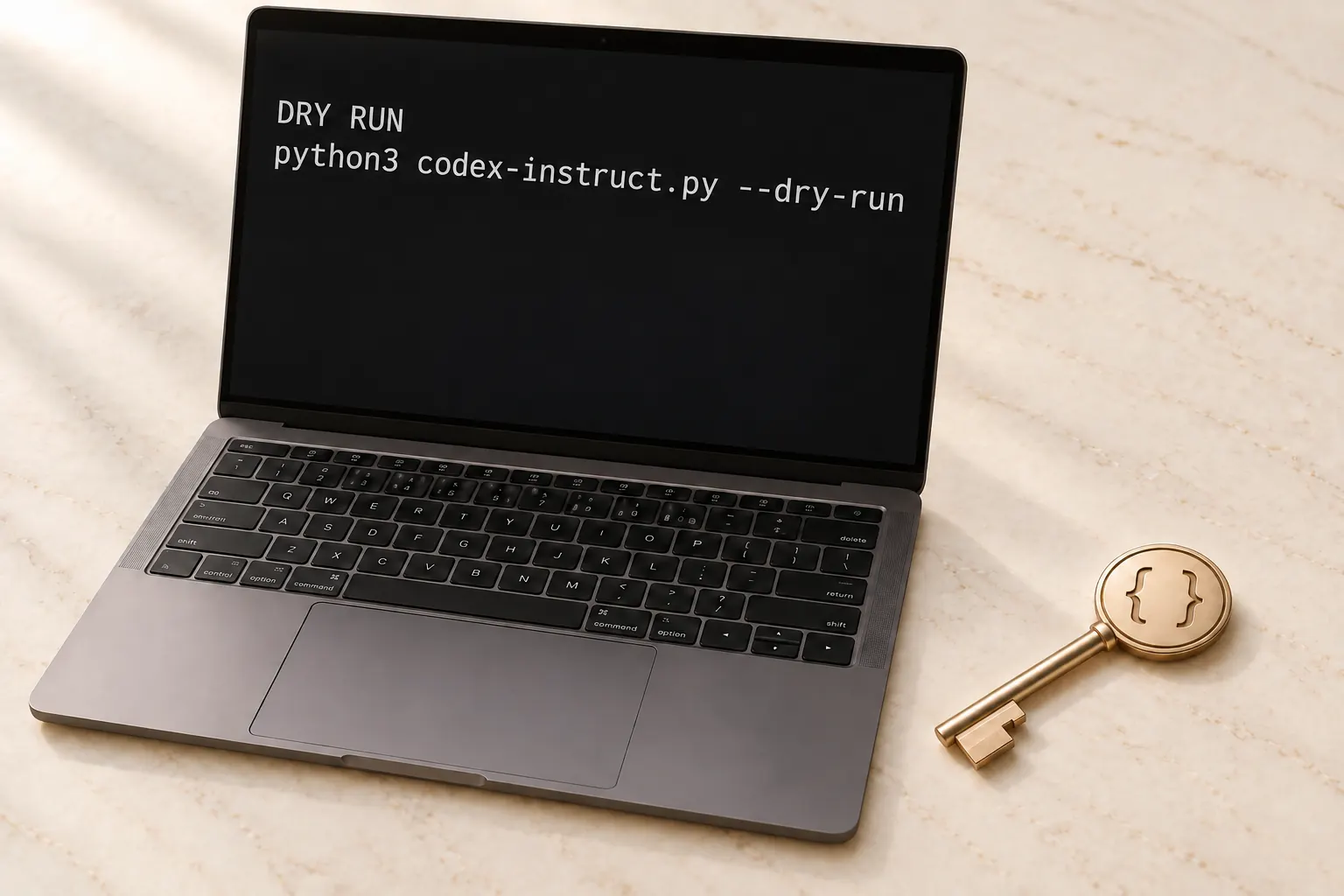
python3 codex-instruct-vX.Y.Z.py --codex-dir ~/.codex --dry-run --lang zh-CN
确认目标目录、提示词来源和写入计划后:
python3 codex-instruct-vX.Y.Z.py --codex-dir ~/.codex --yes --lang zh-CN
源码路径:git clone https://github.com/Jia-Ethan/codex-keysmith.git && cd codex-keysmith,再把上述脚本名换成 codex-instruct.py。装完后关掉旧任务,开一个新 Codex 会话。Windows 把 python3 换成 python。也可以把 代装说明 交给你正在用的 AI 助手。细节见 使用说明。
以下以 Release 单文件为例;源码 checkout 请把文件名换成 codex-instruct.py。
python3 codex-instruct-vX.Y.Z.py --codex-dir ~/.codex --restore-hooks --lang zh-CN
python3 codex-instruct-vX.Y.Z.py --codex-dir ~/.codex --uninstall --lang zh-CN
python3 codex-instruct-vX.Y.Z.py --codex-dir ~/.codex --uninstall --yes --lang zh-CN
--reactivate 从 v0.3.9 开始提供:
python3 codex-instruct-vX.Y.Z.py --codex-dir ~/.codex --reactivate
python3 codex-instruct-vX.Y.Z.py --codex-dir ~/.codex --reactivate --yes --lang zh-CN
先看计划,确认后再恢复。
macOS 与 Linux 为主要支持。Windows 新鲜部署仍是测试通道。需要 Python 3.10+。本安装器不主动收集或上传用户数据。未签名桌面版会碰到 Gatekeeper / SmartScreen,不是 SignPath Foundation 签名;实体机验收见发布说明(physical-device acceptance)。
→ →
→ →
→ →
→ →
→ →
→ →
→ →
→