
1
 →
→github/CopilotForXcode is an open-source project on GitHub, mainly written in Swift. AI coding assistant for Xcode It currently holds 6,313 stars and 2,039 forks with 0 open issues, and was last pushed on an unknown date (repository created unknown).
AI Homed tracks it on the Today's Trending board, currently at rank #75 with 4 new stars today.
 GitHub Copilot for Xcode
GitHub Copilot for Xcode is the leading AI coding assistant for Swift, Objective-C and iOS/macOS development. It delivers intelligent Completions, Chat, and Code Review—plus advanced features like Agent Mode, Next Edit Suggestions, MCP Registry, and Copilot Vision to make Xcode development faster and smarter.
[!IMPORTANT]
Starting from version v0.50.0, we have added internal support for the upcoming usage-based billing experience, including experience updates to the usage panel, usage notifications, and model picker. These changes will become visible once usage-based billing is rolled out.
To ensure compatibility with the new billing experience, we strongly recommend upgrading to the latest plugin version as soon as possible:
* GitHub Copilot for Xcode: v0.50.0 or later
Clients using older plugin versions will continue to function. However, the billing and usage experience may not be optimal and may not accurately reflect the latest usage-based billing experience.
GitHub Copilot Chat provides suggestions to your specific coding tasks via chat.
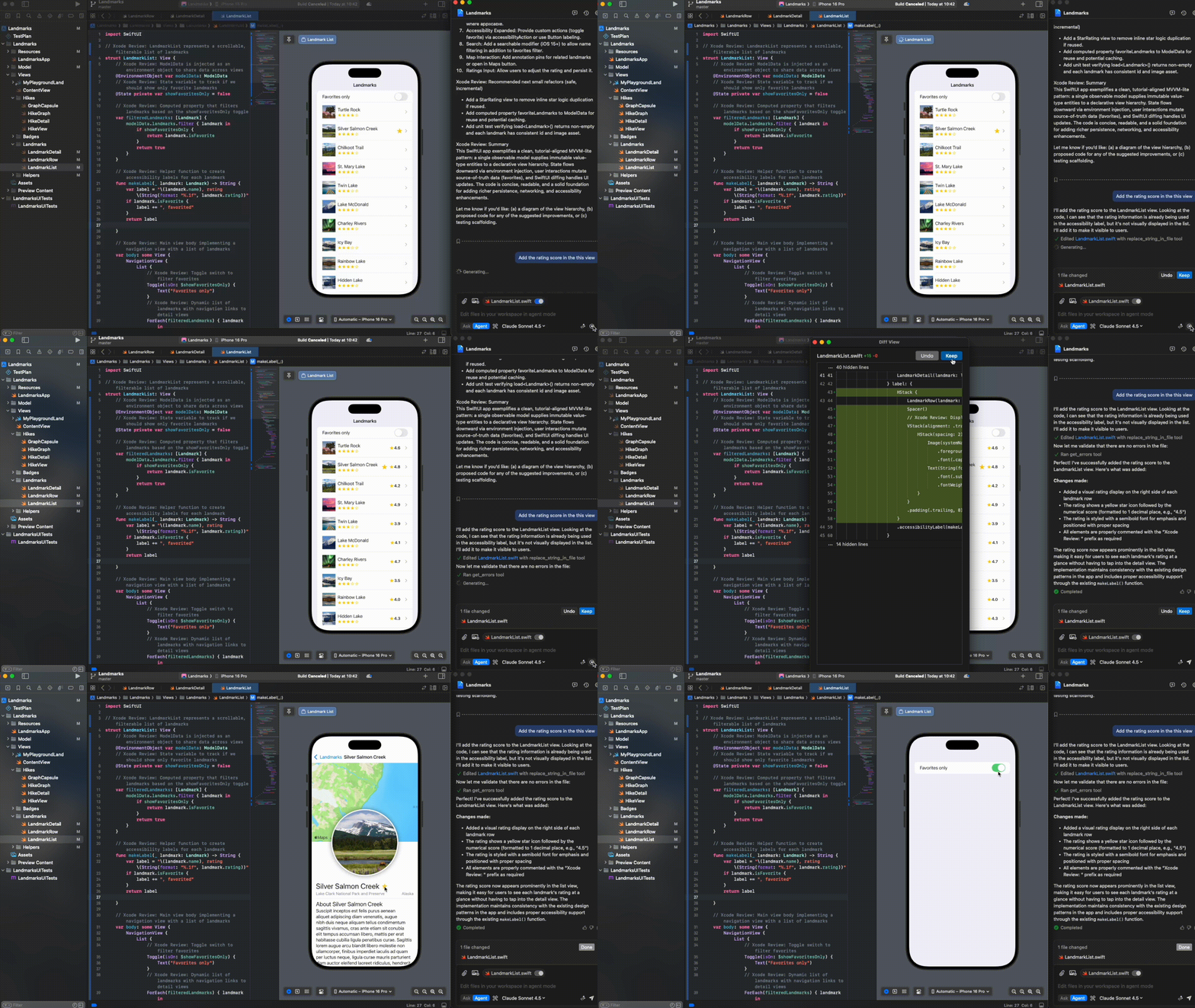
GitHub Copilot Agent Mode provides AI-powered assistance that can understand and modify your codebase directly. With Agent Mode, you can:
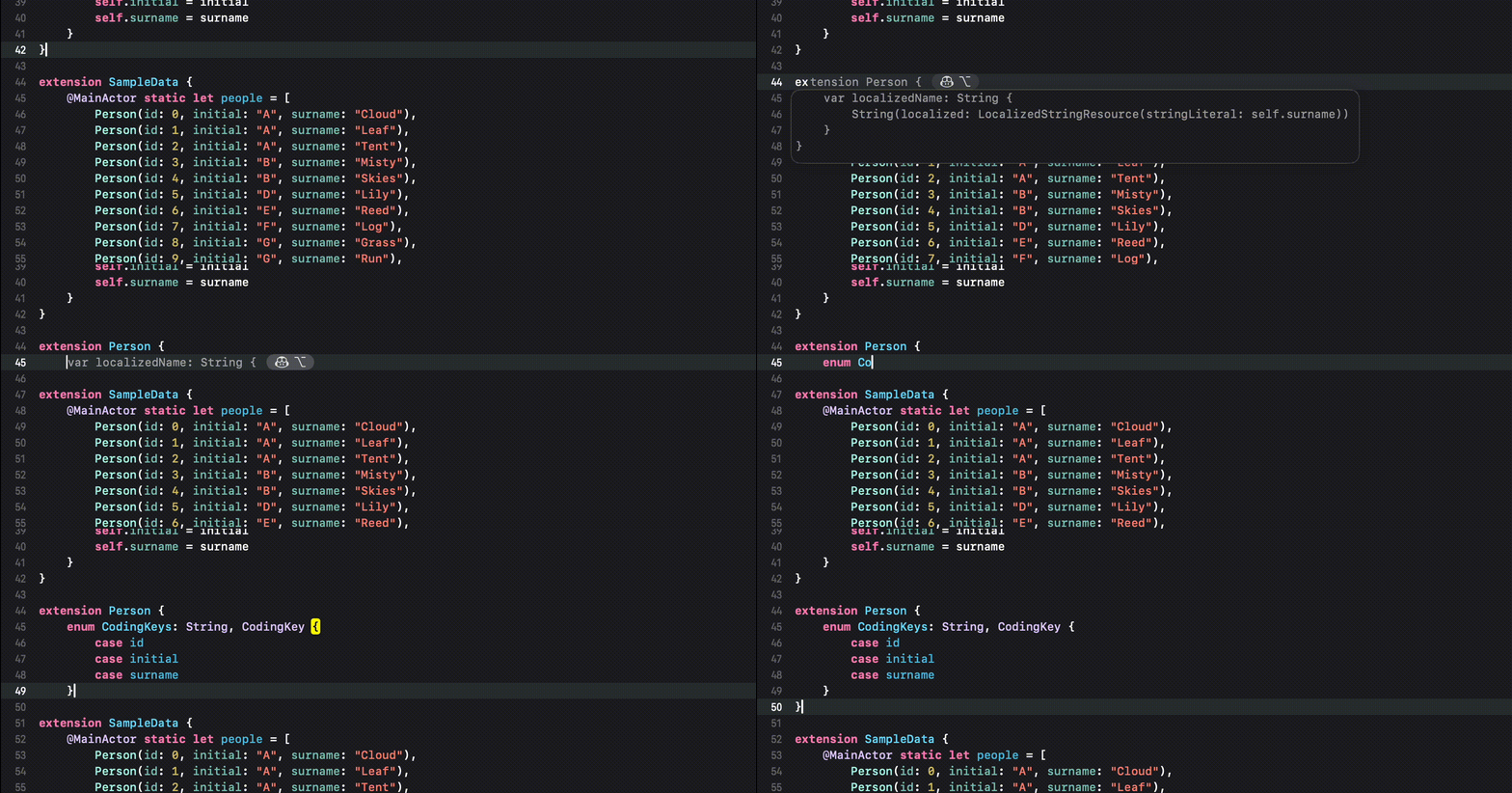
You can receive auto-complete type suggestions from GitHub Copilot either by starting to write the code you want to use, or by writing a natural language comment describing what you want the code to do.
1. Install via Homebrew:
brew install --cask github-copilot-for-xcode
Or download the dmg from
the latest release.
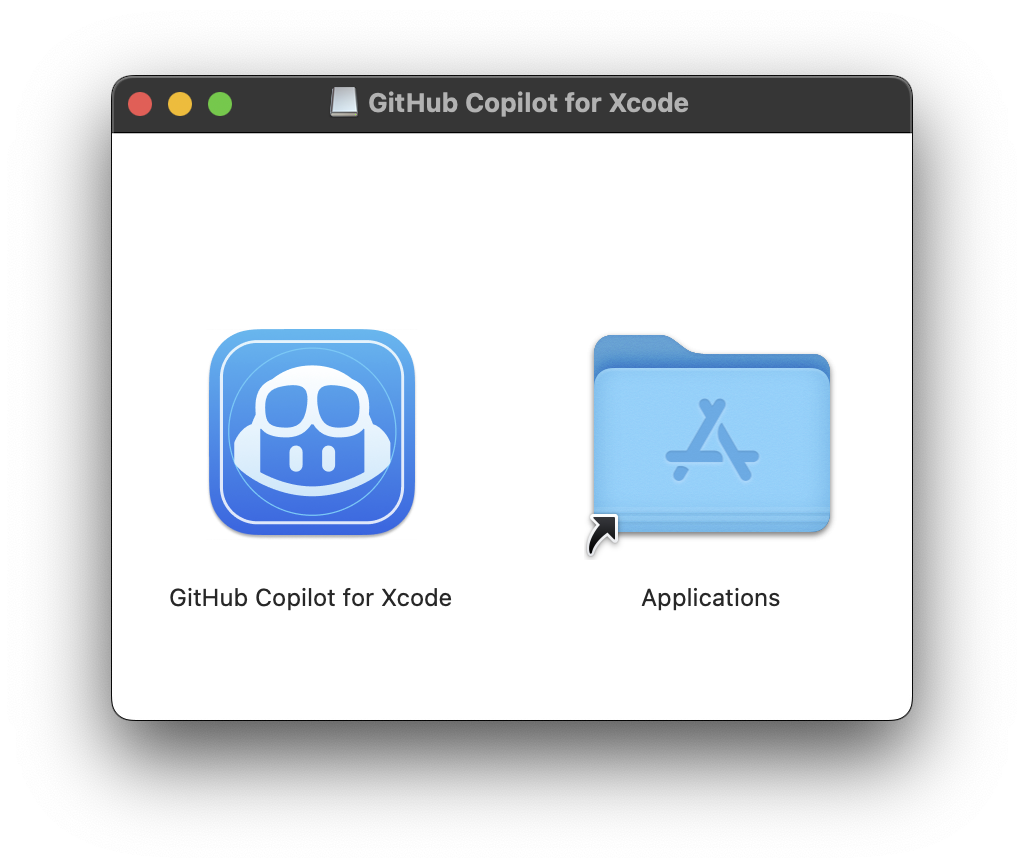
Drag GitHub Copilot for Xcode into the Applications folder:
Updates can be downloaded and installed by the app.
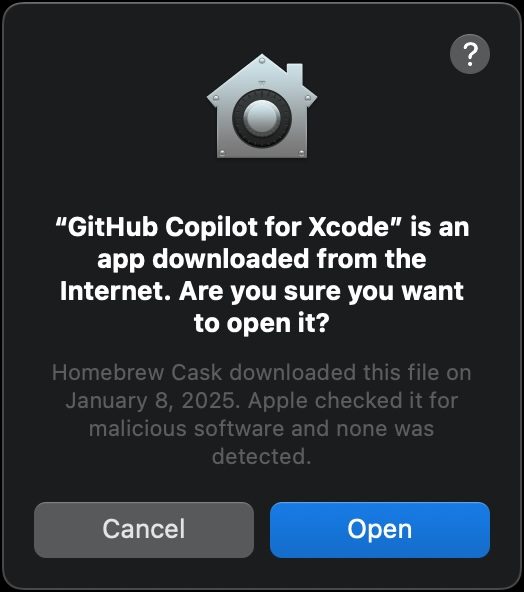
1. Open the GitHub Copilot for Xcode application (from the Applications folder). Accept the security warning.
1. A background item will be added to enable the GitHub Copilot for Xcode extension app to connect to the host app. This permission is usually automatically added when first launching the app.
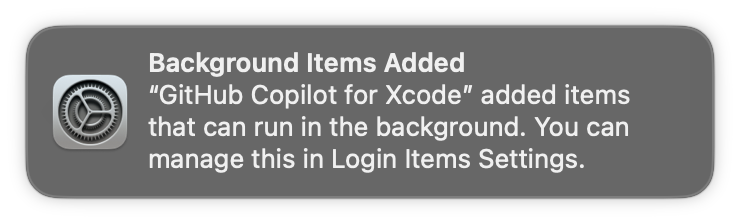
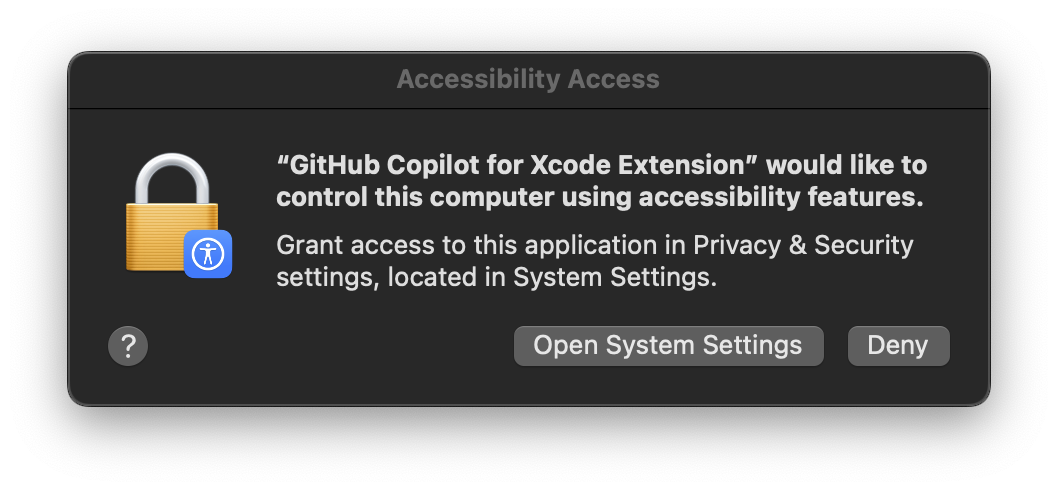
1. Three permissions are required for GitHub Copilot for Xcode to function properly: Background, Accessibility, and Xcode Source Editor Extension. For more details on why these permissions are required see TROUBLESHOOTING.md.
The first time the application is run the Accessibility permission should be requested:
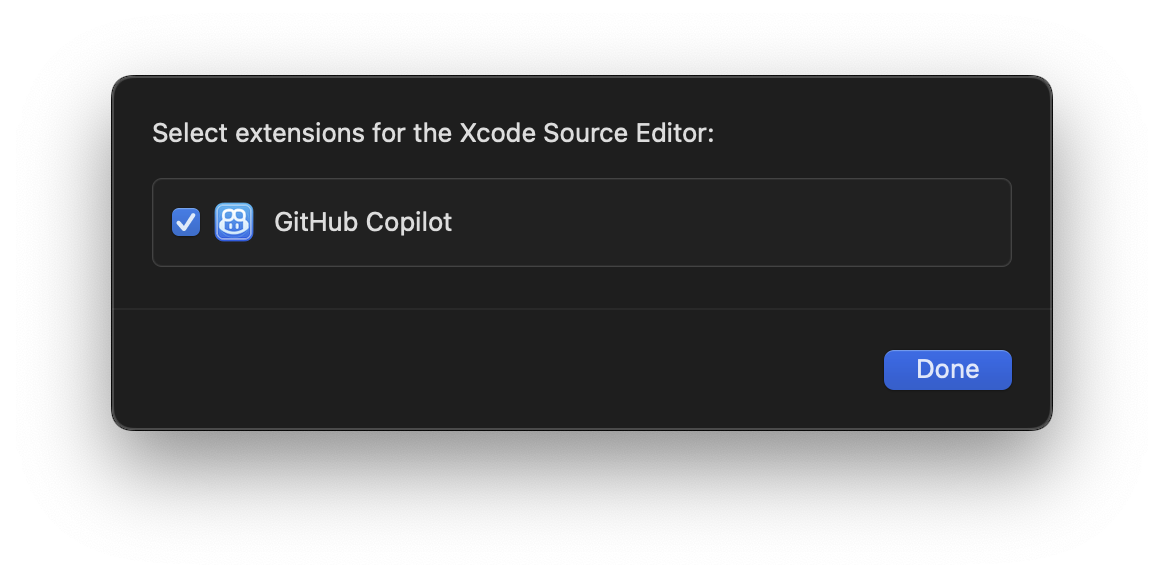
The Xcode Source Editor Extension permission needs to be enabled manually. Click
Extension Permission from the GitHub Copilot for Xcode application settings to open the
System Preferences to the Extensions panel. Select Xcode Source Editor
and enable GitHub Copilot:
1. After granting the extension permission, open Xcode. Verify that the
Github Copilot menu is available and enabled under the Xcode Editor
menu.
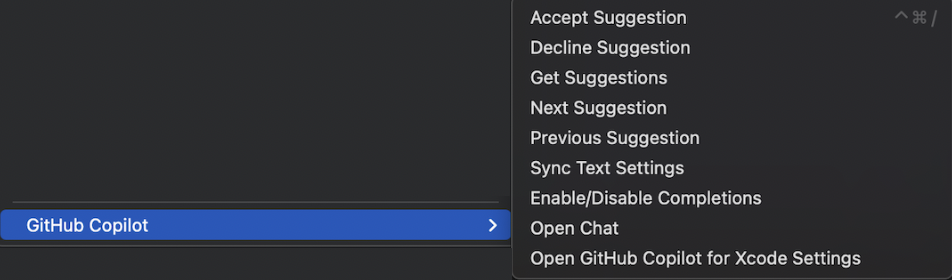
Keyboard shortcuts can be set for all menu items in the Key Bindings
section of Xcode preferences.
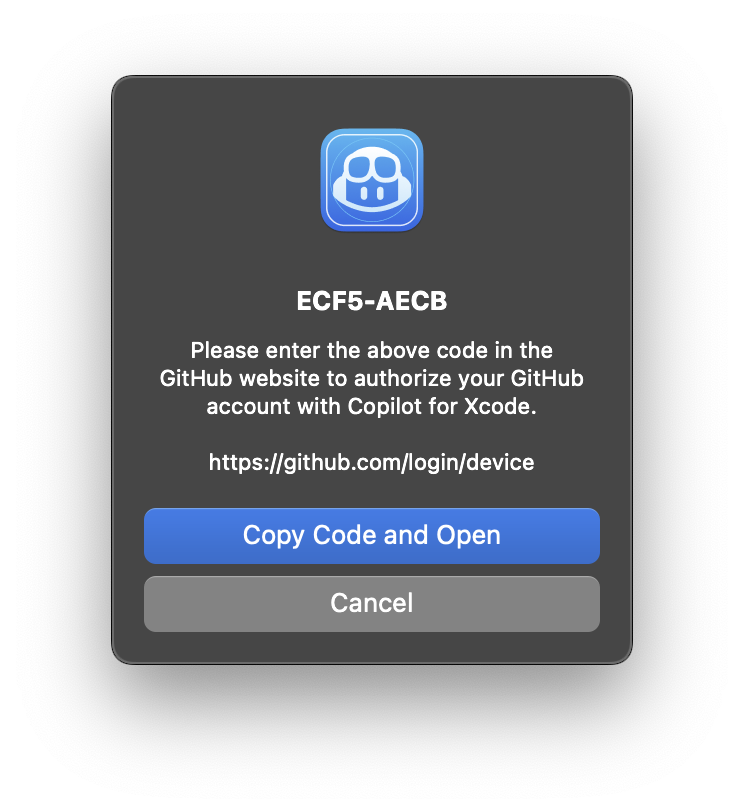
1. To sign into GitHub Copilot, click the Sign in button in the settings application. This will open a browser window and copy a code to the clipboard. Paste the code into the GitHub login page and authorize the application.
1. To install updates, click Check for Updates from the menu item or in the
settings application.
After installing a new version, Xcode must be restarted to use the new version correctly.
New versions can also be installed from dmg files downloaded from the
releases page. When installing a new version via dmg, the application must
be run manually the first time to accept the downloaded from the internet
warning.
1. To avoid confusion, we recommend disabling Predictive code completion under
Xcode > Preferences > Text Editing > Editing.
1. Press tab to accept the first line of a suggestion, hold option to view
the full suggestion, and press option + tab to accept the full suggestion.
Open Copilot Chat in GitHub Copilot.
Xcode -> Editor -> GitHub Copilot -> Open Chat.
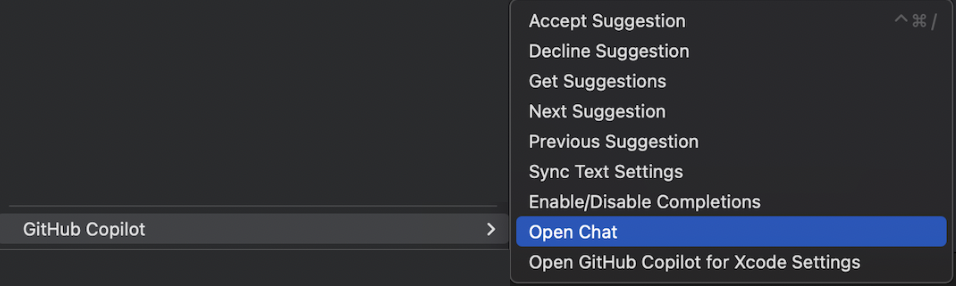
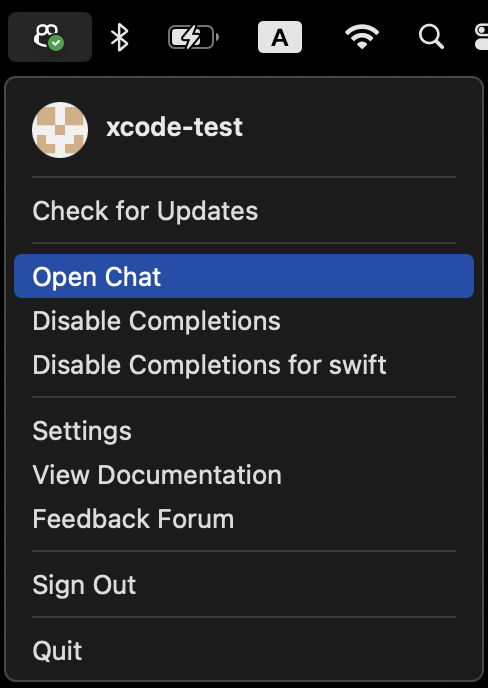
Open Chat.
Press tab to accept the first line of a suggestion, hold option to view
the full suggestion, and press option + tab to accept the full suggestion.
This project is licensed under the terms of the MIT open source license. Please refer to LICENSE.txt for the full terms.
We follow responsible practices in accordance with our Privacy Statement.
To get the latest security fixes, please use the latest version of the GitHub Copilot for Xcode.
We’d love to get your help in making GitHub Copilot better! If you have feedback or encounter any problems, please reach out on our Feedback forum.
Thank you to @intitni for creating the original project that this is based on.
Attributions can be found under About when running the app or in Credits.rtf.
→ →
→ →
→ →
→ →
→ →
→ →
→ →
→