1
 →
→
AI agent framework for plan-first development workflows with approval-based execution. Multi-language support (TypeScript, Python, Go, Rust) with automatic testing, code review
darrenhinde/OpenAgentsControl is an open-source project on GitHub, mainly written in TypeScript. AI agent framework for plan-first development workflows with approval-based execution. It currently holds 4,862 stars and 401 forks with 0 open issues, and was last pushed on an unknown date (repository created unknown).
AI Homed tracks it on the AI Prompt Engineering board.
AI agents that learn YOUR coding patterns and generate matching code every time.
🎯 Pattern Control - Define your patterns once, AI uses them forever ✋ Approval Gates - Review and approve before execution 🔁 Repeatable Results - Same patterns = Same quality code 📝 Editable Agents - Full control over AI behavior 👥 Team-Ready - Everyone uses the same patterns
Multi-language: TypeScript • Python • Go • Rust • C# • Any language* Model Agnostic: Claude • GPT • Gemini • MiniMax • Local models
---
Built on OpenCode - An open-source AI coding framework. OAC extends OpenCode with specialized agents, context management, and team workflows.
---
Most AI agents are like hiring a developer who doesn't know your codebase. They write generic code. You spend hours rewriting, refactoring, and fixing inconsistencies. Tokens burned. Time wasted. No actual work done.
Example:
// What AI gives you (generic)
export async function POST(request: Request) {
  const data = await request.json();
  return Response.json({ success: true });
}
// What you actually need (your patterns)
export async function POST(request: Request) {
  const body = await request.json();
  const validated = UserSchema.parse(body);  // Your Zod validation
  const result = await db.users.create(validated);  // Your Drizzle ORM
  return Response.json(result, { status: 201 });  // Your response format
}
OpenAgentsControl teaches agents your patterns upfront. They understand your coding standards, your architecture, your security requirements. They propose plans before implementing. They execute incrementally with validation.
The result: Production-ready code that ships without heavy rework.
🎯 Context-Aware (Your Secret Weapon) Agents load YOUR patterns before generating code. Code matches your project from the start. No refactoring needed.
📝 Editable Agents (Not Baked-In Plugins) Full control over agent behavior. Edit markdown files directly—no compilation, no vendor lock-in. Change workflows, add constraints, customize for your team.
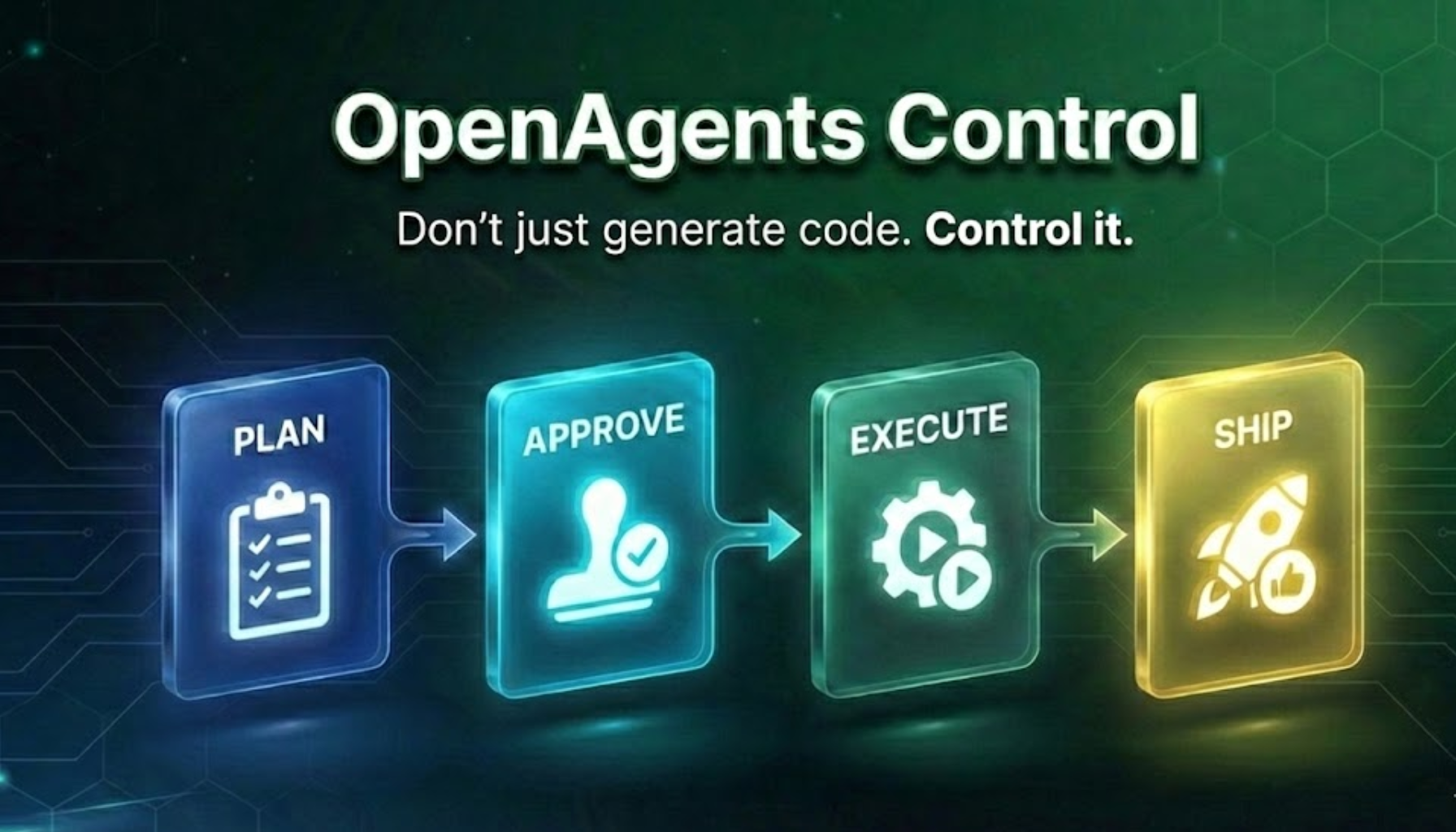
✋ Approval Gates (Human-Guided AI) Agents ALWAYS request approval before execution. Propose → Approve → Execute. You stay in control. No "oh no, what did the AI just do?" moments.
⚡ Token Efficient (MVI Principle) Minimal Viable Information design. Only load what's needed, when it's needed. Context files <200 lines, lazy loading, faster responses.
👥 Team-Ready (Repeatable Patterns) Store YOUR coding patterns once. Entire team uses same standards. Commit context to repo. New developers inherit team patterns automatically.
🔄 Model Agnostic Use any AI model (Claude, GPT, Gemini, local). No vendor lock-in.
Full-stack development: OAC handles both frontend and backend work. The agents coordinate to build complete features from UI to database.
---
| Feature | OpenAgentsControl | Cursor/Copilot | Aider | Oh My OpenCode | |---------|-------------------|----------------|-------|----------------| | Learn Your Patterns | ✅ Built-in context system | ❌ No pattern learning | ❌ No pattern learning | ⚠️ Manual setup | | Approval Gates | ✅ Always required | ⚠️ Optional (default off) | ❌ Auto-executes | ❌ Fully autonomous | | Token Efficiency | ✅ MVI principle (80% reduction) | ❌ Full context loaded | ❌ Full context loaded | ❌ High token usage | | Team Standards | ✅ Shared context files | ❌ Per-user settings | ❌ No team support | ⚠️ Manual config per user | | Edit Agent Behavior | ✅ Markdown files you edit | ❌ Proprietary/baked-in | ⚠️ Limited prompts | ✅ Config files | | Model Choice | ✅ Any model, any provider | ⚠️ Limited options | ⚠️ OpenAI/Claude only | ✅ Multiple models | | Execution Speed | ⚠️ Sequential with approval | Fast | Fast | ✅ Parallel agents | | Error Recovery | ✅ Human-guided validation | ⚠️ Auto-retry (can loop) | ⚠️ Auto-retry | ✅ Self-correcting | | Best For | Production code, teams | Quick prototypes | Solo developers | Power users, complex projects |
Use OAC when:
Full comparison: Read detailed analysis →
---
Prerequisites: OpenCode CLI (free, open-source) • Bash 3.2+ • Git
One command:
curl -fsSL https://raw.githubusercontent.com/darrenhinde/OpenAgentsControl/main/install.sh | bash -s developer
The installer will set up OpenCode CLI if you don't have it yet.
Or interactive:
curl -fsSL https://raw.githubusercontent.com/darrenhinde/OpenAgentsControl/main/install.sh -o install.sh
bash install.sh
curl -fsSL https://raw.githubusercontent.com/darrenhinde/OpenAgentsControl/main/update.sh | bash
Use--install-dir PATHif you installed to a custom location (e.g.~/.config/opencode).
opencode --agent OpenAgent
"Create a user authentication system"
What happens: 1. Agent analyzes your request 2. Proposes a plan (you approve) 3. Executes step-by-step with validation 4. Delegates to specialists when needed 5. Ships production-ready code
That's it. Works immediately with your default model. No configuration required.
---
Prefer Claude Code? OpenAgents Control is also available as a Claude Code plugin!
Installation:
1. Register the marketplace:
/plugin marketplace add darrenhinde/OpenAgentsControl
2. Install the plugin:
/plugin install oac
3. Download context files:
/oac:setup --core
4. Start building:
Add a login endpoint
Features:
/oac:plan---
The problem with AI code: It doesn't match your patterns. You spend hours refactoring.
The OAC solution: Teach your patterns once. Agents load them automatically. Code matches from the start.
Your Request
    ↓
ContextScout discovers relevant patterns
    ↓
Agent loads YOUR standards
    ↓
Code generated using YOUR patterns
    ↓
Ships without refactoring ✅
/add-context
Answer 6 simple questions: 1. What's your tech stack? (Next.js + TypeScript + PostgreSQL + Tailwind) 2. Show an API endpoint example (paste your code) 3. Show a component example (paste your code) 4. What naming conventions? (kebab-case, PascalCase, camelCase) 5. Any code standards? (TypeScript strict, Zod validation, etc.) 6. Any security requirements? (validate input, parameterized queries, etc.)
Result: Agents now generate code matching your exact patterns. No refactoring needed.
MVI (Minimal Viable Information) = Only load what's needed, when it's needed.
Traditional approach:
The team problem: Every developer writes code differently. Inconsistent patterns. Hard to maintain.
The OAC solution: Store team patterns in .opencode/context/project/. Commit to repo. Everyone uses same standards.
Example workflow:
# Team lead adds patterns once
/add-context
Answers questions with team standards
Commit to repo
git add .opencode/context/
git commit -m "Add team coding standards"
git push
All team members now use same patterns automatically
New developers inherit standards on day 1
Result: Consistent code across entire team. No style debates. No refactoring PRs.
---
Most AI tools: Generic code → You refactor OpenAgentsControl: Your patterns → AI generates matching code
1. Add Your Context (one time)
   ↓
2. ContextScout discovers relevant patterns
   ↓
3. Agent loads YOUR standards
   ↓
4. Agent proposes plan (using your patterns)
   ↓
5. You approve
   ↓
6. Agent implements (matches your project)
   ↓
7. Code ships (no refactoring needed)
🎯 Context-Aware ContextScout discovers relevant patterns. Agents load YOUR standards before generating code. Code matches your project from the start.
🔁 Repeatable Same patterns → Same results. Configure once, use forever. Perfect for teams.
⚡ Token Efficient (80% Reduction) MVI principle: Only load what's needed. 8,000 tokens → 750 tokens. Massive cost savings.
✋ Human-Guided Agents propose plans, you approve before execution. Quality gates prevent mistakes. No auto-execution surprises.
📝 Transparent & Editable Agents are markdown files you can edit. Change workflows, add constraints, customize behavior. No vendor lock-in.
1. ContextScout - Smart Pattern Discovery Before generating code, ContextScout discovers relevant patterns from your context files. Ranks by priority (Critical → High → Medium). Prevents wasted work.
2. Editable Agents - Full Control Unlike Cursor/Copilot where behavior is baked into plugins, OAC agents are markdown files. Edit them directly:
nano .opencode/agent/core/opencoder.md  # local project install
Or: nano ~/.config/opencode/agent/core/opencoder.md  # global install
Add project rules, change workflows, customize behavior
3. ExternalScout - Live Documentation 🆕 Working with external libraries? ExternalScout fetches current documentation:
5. MVI Principle - Token Efficiency Files designed for quick loading:
6. Team Patterns - Repeatable Results
Store patterns in .opencode/context/project/. Commit to repo. Entire team uses same standards. New developers inherit patterns automatically.
---
Best for: Learning the system, general tasks, quick implementations
opencode --agent OpenAgent
"Create a user authentication system"            # Building features
"How do I implement authentication in Next.js?"  # Questions
"Create a README for this project"               # Documentation
"Explain the architecture of this codebase"      # Analysis
What it does:
Best for: Complex features, multi-file refactoring, production systems
opencode --agent OpenCoder
"Create a user authentication system"                 # Full-stack features
"Refactor this codebase to use dependency injection"  # Multi-file refactoring
"Add real-time notifications with WebSockets"         # Complex implementations
What it does:
Best for: Building complete custom AI systems tailored to your domain
opencode --agent SystemBuilder
"Create a customer support AI system"
Interactive wizard generates orchestrators, subagents, context files, workflows, and commands.
Perfect for: Creating domain-specific AI systems
---
/add-context - Interactive wizard to add your patterns/commit - Smart git commits with conventional format/test - Testing workflows/optimize - Code optimization/context - Context managementContextScout discovers context files using a local-first approach:
1. Check local: .opencode/context/core/navigation.md
   ↓ Found? → Use local for everything. Done.
   ↓ Not found?
2. Check global: ~/.config/opencode/context/core/navigation.md
   ↓ Found? → Use global for core/ files only.
   ↓ Not found? → Proceed without core context.
Key rules:
core/ (standards, workflows, guides) — universal files that are the same across projects.opencode/context/project-intelligence/ and are never loaded from global| Setup | Core files from | Project intelligence from |
|-------|----------------|--------------------------|
| Local install (bash install.sh developer) | .opencode/context/core/ | .opencode/context/project-intelligence/ |
| Global install + /add-context | ~/.config/opencode/context/core/ | .opencode/context/project-intelligence/ |
| Both local and global | .opencode/context/core/ (local wins) | .opencode/context/project-intelligence/ |
---
opencode --agent OpenCoder
"Create a user dashboard with authentication and profile settings"
What happens:
1. Discover (~1-2 min) - ContextScout finds relevant patterns
## Proposed Implementation
Components:
- user-dashboard.tsx (main page)
- profile-settings.tsx (settings component)
- auth-guard.tsx (authentication wrapper)
API Endpoints:
- /api/user/profile (GET, POST)
- /api/auth/session (GET)
Database:
- users table (Drizzle schema)
- sessions table (Drizzle schema)
All code will follow YOUR patterns from context.
Approve? [y/n]
3. Approve - You review and approve the plan (human-guided)
4. Execute (~10-15 min) - Incremental implementation with validation
After finishing a feature:
/add-context --update to add new patterns you discoveredBy default, all agents use your OpenCode default model. Configure models per agent only if you want different agents to use different models.
When to configure:
Edit agent files directly:
nano .opencode/agent/core/opencoder.md  # local project install
Or: nano ~/.config/opencode/agent/core/opencoder.md  # global install
Change the model in the frontmatter:
---
description: "Development specialist"
model: anthropic/claude-sonnet-4-5  # Change this line
---
Browse available models at models.dev or run opencode models.
Your project evolves. Your context should too.
/add-context --update
What gets updated:
---
Try this test: 1. Ask your current AI tool to generate an API endpoint 2. Count how many minutes you spend refactoring it to match your patterns 3. If you're spending time on refactoring, OAC will save you that time
Or ask yourself:
---
---
Q: Does this work on Windows? A: Yes! Use Git Bash (recommended) or WSL.
Q: What languages are supported? A: Agents are language-agnostic and adapt based on your project files. Primarily tested with TypeScript/Node.js. C# / .NET is now supported with dedicated context files. Python, Go, Rust, and other languages are supported but less battle-tested. The context system works with any language.
Q: Do I need to add context? A: No, but it's highly recommended. Without context, agents write generic code. With context, they write YOUR code.
Q: Can I use this without customization? A: Yes, it works out of the box. B
→ →
→ →
→ →
→ →
→ →→
→→ →
→