
1
 →
→akanimax/T2F is an open-source project on GitHub, mainly written in Python. T2F: text to face generation using Deep Learning It currently holds 545 stars and 95 forks with 0 open issues, and was last pushed on an unknown date (repository created unknown).
AI Homed tracks it on the AI Image Projects board and on the AI AI Image Projects list.
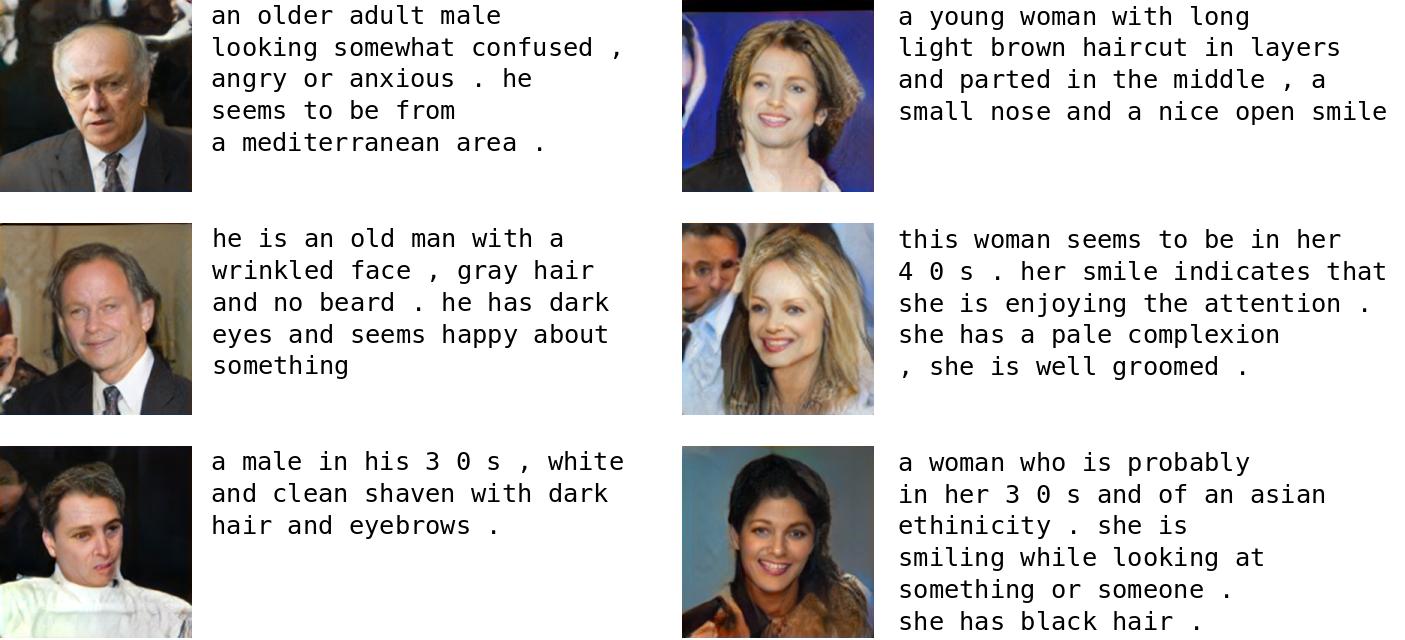

 The textual description is encoded into a summary vector using an LSTM network. The summary vector, i.e. Embedding (psy_t) as shown in the diagram is passed through the Conditioning Augmentation block (a single linear layer) to obtain the textual part of the latent vector (uses VAE like reparameterization technique) for the GAN as input. The second part of the latent vector is random gaussian noise. The latent vector so produced is fed to the generator part of the GAN, while the embedding is fed to the final layer of the discriminator for conditional distribution matching. The training of the GAN progresses exactly as mentioned in the ProGAN paper; i.e. layer by layer at increasing spatial resolutions. The new layer is introduced using the fade-in technique to avoid destroying previous learning.
implementation/ subdirectory. The implementation is done using the PyTorch framework. So, for running this code, please install PyTorch version 0.4.0 before continuing.
__Code organization:__
configs: contains the configuration files for training the network. (You can use any one, or create your own)
data_processing: package containing data processing and loading modules
networks: package contains network implementation
processed_annotations: directory stores output of running process_text_annotations.py script
process_text_annotations.py: processes the captions and stores output in processed_annotations/ directory. (no need to run this script; the pickle file is included in the repo.)
train_network.py: script for running the training the network
__Sample configuration:__
# All paths to different required data objects images_dir: "../data/LFW/lfw" processed_text_file: "processed_annotations/processed_text.pkl" log_dir: "training_runs/11/losses/" sample_dir: "training_runs/11/generated_samples/" save_dir: "training_runs/11/saved_models/"
# Hyperparameters for the Model captions_length: 100 img_dims:
# Conditioning Augmentation hyperparameters ca_out_size: 178
# Pro GAN hyperparameters depth: 5 latent_size: 256 learning_rate: 0.001 beta_1: 0 beta_2: 0 eps: 0.00000001 drift: 0.001 n_critic: 1
# Training hyperparameters: epochs:
Use the requirements.txt to install all the dependencies for the project.
$ workon [your virtual environment]
$ pip install -r requirements.txt
__Sample run:__
$ mkdir training_runs $ mkdir training_runs/generated_samples training_runs/losses training_runs/saved_models $ train_network.py --config=configs/11.comf
demo.py for running inference on the trained models →→ →
→ →
→ →
→ →
→ →
→ →
→