Why Prompting Changes When Inputs Multiply
Most prompting advice assumes a conversation made of words. But modern models accept much more than text. They can take in screenshots, charts, photographs, audio transcripts, and sometimes video frames, and they can answer questions that depend on what those images or sounds show. This shifts the rules of prompting in important ways. You can no longer just describe what you want; you must also tell the model how to read the media you gave it. This article explains practical techniques for prompting across text, images, and audio, where more than words are involved.
Treat the Image as a First-Class Citizen
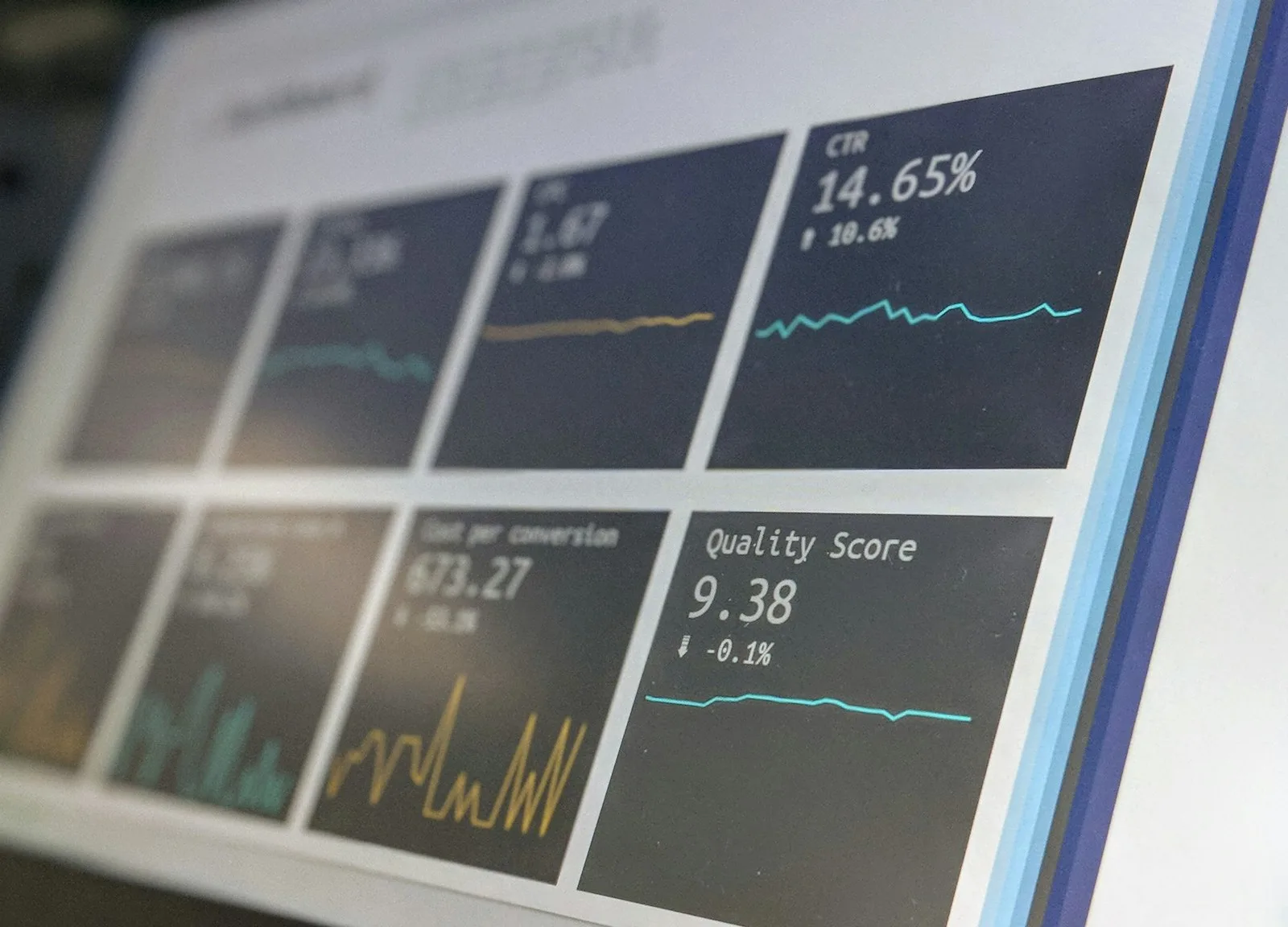
In a multimodal session, the text prompt is no longer the whole story. The image carries most of the information, and your words should guide how the model interprets it. If you upload a screenshot, say what part of it matters. If you provide a chart, say which trend to focus on. The model sees the whole image, but your prompt decides the emphasis.
# Weak multimodal prompt
Here is a chart. What does it mean?

# Strong multimodal prompt
Here is a revenue chart for the last four quarters. Focus on the
second quarter dip. Describe what likely caused it based only on
what the chart shows, and list the numbered data points that
support your read.
Notice how the strong prompt narrows attention to a specific region and a specific kind of reasoning. Left unguided, the model might describe colors, labeling, or the general shape. With direction, it analyzes the dip and cites numbers.
Describe the Image Before You Ask
A powerful technique is to ask the model to describe the image first, then answer your question. This forces it to ground its reasoning in what it actually sees rather than jumping to assumptions. It also gives you a chance to catch a misread early. If the model's description of the image does not match what you see, stop and correct before asking for analysis.
Ask for a grounded description before a conclusion. Many multimodal errors come from the model reasoning fluently from a detail it misread. If you get the description right first, the analysis that follows is far more trustworthy. A wrong description poisons every conclusion built on it.
Draw Boxes, Regions, and Coordinates
Some models can locate specific objects or regions in an image. Instead of saying "the thing in the middle," give spatial guidance that the model can act on. Refer to quadrants, colors, labels, or approximate positions. For screenshots, mention menus and buttons by name. The more precisely you point, the more precisely it looks.
- Use natural regions: "top-left panel," "the footer," "the second bar."
- Name visible objects: "the blue button," "the red line," "the header title."
- Ask for location: "Where is the error message on this screen?"
- Request cropping: "Ignore everything below the fold."
Combining Text and Image for Reliability
Multimodal prompting works best when text and image reinforce each other. Provide a short written summary of what the image should contain, then ask the model to verify the match. This is especially useful for quality checks: compare a rendered page against a design brief, or check a chart against a written report.
# Verification pattern
This image should show a login form with three fields: email,
password, and a remember-me checkbox, plus a green submit button.
Describe every element you actually see, then list any differences
between the description and the expected layout.
This turns the model into an automated visual QA tool. The same pattern works for audio: give a transcript or text description, then ask the model to flag discrepancies or extract specific spoken details.
Working with Audio and Transcripts
When audio is involved, the model is usually working from a transcription or a spoken understanding. This introduces ambiguity that does not exist with text. Names, numbers, and technical terms often blur in audio. Prompt for verification: ask the model to repeat key figures, flag uncertain words, and distinguish speaker voices if relevant.
- Tell it who is speaking and what each speaker cares about.
- Ask for a separate summary per speaker.
- Request a list of any unclear or possibly misheard words.
- Provide a glossary of domain terms so it recognizes them.
Audio prompting often fails precisely because the model is unsure of what it heard. Giving it names, product terms, and an outline of the conversation lets it fill gaps confidently instead of guessing.
When Media Contradict Your Text
Occasionally the image contradicts the text you provide, whether from a bad screenshot, a cropped chart, or a design mismatch. Decide which source of truth governs the answer. If you want the model to trust the image, say so. If you want it to trust your text instead, state that the image may be outdated. Removing this ambiguity prevents the model from compiling a confusing mix of both.
Winner-takes-all beats a muddy blend. When text and image disagree, name the winner up front: "The image is the source of truth" or "Trust the text; the image is from an older version." A model asked to reconcile two conflicting sources will often invent a plausible middle that matches neither.
Practical Multimodal Workflows
- Bug reporting: paste a screenshot, describe the expected behavior, and ask the model to identify what differs.
- Chart reading: upload a chart, name the question, and demand a data-backed answer.
- Design review: supply the brief and the rendered image, then request a gap list.
- Meeting notes: attach a transcript, name attendees and topics, and request a structured summary per speaker.
Each workflow shares one habit: the user decides what to pay attention to in the media, and the model supplies the reading of it. The words set the agenda; the media supplies the evidence.
The Takeaway
Multimodal prompting is not a new magic; it is the same discipline as text prompting with one added skill. You must direct attention inside the media, not just inside the language. Describe before you conclude, point at regions and objects, combine text and image to cross-check, and be explicit about which input is the authoritative source. Do that, and your prompts will start extracting useful answers from screenshots, charts, and recordings instead of leaving the model to guess what you meant.